Tables are one of the simplest ways to make information easy to understand online. Whether you are comparing products, showing a weekly schedule, or sharing numbers from a report, a well-designed table helps readers find what they need quickly. On WordPress, tables are especially important because they turn long blocks of text into clear, scannable content that works well on both desktop and mobile.
Managing images, videos, and documents in WordPress can quickly become overwhelming, especially as websites grow. Media files pile up, teams struggle to stay organized, and performance can suffer if assets are not handled correctly. For agencies, enterprises, and privacy-focused teams, this challenge is even bigger because data control and collaboration matter just as much as convenience.
Image captions are often seen as a small detail, yet they can be a decisive factor in driving clicks. When visitors skim a page, clear, relevant captions help them understand an image's context and encourage interaction and deeper engagement with the content.
Configuring custom AI prompts is a strategic step to optimize image SEO more effectively and consistently. With the right prompt settings, you can generate alt text and image descriptions that are relevant to the page context, aligned with your target keywords, and consistent with your website's writing style.
Adding a hover effect to your website may seem like a small detail, but it can boost the site's appearance and usability. When visitors hover their mouse over an image or button and see it change slightly, it signals that the element is interactive.
Optimizing existing image metadata with WP Media Folder AI is crucial for improving image SEO and accessibility across large media libraries. Without proper alt text and metadata, images can limit search visibility and create accessibility gaps, especially on content-heavy websites.
Creating additional image sizes in WordPress can be a powerful way to make your website look cleaner, load faster, and feel more polished. Many site owners rely on whatever WordPress generates automatically, but with a strategic setup, you can control how images appear across your site in a far more precise way. This improves not only visual consistency but also your overall search visibility because search engines consider image clarity, loading speed, and relevance as part of ranking signals.
A strong visual presence can make a WordPress site feel polished, trustworthy, and professional. Yet one issue appears again and again: posts without featured images. Whether you run a blog, a news site, or a content-heavy business site, a missing thumbnail disrupts the layout, weakens brand consistency, and creates a lower quality impression. This is especially true on homepages and category listings where images anchor the reader's attention.
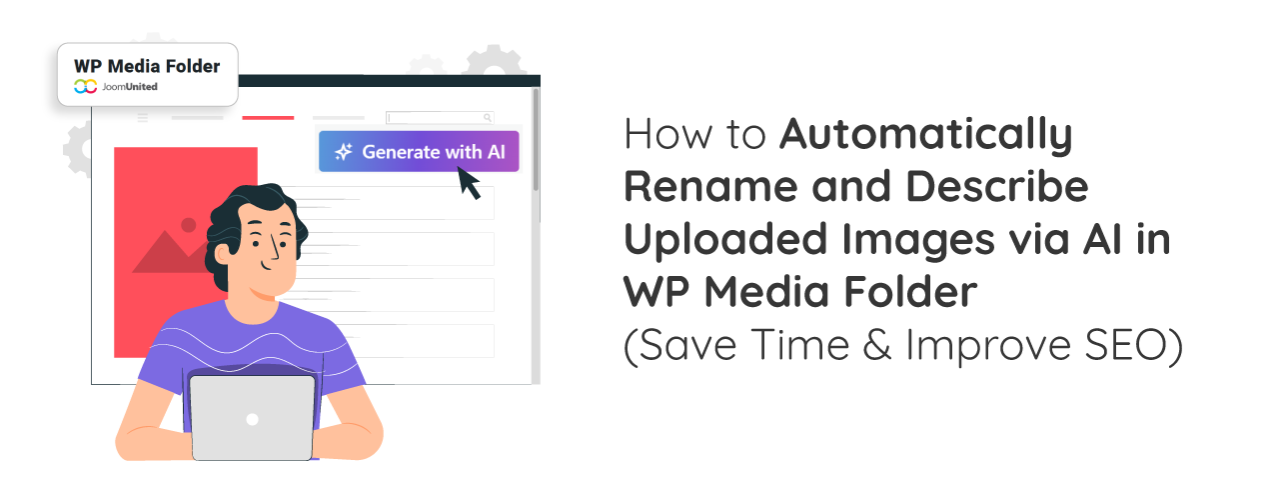
Auto-generating image alt text and titles has become one of the easiest ways to improve image SEO without spending hours on manual edits. With WP Media Folder's AI tools, managing image metadata becomes faster, more consistent, and more accurate. This approach not only enhances accessibility but also helps search engines better understand and index your visuals.