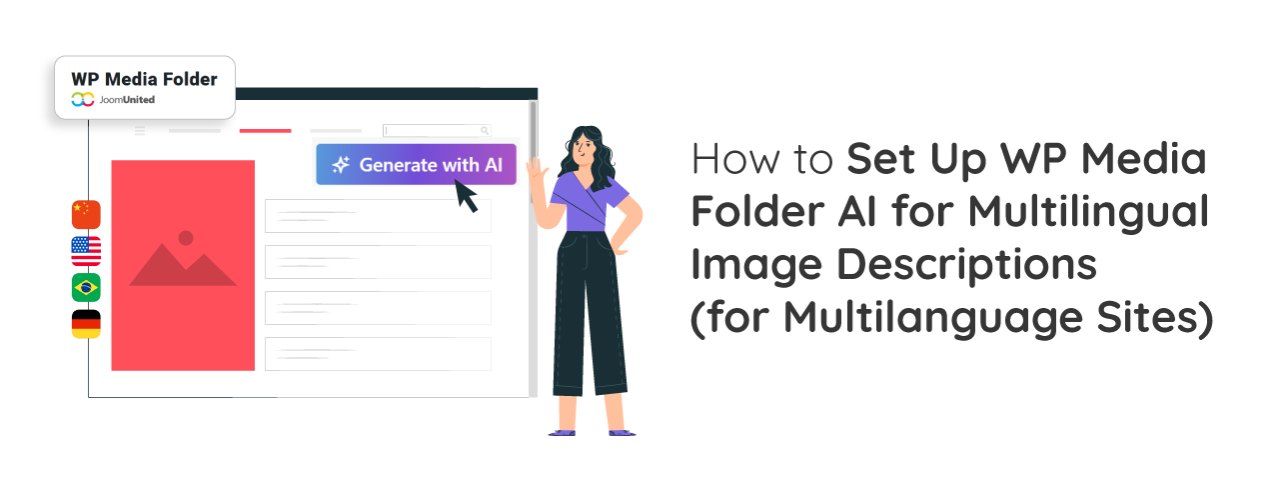
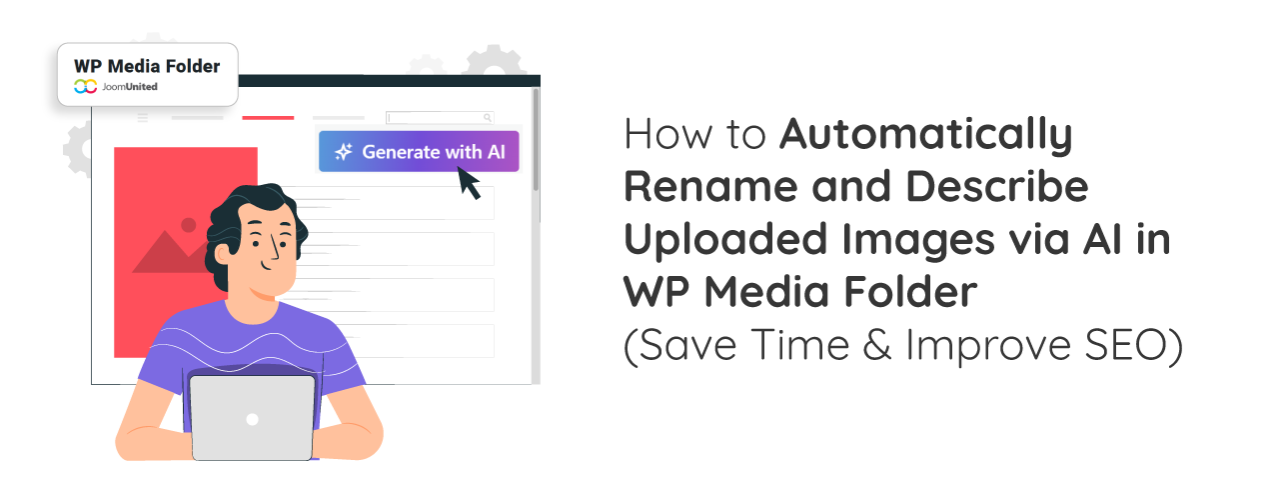
How to Auto-Generate Image Alt Text and Titles with WP Media Folder's AI Tools

How to Auto-Generate Image Alt Text and Titles with WP Media Folder's AI Tools

Auto-generating image alt text and titles has become one of the easiest ways to improve image SEO without spending hours on manual edits. With WP Media Folder's AI tools, managing image metadata becomes faster, more consistent, and more accurate. This approach not only enhances accessibility but also helps search engines better understand and index your visuals.

Continue reading
  113 Hits

Black Friday & Cyber Monday 2025 Best Deals: Save 40% OFF on All JoomUnited Memberships

JoomUnited-BFCM-1530-x-600

🛍️ The biggest sale of the year is back and it's bigger than ever! Black Friday & Cyber Monday 2025 are here, and JoomUnited is offering an exclusive 40% discount on all memberships. Whether you're managing media, organizing files, building tables, or filtering content, now's the perfect time to upgrade your WordPress and Joomla projects with premium extensions at unbeatable prices. Renew, upgrade, or start fresh — this week is your chance to save big and supercharge your website toolkit.

Continue reading
  2651 Hits

WordPress Google Cloud Storage - How to Offload Your Media

WordPress Google Cloud Storage - How to Offload Your Media

Managing large amounts of media files can slow down your WordPress site and increase hosting costs. That's where Google Cloud Storage comes in, a reliable way to store and deliver your images, videos, and other files without overloading your server. By offloading media to Google Cloud, you can improve your website's speed, stability, and scalability. 

Continue reading
  1517 Hits

How to Use FTP to Upload Files to WordPress for Beginners

How to Use FTP to Upload Files to WordPress for Beginners

Sometimes, you may need to access your WordPress files directly to upload a theme, install a plugin, or fix an error. One of the simplest ways to do this is by using FTP (File Transfer Protocol). Learning how to use FTP to upload files to WordPress can save you a lot of time, especially when you can't make changes through the WordPress dashboard. 

Continue reading
  1637 Hits

How to Resize and Make Images Larger without Losing Quality

JU_How-to-Resize-and-Make-Images-Larger-without-Losing-Quality

Have you ever tried to make an image bigger only to find it turns blurry or pixelated? You're not alone. If you're running a blog, designing a website, or uploading photos to your online store, resizing images can be tricky. The last thing you want is a beautiful photo that ends up looking like a fuzzy mess.

Continue reading
  1784 Hits

How to Find Royalty Free Images for Your WordPress Blog Posts

JU_How-to-Find-Royalty-Free-Images-for-Your-WordPress-Blog-Posts

 A great blog post deserves great visuals. But if you've ever searched for the perfect photo online, you've probably faced a common dilemma of finding beautiful images that are also safe and legal to use. Nobody wants to deal with copyright issues or spend hours hunting for that one photo that won't break your budget.

Continue reading
  1242 Hits

How to Add Tables in WordPress Posts and Pages (No HTML Required)

How to Add Tables in WordPress Posts and Pages (No HTML Required)

Add tables to your WordPress posts and pages easily using the built-in block editor or powerful plugins designed for beginners and professionals alike. Tables help organize information clearly, making it easier for readers to compare data, view pricing plans, or understand detailed content without confusion. 

Continue reading
  2106 Hits

Halloween 2025: Special Sale! Enjoy 30% OFF All Membership Plans

JU-Halloween-800-x-400

🎉 This Halloween, JoomUnited is treating you with something truly magical! From October 27 to 31, 2025, enjoy 30% off on all our WordPress plugins and Joomla extensions—including membership bundles and renewals.

Continue reading
  4281 Hits

How to Fix Image Color and Saturation Loss in WordPress

How to Fix Image Color and Saturation Loss in WordPress

Fixing image color and saturation loss in WordPress is a common challenge when images that appear sharp on your computer become faded or discolored after being uploaded to your website. This problem can ruin the overall look of your pages, especially if you rely on high-quality visuals for branding, portfolios, or products. 

Continue reading
  2565 Hits

How to Fix Featured Image Not Showing in WordPress (6 Ways)

How to Fix Featured Image Not Showing in WordPress (6 Ways)

Featured images in WordPress act as visual hooks. They're often the first thing visitors notice. A good featured image can enhance your site's appearance and make a strong first impression. 

Continue reading
  4011 Hits