WordPress products
 Joomla products
 Support
 News
News Login
LoginAutomate Your WordPress Media Workflow with WP Media Folder + Nextcloud

Managing images, videos, and documents in WordPress can quickly become overwhelming, especially as websites grow. Media files pile up, teams struggle to stay organized, and performance can suffer if assets are not handled correctly. For agencies, enterprises, and privacy-focused teams, this challenge is even bigger because data control and collaboration matter just as much as convenience.
WordPress offers a built-in media library, but it was never designed for advanced workflows or large-scale collaboration. This is where automation and private cloud storage become essential. By combining WP Media Folder with Nextcloud, WordPress users can create a streamlined, secure, and search-friendly media workflow that works quietly in the background while teams focus on content and growth.
Read on to discover how this powerful integration can transform the way you manage media in WordPress while keeping full ownership of your data.
Table of content
- Why Automate WordPress Media Workflows with Private Cloud Storage
- WP Media Folder + Nextcloud Integration
- How Automatic Sync Works: Upload, Update, and Delete
- Folder Structure Mapping Between WordPress and Nextcloud
- Collaboration Benefits for Teams and Agencies
- Security and Data Ownership Advantages
- Optimizing Images for Search Engines
- Ideal Use Cases for WP Media Folder + Nextcloud
- Why This Solution Stands Out
- Building a Future-Proof Media Workflow
Why Automate WordPress Media Workflows with Private Cloud Storage
The growing complexity of media management
Modern websites rely heavily on visual content. Images improve engagement, videos explain products, and downloadable files support marketing and internal communication. As a site grows, manually managing these files becomes time-consuming and error-prone.
Without automation, and media order with folders teams often face:
- Duplicate files uploaded multiple times
- Confusing folder structures
- Missing or outdated images
- Slow website performance
- Limited control over who accesses what
Automation and folders removes these friction points by ensuring that media files are always in the right place, up to date, and easy to find.
Why private cloud storage matters
Many teams rely on public cloud platforms, but these solutions are not always ideal for organizations that care about data ownership and privacy. With private cloud storage, files remain under your control, hosted on your own infrastructure or trusted environment.
Private cloud storage is especially important for:
- Enterprises with strict data policies
- Agencies handling client assets
- Teams working on internal or confidential projects
- Organizations operating under data protection regulations
By connecting WordPress to a private cloud like Nextcloud using WP Media Folder, media management becomes both automated and secure.
WP Media Folder + Nextcloud Integration
WP Media Folder is a WordPress plugin designed to bring advanced organization and control to the WordPress media library. It introduces folder-based organization, better search, and seamless integrations with external storage systems.
Nextcloud is a self-hosted file sharing and collaboration platform that allows teams to store, sync, and share files securely.
When these two tools work together, WordPress becomes a powerful front-end for content, while Nextcloud acts as the secure media backbone.
You can learn more about the integration here.
In general, WP Media Folder offers really easy-to-follow steps to connect NextCloud. We need to go to Settings > WP Media Folder > Cloud & Media offload > Cloud connectors > Nextcloud, on this section, we need to enable the "Connect NextCloud" option, which will open a section to introduce:
- Username (without white space and special characters)
- Password
- Nextcloud URL
- Root folder name
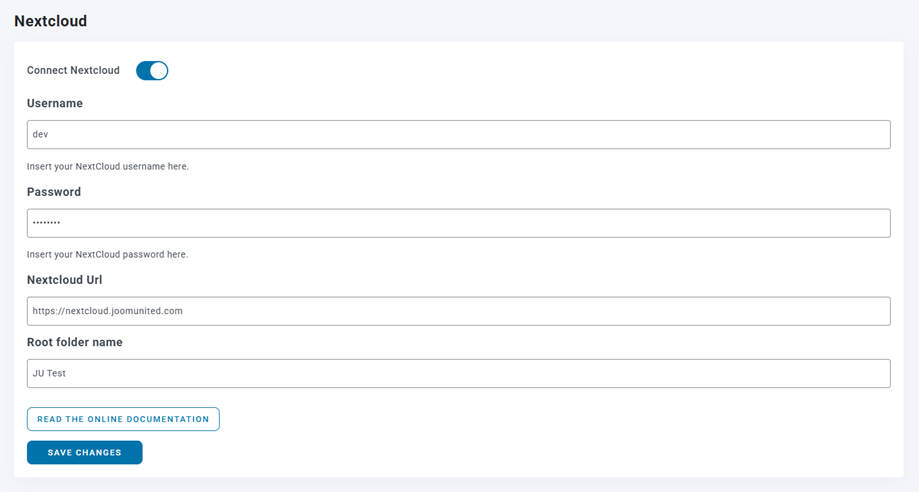
It should be connected after saving changes and now the Automatic sync should start working.
Say goodbye to messy media library.
WP Media Folder lets you categorize files, sync folders with
cloud storage, create amazing galleries and even
replace images without breaking links.
Optimize your media workflow today
How Automatic Sync Works: Upload, Update, and Delete
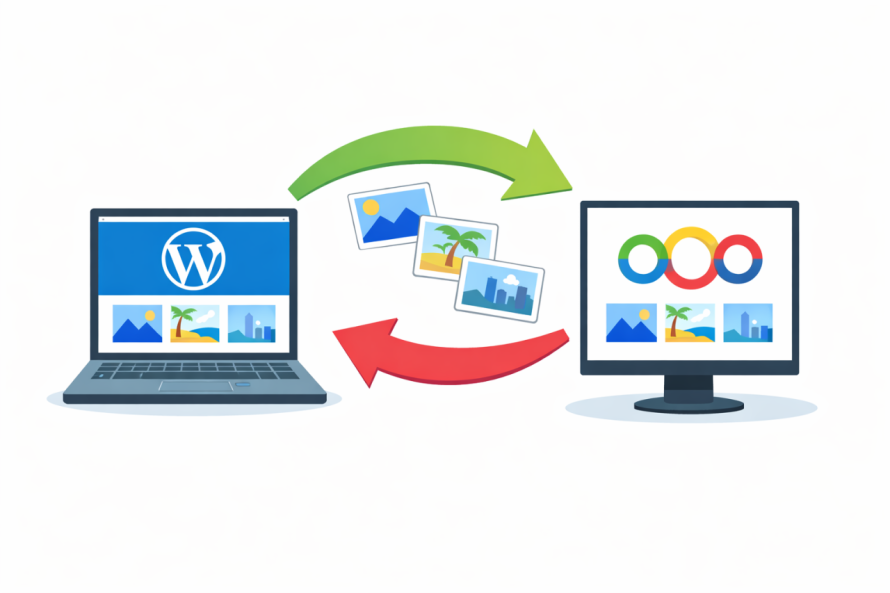
Upload once, use everywhere
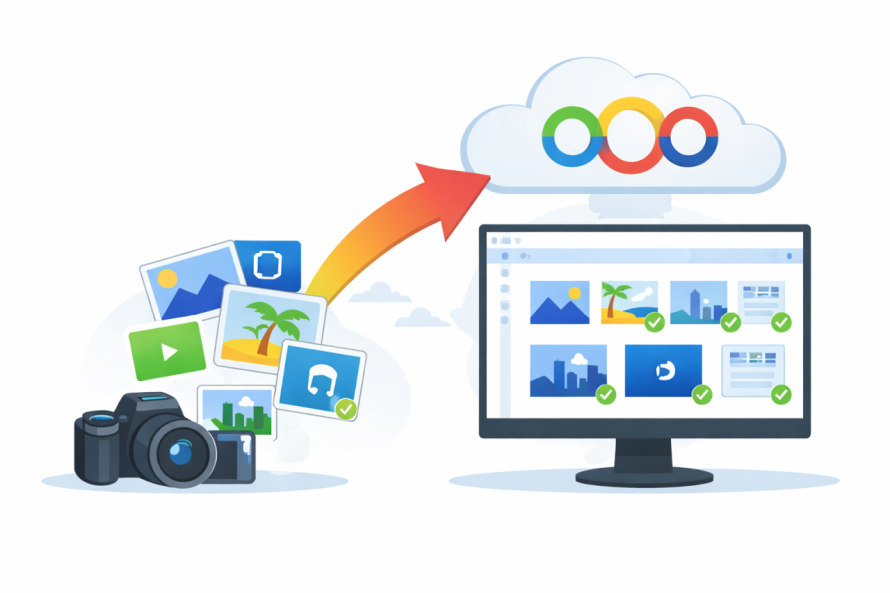
One of the most valuable features of the WP Media Folder and Nextcloud integration is automatic synchronization. When a file is uploaded to WordPress, it can be automatically synced with Nextcloud, and vice versa.
This means:
- Uploading an image in WordPress sends it to Nextcloud
- Uploading a file in Nextcloud makes it available in WordPress
- No manual transfers or duplicate uploads
For teams managing multiple sites or large media libraries, this saves countless hours.
Updates stay consistent
Media files often need updates. A logo might change, a product image might be replaced, or a document might be revised. With automatic sync, updating a file in Nextcloud ensures that the latest version is used across WordPress.
This prevents:
- Outdated images appearing on live pages
- Confusion between file versions
- Manual replacement across multiple posts
Clean deletions without clutter
When files are deleted in WordPress, they can also be removed from Nextcloud. This keeps storage clean and avoids paying for or managing unused files.
Automation ensures your media library stays lean, organized, and efficient.
Folder Structure Mapping Between WordPress and Nextcloud
Familiar organization for non-technical users
One of the biggest advantages of WP Media Folder is its folder-based structure, which feels intuitive even for non-technical users. Instead of scrolling through hundreds or thousands of files, users can browse folders just like on a computer.
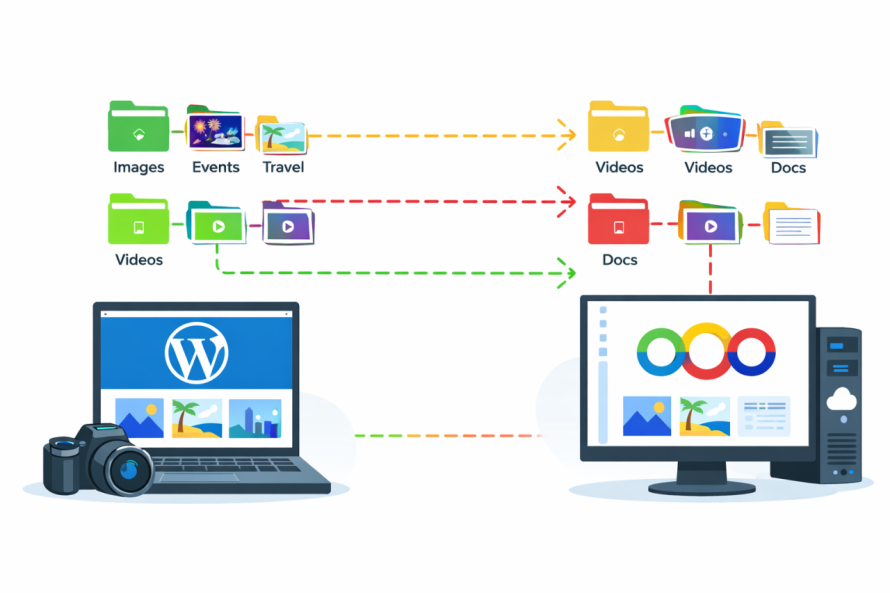
When connected to Nextcloud, these folders can mirror each other.
One structure, two platforms
The integration allows folder structures in WordPress to match those in Nextcloud. This creates a single source of truth for media organization.
Benefits include:
- Easy navigation for editors and designers
- Clear separation between projects, clients, or departments
- Faster content creation and publishing
This consistency is especially useful for agencies managing multiple clients or enterprises with large content teams.
Collaboration Benefits for Teams and Agencies
Work together without confusion
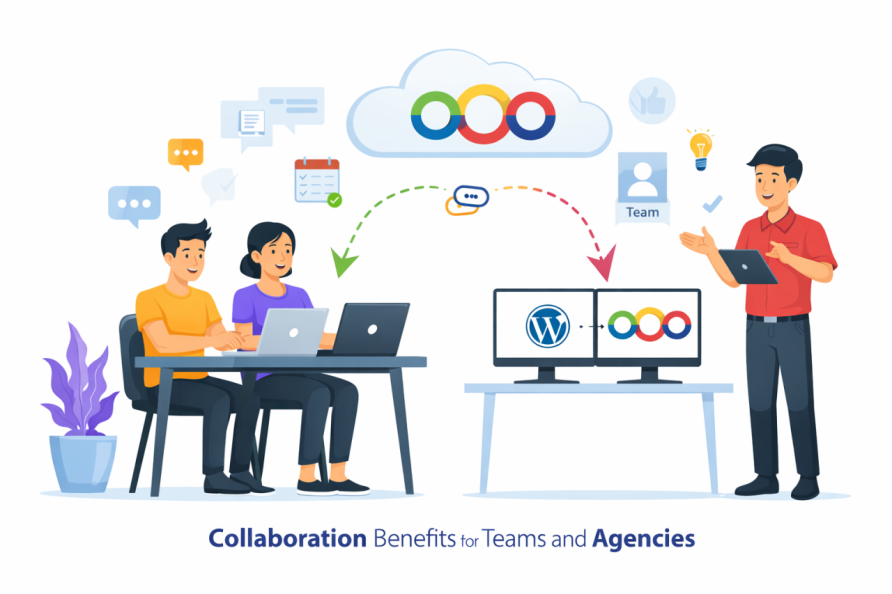
Teams often include content writers, designers, marketers, and project managers. Each role interacts with media differently. With WP Media Folder and Nextcloud, everyone works from the same organized library.
Designers can upload assets to Nextcloud. Editors can immediately use them in WordPress. No email attachments or file transfers are needed.
Real-time availability
As soon as a file is added or updated, it becomes available to the entire team. This reduces delays and keeps projects moving smoothly.
For agencies, this also means:
- Faster client approvals
- Easier collaboration across locations
- Clear ownership of media assets
Reduced training and onboarding time
Because the system uses familiar folder structures and simple workflows, new team members can get started quickly. There is no need to learn complex tools or technical processes.
Security and Data Ownership Advantages

Full control over your files
Unlike public cloud solutions, Nextcloud allows organizations to host files on their own servers or trusted providers. This ensures complete control over where data lives and who can access it.
This is critical for:
- Enterprises with compliance requirements
- Privacy-focused teams
- Internal or intranet websites
Access control and permissions
Nextcloud supports detailed access permissions, allowing administrators to control who can view, upload, or edit files. When combined with WordPress roles, this creates a layered security approach.
Only authorized users can access sensitive media, reducing the risk of accidental exposure.
Peace of mind for clients and stakeholders
Agencies can confidently tell clients that their assets are stored securely and not shared with third-party platforms. This builds trust and strengthens long-term relationships.
Optimizing Images for Search Engines

Why image optimization matters
Search engines rely on images to understand content and improve search visibility. Well-organized and optimized media helps websites rank better and load faster.
With automated media workflows, image optimization becomes easier and more consistent.
Better structure leads to better SEO
Organized folders make it easier to:
- Name files correctly
- Reuse optimized images
- Avoid duplicate content
WP Media Folder supports features that help teams keep media SEO-friendly without needing technical expertise.
Faster loading improves rankings
By managing images efficiently and avoiding unnecessary duplicates, websites load faster. Page speed is a known ranking factor, and optimized media plays a major role in performance.
Ideal Use Cases for WP Media Folder + Nextcloud
Enterprise websites
Large organizations often manage thousands of media files across departments. This integration provides structure, security, and scalability without relying on public cloud platforms.
Intranet and internal portals
For internal websites, privacy is essential. Media files can be stored securely in Nextcloud while remaining easily accessible through WordPress.
Media-heavy websites
Websites with galleries, product images, or downloadable resources benefit from automated syncing and structured organization.
Agencies managing multiple clients
Agencies can separate client assets into folders, sync them automatically, and maintain full control over storage. This reduces errors and improves efficiency.
Why This Solution Stands Out
WP Media Folder combined with Nextcloud offers a rare balance of simplicity, power, and privacy. It automates repetitive tasks while remaining accessible to non-technical users.
Key advantages include:
- Automated media synchronization
- Clear folder organization
- Secure, self-hosted storage
- Improved collaboration
- Better SEO and performance
For agencies, enterprises, and privacy-focused teams, this integration is not just a convenience. It is a strategic upgrade to how WordPress media is managed.
Calling all webmasters!
Save time and boost productivity with WP Media Folder. Effortlessly organize client media
files, create custom
galleries, and provide a seamless user experience.
Upgrade your website projects now!
Building a Future-Proof Media Workflow
As websites grow and teams expand, manual media management becomes unsustainable. Automation is no longer optional, especially for organizations that value security and efficiency.
By using WP Media Folder with Nextcloud, WordPress users gain a private, self-hosted media automation solution that simplifies workflows, protects data, and supports long-term growth.
If your organization relies heavily on media and values control over its assets, this integration is a smart and future-proof choice.
When you subscribe to the blog, we will send you an e-mail when there are new updates on the site so you wouldn't miss them.