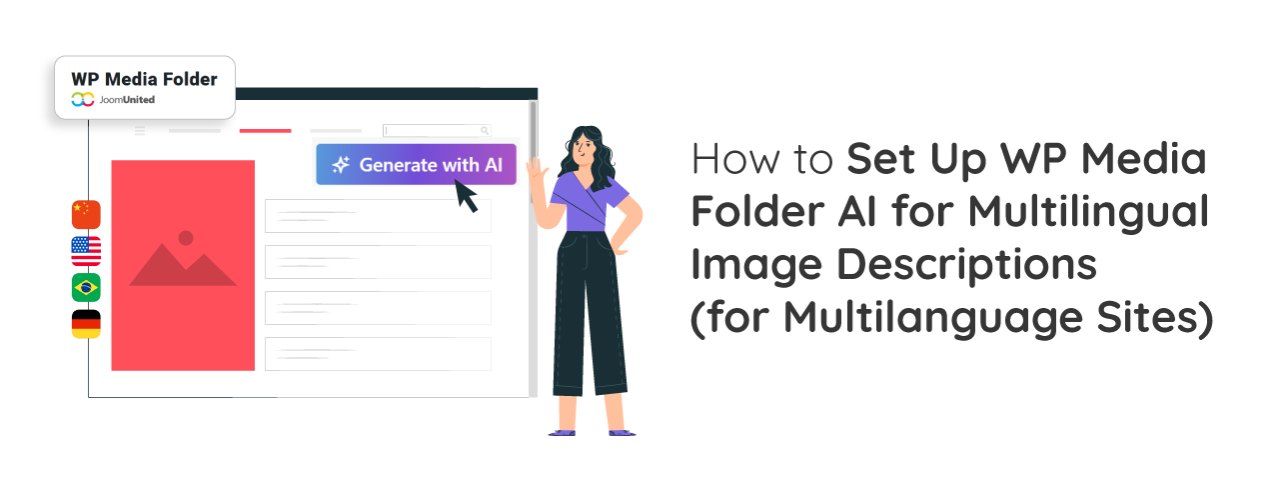
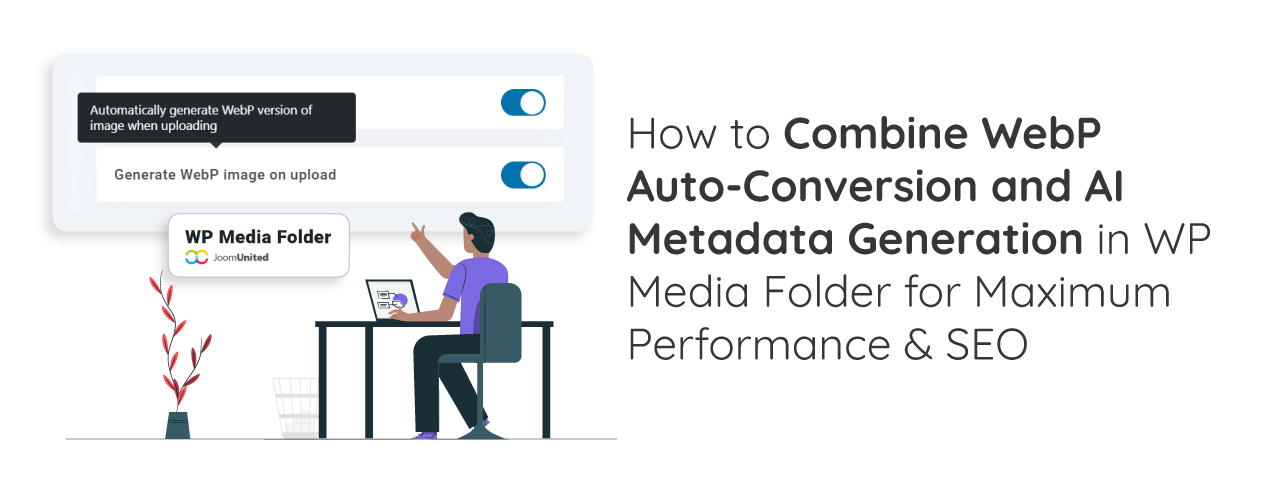
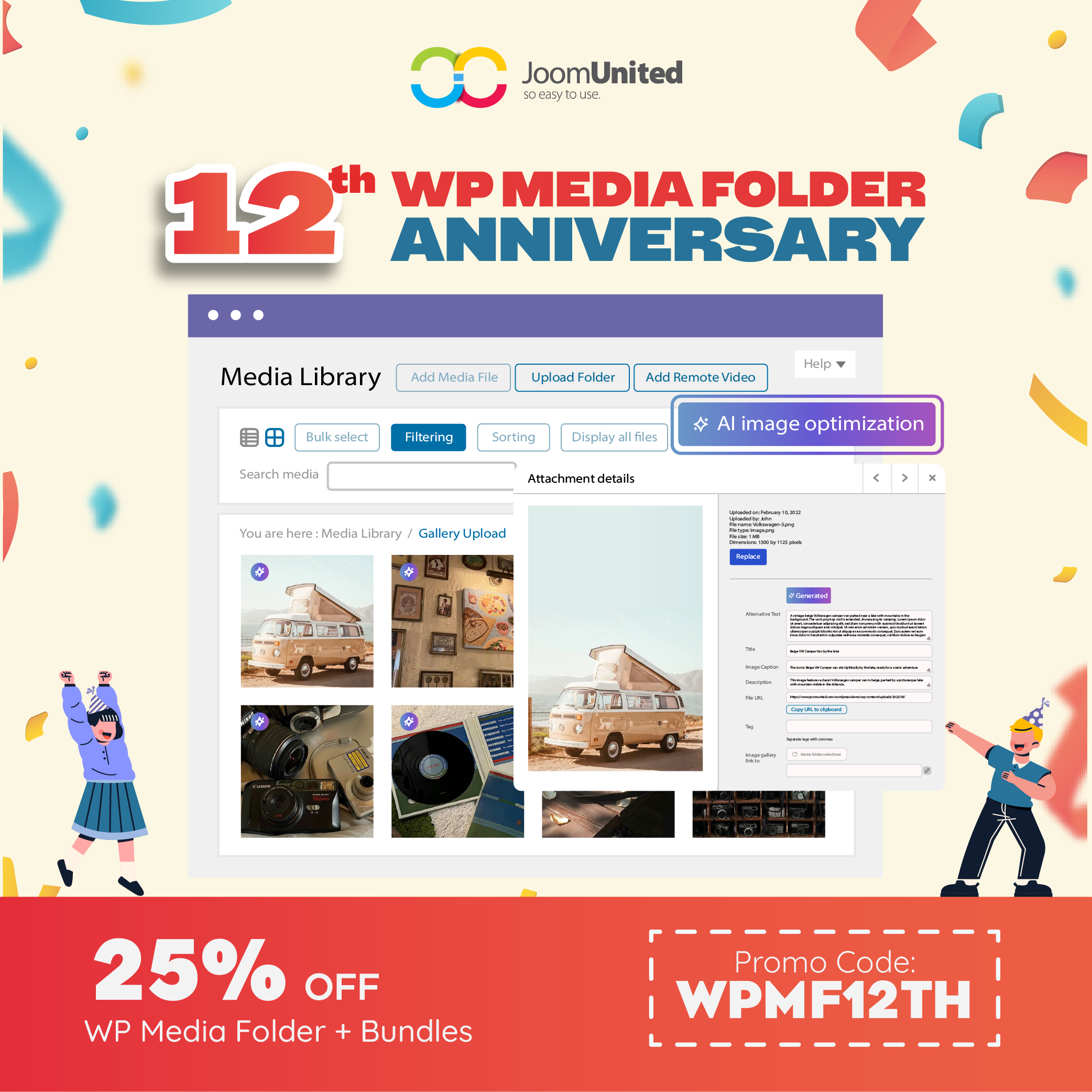
Auto-generating image alt text and titles has become one of the easiest ways to improve image SEO without spending hours on manual edits. With WP Media Folder's AI tools, managing image metadata becomes faster, more consistent, and more accurate. This approach not only enhances accessibility but also helps search engines better understand and index your visuals.
Creating an image gallery in WordPress is one of the most effective ways to showcase your visual content and make your website more engaging. Whether you're a photographer, blogger, or business owner, a well-arranged gallery lets you present multiple images in an organized and visually appealing layout. This helps save space with grid-based designs and makes it easier for visitors to browse your photos without endless scrolling.
WordPress is a popular content management system that powers a large percentage of websites on the internet. However, one common issue that website owners face is slow loading times, which can negatively impact user experience and SEO rankings. In this article, we will discuss 10 effective tips to speed up your WordPress website and improve performance.
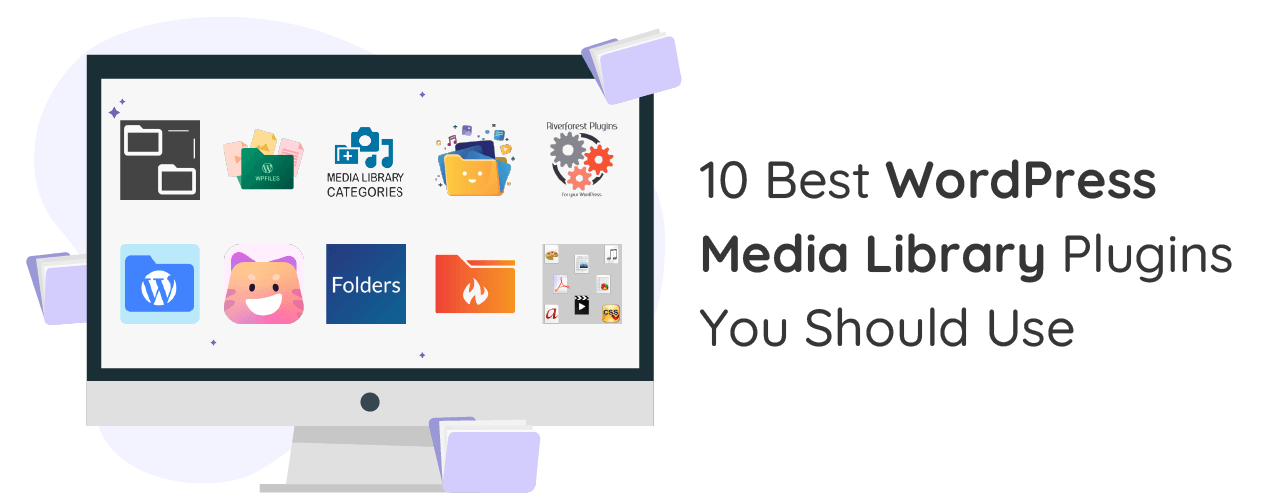
The Best WordPress plugins are essential for improving the functionality and performance of your website. Hundreds of thousands of plugins are available for WordPress in various categories to help optimize your website.
Digital products to sell have become increasingly popular in recent years, offering entrepreneurs a lucrative opportunity to tap into the growing e-commerce market. In 2020, over 2 billion people purchased goods and services online, generating more than $4 trillion in revenue. With projections indicating this figure will surpass $6 trillion by 2024, there has never been a better time to explore the potential of digital products.
SEO stands for Search Engine Optimization. The goal of SEO optimization is to optimize the content and technical aspects of your website so that it enhances visibility in organic search results and ranks for valuable keywords.
Choosing the right search and filter plugin for WordPress is becoming increasingly important, especially as users' need for fast and accurate searches continues to rise. From complex online stores to blogs with hundreds of articles, your website must be able to deliver relevant and dynamically filterable search results.
Choosing the right image compression plugin can dramatically improve your website's speed and performance without sacrificing visual quality. Read more to explore seven of the best WordPress image compression tools of 2025, alongside insights into balancing compression, real-world performance data, and tailored recommendations for different site types.
In this digital era, AI chatbot can be a huge help for any business. For instance, WordPress chatbot plugin that integrates with the platform easily and adds chatbot functionality to your online store to improve customer support, boost lead generation, and increase user experience.
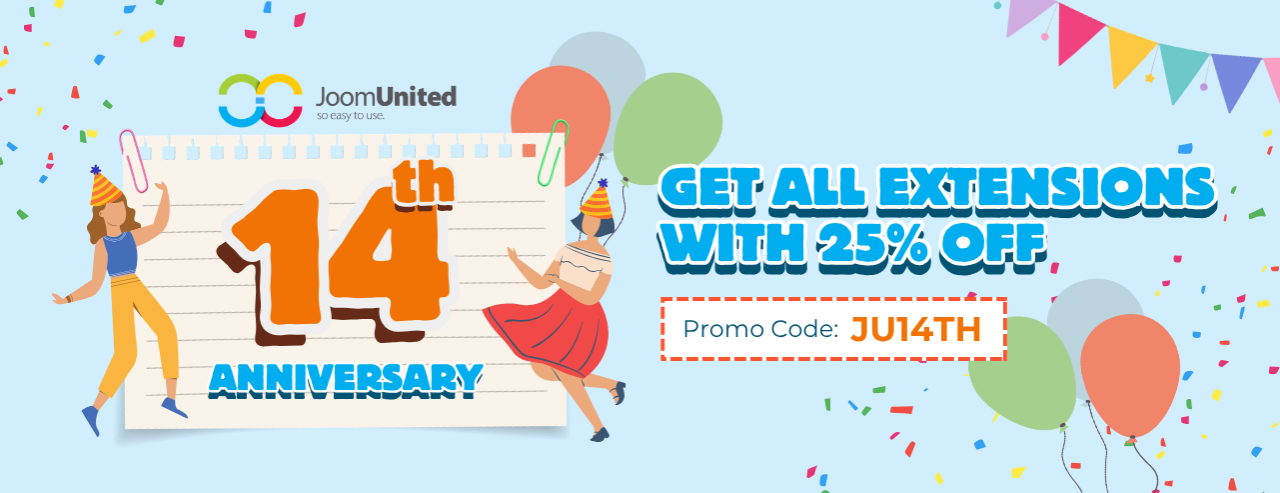
🛍️ The biggest sale of the year is back and it's bigger than ever! Black Friday & Cyber Monday 2025 are here, and JoomUnited is offering an exclusive 40% discount on all memberships. Whether you're managing media, organizing files, building tables, or filtering content, now's the perfect time to upgrade your WordPress and Joomla projects with premium extensions at unbeatable prices. Renew, upgrade, or start fresh — this week is your chance to save big and supercharge your website toolkit.
Managing large amounts of media files can slow down your WordPress site and increase hosting costs. That's where Google Cloud Storage comes in, a reliable way to store and deliver your images, videos, and other files without overloading your server. By offloading media to Google Cloud, you can improve your website's speed, stability, and scalability.
Featured image plugins are one of the most important tools often overlooked when building or managing a WordPress site. It plays a huge role in attracting attention, increasing engagement, and supporting SEO. Whether you're a beginner blogger or a business site manager, choosing the right plugin can automatically save you time and make your website look great.
Sometimes, you may need to access your WordPress files directly to upload a theme, install a plugin, or fix an error. One of the simplest ways to do this is by using FTP (File Transfer Protocol). Learning how to use FTP to upload files to WordPress can save you a lot of time, especially when you can't make changes through the WordPress dashboard.
Have you ever tried to make an image bigger only to find it turns blurry or pixelated? You're not alone. If you're running a blog, designing a website, or uploading photos to your online store, resizing images can be tricky. The last thing you want is a beautiful photo that ends up looking like a fuzzy mess.
A great blog post deserves great visuals. But if you've ever searched for the perfect photo online, you've probably faced a common dilemma of finding beautiful images that are also safe and legal to use. Nobody wants to deal with copyright issues or spend hours hunting for that one photo that won't break your budget.
The name Filter Everything may be familiar to those of you who often use filter plugins in WordPress. It's quite popular for its ability to filter different types of content. But as needs evolve, many users find that it's not flexible enough-especially when it comes to online stores, custom directories, or large content sites.
🎉 This Halloween, JoomUnited is treating you with something truly magical! From October 27 to 31, 2025, enjoy 30% off on all our WordPress plugins and Joomla extensions—including membership bundles and renewals.
When you upload an image to WordPress, the system automatically creates a special page just for that image, called the image attachment page. This page usually lacks content and can confuse visitors or hurt your site's SEO.
Integrating NextCloud with WordPress is an excellent solution for a secure and efficient way to manage file downloads on your WordPress website, especially if you're handling many files or working in a team environment.
Are you interested in adding an AI chatbot to your WordPress website? You may have a virtual assistant ready to answer your visitors' questions 24/7, tirelessly and always responsive. Now, with the help of ChatGPT, you can bring that interactive experience to your WordPress website. AI-based chatbots aren't just a trend- they're essential for improving user experience, speeding up service, and even driving sales conversions.