As a WordPress website grows, images, videos, PDFs, and other media files can become expensive and difficult to manage from a regular hosting server. Large media libraries increase storage usage, make backups heavier, and add more pressure to the same server that is already running WordPress, themes, plugins, and the database. By offloading WordPress media to Cloudflare R2 with WP Media Folder, you can move those files to a scalable cloud storage system while keeping media management simple inside the WordPress dashboard.
Whether you're building WordPress websites, managing Joomla projects, or running multiple client websites, now is the perfect opportunity to upgrade your toolkit while saving more.
For a limited time, enjoy 30% OFF on all JoomUnited memberships, bundles, and renewals using our exclusive Summer Sale coupon.
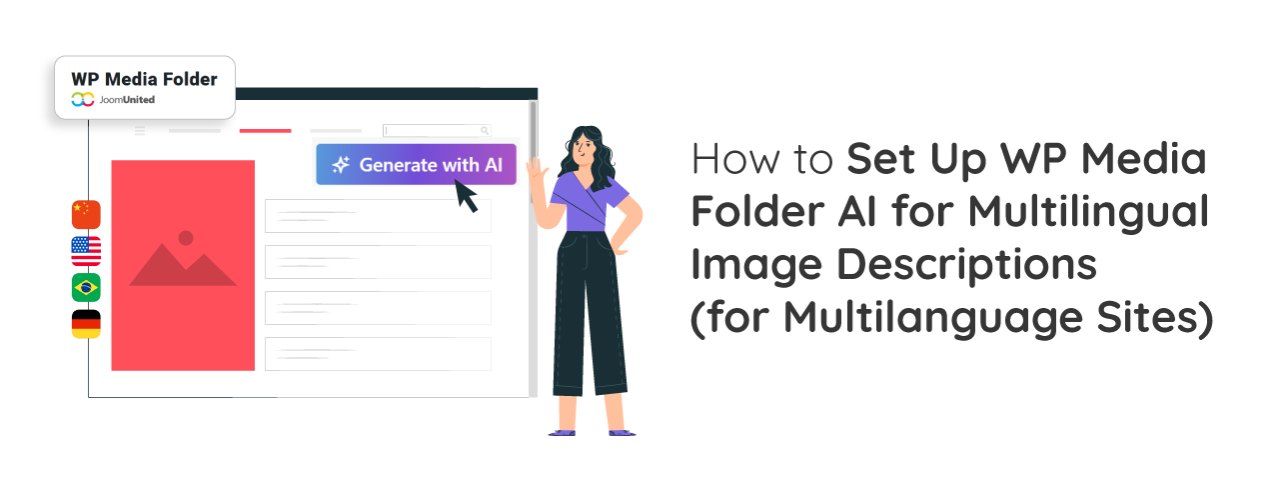
Managing a multilingual website means more than translating page content. Image descriptions, including alt text, titles, and captions, should also be available in your visitors' preferred languages. This helps improve accessibility, provides a better user experience, and gives search engines more relevant image metadata for each language version of your website.
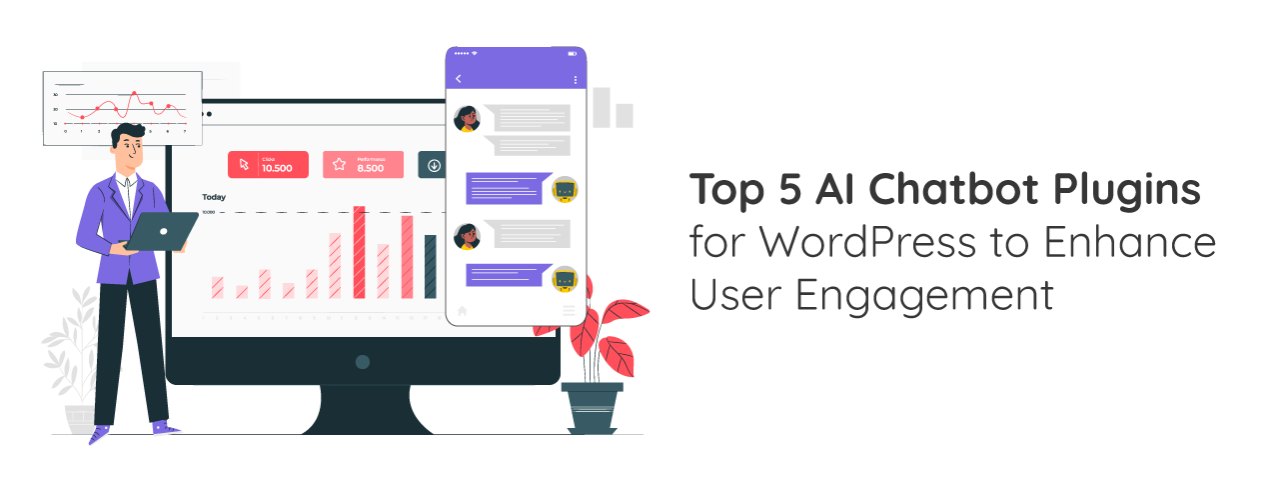
In today's fast-paced digital era, businesses must adopt innovative and smarter ways to streamline operations and improve customer experience. Enter AI chatbot plugins for WordPress, a game-changing transformation of how businesses interact with their audience online.
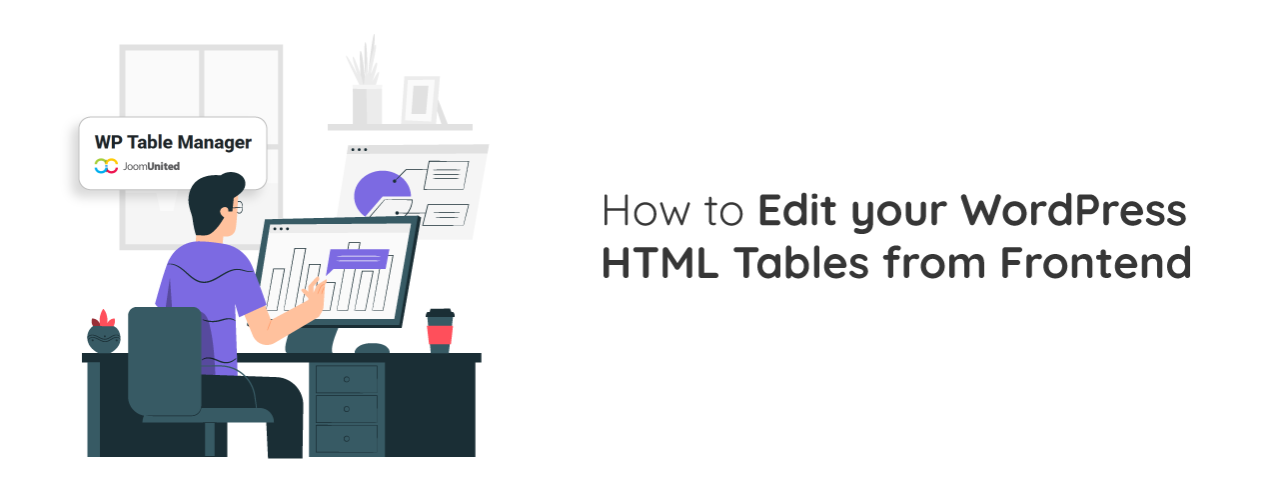
Managing tables inside WordPress is often straightforward when you are the only person handling content. However, things become more complex when multiple users need to update data, or when you want to allow edits without giving access to the WordPress backend. This is where frontend table editing becomes a powerful solution for modern websites.
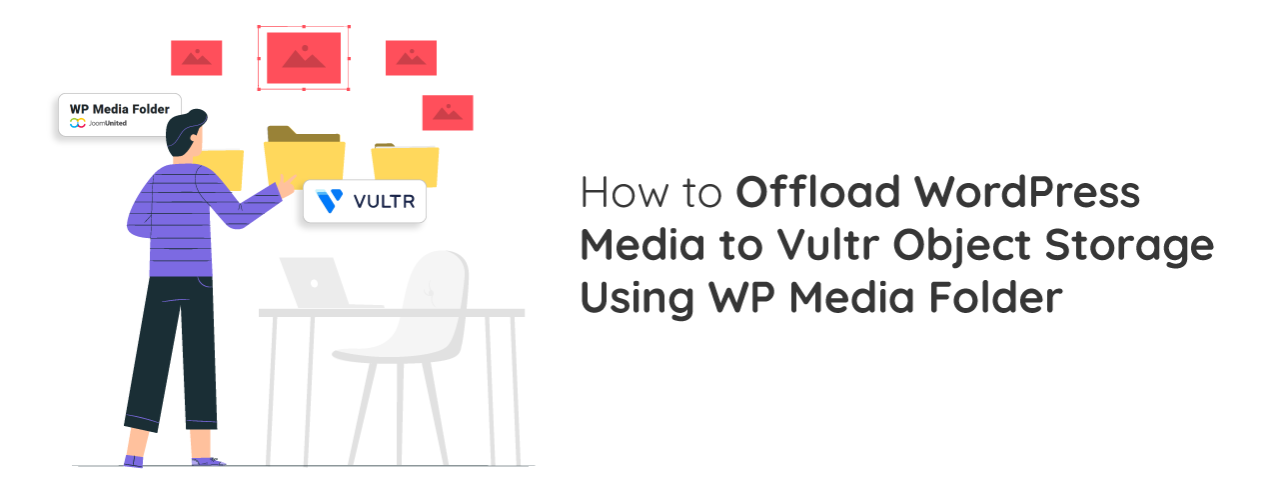
As WordPress sites grow, all the images, videos, and files stored on your hosting server can start to slow things down and take up a lot of space, which also makes backups heavier and hosting more expensive over time. A more scalable solution is to move these media files away from your main server and store them in cloud-based object storage, and using Vultr Object Storage together with WP Media Folder makes this process simple, more efficient, and cost-effective while keeping everything easy to manage inside WordPress.
Automatically rename and describe images with AI to eliminate repetitive manual work and ensure every uploaded image includes SEO-friendly metadata from the start. Instead of spending time renaming files and adding alt text, titles, and descriptions one by one, website owners can automate the entire process while maintaining a more organized media library.
Web performance optimization is no longer just about design or content quality, but also about how efficiently images are processed and delivered to speed up website performance. One of the most effective approaches is WebP auto conversion for SEO, which helps websites load faster while improving search engine visibility.
Imagine finding the right asset among hundreds or even thousands of images, videos, PDFs, and design files all piled into one flat list when you need it can feel overwhelming and time-consuming. By default, WordPress automatically creates folders for different years and months and then groups files by upload date. However, one size doesn't always fit all, which quickly becomes messy as your site grows.