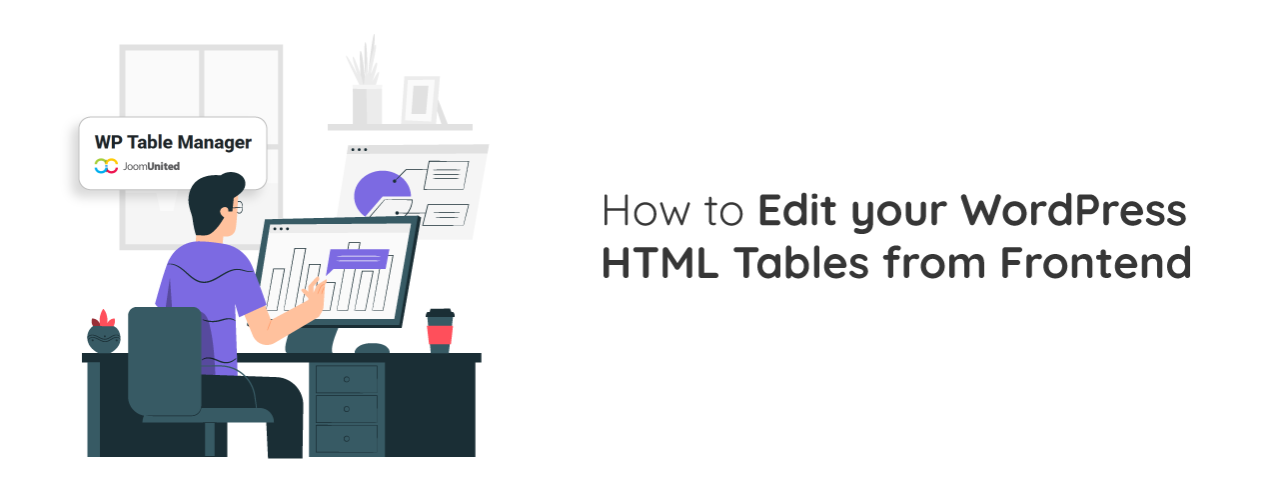
Managing tables inside WordPress is often straightforward when you are the only person handling content. However, things become more complex when multiple users need to update data, or when you want to allow edits without giving access to the WordPress backend. This is where frontend table editing becomes a powerful solution for modern websites.
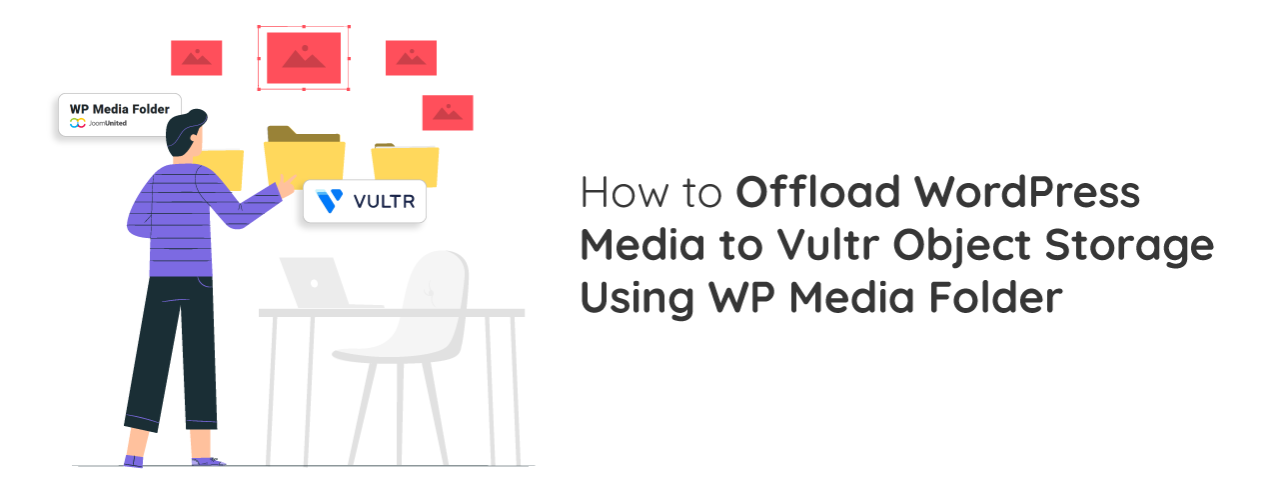
As WordPress sites grow, all the images, videos, and files stored on your hosting server can start to slow things down and take up a lot of space, which also makes backups heavier and hosting more expensive over time. A more scalable solution is to move these media files away from your main server and store them in cloud-based object storage, and using Vultr Object Storage together with WP Media Folder makes this process simple, more efficient, and cost-effective while keeping everything easy to manage inside WordPress.
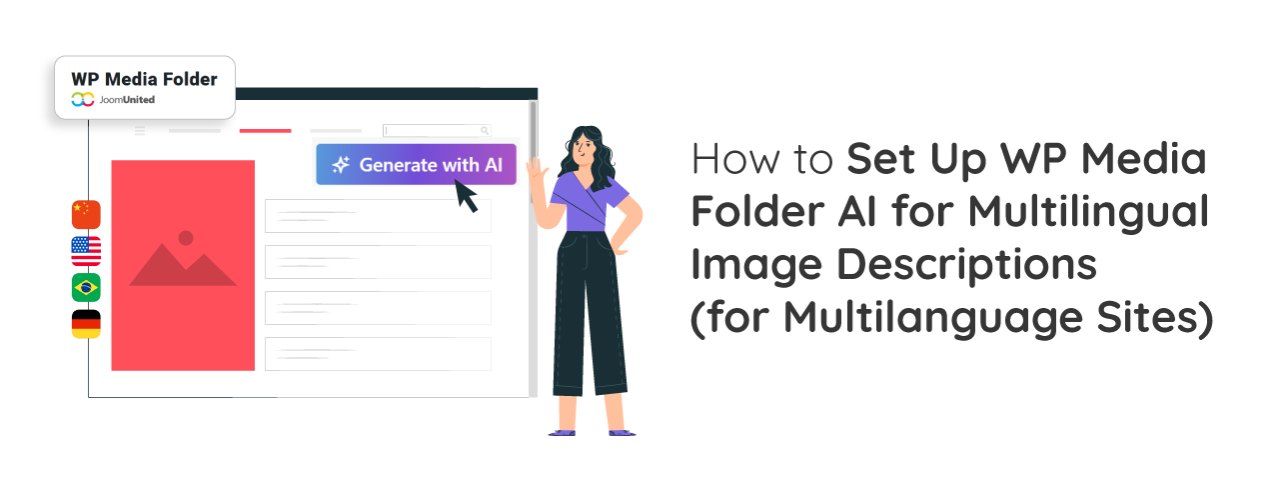
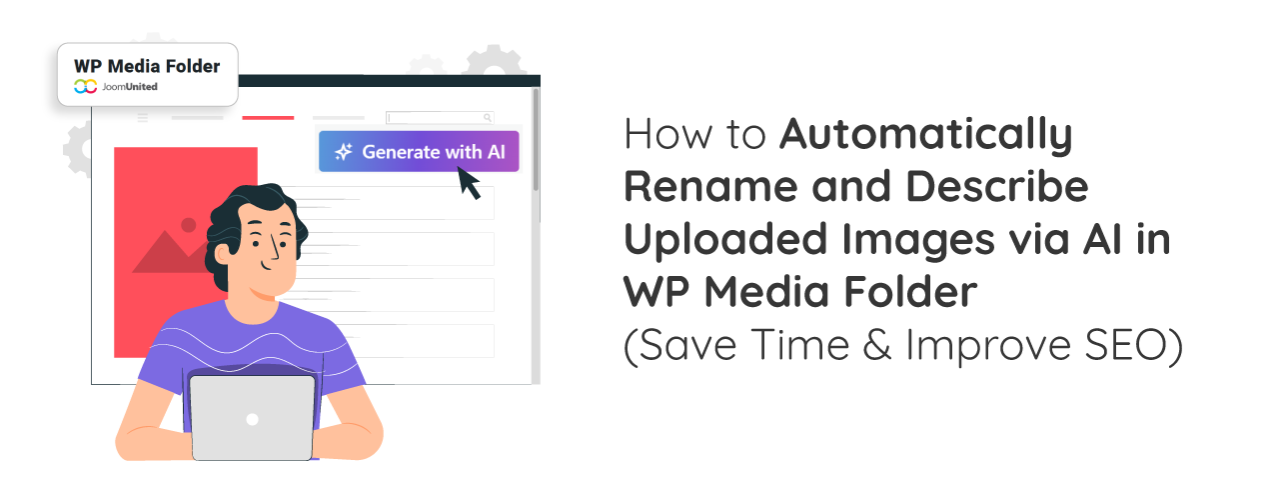
Automatically rename and describe images with AI to eliminate repetitive manual work and ensure every uploaded image includes SEO-friendly metadata from the start. Instead of spending time renaming files and adding alt text, titles, and descriptions one by one, website owners can automate the entire process while maintaining a more organized media library.
Web performance optimization is no longer just about design or content quality, but also about how efficiently images are processed and delivered to speed up website performance. One of the most effective approaches is WebP auto conversion for SEO, which helps websites load faster while improving search engine visibility.
Imagine finding the right asset among hundreds or even thousands of images, videos, PDFs, and design files all piled into one flat list when you need it can feel overwhelming and time-consuming. By default, WordPress automatically creates folders for different years and months and then groups files by upload date. However, one size doesn't always fit all, which quickly becomes messy as your site grows.
Managing files on a WordPress website can quickly become complex when different users need access to different content. Whether you are handling internal documents, client deliverables, or exclusive member resources, controlling who can access what is no longer optional; it is essential.
Are you building a WordPress site but not sure how to get it found on Google? Don't worry, you're not alone. It's easy to feel lost in the world of SEO terms for a beginner, that's why we've gathered some essential SEO checklist for WordPress to help you rank well!
Creating tables in WordPress used to be a frustrating process. Many site owners struggled with rigid layouts, limited customization, and tools that didn't adapt well to modern designs. If you wanted something visually appealing and responsive, you often had to rely on complicated setups or manual coding.
Selling digital products with WooCommerce has become far more complex as agencies move toward cloud-based systems. What used to feel straightforward now involves managing structured file delivery, ensuring secure access, and keeping everything organized across multiple clients and products. Without a clear system, even simple digital assets like templates or guides can quickly become difficult to manage.