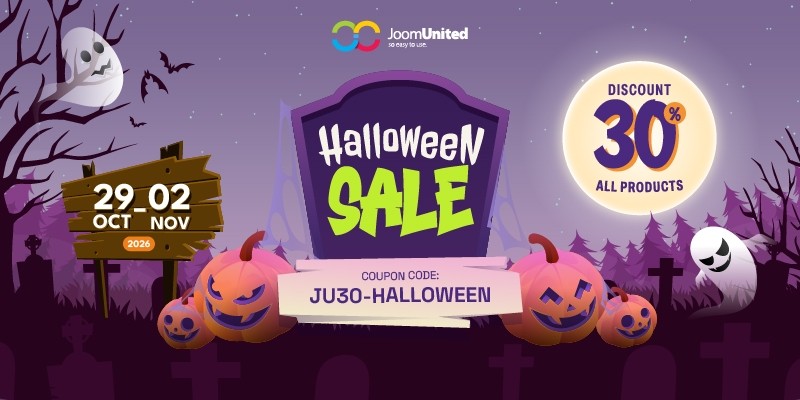
🎃 Halloween is here, and JoomUnited has a special treat for you! From October 29 to November 2, 2026, enjoy 30% OFF our eligible memberships, bundles, renewals, and upgrades.
 WordPress products
 Joomla products
 Support
 News
News Login
Login
🎃 Halloween is here, and JoomUnited has a special treat for you! From October 29 to November 2, 2026, enjoy 30% OFF our eligible memberships, bundles, renewals, and upgrades.

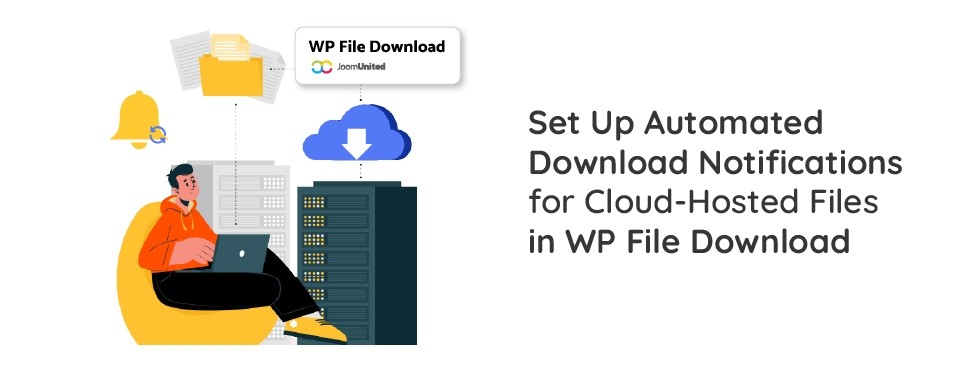
Automated download notifications help you monitor file activity, stay informed about downloads, and understand how users interact with your cloud-hosted files. By receiving timely alerts, you can track file usage, improve resource management, and maintain better visibility into shared documents.
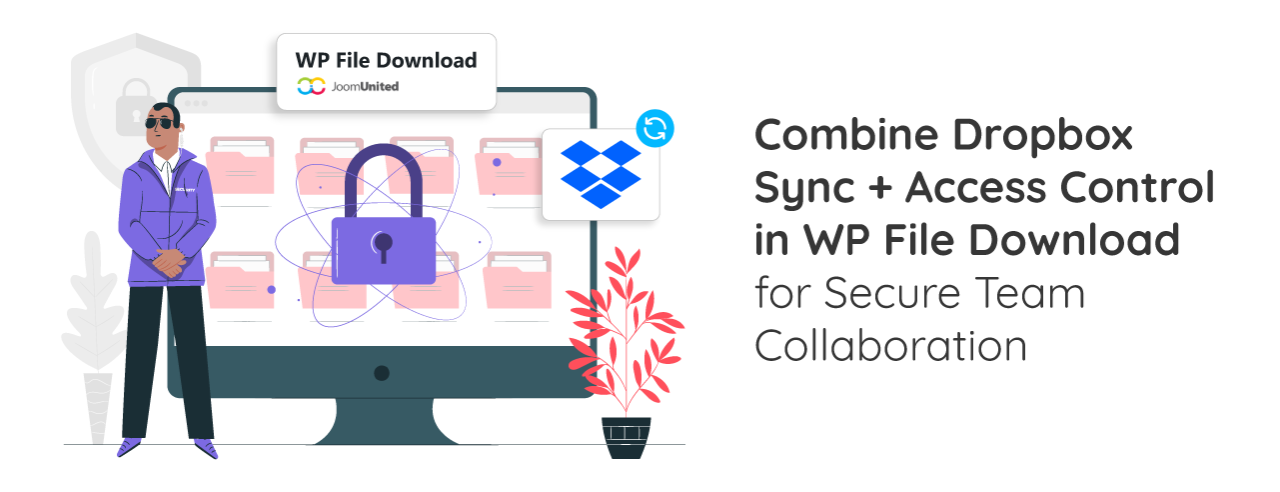
Managing files on WordPress can become challenging as teams create, update, and share more documents. Storing every file directly on WordPress hosting can also increase storage requirements and server load, especially when files are frequently downloaded. WP File Download offers a more flexible approach by combining WordPress file management with external storage and access controls. With the Dropbox add-on, teams can synchronize files and folders between Dropbox and WP File Download, while Access Control helps restrict access to specific files and categories.
Managing files across different platforms can become challenging as your WordPress website grows. While public cloud storage offers convenience, OwnCloud provides greater control over where your files are stored and how they are accessed. By connecting OwnCloud with WordPress, you can keep your files in your own cloud environment while still managing them through your WordPress media library.

A growing WordPress media library can take up valuable hosting space and make your website harder to manage. WP Media Folder provides a simple way to move images, videos, PDFs, and other files to Bunny Storage while keeping them available in the familiar WordPress media library. Continue reading to learn how this integration can reduce server load and deliver your media faster to visitors around the world.
As a WordPress website grows, images, videos, PDFs, and other media files can become expensive and difficult to manage from a regular hosting server. Large media libraries increase storage usage, make backups heavier, and add more pressure to the same server that is already running WordPress, themes, plugins, and the database. By offloading WordPress media to Cloudflare R2 with WP Media Folder, you can move those files to a scalable cloud storage system while keeping media management simple inside the WordPress dashboard.
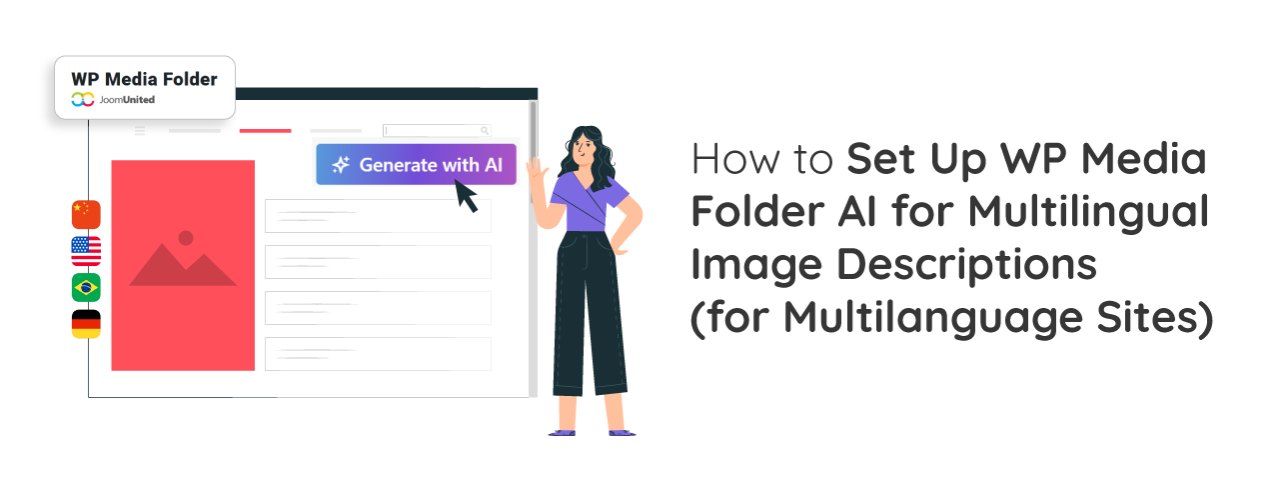
Managing a multilingual website means more than translating page content. Image descriptions, including alt text, titles, and captions, should also be available in your visitors' preferred languages. This helps improve accessibility, provides a better user experience, and gives search engines more relevant image metadata for each language version of your website.
In today's fast-paced digital era, businesses must adopt innovative and smarter ways to streamline operations and improve customer experience. Enter AI chatbot plugins for WordPress, a game-changing transformation of how businesses interact with their audience online.
📚 EXCLUSIVE LEARNING OFFER
20% OFF on All WordPress & Joomla Memberships
COUPON: JU-LEARN20