WordPress products
 Joomla products
 Support
 News
News Login
LoginWP Table Manager: Tables From Formidable Forms
WP Table Manager allows you to create tables from Formidable Forms.
At WP Table Manager dashboard, click on Create New > From Formidable form button on the top left panel.
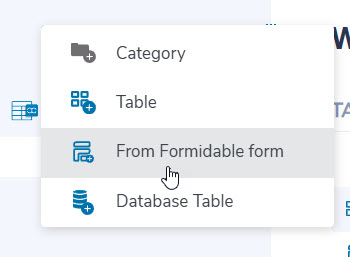
Then select a form from Formidable Forms and select columns. Finally, click Done button.

Before proceeding, please ensure that you have enabled the "Edit Formidable tables" option within WP Table Manager configuration > User roles.

In the table editor, you have the ability to perform certain actions. For example, you can create a fresh row or attach a tooltip to an individual cell by right-clicking and choosing the relevant option. Furthermore, you can modify the contents of a cell by double-clicking on it.

Here is an example of creating a new row, the appearance will depend on your form, follow the steps to complete.
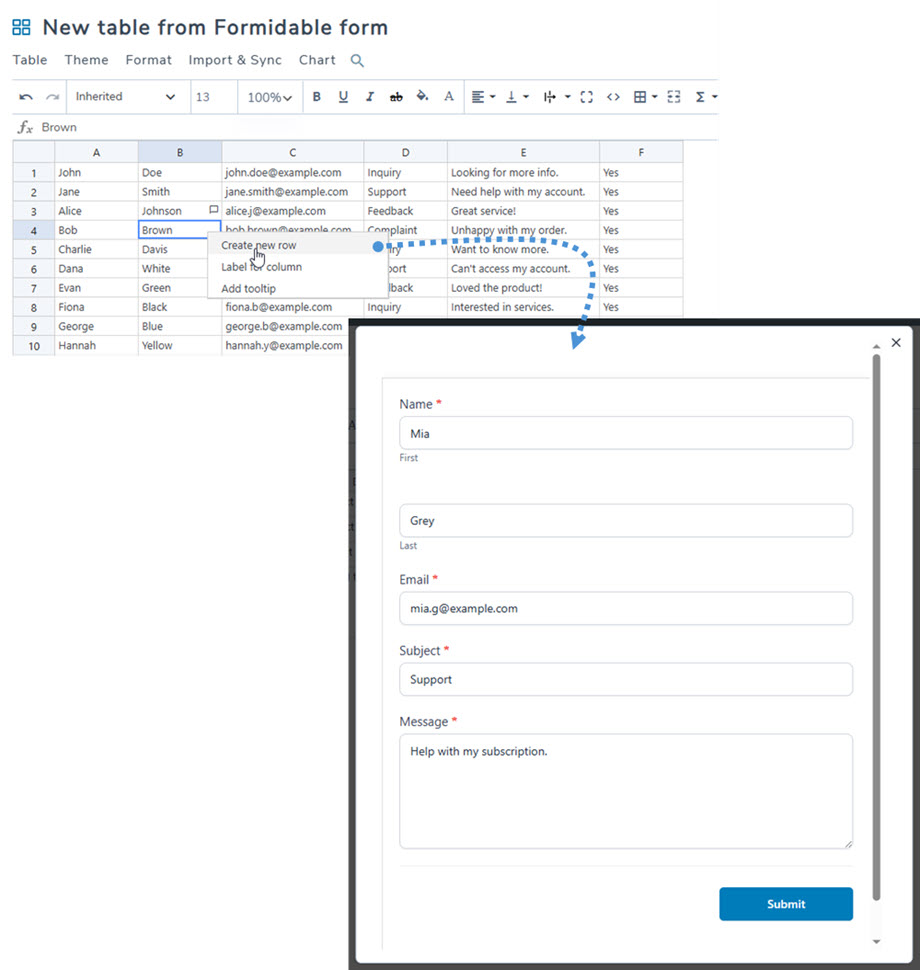
Almost all features as normal tables will be applied such as Export, sort, filter, charts,...