 WordPress products
 Joomla products
 Support
 News
News Login
LoginWP AI Assistant: Configuration
1. Settings
1.1 AI models
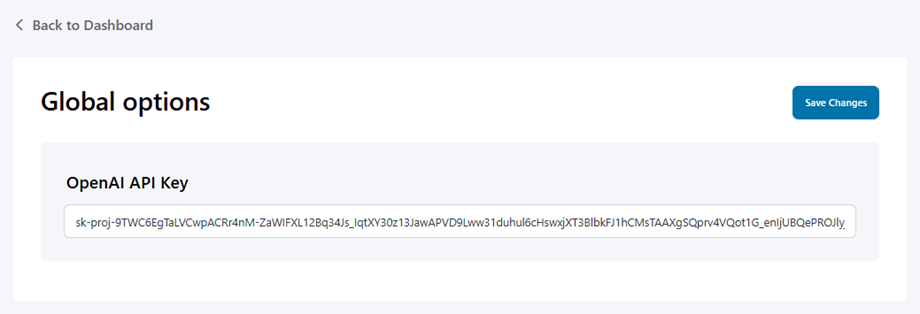
First, navigate to WP AI Assistant, to use AI Assistant on your site, click on Settings button in the dashboard, at AI models tab, select a model:
- JoomUnited AI: Buy credits.
- Open AI: Input your API key in the field and Save.
1.2. AI quota & account
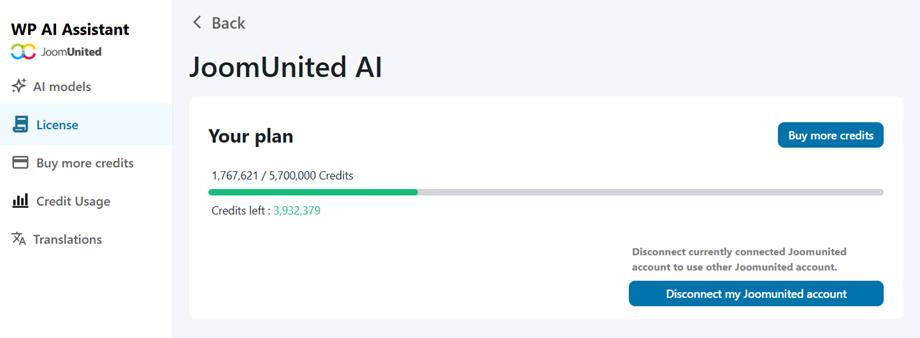
Go to the AI quota & account tab to view your available quota and track your credit usage. From here you can connect your JoomUnited account.
1.3. Add AI credits
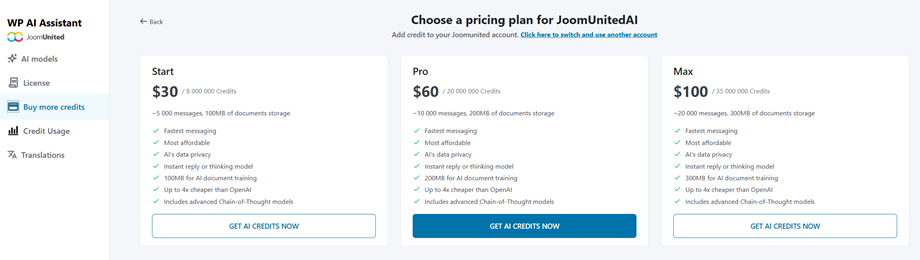
To purchase additional credits or acquire credits for the first time, navigate to the Buy more credits tab, where you'll find three available packages:
- Start: 8,000,000 credits
- Pro: 20,000,000 credits
- Max: 35,000,000 credits
1.4. Credit Usage
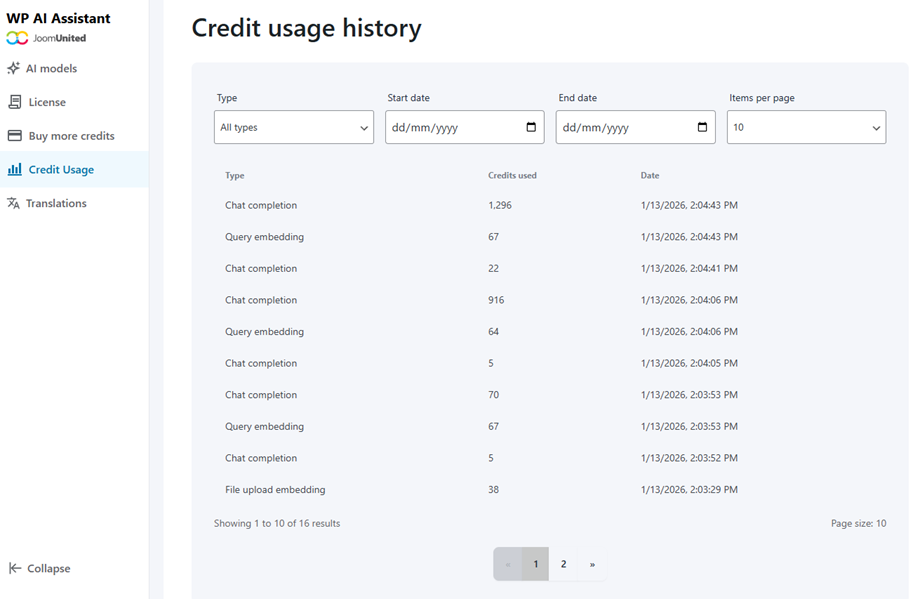
The Credit usage history page allows you to review your credit consumption and apply filters by activity type within a specified date range:
- Chat completion
- Query embedding
- File update embedding
- Stored vector file
2. Chat history
To monitor user interactions and review past conversations handled by your AI bots, navigate to WP AI Assistant > Chat history.
From this dashboard, you can easily oversee all bot activity with the following features:
- Filter by Assistant: Isolate your logs using the dropdown menu to view conversations handled by one specific AI bot, or leave it on "All assistants" for a complete overview.
- Search conversations: Instantly locate specific threads by typing keywords or a precise conversation ID into the search bar.
- Track thread details: Scan the main table to view essential log data at a glance, including the unique thread ID, the assigned Assistant, the exact Created timestamp, and a preview of the user's First Message.
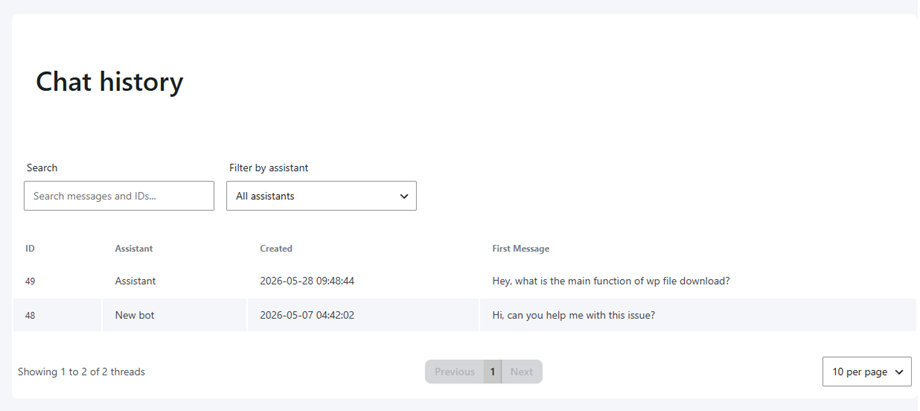
Administrators can also view the full details of any conversation simply by clicking on the desired thread in the list.
