 WordPress products
 Joomla products
 Support
 News
News Login
LoginWP AI Assistant: Installation
1. Install
In order to install our plugin, you should use standard WordPress installer or unzip and put all the folder in /wp-content/plugin.
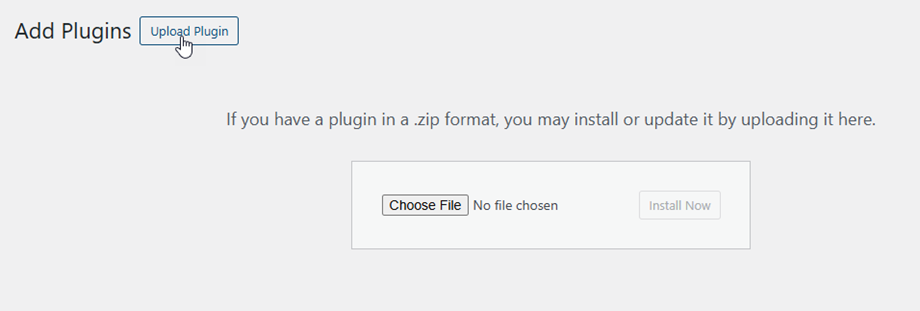
Then click on activate plugin, to see WP AI Assistant menu appear on the WordPress left menu.
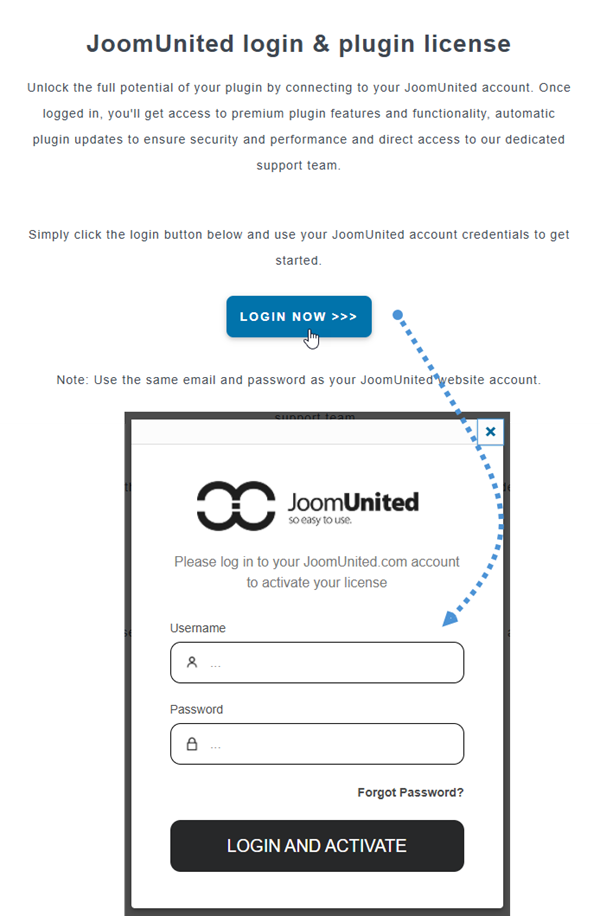
From now on, please make sure to log in to your JoomUnited account before using the plugin.
2. Update the plugin
In order to update the WP AI Assistant, you can use the WordPress default updater. You can also remove and install the new version from a .zip file downloaded on www.joomunited.com. In any case, you won’t lose any content because everything is stored in the database.

Be sure to always have the latest version to avoid security and stability problem.
To update the paid version, please navigate to Plugins > Installed plugin, click on update now link text in the WP AI Assistant section.

Then finally, you can update all the JoomUnited commercial plugins from the WordPress standard updated.
