WordPress products
 Joomla products
 Pomoc
Pomoc News
News Zaloguj się
Ponad 20 świetnych wtyczek WordPress do zarządzania obrazami

Dodawanie obrazów do witryny pomaga ożywić treść i zwiększyć zaangażowanie. Jednak duże obrazy zapychają witrynę i zwiększają czas ładowania strony, co negatywnie wpływa na SEO i powoduje frustrację odwiedzających.
Dlatego skuteczne zarządzanie obrazami ma kluczowe znaczenie dla poprawy wydajności Twojej witryny, jej atrakcyjności wizualnej oraz SEO. Na przykład korzystanie z wtyczek WordPress może sprawić, że Twoje obrazy będą wyglądać atrakcyjnie i pomogą Ci szybko prowadzić lub ładować stronę.
W tym artykule podzielimy się kilkoma najlepszymi wtyczkami WordPress do zarządzania obrazami w Twojej witrynie, aby zapewnić lepsze doświadczenie Twoim odwiedzającym.
Spis treści
- Najlepsze wtyczki WordPress do zarządzania obrazami
- 1. WP Media Folder
- 2. NextGEN Gallery
- 3. EWWW Image Optimizer
- 4. Envira Gallery
- 5. Media File Renamer
- 6. Enable Media Replace
- 7. Smush
- 8. Default Featured Image
- 9. Easy Watermark
- 10. Soliloquy
- 11. Smart Slider 3
- 12. Imsanity
- 13. Smash Balloon Instagram Feed Pro
- 14. Folders
- 15. Regenerate Thumbnails
- 16. Media Cleaner
- 17. reSmush.it
- 18. Featured Image from URL (FIFU)
- 19. Optimole
- 20. Draw Attention
- 21. Final Tiles Grid
- Podsumowanie
Najlepsze wtyczki WordPress do zarządzania obrazami
Niezależnie od tego, czy prowadzisz bloga, portfolio, czy sklep internetowy, efektywne zarządzanie obrazami jest niezbędne. Odkryj najlepsze wtyczki WordPress, które uproszczą organizację multimediów i poprawią wydajność witryny.
1. WP Media Folder
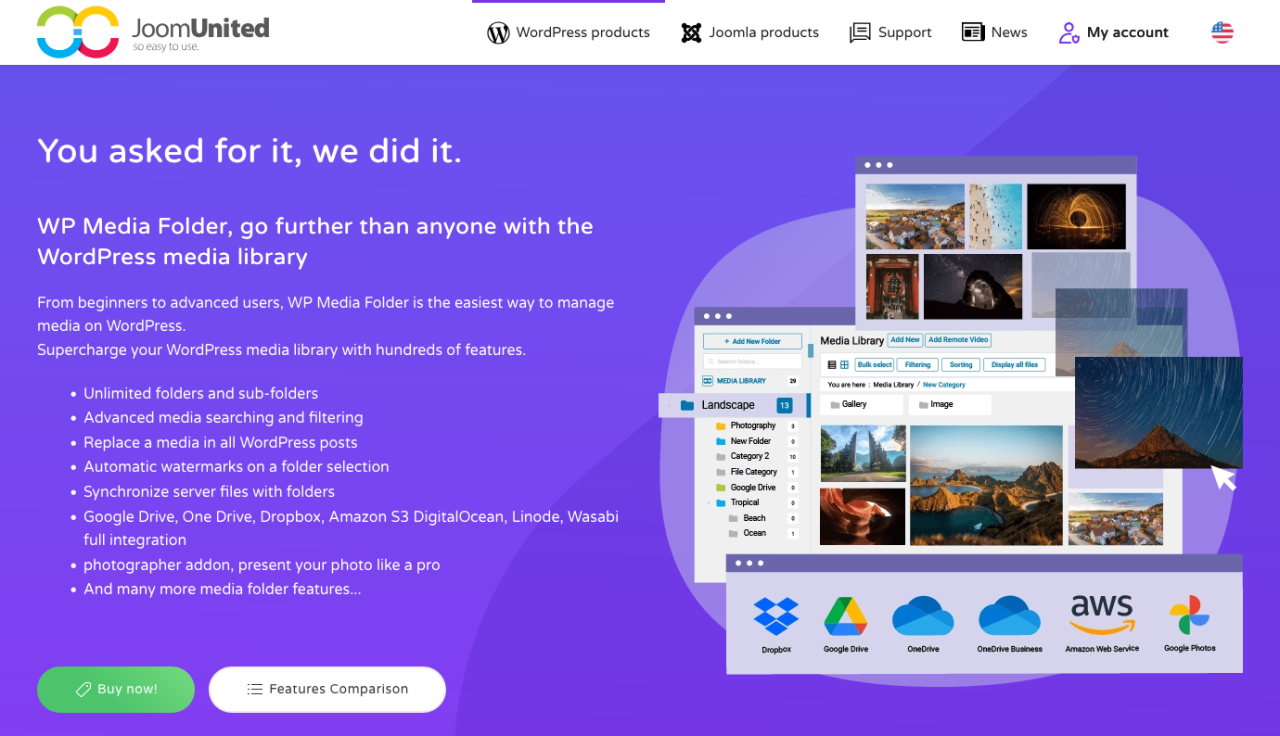
Jeśli Twoja biblioteka multimediów WordPressa wymyka się spod kontroli, WP Media Folder oferuje inteligentne rozwiązanie oparte na folderach do organizowania obrazów. Ta wtyczka rozszerza natywną bibliotekę multimediów, umożliwiając tworzenie folderów i podfolderów, dzięki czemu możesz z łatwością zarządzać tysiącami obrazów.
W panelu administracyjnym obsługuje organizację metodą przeciągnij i upuść, filtrowanie plików, sortowanie obrazów oraz bezpośrednią synchronizację folderów z serwerem. W interfejsie użytkownika WP Media Folder integruje się z kreatorami galerii, pozwalając tworzyć stylowe galerie obrazów bezpośrednio z folderów multimediów. Zawiera również zaawansowane opcje, takie jak zastępowanie multimediów (bez łamania linków) oraz integrację z usługami przechowywania w chmurze, takimi jak Google Drive, Dropbox i OneDrive.
To potężne narzędzie dla każdego, kto potrzebuje większej kontroli nad swoimi zasobami multimedialnymi — niezależnie od tego, czy jesteś blogerem, agencją czy właścicielem sklepu internetowego.
Zalety:
- Organizacja multimediów w folderach i podfolderach
- Integracja z chmurą i automatyczna synchronizacja
- Zgodność z natywną biblioteką multimediów WordPress
Wady:
- Niektóre funkcje wymagają dodatku Cloud Addon
Cennik:
- Od 49 USD rocznie za samodzielną wtyczkę
- Bundle z dodatkiem Cloud Addon dostępny od 69 USD rocznie
Pożegnaj bałagan w bibliotece multimediów.
WP Media Folder pozwala kategoryzować pliki, synchronizować foldery z chmurą, tworzyć zachwycające galerie, a nawet zastępować obrazy bez psucia linków.
Zoptymalizuj swój przepływ pracy z mediami już dziś
2. NextGEN Gallery
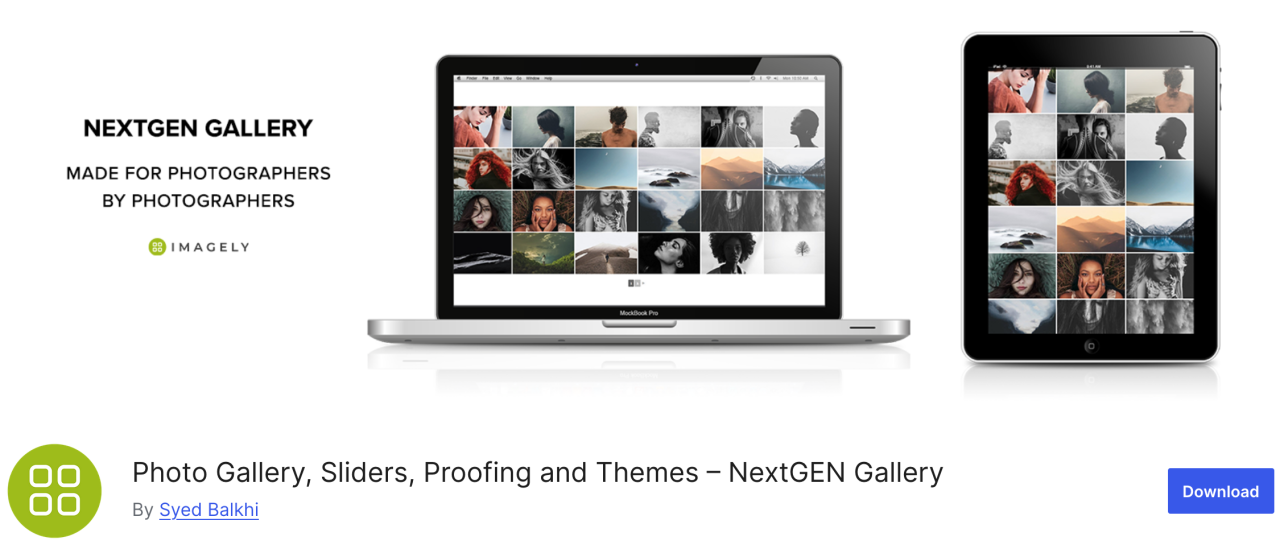
Jeśli szukasz wszechstronnej wtyczki, NextGEN Gallery oferuje szereg opcji zarządzania obrazami. W panelu administracyjnym dostępne są m.in. zbiorcze przesyłanie, edycja miniatur, import metadanych i inne, natomiast po stronie frontendu dostępne są trzy style galerii i dwa style albumów.
Ta wtyczka to dobre uniwersalne rozwiązanie. Co więcej, te galerie i albumy są w pełni konfigurowalne pod względem stylu, czasu, przejść, efektów lightbox i nie tylko.
Zalety:
- Wsadowe przesyłanie i sortowanie obrazów
- Oferuje lightbox i pokaz slajdów
Wady:
- Ograniczone funkcje w wersji darmowej
Cennik:
- Dostępna jest wersja Lite, ale plan Starter zaczyna się od 69,50 USD rocznie
3. EWWW Image Optimizer
EWWW Image Optimizer to jedna z najlepszych wtyczek WordPress, oferująca potężne narzędzia do kompresji obrazów bez utraty jakości. Jak wiadomo, obrazy ładują się dłużej niż tekst, co wpływa na szybkość i wydajność Twojej witryny.
Dzięki tej wtyczce możesz zoptymalizować swoje obrazy pod kątem sieci, aby uzyskać lepszą wydajność i poprawić doświadczenia odwiedzających.
Zalety:
- Obsługa formatu WebP
- Automatyczna kompresja obrazów
Wady:
- Niektóre zaawansowane funkcje zablokowane za opłatą premium
Cena:
- Darmowa
4. Envira Gallery
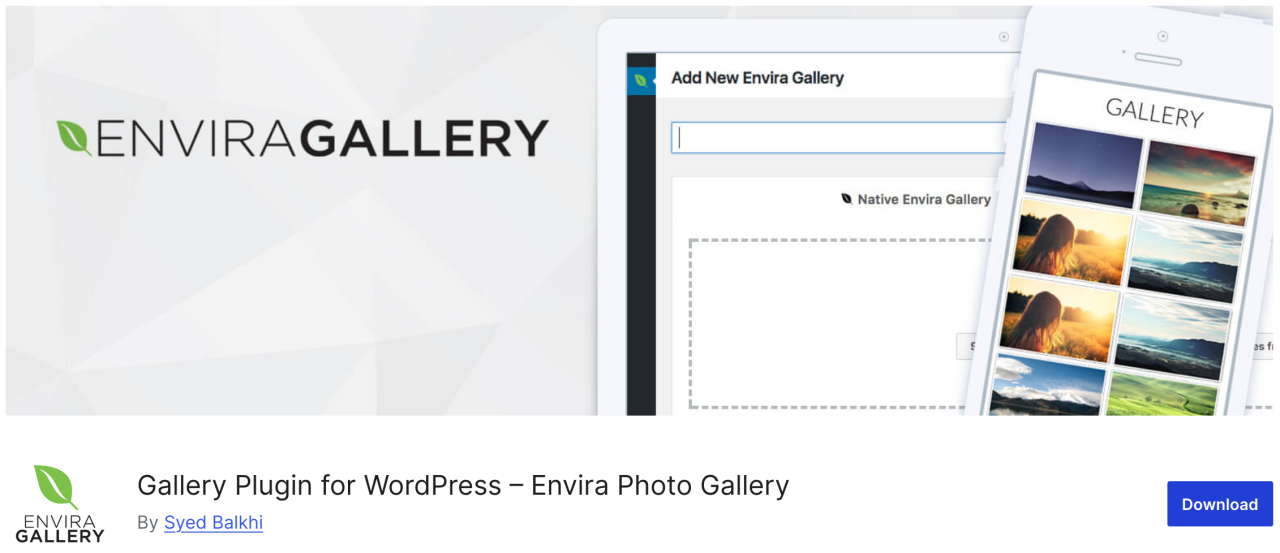
Następnie Envira Gallery, wtyczka, która pozwala tworzyć piękne i responsywne mobilnie galerie obrazów w WordPressie za pomocą zaledwie kilku kliknięć. Ma mnóstwo funkcji zarządzania obrazami, takich jak albumy, tagowanie obrazów, znakowanie wodne, proofing, ochrona hasłem i tak dalej.
Co więcej, to najbardziej przyjazna dla SEO wtyczka do galerii zdjęć dla WordPressa i oferuje dodatki do deep linkingu i paginacji. Dostępna jest również integracja z WooCommerce, która pozwala dodać sklep internetowy do sprzedaży zdjęć.
Zalety:
- Przyjazny dla SEO
- Integracja z WooCommerce
- Kreator metodą przeciągnij i upuść
Wady:
- Większość funkcji wymaga płatnego planu
- Ograniczone możliwości dostosowania w wersji darmowej
Cena:
- Dostępna jest bezpłatna wersja lite
- Podstawowy plan zaczyna się od 39,50 USD rocznie
5. Media File Renamer
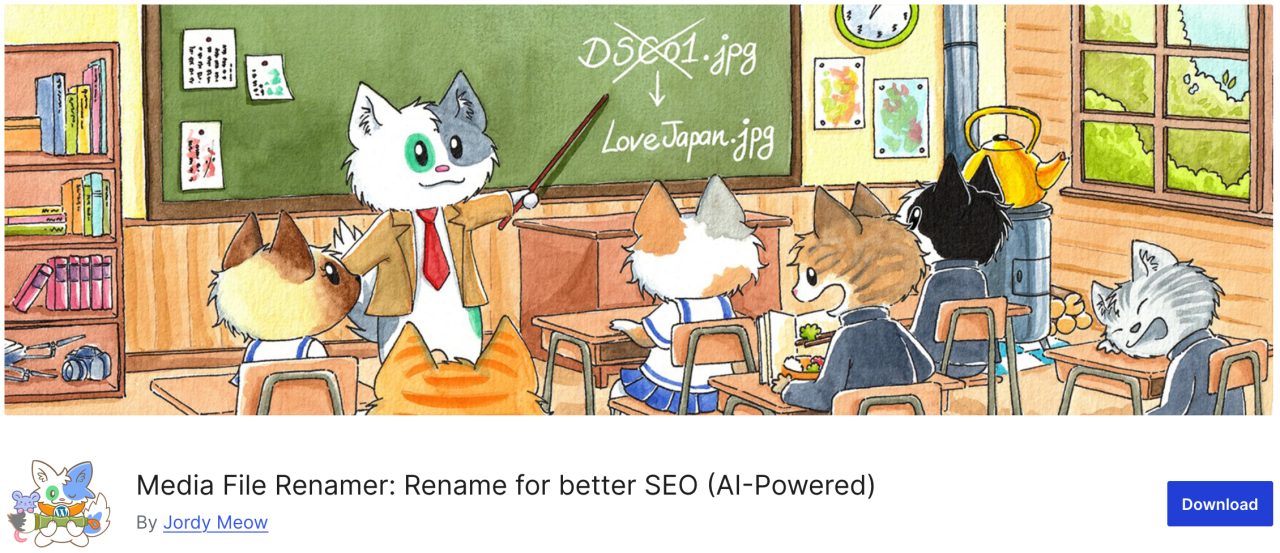
Jeśli szukasz wtyczki, która pozwala zmienić dowolną nazwę pliku w bibliotece multimediów WordPress, Media File Renamer jest świetną opcją. Automatycznie zmienia nazwy plików na podstawie tytułu pliku podanego podczas przesyłania.
Gdy zmieniasz nazwę pliku za pomocą tej wtyczki, aktualizuje ona również wszystkie odwołania do tego pliku w Twoich wpisach i stronach WordPress.
Zalety:
- Automatycznie lub ręcznie zmienia nazwy plików multimedialnych
- Poprawia SEO i organizację
- Synchronizuje nazwę pliku z tytułem
Wady:
- Darmowa wersja ma mniej funkcji
- Może być niezgodny z niektórymi motywami/wtyczkami
Cena:
- Dostępna jest wersja darmowa
- Wersja pro zaczyna się od 29 USD
6. Enable Media Replace
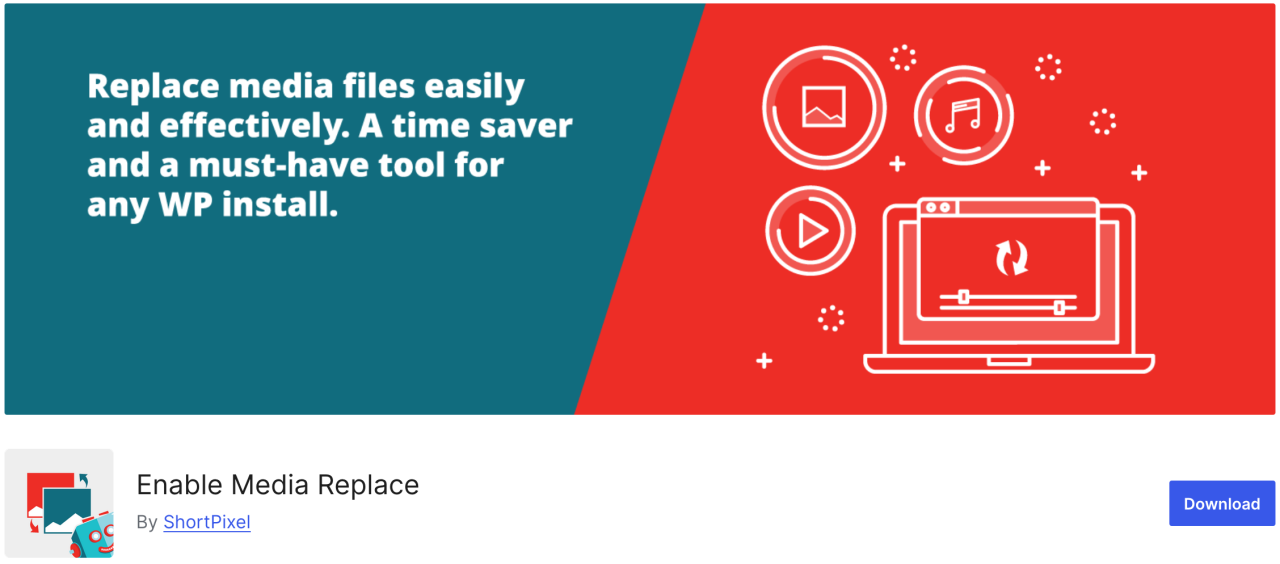
Następna wtyczka pozwala na zastępowanie plików multimedialnych bezpośrednio z biblioteki multimediów WordPress. Jeśli musisz zastąpić obraz w swoich wpisach WordPress, Enable Media Replace może zaoszczędzić Twój czas, ponieważ łatwo zmienia obrazy — nie musisz edytować wpisu, aby dodać nowy obraz i usunąć stary.
Zalety:
- Łatwa wymiana istniejących plików multimedialnych
- Oszczędza czas w porównaniu z ręczną zamianą
Wady:
- Brak kontroli wersji i historii
- Ograniczone do pojedynczych zamian
Cena:
- Darmowa
7. Smush
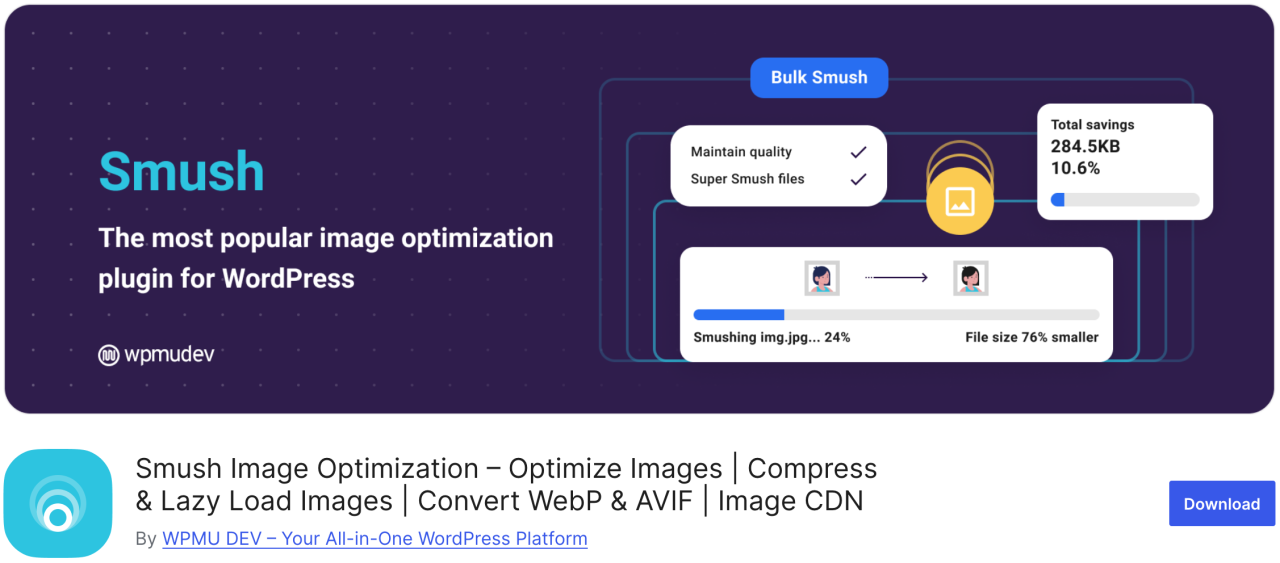
Jednym z najpopularniejszych i najłatwiejszych w obsłudze pluginów do optymalizacji obrazów jest Smush. Możesz go użyć do masowej kompresji nawet 50 obrazów, oszczędzając czas sobie i odwiedzającym, a także do zidentyfikowania obrazów powodujących spowolnienie ładowania.
Darmowa wersja działa z formatami .png, .jpeg i .gif, natomiast format WebP jest dostępny tylko w wersji pro pluginu.
Zalety:
- Masowa kompresja obrazów
- Obsługa lazy loadingu
- Integruje się z CDN
Wady:
- WebP tylko w wersji Pro
Cena:
- Dostępna jest wersja darmowa
- Podstawowa wersja pro zaczyna się od 15 USD miesięcznie
8. Default Featured Image

Jeśli musisz zarządzać wieloma autorami-współtwórcami, możesz znaleźć się pod presją, aby dostarczyć obraz wyróżniający dla wielu artykułów w krótkim czasie. Dzięki wtyczce Default Featured Image możesz ustawić obraz, który będzie używany w przypadkach, gdy specjalny obraz wyróżniający nie został określony. Nawet jeśli to tylko logo Twojej firmy, jest to zdecydowanie lepsze niż pozostawienie go pustego.
Zalety:
- Pomaga zachować spójność układu
- Łatwa konfiguracja i użytkowanie
Wady:
- Ograniczone opcje dostosowywania
Cena:
- Darmowa
9. Easy Watermark

Jeśli martwisz się, że ktoś ukradnie Twoje zdjęcia i przypisze je sobie, możesz zaopatrzyć wszystkie swoje obrazy w znak wodny za pomocą Easy Watermark. Możesz dodawać znaki wodne do obrazów podczas przesyłania lub do obrazów już znajdujących się w bibliotece multimediów.
Zalety:
- Obsługa znaków wodnych tekstowych i graficznych
- Przetwarzanie wsadowe
Wady:
- Brak opcji cofnięcia po dodaniu znaku wodnego
Cena:
- Darmowa
10. Soliloquy
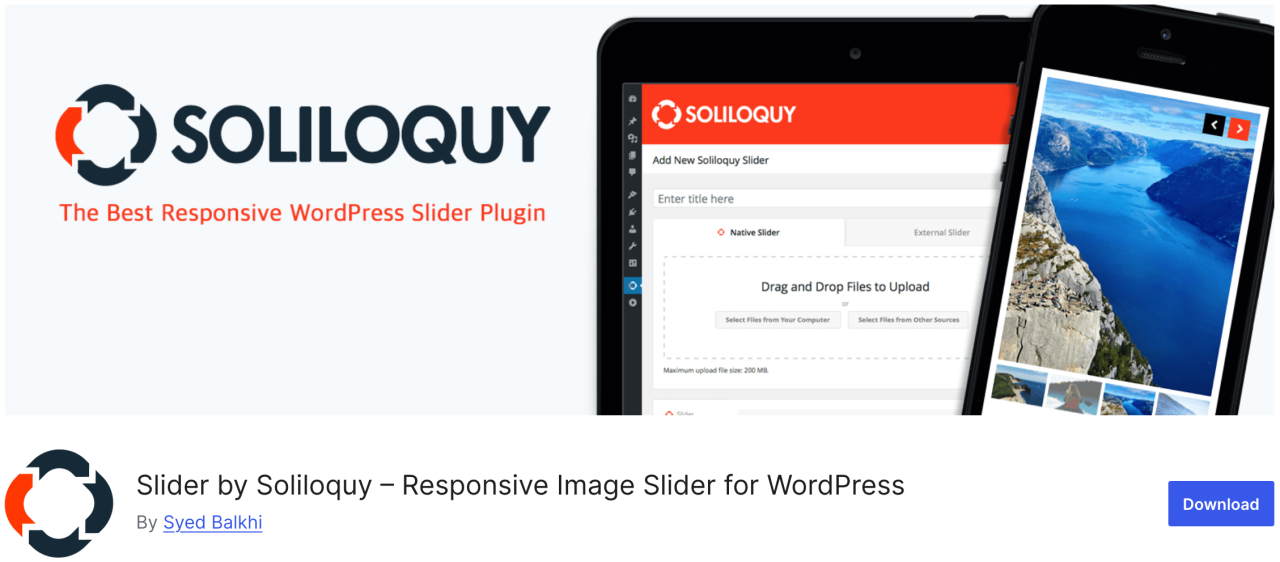
Soliloquy to szybsza i łatwiejsza w użyciu wtyczka z mnóstwem funkcji, takich jak suwak polecanych treści, karuzela, motywy suwaka, lightbox i wiele innych. Pozwala przyciągnąć uwagę użytkowników do najważniejszych treści, takich jak pokazy slajdów z tekstem, wezwanie do działania i animacja.
Zalety:
- Lekka i szybka
- Kreator metodą przeciągnij i upuść
Wady:
- Ograniczona liczba szablonów w wersji darmowej
Cena:
- Dostępna jest wersja darmowa
- Plan Premium zaczyna się od 19,50 USD rocznie
11. Smart Slider 3
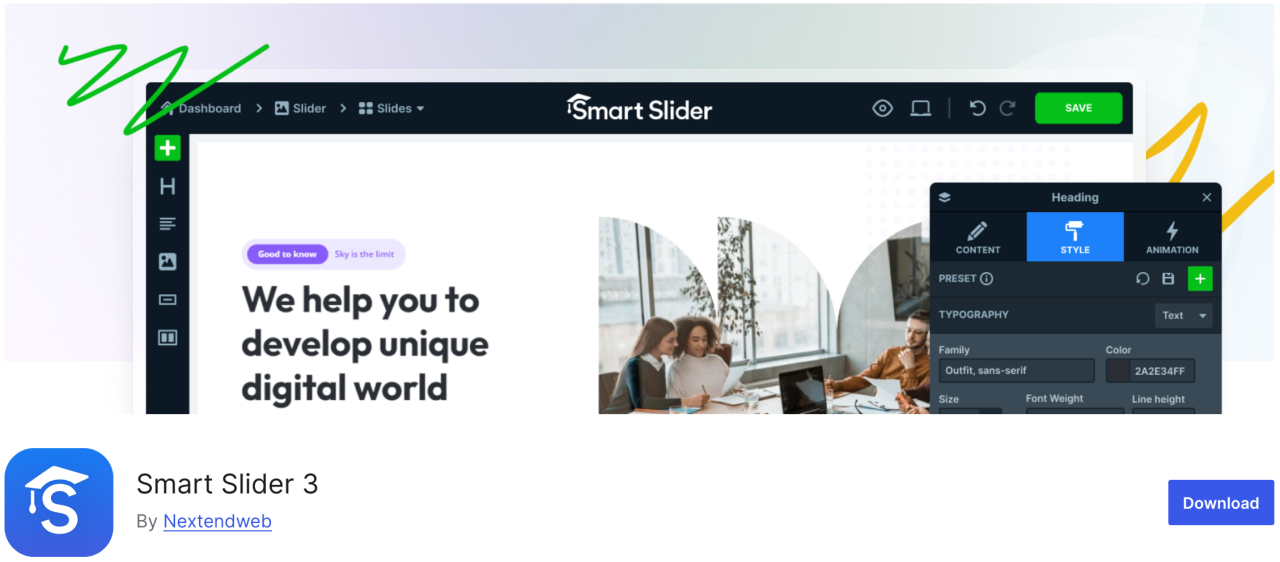
Ta wtyczka zawiera piękny kreator przeciągnij i upuść, który pozwala szybko tworzyć pokazy slajdów. Jest łatwa w użyciu i ma wiele funkcji, takich jak animacje, piękne przejścia, suwak przyjazny dla urządzeń mobilnych i wiele więcej.
Zalety:
- Przyjazna dla SEO i wydajności
- Responsywność mobilna
Wady:
- Niektóre szablony/funkcje zablokowane za wersją Pro
Cena:
- Dostępna jest wersja darmowa
- Wersja płatna zaczyna się od 49 USD
12. Imsanity

Imsanity to świetna wtyczka, która może wykonać masową zmianę rozmiaru starszych plików na podstawie Twoich ustawień. Pozwala ustawić maksymalną wysokość i szerokość obrazów dla przesyłanych plików WordPress i automatycznie zmienia rozmiar dużych plików graficznych.
Zalety:
- Automatycznie zmienia rozmiar dużych obrazów
- Zbiorcza zmiana rozmiaru istniejących obrazów
Wady:
- Podstawowa funkcjonalność
- Nie kompresuje, tylko zmienia rozmiar
Cena:
- Dostępna jest wersja darmowa
13. Smash Balloon Instagram Feed Pro

Jednym z najpopularniejszych pluginów WordPress jest Smash Balloon Instagram Feed Pro, który pozwala dodawać obrazy z Instagrama do swojej witryny. Automatycznie optymalizuje również obrazy, aby zapewnić, że Twoja strona pozostaje szybka i responsywna.
Co więcej, dzięki tym wtyczkom możesz powiązać strony produktów ze swoimi obrazami z Instagrama i przekierowywać użytkowników, aby zwiększyć sprzedaż.
Zalety:
- Piękne wyświetlanie kanałów Instagrama
- Wysoce konfigurowalne układy
Wady:
- Wersja Pro wymagana dla większości funkcji
Cena:
- Zaczyna się od 49 USD
14. Folders

Folders to darmowa wtyczka, która pozwala sortować i zarządzać obrazami w bibliotece multimediów, dzięki czemu możesz filtrować i organizować treści multimedialne. Za pomocą tej wtyczki możesz tworzyć wiele folderów, aby osobno dodawać obrazy, filmy, muzykę i inne treści.
Zalety:
- Organizuje multimedia w foldery
- Działa z mediami, stronami i wpisami
- Interfejs przeciągnij i upuść
Wady:
- Darmowa wersja jest ograniczona
Cena:
- Dostępna jest wersja darmowa
- Wersja Pro zaczyna się od 49 USD rocznie
15. Regenerate Thumbnails

Ta wspaniała wtyczka pozwala szybko wygenerować ponownie wszystkie rozmiary obrazów w WordPressie. Na przykład, jeśli aktywujesz taki motyw, WordPress zacznie zapisywać obrazy w tych nowych rozmiarach. Nie utworzy jednak nowych rozmiarów dla starszych obrazów. Motywy WordPress mogą również dodawać własne rozmiary obrazów używane jako miniatury.
Zalety:
- Odtwarza miniatury dla wszystkich obrazów
- Przydatne po zmianie motywu
Wady:
- Brak harmonogramu i automatyzacji
- Nie usuwa starych miniatur
Cena:
- Darmowa
16. Media Cleaner

Wtyczka Media Cleaner automatycznie usuwa nieużywane i uszkodzone obrazy z Twojej biblioteki multimediów WordPress. Po określonym czasie pliki obrazów w folderze kosza zostaną trwale usunięte.
Dlatego zalecamy wykonanie pełnej kopii zapasowej witryny przed zainstalowaniem tej wtyczki, nawet jeśli przechowuje ona usunięte obrazy w folderze kosza do wglądu.
Zalety:
- Czyści nieużywane i uszkodzone pliki multimedialne
- Pomaga zmniejszyć obciążenie witryny
Wady:
- Ryzyko usunięcia ważnych plików przy braku ostrożności
- Wymaga wersji Pro do pełnej funkcjonalności
Cena:
- Dostępna jest wersja darmowa
- Wersja pro zaczyna się od 29 USD
17. reSmush.it

Inną z najpopularniejszych wtyczek WordPress do optymalizacji obrazów jest reSmush.it – wtyczka wykorzystująca zaawansowaną technologię do szybkiego zmniejszania rozmiaru plików JPG, PNG i GIF. Oferuje również opcje masowej optymalizacji obrazów, poziomy optymalizacji i wiele więcej. Masz pełną kontrolę, dzięki której możesz wykluczyć obrazy, których nie chcesz optymalizować.
Zalety:
- Darmowa optymalizacja obrazów
- Obsługuje przetwarzanie wsadowe
Wady:
- Wolniejsza optymalizacja dużych obrazów
- Nie obsługuje WebP
Cena:
- Dostępna jest wersja darmowa
18. Featured Image from URL (FIFU)

Ta wtyczka pozwala dodawać obrazy wyróżniające, filmy i dźwięki bez przesyłania ich do biblioteki multimediów. Wystarczy skopiować link do obrazu, a zostanie on bezpośrednio przesłany do Twojego wpisu na blogu. Jest również kompatybilna z WooCommerce i wtyczkami do galerii produktów.
Ta wtyczka pozwoli zaoszczędzić mnóstwo pieniędzy na potencjalnych kosztach przechowywania i przetwarzania obrazów, ponieważ nie zapisuje obrazów w Twojej bibliotece multimediów.
Zalety:
- Używa zewnętrznych adresów URL obrazów jako obrazu wyróżniającego
- Automatyczne generowanie miniatur
Wady:
- Wpływa na szybkość ładowania, jeśli zewnętrzny serwer jest wolny
- Niektóre motywy mogą nie obsługiwać obrazów wyróżniających opartych na adresach URL
Cena:
- Darmowa
- Płatny plan zaczyna się od 29,90 € rocznie
19. Optimole
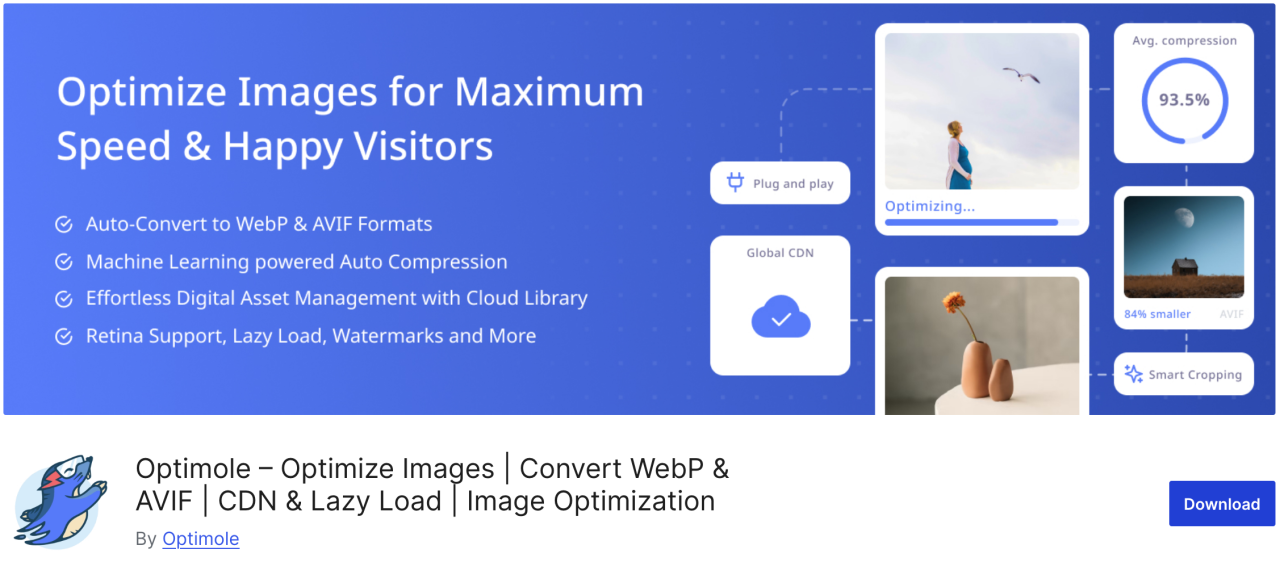
Optimole to oparta na chmurze wtyczka, która optymalizuje Twoje obrazy w czasie rzeczywistym, aby przyspieszyć działanie Twojej witryny. Wtyczka automatycznie wybiera najlepszy rozmiar obrazów na podstawie przeglądarki, rozmiaru ekranu i urządzenia użytkownika. Zawiera również opcję lazy loading oraz CDN, aby skrócić czas ładowania strony.
Zalety:
- Oparta na chmurze optymalizacja obrazów
- Zmiana rozmiaru obrazów w czasie rzeczywistym
- Obsługa leniwego ładowania i formatu WebP
Wady:
- Wymaga konta Optimole
- Limited monthly quota on free plan
Cena:
- Od 19,08 USD miesięcznie
20. Draw Attention
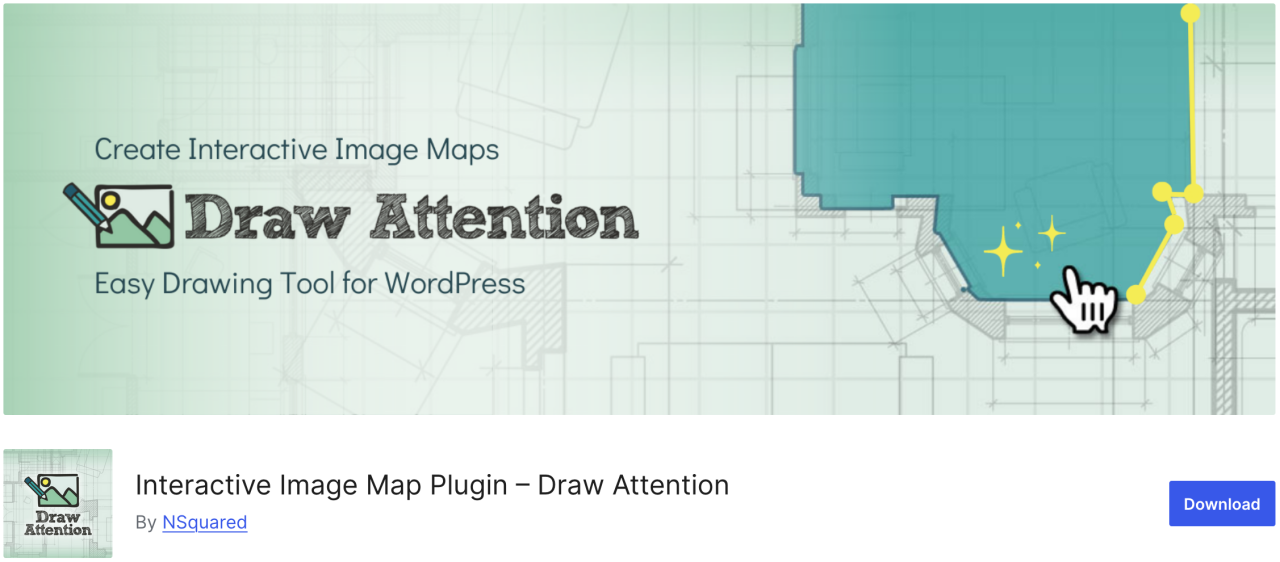
Jeśli chcesz łatwo tworzyć interaktywne obrazy dla swojej witryny, Draw Attention może być właściwym wyborem. Dzięki tej wtyczce możesz dodawać klikalne punkty aktywne i przypisywać im różne funkcje. Dodatkowo dostarcza więcej informacji o obrazie lub jego temacie, pozwala dodać link do innej strony internetowej lub przesłać obraz, który zostanie wyświetlony po kliknięciu punktu aktywnego.
Zalety:
- Responsywność i dostosowanie do urządzeń mobilnych
- Śledź dane o kliknięciach
Wady:
- Pro version needed for multiple image maps
Cena:
- Darmowa
21. Final Tiles Grid
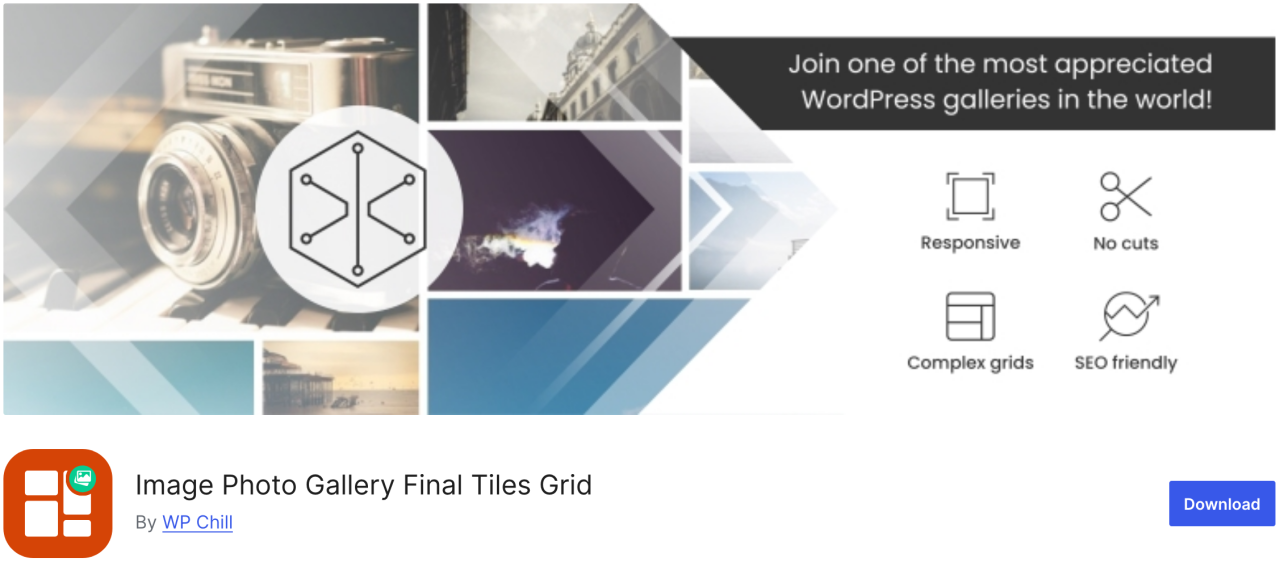
Final Tiles Grid is exactly the sort of plugin you need. If you want to resize images to make it fit a gallery layout, this plugin will arranging them in eye-catching asymmetrical layouts, which adapts to changing display sizes with a smooth animation. In addition, it offers a lightbox for extra visual impact and loads of sharing option.
Pros:
- Responsywny design
- Obsługa wideo i mediów mieszanych
Wady:
- Darmowa wersja jest ograniczona
- Customization may require CSS
Cena:
- Darmowa
Uwaga wszyscy webmasterzy!
Oszczędzaj czas i zwiększ produktywność dzięki WP Media Folder. Bez wysiłku organizuj pliki multimedialne klientów, twórz niestandardowe galerie i zapewniaj płynne doświadczenie użytkownika.
Ulepsz swoje projekty stron internetowych już teraz!
Podsumowanie
To wszystkie najlepsze wtyczki WordPress do zarządzania obrazami w Twojej witrynie. Znając zalety i wady każdej wtyczki, możesz podejmować świadome decyzje, które usprawnią Twój przepływ pracy i zapewnią, że Twoje treści zawsze będą wyglądać jak najlepiej.
A jeśli szukasz łatwego sposobu na organizowanie i zarządzanie wszystkimi obrazami bezpośrednio w WordPress, nie przegap WP Media Folder od JoomUnited.
Gdy zapiszesz się do bloga, wyślemy Ci e-mail, gdy na stronie pojawią się nowe aktualizacje, abyś ich nie przegapił.