Productos para WordPress
 Productos Joomla
 Soporte
 Noticias
 Iniciar sesión
Más de 20 excelentes plugins de WordPress para gestionar imágenes

Añadir imágenes a tu sitio web ayuda a dar vida a tu contenido y aumentar la interacción. Sin embargo, las imágenes grandes saturan el sitio web y aumentan los tiempos de carga de la página, lo que perjudica negativamente tu SEO y causa frustración a tus visitantes.
Por eso, gestionar las imágenes de forma eficaz es fundamental para mejorar el rendimiento, el atractivo visual y el SEO de tu sitio. Por ejemplo, usar plugins de WordPress puede hacer que tus imágenes se vean atractivas y ayudarte a que tu sitio web funcione o cargue rápidamente.
En este artículo, compartiremos algunos de los mejores plugins de WordPress para gestionar imágenes en tu sitio web y ofrecer una mejor experiencia a tus visitantes.
Tabla de contenido
- Los mejores plugins de WordPress para gestionar imágenes
- 1. WP Media Folder
- 2. NextGEN Gallery
- 3. EWWW Image Optimizer
- 4. Envira Gallery
- 5. Renombrador de archivos multimedia
- 6. Enable Media Replace
- 7. Smush
- 8. Imagen destacada predeterminada
- 9. Easy Watermark
- 10. Soliloquy
- 11. Smart Slider 3
- 12. Imsanity
- 13. Smash Balloon Instagram Feed Pro
- 14. Folders
- 15. Regenerate Thumbnails
- 16. Media Cleaner
- 17. reSmush.it
- 18. Imagen destacada desde URL (FIFU)
- 19. Optimole
- 20. Draw Attention
- 21. Final Tiles Grid
- Conclusión
Los mejores plugins de WordPress para gestionar imágenes
Tanto si tienes un blog, portafolio, como una tienda online, gestionar las imágenes de forma eficiente es esencial. Descubre los mejores plugins de WordPress para simplificar la organización de medios y mejorar el rendimiento del sitio.
1. WP Media Folder
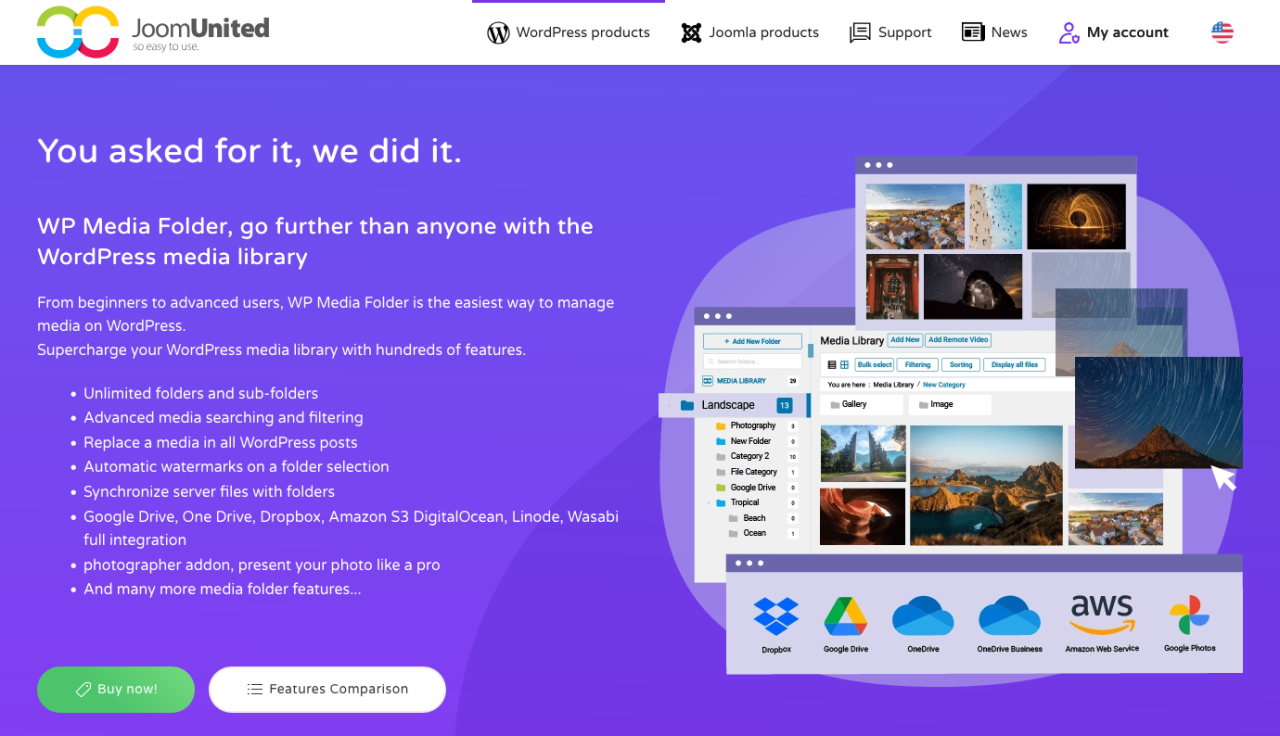
Si tu biblioteca de medios de WordPress se está descontrolando, WP Media Folder ofrece una solución inteligente basada en carpetas para organizar tus imágenes. Este plugin amplía la biblioteca de medios nativa al permitirte crear carpetas y subcarpetas, para que puedas gestionar miles de imágenes con facilidad.
En el back end, admite la organización mediante arrastrar y soltar, el filtrado de archivos, la ordenación de imágenes y la sincronización directa de carpetas con tu servidor. En el front end, WP Media Folder se integra con creadores de galerías, lo que te permite crear elegantes galerías de imágenes directamente desde tus carpetas de medios. También incluye opciones avanzadas como la sustitución de medios (sin romper enlaces) y la integración con servicios de almacenamiento en la nube como Google Drive, Dropbox y OneDrive.
Es una herramienta potente para cualquiera que necesite más control sobre sus recursos multimedia — ya seas blogger, agencia o propietario de una tienda online.
Ventajas:
- Organización de medios en carpetas y subcarpetas
- Integración con almacenamiento en la nube y sincronización automática
- Compatibilidad con la biblioteca de medios nativa de WordPress
Contras:
- Algunas funciones requieren el Cloud Addon
Precios:
- Desde $49 al año para el plugin independiente
- Bundle con Cloud Addon disponible desde $69 al año
Dile adiós a la desordenada biblioteca de medios.
WP Media Folder te permite categorizar archivos, sincronizar carpetas con almacenamiento en la nube, crear galerías increíbles e incluso reemplazar imágenes sin romper enlaces.
Optimiza tu flujo de trabajo multimedia hoy
2. NextGEN Gallery
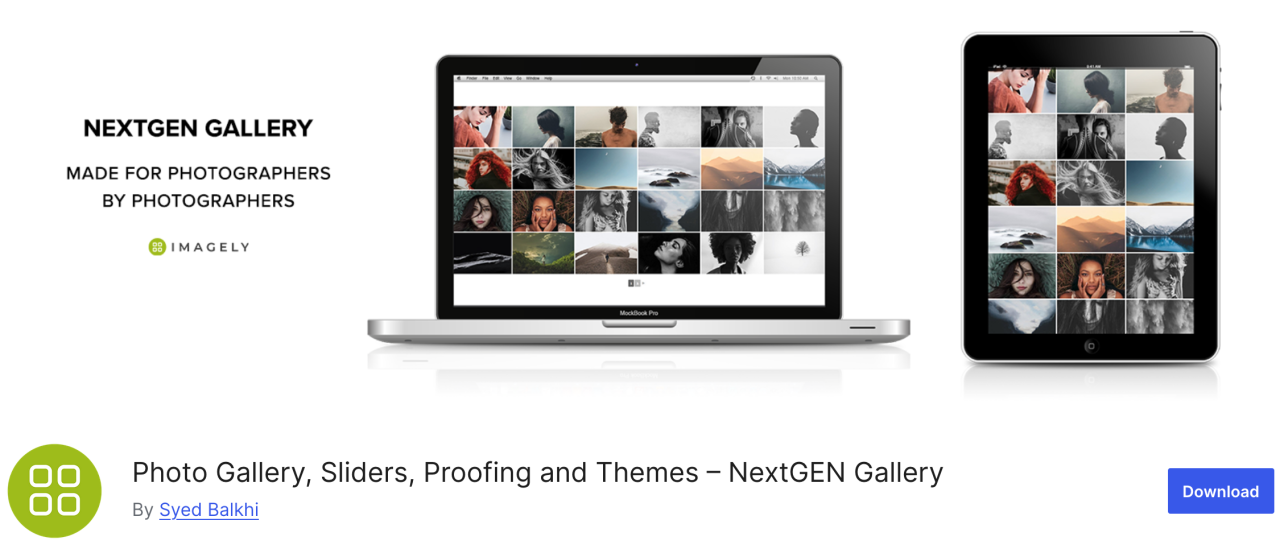
Si buscas un plugin versátil, NextGEN Gallery ofrece una variedad de opciones de gestión de imágenes. En el back end incluye cosas como carga por lotes, edición de miniaturas, importación de metadatos y otras, mientras que en el front end hay tres estilos de galería y dos estilos de álbum.
Este plugin es una buena solución integral. Además, estas galerías y álbumes son totalmente personalizables en cuanto a estilo, tiempos, transiciones, efectos de lightbox y más.
Ventajas:
- Carga por lotes y ordenación de imágenes
- Ofrece lightbox y presentación de diapositivas
Contras:
- Funciones limitadas en la versión gratuita
Precios:
- La versión Lite está disponible, pero el plan Starter comienza en $69.50 al año
3. EWWW Image Optimizer
EWWW Image Optimizer es uno de los mejores plugins de WordPress, incluye potentes herramientas para comprimir imágenes sin afectar la calidad. Como sabes, las imágenes tardan más en cargar que el texto, y esto afecta la velocidad y el rendimiento de tu sitio web.
Con este plugin, puedes optimizar tus imágenes para la web y lograr un mejor rendimiento y mejorar la experiencia del visitante.
Ventajas:
- Compatible con el formato WebP
- Compresión automática de imágenes
Contras:
- Algunas funciones avanzadas bloqueadas tras la versión premium
Precio:
- Gratis
4. Envira Gallery
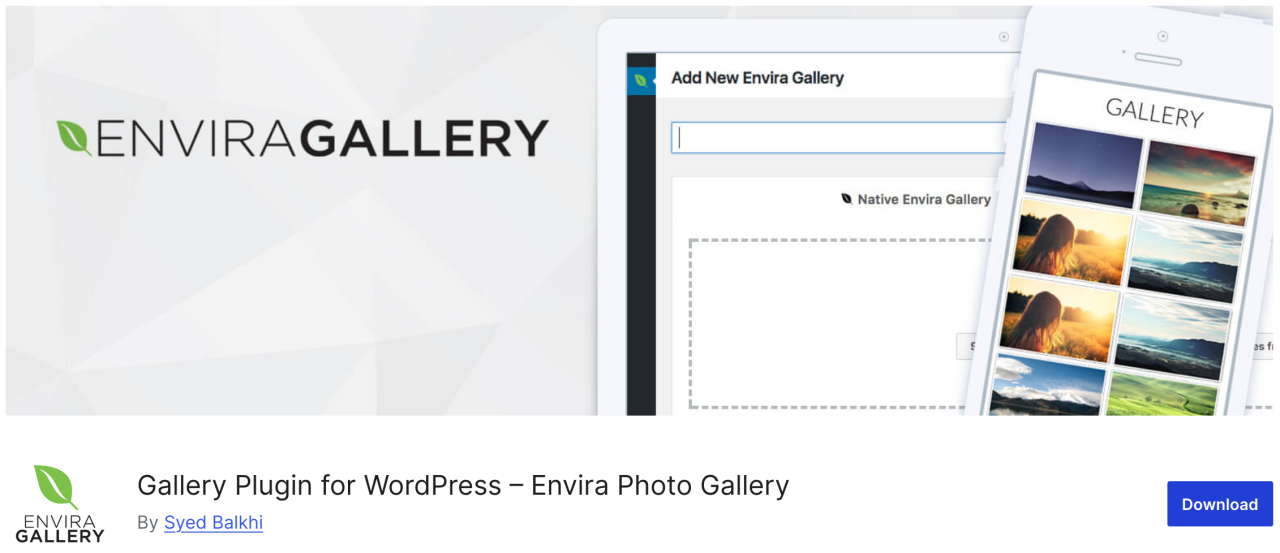
A continuación, Envira Gallery, un plugin que te permite crear galerías de imágenes atractivas y adaptables a móviles en WordPress con solo unos clics. Tiene toneladas de funciones de gestión de imágenes como álbumes, etiquetado de imágenes, marcas de agua, pruebas de imagen, protección con contraseña, etc.
Además, es el plugin de galería de fotos más compatible con SEO para WordPress y ofrece complementos para enlaces profundos y paginación. También hay una integración con WooCommerce que te permite añadir una tienda online para vender tus fotos.
Ventajas:
- Optimizado para SEO
- Integración con WooCommerce
- Constructor de arrastrar y soltar
Contras:
- La mayoría de las funciones requieren un plan de pago
- Personalización limitada en la versión gratuita
Precio:
- La versión gratuita está disponible, una versión lite
- El plan básico comienza en $39.50 al año
5. Renombrador de archivos multimedia

Si buscas un plugin que te permita cambiar cualquier nombre de archivo en la biblioteca de medios de WordPress, Media File Renamer es una gran opción. Cambia automáticamente los nombres de los archivos según el título del archivo que introduzcas durante la carga.
Cuando cambias el nombre de un archivo con este plugin, también actualiza todas las referencias al archivo en tus entradas y páginas de WordPress.
Ventajas:
- Renombra archivos multimedia automática o manualmente
- Mejora el SEO y la organización
- Sincroniza el nombre del archivo con el título
Contras:
- La versión gratuita tiene menos funciones
- Puede no ser compatible con algunas plantillas/plugins
Precio:
- La versión gratuita está disponible
- La versión Pro comienza en $29
6. Enable Media Replace
El siguiente plugin te permite reemplazar archivos multimedia directamente desde la biblioteca de medios de WordPress. Si tienes que reemplazar una imagen en tus entradas de WordPress, Enable Media Replace podría ahorrarte tiempo porque facilita el cambio de imágenes, no tienes que editar la entrada para añadir tu nueva imagen y eliminar la antigua.
Ventajas:
- Reemplaza fácilmente los archivos multimedia existentes
- Ahorra tiempo en comparación con el reemplazo manual
Contras:
- Sin control de versiones ni historial
- Limitado a reemplazos individuales
Precio:
- Gratis
7. Smush
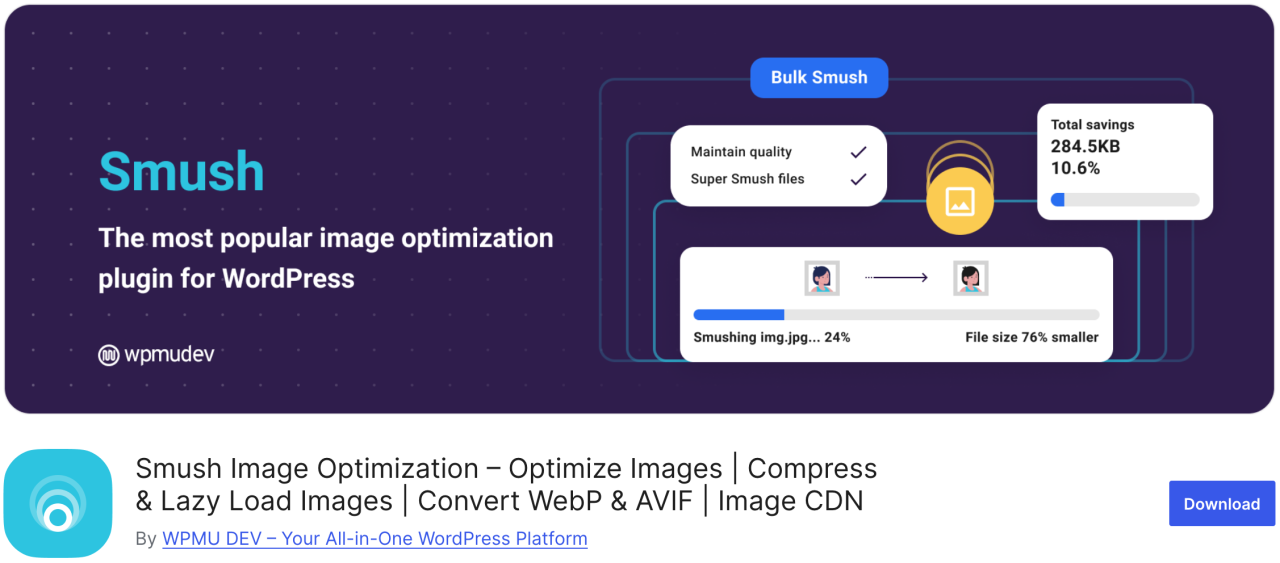
Uno de los plugins de optimización de imágenes más populares y fáciles de usar es Smush. Puedes usarlo para comprimir por lotes hasta 50 imágenes, ahorrando tiempo tanto a ti como a los visitantes, además de identificar las imágenes que provocan ralentizaciones en la carga.
La versión gratuita funciona con formatos .png, .jpeg y .gif, mientras que el formato WebP solo está disponible con la versión pro del plugin.
Ventajas:
- Compresión de imágenes por lotes
- Compatible con carga diferida
- Se integra con CDN
Contras:
- WebP solo en Pro
Precio:
- La versión gratuita está disponible
- La versión pro básica comienza en $15 al mes
8. Imagen destacada predeterminada

Si tienes que gestionar varios autores-colaboradores, es posible que te veas bajo presión para proporcionar una imagen destacada para muchos artículos en poco tiempo. Con el plugin Default Featured Image, puedes configurar una imagen para usarla en los casos en que no se especifique una imagen destacada especial. Aunque sea solo el logotipo de tu empresa, es preferible con creces a dejarlo en blanco.
Ventajas:
- Ayuda a mantener la coherencia del diseño
- Fácil de configurar y usar
Contras:
- Opciones de personalización limitadas
Precio:
- Gratis
9. Easy Watermark

Si te preocupa que la gente robe tus fotos y se atribuya su autoría, puedes añadir una marca de agua a todas y cada una de tus imágenes con Easy Watermark. Puedes aplicar la marca de agua a las imágenes al subirlas, o a las imágenes que ya están en tu biblioteca de medios.
Ventajas:
- Compatibilidad con marcas de agua de texto e imagen
- Procesamiento por lotes
Contras:
- Sin opción de deshacer después de aplicar la marca de agua
Precio:
- Gratis
10. Soliloquy
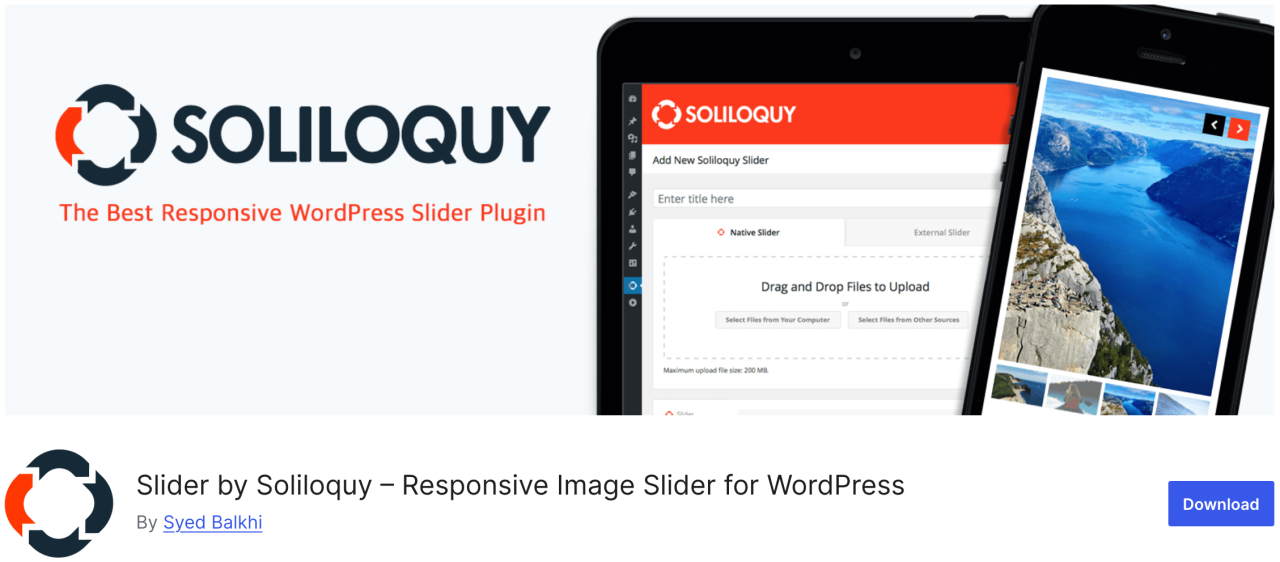
Soliloquy es un plugin más rápido y fácil de usar con toneladas de funciones como un slider de contenido destacado, carrusel, temas de slider, lightbox y más. Te permite atraer la atención de los usuarios hacia tu contenido más importante, como presentaciones de imágenes acompañadas de texto, llamadas a la acción y animación.
Pros:
- Ligero y rápido
- Constructor de arrastrar y soltar
Contras:
- Plantillas limitadas en la versión gratuita
Precio:
- La versión gratuita está disponible
- El plan Premium comienza en $19.50 al año
11. Smart Slider 3
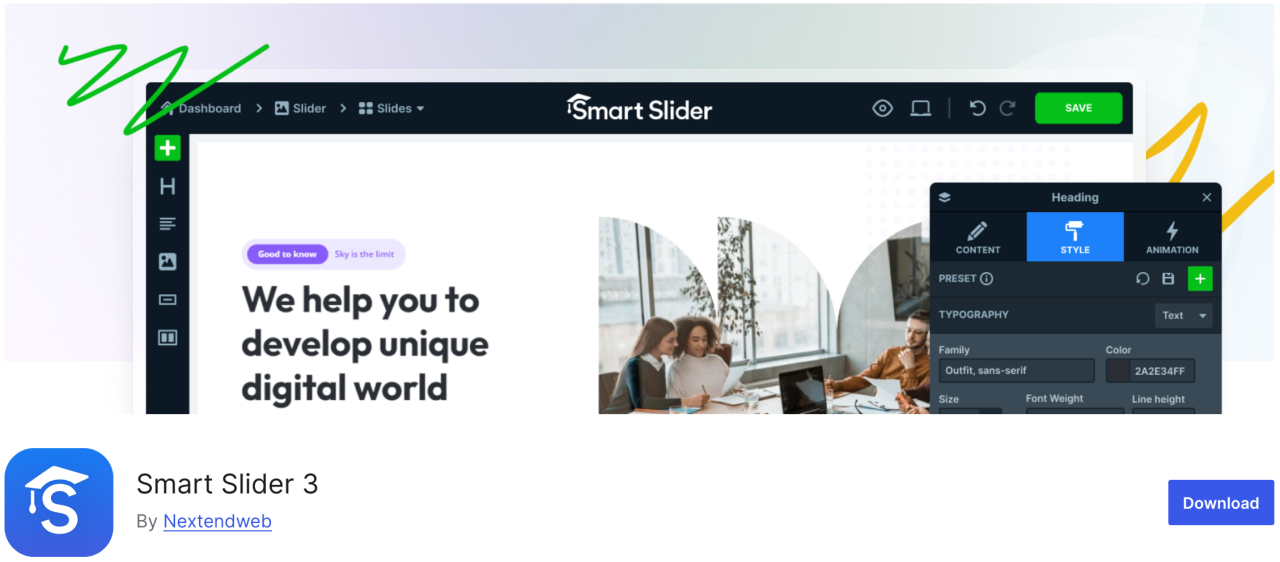
Este plugin incluye un hermoso personalizador de arrastrar y soltar, que te permite crear una presentación de diapositivas rápidamente. Es fácil de usar y tiene muchas funciones como animaciones, hermosas transiciones, un control deslizante adaptable a dispositivos móviles y más.
Ventajas:
- Compatible con SEO y rendimiento
- Adaptable a móviles
Contras:
- Algunas plantillas/funciones bloqueadas en la versión Pro
Precio:
- La versión gratuita está disponible
- La versión de pago comienza en $49
12. Imsanity
Imsanity es el plugin de opción ideal que puede realizar un redimensionado masivo en cargas anteriores según tu configuración. Te permite establecer una altura y anchura máximas de imagen para las cargas de WordPress y redimensiona automáticamente los archivos de imagen grandes.
Ventajas:
- Redimensiona automáticamente imágenes grandes
- Redimensionar por lotes las imágenes existentes
Contras:
- Básico en funciones
- No comprime, solo redimensiona
Precio:
- La versión gratuita está disponible
13. Smash Balloon Instagram Feed Pro

Uno de los plugins de WordPress más populares es Smash Balloon Instagram Feed Pro, con el que puedes añadir imágenes de Instagram a tu sitio. También optimiza las imágenes automáticamente para garantizar que tu sitio web se mantenga rápido y adaptable.
Además, con estos plugins, puedes enlazar las páginas de tus productos con tus imágenes de Instagram y redirigir a los usuarios para aumentar tus ventas.
Ventajas:
- Muestra feeds de Instagram de forma atractiva
- Diseños altamente personalizables
Contras:
- Se necesita la versión Pro para la mayoría de las funciones
Precio:
- Comienza en $49
14. Folders

Folders es un plugin gratuito que te permite ordenar y gestionar imágenes en la biblioteca de medios, para que puedas filtrar y organizar el contenido multimedia. Con este plugin, puedes crear múltiples carpetas para añadir imágenes, vídeos, música y otros contenidos por separado.
Ventajas:
- Organiza los medios en carpetas
- Funciona con medios, páginas y entradas
- Interfaz de arrastrar y soltar
Contras:
- La versión gratuita es limitada
Precio:
- La versión gratuita está disponible
- La versión Pro comienza en $49 al año
15. Regenerate Thumbnails

Este gran plugin te permite regenerar rápidamente todos los tamaños de imagen en WordPress. Por ejemplo, si activas un tema así, WordPress comenzará a guardar las imágenes en esos nuevos tamaños. Sin embargo, no recreará los nuevos tamaños para las imágenes más antiguas. Además, los temas de WordPress también pueden añadir sus tamaños de imagen para usarlos en las miniaturas.
Ventajas:
- Recrea las miniaturas de todas las imágenes
- Útil después de cambiar de tema
Contras:
- Sin programación ni automatización
- No elimina las miniaturas antiguas
Precio:
- Gratis
16. Media Cleaner

El plugin Media Cleaner permite eliminar automáticamente las imágenes no utilizadas y rotas de tu biblioteca de medios de WordPress. Después de un tiempo determinado, los archivos de imagen de la carpeta de la papelera se eliminarán de forma permanente.
Por eso, te recomendamos que hagas una copia de seguridad completa del sitio antes de instalar este plugin, aunque mantiene las imágenes eliminadas en una carpeta de papelera para que las revises.
Ventajas:
- Limpia archivos multimedia no utilizados y dañados
- Ayuda a reducir la carga del sitio
Contras:
- Riesgo de eliminar archivos importantes si no se tiene cuidado
- Requiere Pro para su funcionalidad completa
Precio:
- La versión gratuita está disponible
- La versión Pro comienza en $29
17. reSmush.it

Otro de los plugins de optimización de imágenes de WordPress más populares es reSmush.it, un plugin con tecnología avanzada para reducir rápidamente el tamaño de archivos JPG, PNG y GIF. También ofrece opciones de optimización de imágenes por lotes, niveles de optimización y más. Tienes control total, ya que puedes excluir las imágenes que no quieras optimizar.
Ventajas:
- Optimización de imágenes gratuita
- Compatible con procesamiento por lotes
Contras:
- Optimización más lenta para imágenes grandes
- No admite WebP
Precio:
- La versión gratuita está disponible
18. Imagen destacada desde URL (FIFU)

Este plugin te permite añadir imágenes destacadas, vídeos y audio sin subirlos a la biblioteca de medios. Solo tienes que copiar un enlace de la imagen y se subirá directamente a tu entrada del blog. También es compatible con WooCommerce y con plugins de galería de productos.
Este plugin te ahorrará un montón de dinero en posibles costes de almacenamiento y procesamiento de imágenes, ya que el plugin no guarda las imágenes en tu biblioteca de medios.
Ventajas:
- Utiliza URLs de imágenes externas como imagen destacada
- Generación automática de miniaturas
Contras:
- Afecta la velocidad de carga si el servidor externo es lento
- Algunos temas pueden no admitir imágenes destacadas basadas en URL
Precio:
- Gratis
- El plan de pago comienza en 29,90 € al año
19. Optimole
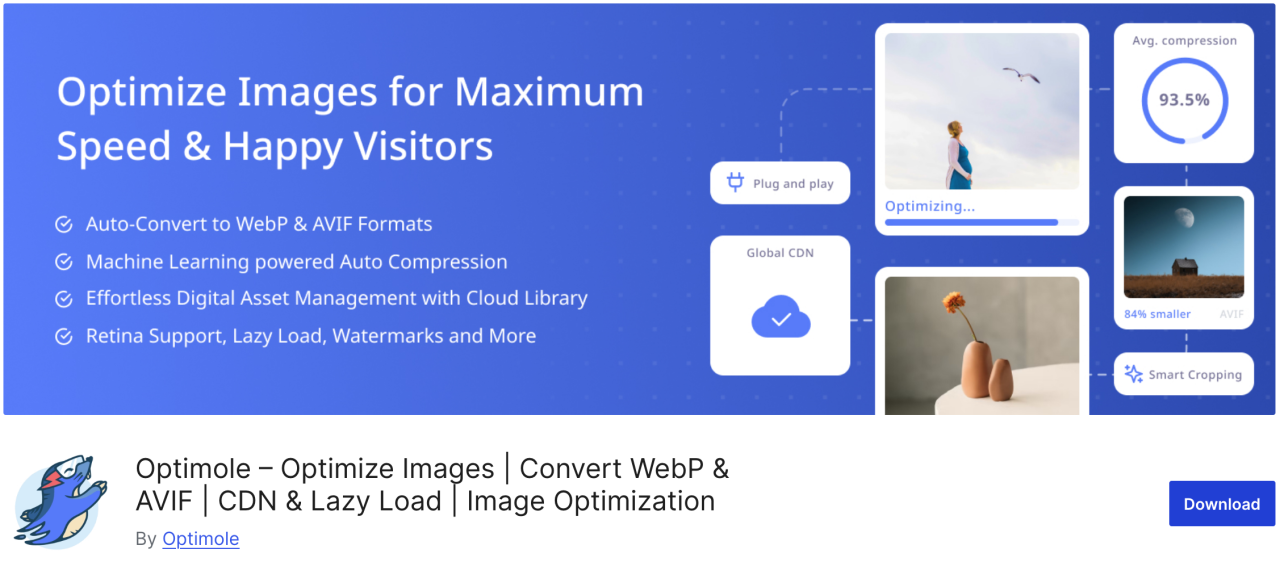
Optimole es un plugin basado en la nube que optimiza tus imágenes en tiempo real para mejorar la velocidad de tu sitio web. Este plugin elige automáticamente el mejor tamaño para tus imágenes según el navegador, el tamaño de pantalla y el dispositivo de los usuarios. También incluye una lazy loading opción de carga diferida y CDN para mejorar el tiempo de carga de la página.
Ventajas:
- Optimización de imágenes en la nube
- Redimensionamiento de imágenes en tiempo real
- Carga diferida y compatibilidad con WebP
Contras:
- Requiere una cuenta de Optimole
- Cuota mensual limitada en el plan gratuito
Precio:
- Comienza en $19.08 al mes
20. Draw Attention
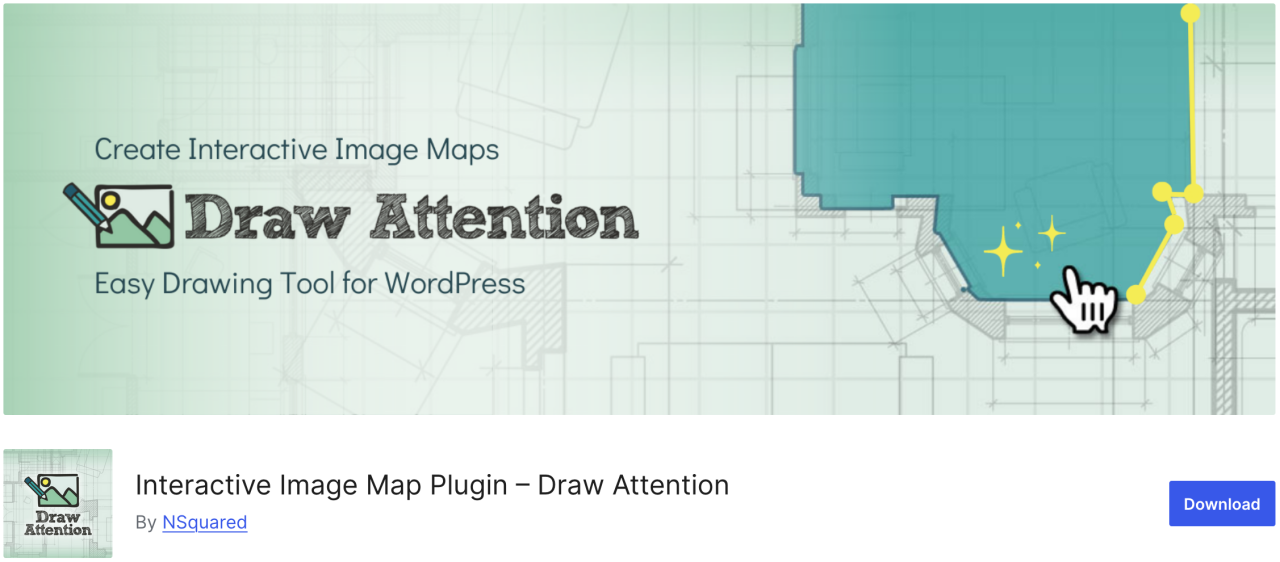
Si quieres crear fácilmente imágenes interactivas para tu sitio web, Draw Attention puede ser una opción adecuada. Con este plugin, puedes añadir puntos de acceso interactivos y asignarles diversas funciones. Además, proporciona más información sobre la imagen o su tema, añade un enlace a otra página web o sube una imagen que se mostrará una vez que se haga clic en el punto de acceso.
Ventajas:
- Responsive y compatible con móviles
- Rastrear datos de clics
Contras:
- Se necesita la versión Pro para múltiples mapas de imagen
Precio:
- Gratis
21. Final Tiles Grid
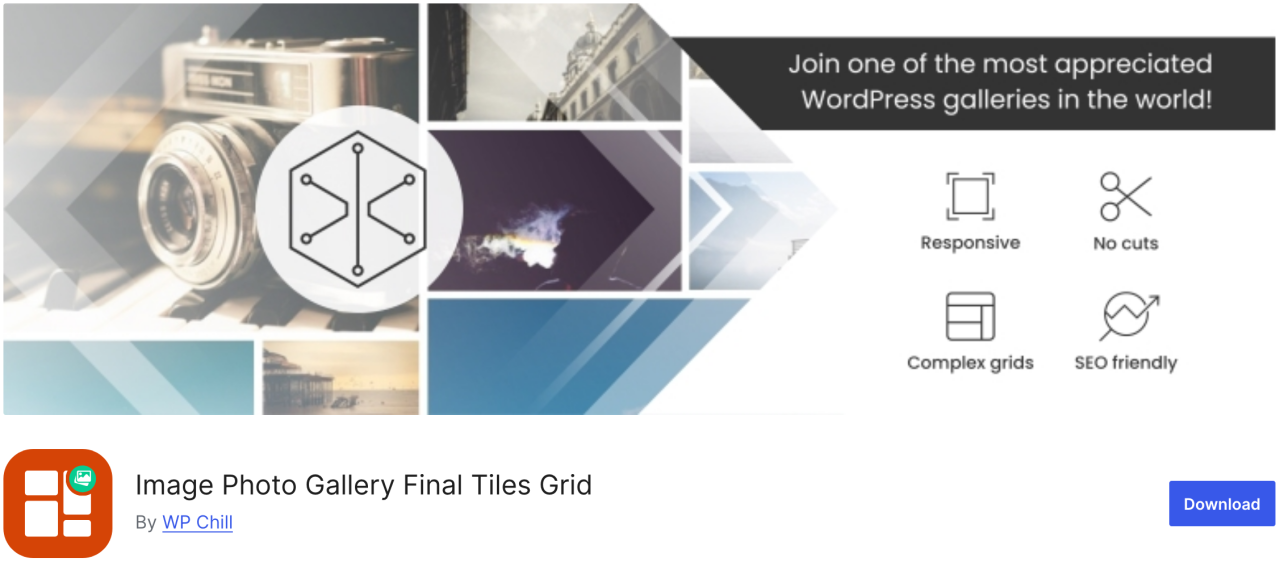
Final Tiles Grid es exactamente el tipo de plugin que necesitas. Si quieres redimensionar imágenes para que se ajusten a un diseño de galería, este plugin las organizará en llamativos diseños asimétricos, que se adaptan a los cambios de tamaño de visualización con una animación fluida. Además, ofrece una lightbox para un mayor impacto visual y multitud de opciones para compartir.
Ventajas:
- Diseño responsive
- Compatible con vídeo y medios mixtos
Contras:
- La versión gratuita es limitada
- La personalización puede requerir CSS
Precio:
- Gratis
¡Llamando a todos los webmasters!
Ahorre tiempo y aumente la productividad con WP Media Folder. Organice sin esfuerzo los archivos multimedia de sus clientes, cree galerías personalizadas y ofrezca una experiencia de usuario fluida.
¡Mejore sus proyectos web ahora!
Conclusión
Esa es toda la lista de los mejores plugins de WordPress para gestionar imágenes en tu sitio web. Al comprender las ventajas y desventajas de cada plugin, puedes tomar decisiones informadas que mejoren tu flujo de trabajo y garanticen que tu contenido siempre se vea lo mejor posible.
Y, si buscas una forma sencilla de organizar y gestionar todas tus imágenes directamente dentro de WordPress, no te pierdas WP Media Folder de JoomUnited.
Cuando se suscriba al blog, le enviaremos un correo electrónico cuando haya nuevas actualizaciones en el sitio para que no se las pierda.