WordPress products
 Joomla products
 Support
 Nieuws
 Login
LoginWP File Download add-on: Synchronisatie
Bij elk type cloudverbinding ziet u de synchronisatie-instellingen onderaan. U vindt deze onder WP File Download Configuration > Cloud Connection. De synchronisatiemethode en synchronisatiefrequentie zijn als volgt:
- Synchronisatiemethode: De methode voor cloudsynchronisatie. Standaard is CURL, alleen voor gevorderde gebruikers.
- Gebruik Curl
- Gebruik Ajax
- Crontab-URL
- Synchronisatiefrequentie: Automatische vertraging bij het synchroniseren van cloudcontent. Standaard is 30 minuten.

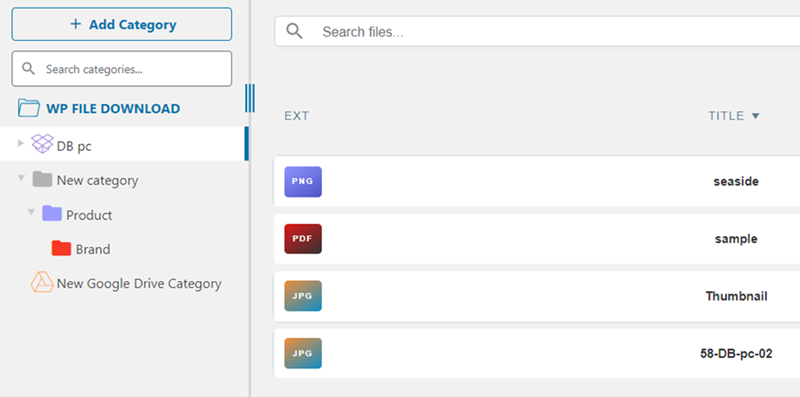
Nadat je succesvol verbinding hebt gemaakt, wordt de synchronisatie op WP File Download dashboard automatisch uitgevoerd volgens je instellingen
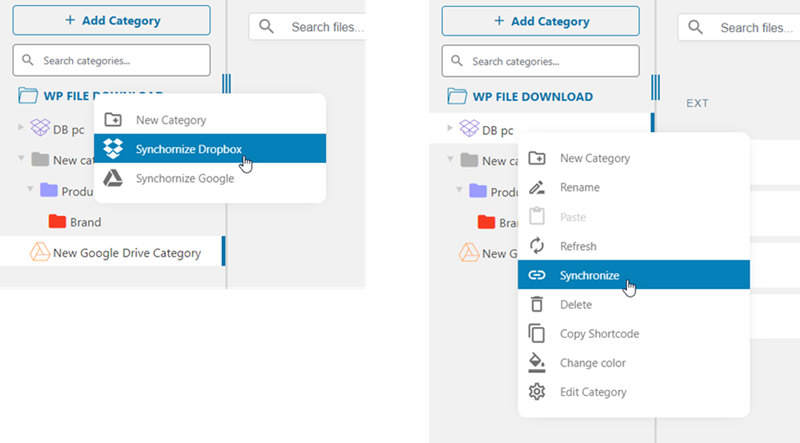
Je kunt cloudcategorieën handmatig op twee manieren synchroniseren:
- Klik met de rechtermuisknop op de hoofdcategorie WP File Download en selecteer vervolgens het platform dat u wilt synchroniseren.
- Klik met de rechtermuisknop op de gewenste categorie in de categorieënboom en klik vervolgens op 'Synchroniseren' in het contextmenu.