produk WordPress
 produk Joomla
 Dukungan
 Berita
 Login
Login20+ Plugin WordPress Hebat untuk Mengelola Gambar

Menambahkan gambar di situs web Anda membantu menghidupkan konten dan meningkatkan keterlibatan. Namun, gambar berukuran besar akan memenuhi situs web dan meningkatkan kecepatan pemuatan halaman, yang berdampak negatif pada SEO Anda dan menyebabkan frustrasi bagi pengunjung Anda.
Itulah mengapa mengelola gambar secara efektif sangat penting untuk meningkatkan performa situs Anda, daya tarik visual, dan SEO. Misalnya, menggunakan plugin WordPress dapat membuat gambar Anda terlihat menarik dan membantu situs web Anda berjalan atau dimuat dengan cepat.
Dalam artikel ini, kami akan membagikan beberapa plugin WordPress terbaik untuk mengelola gambar di situs web Anda agar memberikan pengalaman yang lebih baik bagi pengunjung Anda.
Daftar isi
- Plugin WordPress Terbaik untuk Mengelola Gambar
- 1. WP Media Folder
- 2. NextGEN Gallery
- 3. EWWW Image Optimizer
- 4. Envira Gallery
- 5. Media File Renamer
- 6. Enable Media Replace
- 7. Smush
- 8. Default Featured Image
- 9. Easy Watermark
- 10. Soliloquy
- 11. Smart Slider 3
- 12. Imsanity
- 13. Smash Balloon Instagram Feed Pro
- 14. Folders
- 15. Regenerate Thumbnails
- 16. Media Cleaner
- 17. reSmush.it
- 18. Featured Image from URL (FIFU)
- 19. Optimole
- 20. Draw Attention
- 21. Final Tiles Grid
- Kesimpulan
Plugin WordPress Terbaik untuk Mengelola Gambar
Baik Anda menjalankan blog, portofolio, atau toko online, mengelola gambar secara efisien sangatlah penting. Temukan plugin WordPress terbaik untuk menyederhanakan pengorganisasian media dan meningkatkan performa situs.
1. WP Media Folder
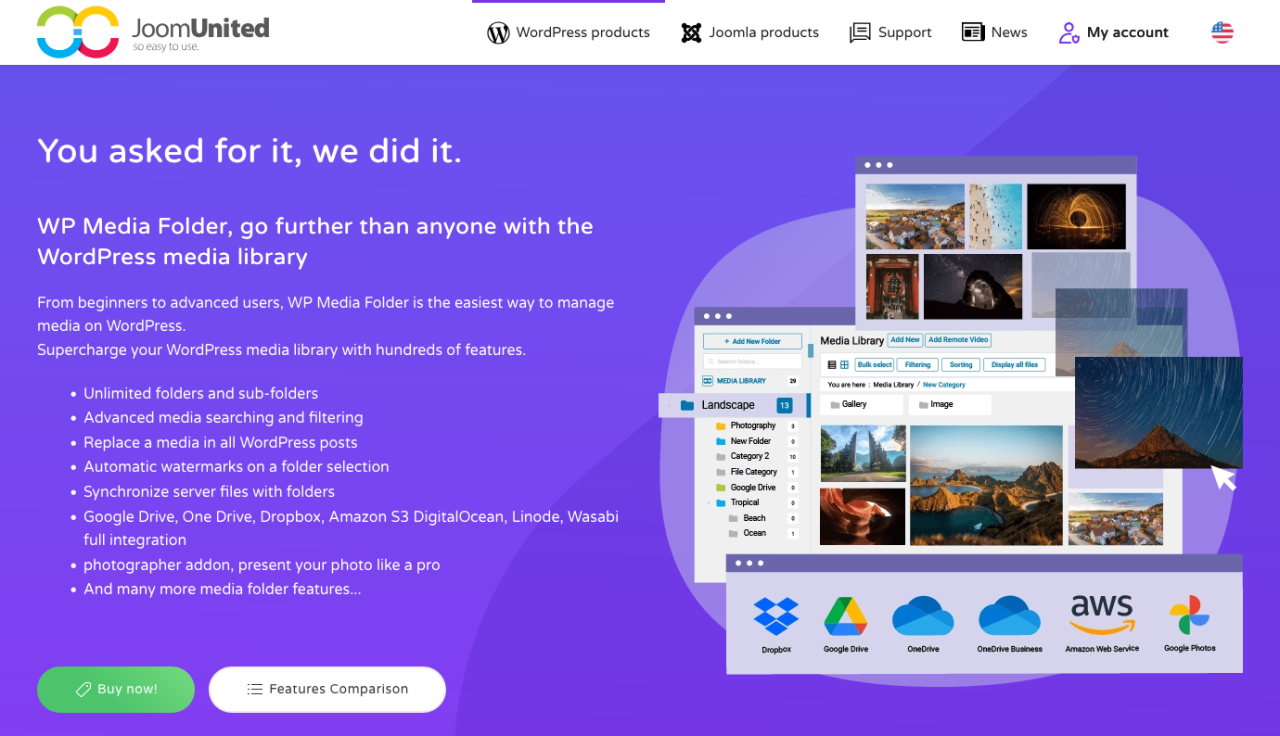
Jika pustaka media WordPress Anda mulai tidak terkendali, WP Media Folder menawarkan solusi cerdas berbasis folder untuk mengatur gambar Anda. Plugin ini memperluas pustaka media bawaan dengan memungkinkan Anda membuat folder dan subfolder, sehingga Anda dapat mengelola ribuan gambar dengan mudah.
Di sisi backend, plugin ini mendukung pengorganisasian drag-and-drop, pemfilteran file, pengurutan gambar, dan sinkronisasi folder langsung dengan server Anda. Di sisi frontend, WP Media Folder terintegrasi dengan pembuat galeri, memungkinkan Anda membuat galeri gambar yang menarik langsung dari folder media Anda. Plugin ini juga menyertakan opsi lanjutan seperti penggantian media (tanpa merusak tautan) dan integrasi dengan layanan penyimpanan cloud seperti Google Drive, Dropbox, dan OneDrive.
Ini adalah alat yang ampuh bagi siapa pun yang membutuhkan lebih banyak kendali atas aset media mereka — baik Anda seorang blogger, agensi, atau pemilik toko online.
Kelebihan:
- Pengorganisasian media folder dan subfolder
- Integrasi penyimpanan cloud dan sinkronisasi otomatis
- Kompatibilitas dengan pustaka media WordPress bawaan
Kekurangan:
- Beberapa fitur memerlukan Cloud Addon
Harga:
- Mulai dari $49 per tahun untuk plugin mandiri
- Bundle dengan Cloud Addon tersedia mulai dari $69 per tahun
Ucapkan selamat tinggal pada pustaka media yang berantakan.
WP Media Folder memungkinkan Anda mengategorikan file, menyinkronkan folder dengan penyimpanan cloud, membuat galeri yang menakjubkan, dan bahkan mengganti gambar tanpa merusak tautan.
Optimalkan alur kerja media Anda hari ini
2. NextGEN Gallery
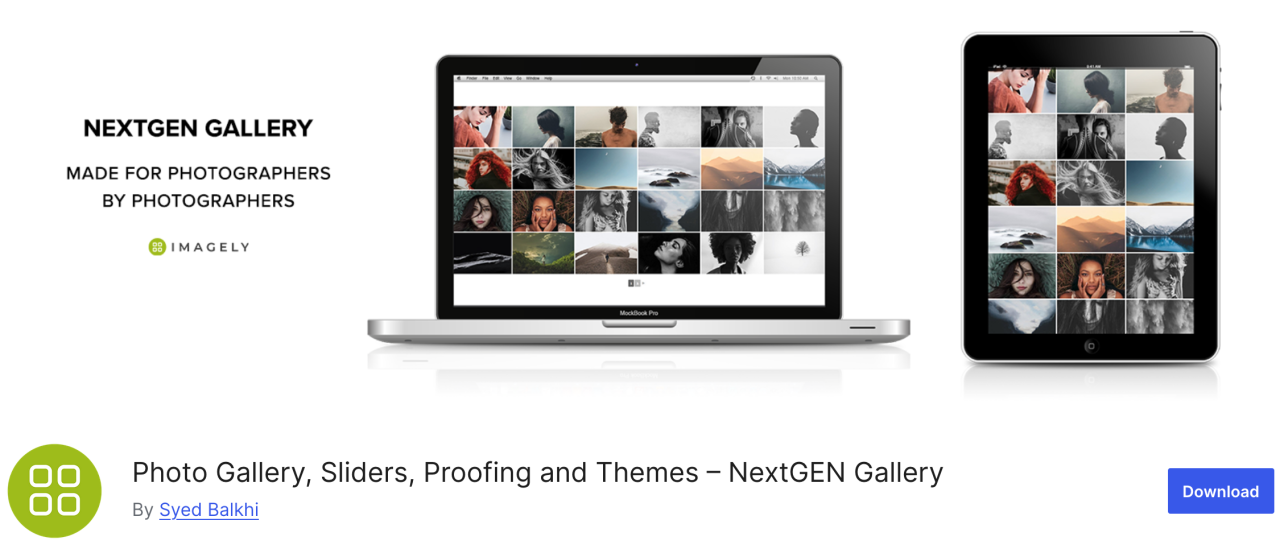
Jika Anda mencari plugin yang serbaguna, NextGEN Gallery menawarkan berbagai opsi pengelolaan gambar. Di sisi backend termasuk unggah batch, pengeditan thumbnail, impor metadata, dan lainnya, sedangkan untuk sisi frontend tersedia tiga gaya galeri dan dua gaya album.
Plugin ini adalah solusi lengkap yang baik. Selain itu, galeri dan album ini sepenuhnya dapat disesuaikan dalam hal gaya, waktu, transisi, efek lightbox, dan lainnya.
Kelebihan:
- Unggah batch dan pengurutan gambar
- Menawarkan lightbox dan slideshow
Kekurangan:
- Fitur terbatas di versi gratis
Harga:
- Versi Lite tersedia tetapi paket Starter mulai dari $69,50 per tahun
3. EWWW Image Optimizer
EWWW Image Optimizer adalah salah satu plugin WordPress terbaik, dilengkapi dengan alat yang canggih untuk mengompres gambar tanpa memengaruhi kualitasnya. Seperti yang Anda ketahui, gambar membutuhkan waktu lebih lama untuk dimuat dibandingkan teks, dan hal ini memengaruhi kecepatan serta performa situs web Anda.
Dengan plugin ini, Anda dapat mengoptimalkan gambar untuk web agar performanya lebih baik dan meningkatkan pengalaman pengunjung.
Kelebihan:
- Mendukung format WebP
- Kompresi gambar otomatis
Kekurangan:
- Beberapa fitur lanjutan terkunci di balik versi premium
Harga:
- Gratis digunakan
4. Envira Gallery
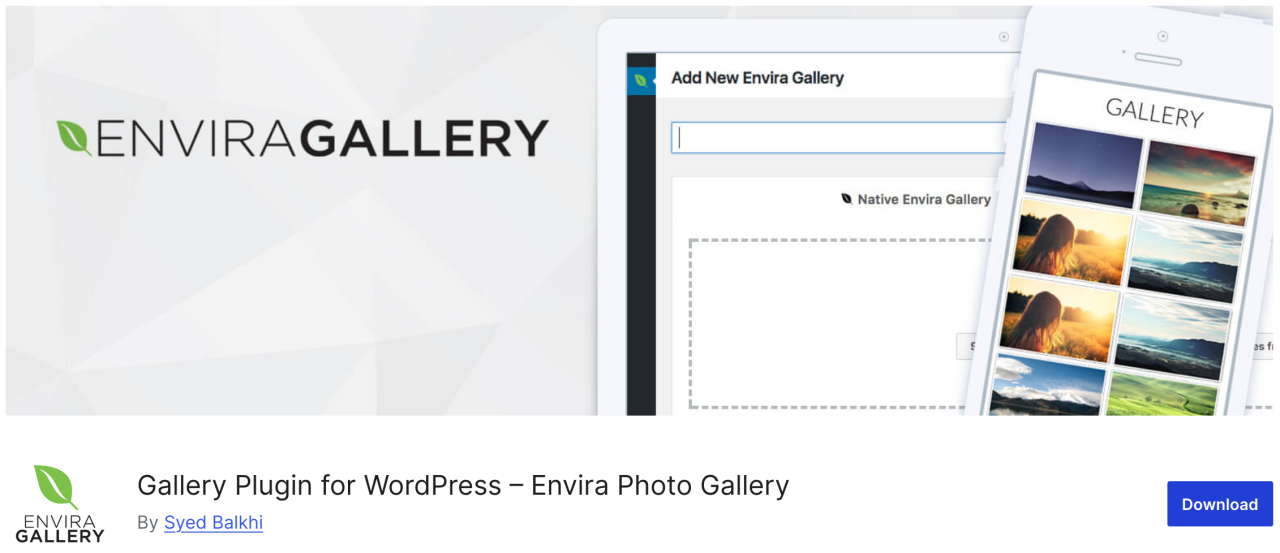
Selanjutnya, Envira Gallery, plugin yang memungkinkan Anda membuat galeri gambar yang indah dan responsif seluler di WordPress hanya dengan beberapa klik. Plugin ini memiliki banyak fitur manajemen gambar seperti album, penandaan gambar, watermark, proofing, perlindungan kata sandi, dan sebagainya.
Selain itu, ini adalah plugin galeri foto paling ramah SEO untuk WordPress dan menawarkan addon untuk deep linking dan pagination. Ada juga integrasi WooCommerce yang memungkinkan Anda menambahkan toko online untuk menjual foto Anda.
Kelebihan:
- Ramah SEO
- Integrasi WooCommerce
- Pembuat drag-and-drop
Kekurangan:
- Sebagian besar fitur memerlukan paket berbayar
- Kustomisasi terbatas di versi gratis
Harga:
- Tersedia versi gratis, yaitu versi lite
- Paket Basic mulai dari $39,50 per tahun
5. Media File Renamer
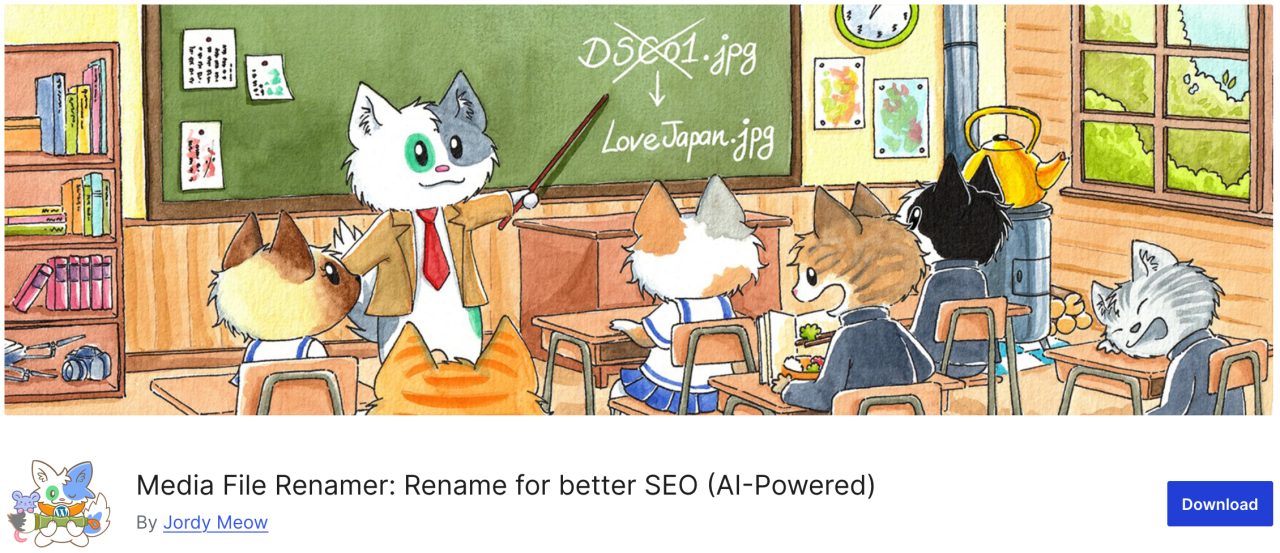
Jika Anda mencari plugin yang memungkinkan Anda mengubah nama file apa pun di pustaka media WordPress, Media File Renamer adalah pilihan yang tepat. Plugin ini secara otomatis mengganti nama file berdasarkan judul file yang Anda masukkan saat mengunggah.
Saat Anda mengganti nama file menggunakan plugin ini, plugin ini juga memperbarui semua referensi ke file tersebut di postingan dan halaman WordPress Anda.
Kelebihan:
- Mengganti nama file media secara otomatis atau manual
- Meningkatkan SEO dan pengorganisasian
- Menyinkronkan nama file dengan judul
Kekurangan:
- Versi gratis memiliki lebih sedikit fitur
- Mungkin tidak kompatibel dengan beberapa tema/plugin
Harga:
- Tersedia versi gratis
- Versi Pro mulai dari $29
6. Enable Media Replace
Plugin berikutnya memungkinkan Anda mengganti file media langsung dari pustaka media WordPress. Jika Anda harus mengganti gambar di postingan WordPress, Enable Media Replace dapat menghemat waktu Anda karena mudah untuk mengganti gambar, Anda tidak perlu mengedit postingan untuk menambahkan gambar baru dan menghapus gambar lama.
Kelebihan:
- Mudah mengganti file media yang ada
- Menghemat waktu dibandingkan penggantian manual
Kekurangan:
- Tidak ada kontrol versi atau riwayat
- Terbatas pada penggantian individual
Harga:
- Gratis digunakan
7. Smush
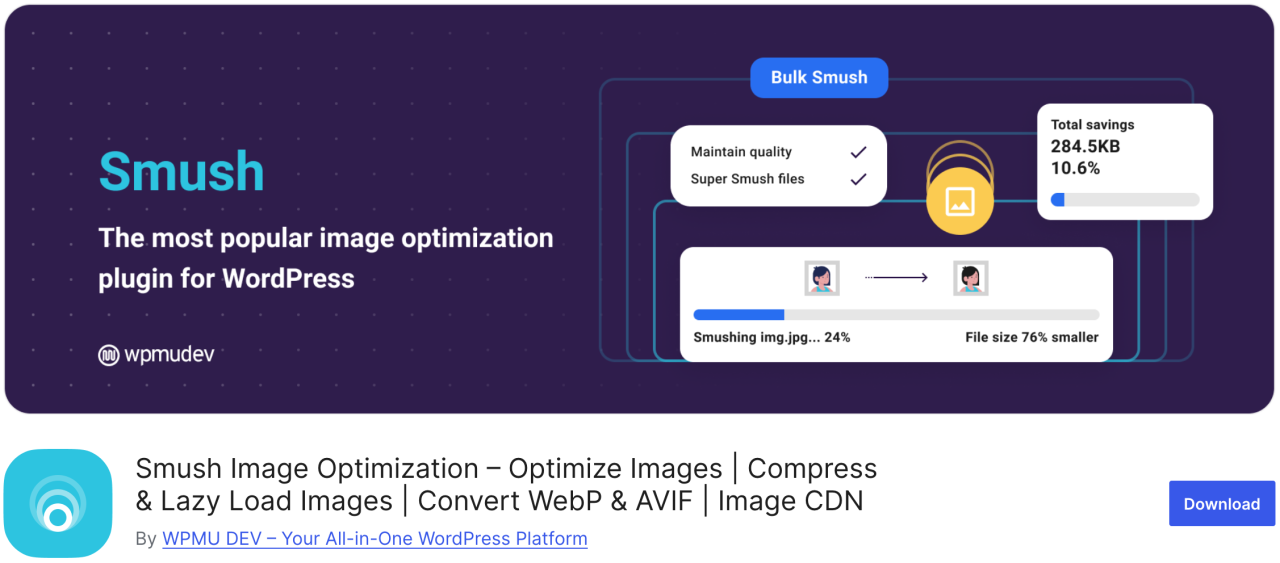
Salah satu plugin optimasi gambar yang paling populer dan mudah digunakan adalah Smush. Anda dapat menggunakannya untuk mengompresi hingga 50 gambar secara massal, menghemat waktu Anda serta pengunjung, sekaligus mengidentifikasi gambar yang menyebabkan perlambatan pemuatan.
Versi gratisnya bekerja dengan format .png, .jpeg, dan .gif, sedangkan format WebP hanya tersedia pada versi pro plugin ini.
Kelebihan:
- Kompresi gambar massal
- Dukungan lazy load
- Terintegrasi dengan CDN
Kekurangan:
- WebP hanya di Pro
Harga:
- Versi gratis tersedia
- Versi pro dasar mulai dari $15 per bulan
8. Default Featured Image

Jika Anda harus mengelola banyak penulis-kontributor, Anda mungkin merasa tertekan untuk menyediakan gambar unggulan untuk banyak artikel dalam waktu singkat. Dengan plugin Default Featured Image, Anda dapat mengatur gambar untuk digunakan jika gambar unggulan khusus tidak ditentukan. Bahkan jika itu hanya logo bisnis Anda, jauh lebih baik daripada membiarkannya kosong.
Kelebihan:
- Membantu menjaga konsistensi tata letak
- Mudah disiapkan dan digunakan
Kekurangan:
- Opsi kustomisasi terbatas
Harga:
- Gratis digunakan
9. Easy Watermark

Jika Anda khawatir orang lain mencuri foto Anda dan mengklaimnya sebagai milik mereka, Anda dapat membubuhkan tanda air pada semua gambar Anda menggunakan Easy Watermark. Anda dapat membubuhkan tanda air pada gambar saat diunggah, atau pada gambar yang sudah ada di pustaka media Anda.
Kelebihan:
- Dukungan watermark teks dan gambar
- Pemrosesan batch
Kekurangan:
- Tidak ada opsi pembatalan setelah pemberian watermark
Harga:
- Gratis digunakan
10. Soliloquy
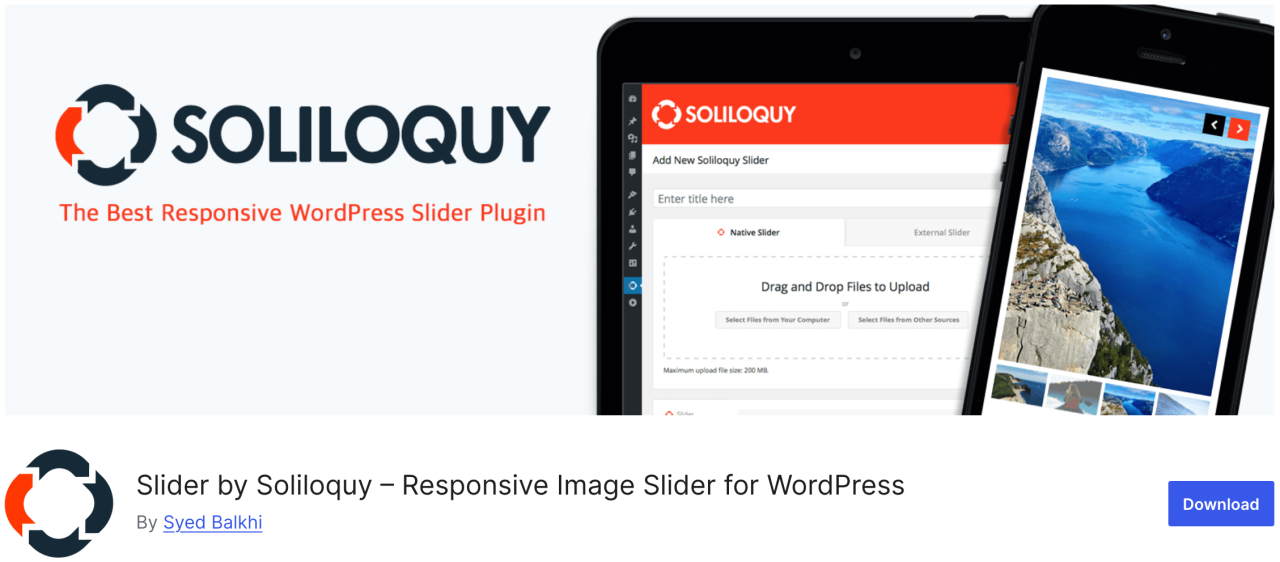
Soliloquy adalah plugin yang lebih cepat dan paling mudah digunakan dengan banyak fitur seperti slider konten unggulan, carousel, tema slider, lightbox, dan lainnya. Ini memungkinkan Anda untuk mengarahkan perhatian pengguna ke konten terpenting Anda, seperti slideshow gambar yang disertai teks, ajakan bertindak, dan animasi.
Kelebihan:
- Ringan dan cepat
- Pembuat drag-and-drop
Kekurangan:
- Template terbatas di versi gratis
Harga:
- Versi gratis tersedia
- Paket Premium mulai dari $19,50 per tahun
11. Smart Slider 3
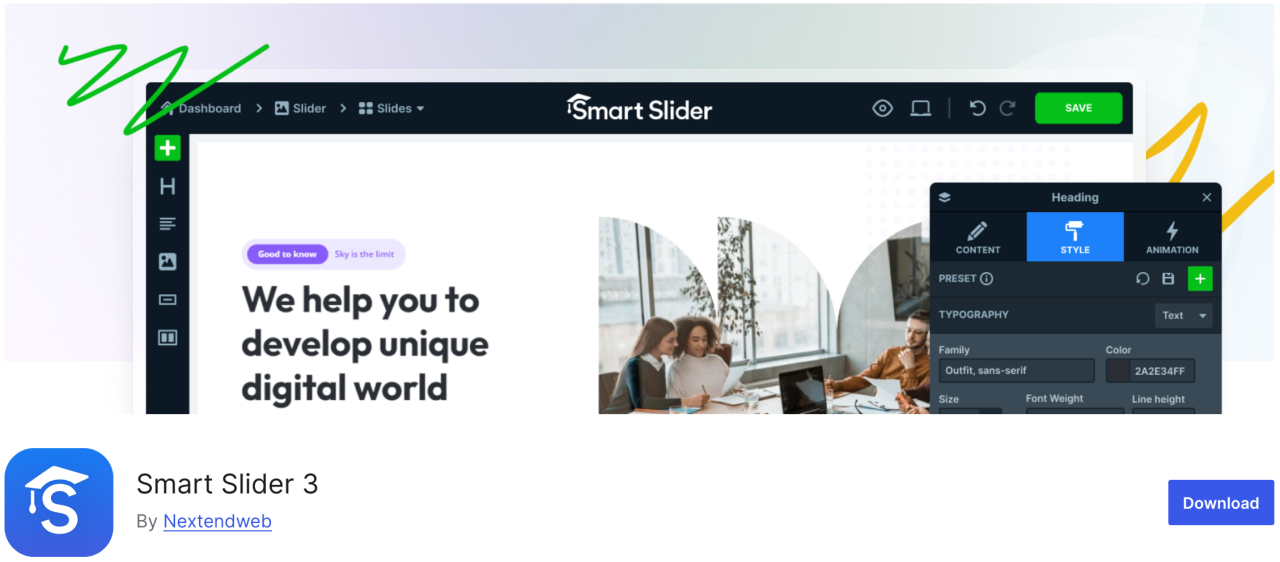
Plugin ini dilengkapi dengan penyesuai drag-and-drop yang indah, memungkinkan Anda membuat slideshow dengan cepat. Mudah digunakan dan memiliki banyak fitur seperti animasi, transisi yang indah, slider yang ramah seluler, dan lainnya.
Kelebihan:
- Ramah SEO dan performa
- Responsif di perangkat seluler
Kekurangan:
- Beberapa templat/fitur terkunci di balik Pro
Harga:
- Versi gratis tersedia
- Versi berbayar mulai dari $49
12. Imsanity
Imsanity adalah plugin pilihan yang tepat yang dapat melakukan pengubahan ukuran massal pada unggahan lama berdasarkan pengaturan Anda. Plugin ini memungkinkan Anda menetapkan tinggi dan lebar maksimum gambar untuk unggahan WordPress dan secara otomatis mengubah ukuran file gambar yang besar.
Kelebihan:
- Secara otomatis mengubah ukuran gambar besar
- Ubah ukuran gambar yang ada secara massal
Kekurangan:
- Fitur dasar
- Tidak mengompresi, hanya mengubah ukuran
Harga:
- Versi gratis tersedia
13. Smash Balloon Instagram Feed Pro

Salah satu plugin WordPress paling populer adalah Smash Balloon Instagram Feed Pro, tempat Anda dapat menambahkan gambar Instagram ke situs Anda. Plugin ini juga mengoptimalkan gambar secara otomatis untuk memastikan situs web Anda tetap cepat dan responsif.
Selain itu, dengan plugin ini, Anda dapat menautkan halaman produk Anda ke gambar Instagram Anda dan mengarahkan pengguna untuk meningkatkan penjualan Anda.
Kelebihan:
- Menampilkan feed Instagram dengan indah
- Tata letak yang sangat dapat disesuaikan
Kekurangan:
- Versi Pro diperlukan untuk sebagian besar fitur
Harga:
- Mulai dari $49
14. Folders

Folders adalah plugin gratis yang memungkinkan Anda mengurutkan dan mengelola gambar di pustaka media, sehingga Anda dapat memfilter dan mengatur konten media. Dengan plugin ini, Anda dapat membuat beberapa folder untuk menambahkan gambar, video, musik, dan konten lainnya secara terpisah.
Kelebihan:
- Mengatur media ke dalam folder
- Berfungsi dengan media, halaman, dan pos
- Antarmuka seret dan lepas
Kekurangan:
- Versi gratis terbatas
Harga:
- Versi gratis tersedia
- Versi Pro mulai dari $49 per tahun
15. Regenerate Thumbnails

Plugin hebat ini memungkinkan Anda membuat ulang semua ukuran gambar di WordPress dengan cepat. Misalnya, jika Anda mengaktifkan tema seperti itu, WordPress akan mulai menyimpan gambar dalam ukuran baru tersebut. Namun, WordPress tidak akan membuat ulang ukuran baru untuk gambar lama. Selain itu, tema WordPress juga dapat menambahkan ukuran gambarnya sendiri untuk digunakan sebagai thumbnail.
Kelebihan:
- Membuat ulang thumbnail untuk semua gambar
- Berguna setelah pergantian tema
Kekurangan:
- Tidak ada penjadwalan atau otomatisasi
- Tidak menghapus thumbnail lama
Harga:
- Gratis digunakan
16. Media Cleaner
Plugin Media Cleaner memungkinkan penghapusan otomatis gambar yang tidak terpakai dan rusak dari pustaka media WordPress Anda. Setelah jangka waktu tertentu, file gambar di folder sampah akan dihapus secara permanen.
Oleh karena itu, kami menyarankan Anda untuk membuat cadangan situs penuh sebelum menginstal plugin ini, meskipun plugin ini menyimpan gambar yang dihapus di folder sampah agar Anda dapat meninjaunya.
Kelebihan:
- Membersihkan file media yang tidak terpakai dan rusak
- Membantu mengurangi pembengkakan situs
Kekurangan:
- Risiko menghapus file penting jika tidak berhati-hati
- Memerlukan Pro untuk fungsionalitas penuh
Harga:
- Versi gratis tersedia
- Versi Pro mulai dari $29
17. reSmush.it

Salah satu plugin optimasi gambar WordPress paling populer lainnya adalah reSmush.it, sebuah plugin dengan teknologi canggih untuk mengurangi ukuran gambar JPG, PNG, dan GIF dengan cepat. Plugin ini juga menawarkan opsi optimasi gambar massal, tingkat optimasi, dan lainnya. Anda memiliki kendali penuh untuk mengecualikan gambar yang tidak ingin Anda optimalkan.
Kelebihan:
- Optimasi gambar gratis
- Mendukung pemrosesan batch
Kekurangan:
- Optimasi lebih lambat untuk gambar berukuran besar
- Tidak mendukung WebP
Harga:
- Versi gratis tersedia
18. Featured Image from URL (FIFU)
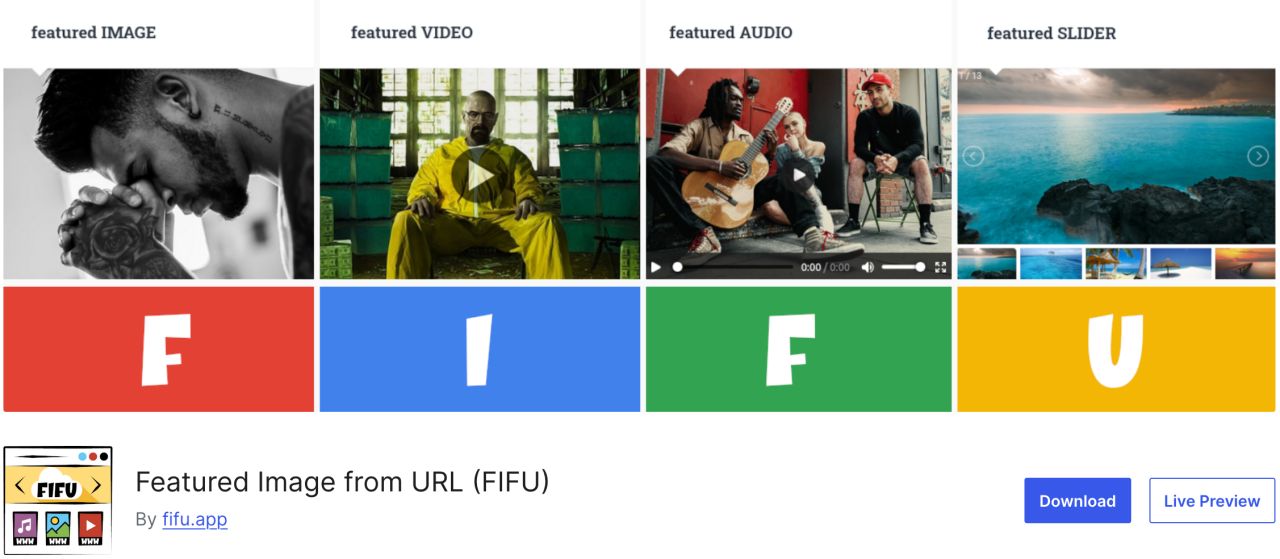
Plugin ini memungkinkan Anda menambahkan gambar unggulan, video, dan audio tanpa mengunggahnya ke pustaka media. Cukup salin tautan gambar, lalu gambar tersebut akan langsung diunggah ke pos blog Anda. Plugin ini juga kompatibel dengan WooCommerce dan plugin galeri produk.
Plugin ini akan menghemat banyak biaya untuk potensi biaya penyimpanan dan pemrosesan gambar karena plugin ini tidak menyimpan gambar ke pustaka media Anda.
Kelebihan:
- Menggunakan URL gambar eksternal sebagai gambar unggulan
- Pembuatan thumbnail otomatis
Kekurangan:
- Memengaruhi kecepatan pemuatan jika server eksternal lambat
- Beberapa tema mungkin tidak mendukung featured image berbasis URL
Harga:
- Gratis digunakan
- Paket berbayar mulai dari €29,90 per tahun
19. Optimole
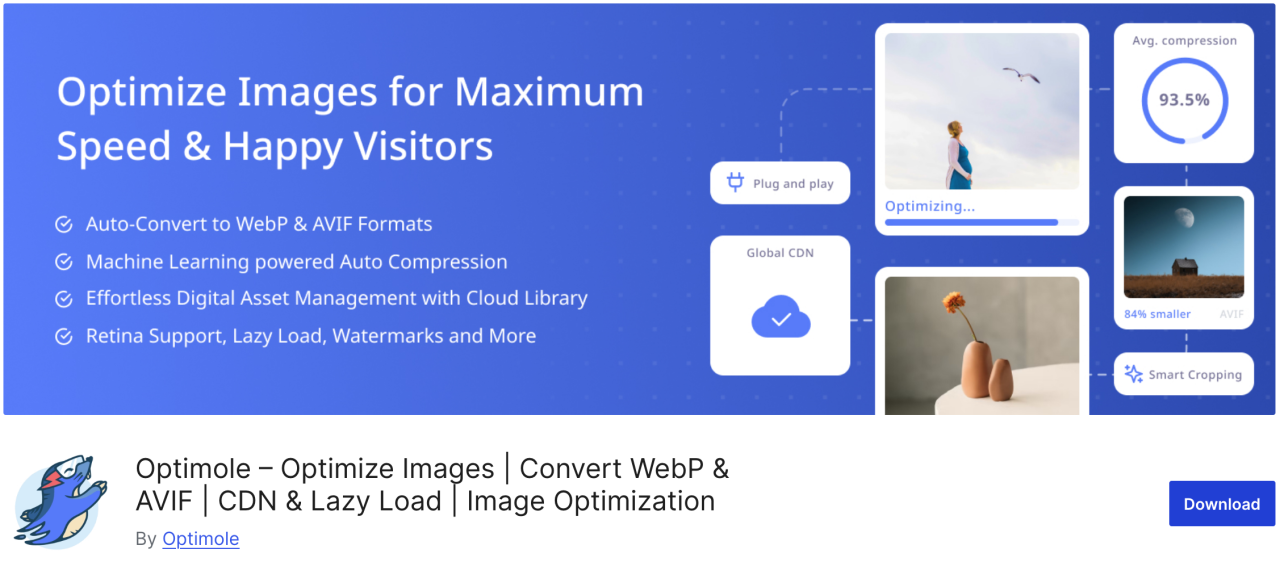
Optimole adalah plugin berbasis cloud yang mengoptimalkan gambar Anda secara real-time untuk meningkatkan kecepatan situs web Anda. Plugin ini secara otomatis memilih ukuran terbaik untuk gambar Anda berdasarkan browser, ukuran layar, dan perangkat pengguna. Plugin ini juga dilengkapi dengan lazy loading dan CDN untuk meningkatkan waktu pemuatan halaman.
Kelebihan:
- Optimasi gambar berbasis cloud
- Pengubahan ukuran gambar secara real-time
- Lazy load dan dukungan WebP
Kekurangan:
- Memerlukan akun Optimole
- Kuota bulanan terbatas pada paket gratis
Harga:
- Mulai dari $19,08 per bulan
20. Draw Attention
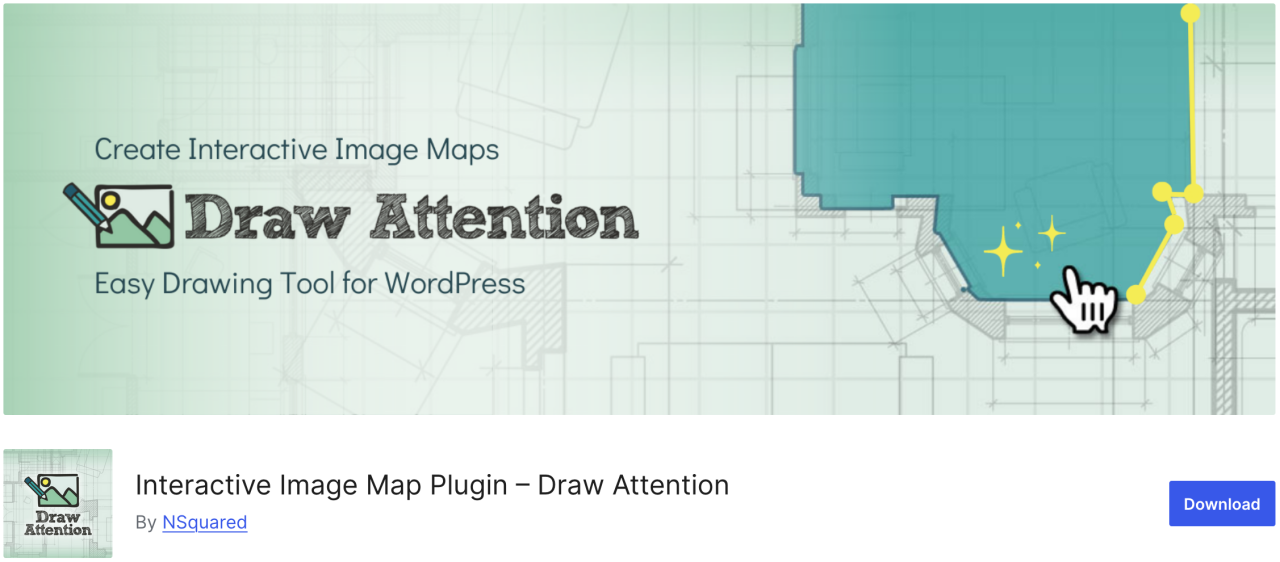
Jika Anda ingin dengan mudah membuat gambar interaktif untuk situs web Anda, Draw Attention mungkin menjadi pilihan yang tepat. Dengan plugin ini, Anda dapat menambahkan hotspot yang dapat diklik dan menetapkan berbagai fungsi padanya. Selain itu, plugin ini memberikan lebih banyak informasi tentang gambar atau subjeknya, menambahkan tautan ke halaman web lain, atau mengunggah gambar yang akan ditampilkan setelah hotspot diklik.
Kelebihan:
- Responsif dan ramah seluler
- Lacak data klik
Kekurangan:
- Versi Pro diperlukan untuk beberapa peta gambar
Harga:
- Gratis digunakan
21. Final Tiles Grid
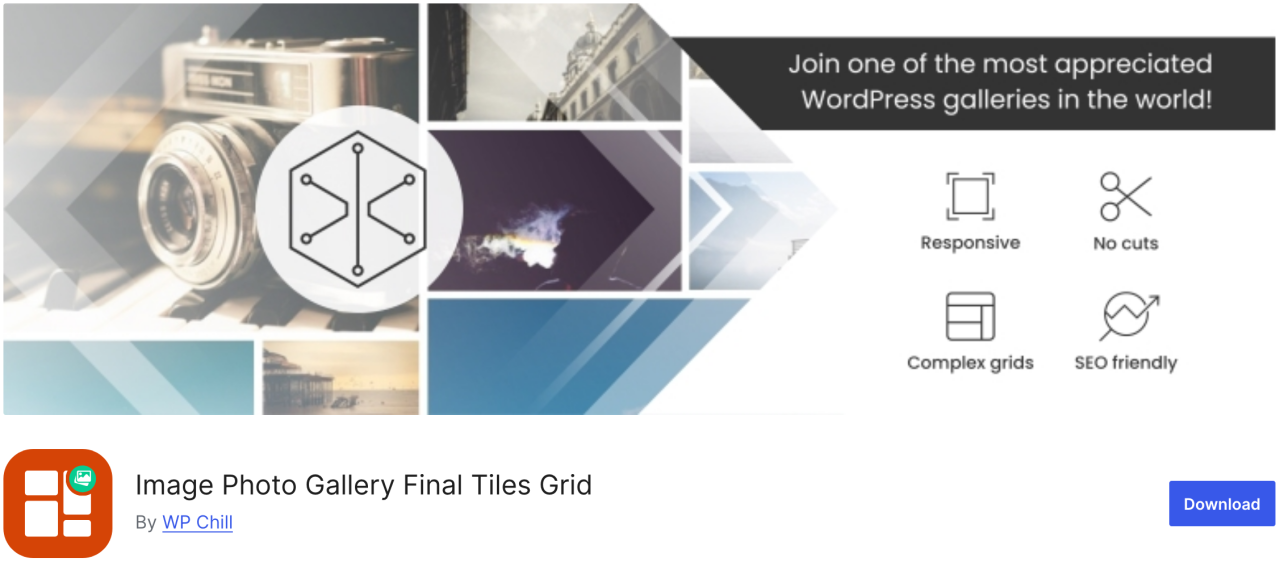
Final Tiles Grid adalah jenis plugin yang tepat untuk Anda. Jika Anda ingin mengubah ukuran gambar agar sesuai dengan tata letak galeri, plugin ini akan menyusunnya dalam tata letak asimetris yang menarik, yang menyesuaikan dengan ukuran tampilan yang berubah dengan animasi yang halus. Selain itu, plugin ini menawarkan lightbox untuk dampak visual tambahan dan banyak opsi berbagi.
Kelebihan:
- Desain responsif
- Mendukung video dan media campuran
Kekurangan:
- Versi gratis terbatas
- Kustomisasi mungkin memerlukan CSS
Harga:
- Gratis digunakan
Panggilan untuk semua webmaster!
Hemat waktu dan tingkatkan produktivitas dengan WP Media Folder. Atur file media klien dengan mudah, buat galeri kustom, dan berikan pengalaman pengguna yang mulus.
Tingkatkan proyek situs web Anda sekarang!
Kesimpulan
Itulah seluruh daftar plugin WordPress terbaik untuk mengelola gambar di situs web Anda. Dengan memahami kelebihan dan kekurangan setiap plugin, Anda dapat membuat keputusan yang tepat yang meningkatkan alur kerja Anda dan memastikan konten Anda selalu tampil maksimal.
Dan, jika Anda mencari cara mudah untuk mengatur dan mengelola semua gambar Anda langsung di dalam WordPress, jangan lewatkan WP Media Folder dari JoomUnited.
Saat Anda berlangganan blog, kami akan mengirimkan email kepada Anda ketika ada pembaruan baru di situs agar Anda tidak melewatkannya.