WordPress 제품
 Joomla 제품
 Support
 News
News 登录
登录이미지 관리를 위한 20개 이상의 훌륭한 워드프레스 플러그인

웹사이트에 이미지를 추가하면 콘텐츠에 생기를 불어넣고 참여도를 높일 수 있습니다. 그러나 큰 이미지는 웹사이트를 막히게 하고 페이지 로드 속도를 증가시켜 SEO에 부정적인 영향을 미치고 방문자에게 불편을 초래합니다.
그렇기 때문에 이미지를 효과적으로 관리하는 것은 사이트의 성능, 시각적 매력, 그리고 SEO를 향상시키는 데 매우 중요합니다. 예를 들어, WordPress 플러그인을 사용하면 이미지를 매력적으로 보이게 하고 웹사이트를 빠르게 운영하거나 로드하는 데 도움이 됩니다.
이 글에서는 방문자에게 더 나은 경험을 제공하기 위해 웹사이트의 이미지를 관리하는 최고의 WordPress 플러그인 몇 가지를 공유하겠습니다.
목차
- 이미지 관리를 위한 최고의 WordPress 플러그인
- 1. WP Media Folder
- 2. NextGEN Gallery
- 3. EWWW Image Optimizer
- 4. Envira Gallery
- 5. Media File Renamer
- 6. Enable Media Replace
- 7. Smush
- 8. 기본 추천 이미지
- 9. 이지 워터마크
- 10. Soliloquy
- 11. Smart Slider 3
- 12. Imsanity
- 13. Smash Balloon Instagram Feed Pro
- 14. 폴더
- 15. Regenerate Thumbnails
- 16. Media Cleaner
- 17. reSmush.it
- 18. URL에서 추천 이미지 가져오기 (FIFU)
- 19. Optimole
- 20. Draw Attention
- 21. Final Tiles Grid
- Conclusion
이미지 관리를 위한 최고의 WordPress 플러그인
블로그, 포트폴리오, 또는 온라인 스토어를 운영하든, 이미지를 효율적으로 관리하는 것은 필수적입니다. 미디어 정리를 간소화하고 사이트 성능을 향상시키는 최고의 WordPress 플러그인을 알아보세요.
1. WP Media Folder
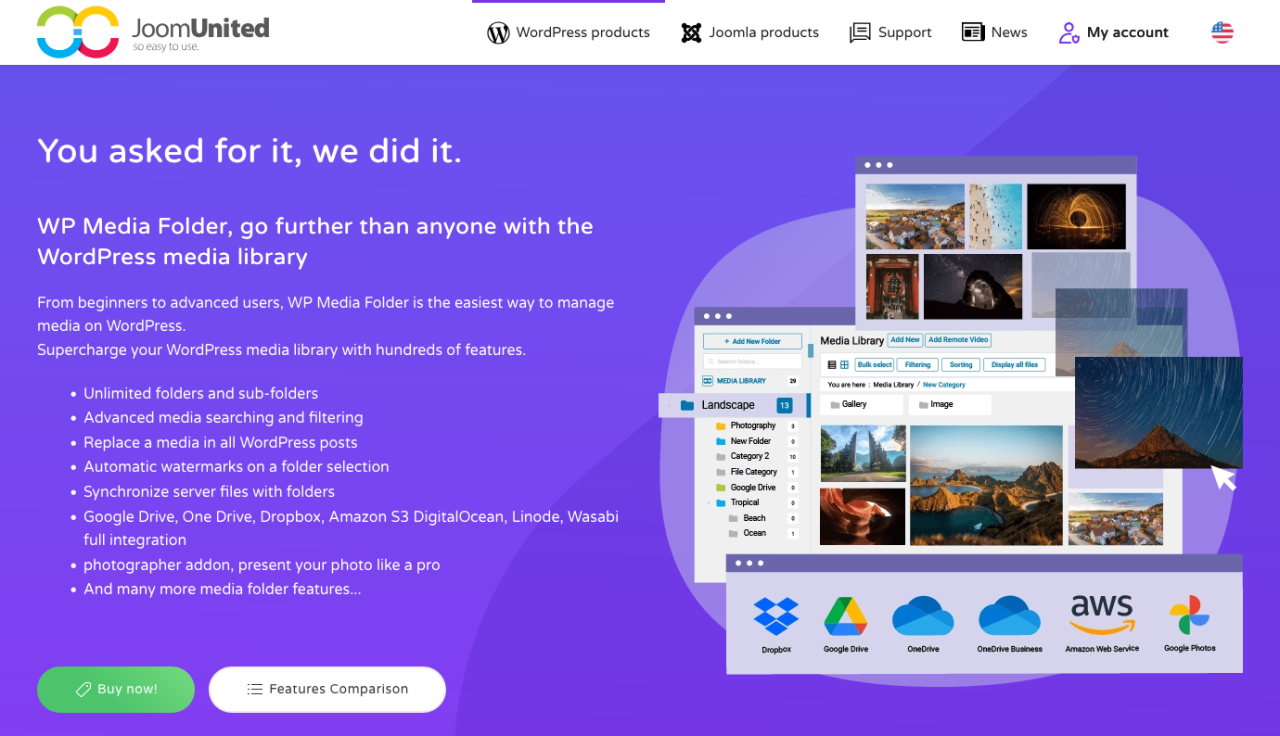
WordPress 미디어 라이브러리가 감당하기 어려워지고 있다면, WP Media Folder 가 이미지를 정리할 수 있는 스마트한 폴더 기반 솔루션을 제공합니다. 이 플러그인은 기본 미디어 라이브러리를 확장하여 폴더와 하위 폴더를 만들 수 있게 해주므로 수천 개의 이미지를 손쉽게 관리할 수 있습니다.
백엔드에서는 드래그 앤 드롭 정리, 파일 필터링, 이미지 순서 지정, 서버와의 직접 폴더 동기화를 지원합니다. 프런트엔드에서는 WP Media Folder 가 갤러리 빌더와 통합되어 미디어 폴더에서 바로 세련된 이미지 갤러리를 만들 수 있습니다. 또한 링크를 깨뜨리지 않는 미디어 교체와 Google Drive, Dropbox, OneDrive 같은 클라우드 스토리지 서비스와의 통합 등 고급 옵션도 포함되어 있습니다.
블로거, 에이전시, 온라인 스토어 운영자 등 미디어 자산을 더 세밀하게 관리해야 하는 모든 사람에게 강력한 도구입니다.
장점:
- 폴더 및 하위 폴더 미디어 정리
- 클라우드 스토리지 통합 및 자동 동기화
- 네이티브 WordPress 미디어 라이브러리 호환성
단점:
- 일부 기능은 Cloud Addon이 필요합니다
가격:
- 독립형 플러그인의 경우 연간 $49부터 시작합니다
- Bundle 및 Cloud Addon 번들, 연간 $69부터 이용 가능
복잡한 미디어 라이브러리와 작별하세요.
WP Media Folder 를 사용하면 파일을 분류하고, 클라우드 스토리지와 폴더를 동기화하고, 멋진 갤러리를 만들고, 링크를 깨뜨리지 않고 이미지를 교체할 수도 있습니다.
오늘 미디어 워크플로우를 최적화하세요
2. NextGEN Gallery
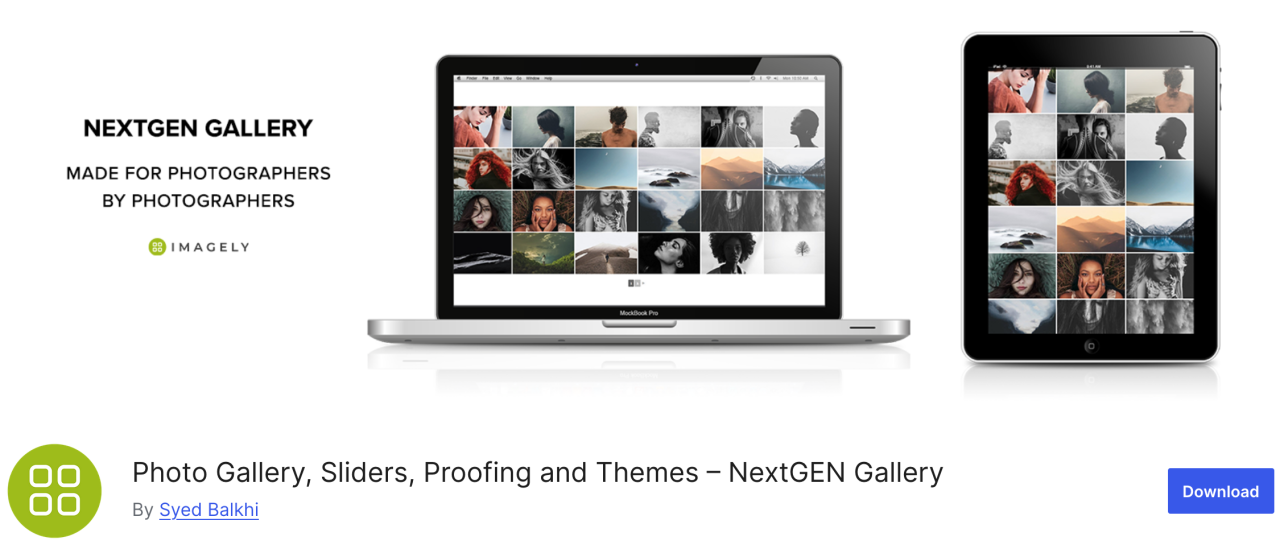
다양한 기능을 갖춘 플러그인을 찾고 있다면 NextGEN Gallery는 다양한 이미지 관리 옵션을 제공합니다. 백엔드에서는 일괄 업로드, 썸네일 편집, 메타 데이터 가져오기 등을 포함하며, 프런트엔드 측면에서는 세 가지 갤러리 스타일과 두 가지 앨범 스타일이 있습니다.
이 플러그인은 훌륭한 종합 솔루션입니다. 또한 이러한 갤러리와 앨범은 스타일, 타이밍, 전환, 라이트박스 효과 등 모든 면에서 완전히 사용자 정의할 수 있습니다.
장점:
- 일괄 업로드 및 이미지 정렬
- 라이트박스 및 슬라이드쇼 제공
단점:
- 무료 버전의 제한된 기능
가격:
- Lite 버전을 사용할 수 있지만 Starter 플랜은 연간 $69.50부터 시작합니다
3. EWWW Image Optimizer
EWWW Image Optimizer는 품질에 영향을 주지 않고 이미지를 압축할 수 있는 강력한 도구를 갖춘 최고의 WordPress 플러그인 중 하나입니다. 아시다시피 이미지는 텍스트보다 로드 시간이 오래 걸리며, 이는 웹사이트 속도와 성능에 영향을 미칩니다.
이 플러그인을 사용하면 더 나은 성능을 위해 웹용 이미지를 최적화하고 방문자 경험을 향상시킬 수 있습니다.
장점:
- WebP 형식 지원
- 자동 이미지 압축
단점:
- 프리미엄에 잠긴 일부 고급 기능
가격:
- 무료로 사용 가능
4. Envira Gallery
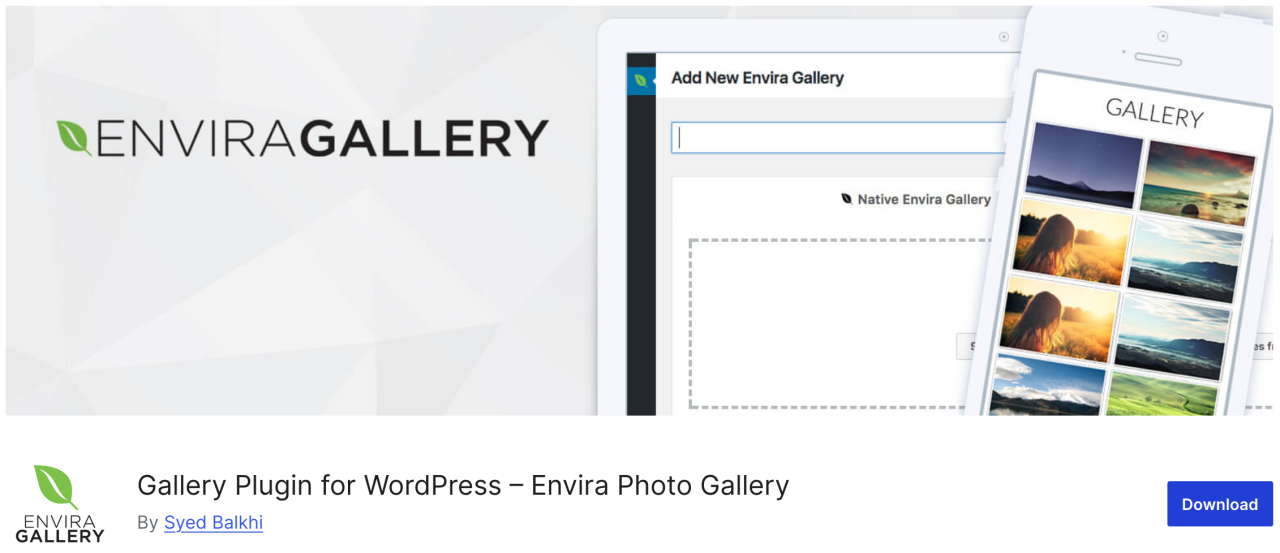
다음은 Envira Gallery입니다. 이 플러그인을 사용하면 WordPress에서 몇 번의 클릭만으로 아름답고 모바일 반응형 이미지 갤러리를 만들 수 있습니다. 앨범, 이미지 태깅, 워터마킹, 프루핑, 비밀번호 보호 등 수많은 이미지 관리 기능을 갖추고 있습니다.
또한 WordPress를 위한 가장 SEO 친화적인 사진 갤러리 플러그인이며 딥 링크와 페이지네이션을 위한 애드온을 제공합니다. 사진을 판매할 수 있는 온라인 스토어를 추가할 수 있는 WooCommerce 통합도 있습니다.
장점:
- SEO 친화적
- WooCommerce 통합
- 드래그 앤 드롭 빌더
단점:
- 대부분의 기능은 유료 플랜 필요
- 무료 버전에서는 사용자 정의가 제한됩니다
가격:
- 무료 버전(라이트 버전)이 제공됩니다
- 기본 플랜은 연간 $39.50부터 시작
5. Media File Renamer
WordPress 미디어 라이브러리의 모든 파일 이름을 변경할 수 있는 플러그인을 찾고 있다면 Media File Renamer가 훌륭한 선택입니다. 업로드할 때 입력한 파일 제목을 기반으로 파일 이름을 자동으로 변경합니다.
이 플러그인을 사용하여 파일 이름을 변경하면 WordPress 게시물과 페이지에 있는 파일에 대한 모든 참조도 업데이트됩니다.
장점:
- 미디어 파일을 자동 또는 수동으로 이름 변경
- SEO 및 구성 개선
- 파일 이름을 제목과 동기화
단점:
- 무료 버전은 기능이 더 적습니다
- 일부 테마/플러그인과 호환되지 않을 수 있습니다
가격:
- 무료로 이용 가능
- 프로 버전은 $29부터 시작합니다
6. Enable Media Replace
다음 플러그인을 사용하면 WordPress 미디어 라이브러리에서 직접 미디어 파일을 교체할 수 있습니다. WordPress 게시물의 이미지를 교체해야 하는 경우 Enable Media Replace를 사용하면 이미지를 쉽게 변경할 수 있어 시간을 절약할 수 있습니다. 새 이미지를 추가하고 이전 이미지를 제거하기 위해 게시물을 편집할 필요가 없습니다.
장점:
- 기존 미디어 파일을 쉽게 교체
- 수동 교체에 비해 시간을 절약합니다
단점:
- 버전 관리나 기록 없음
- 개별 교체만 가능
가격:
- 무료로 사용 가능
7. Smush
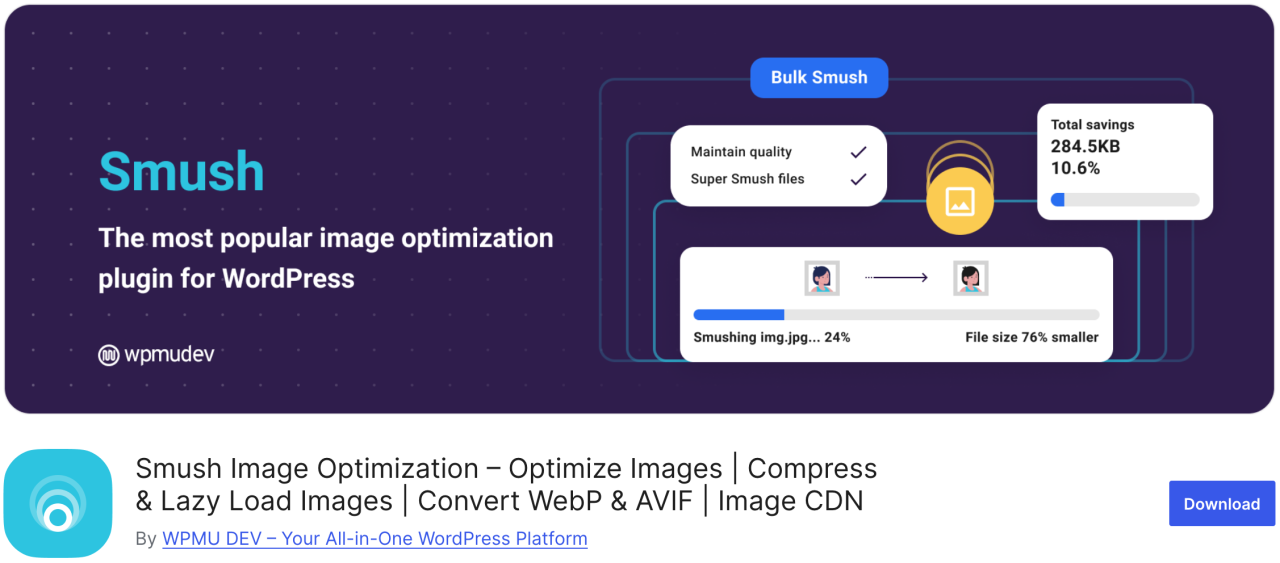
가장 인기 있고 사용하기 쉬운 이미지 최적화 플러그인 중 하나는 Smush입니다. 이를 사용하면 최대 50개의 이미지를 일괄 압축하여 시간을 절약하고 방문자의 시간도 절약할 수 있으며, 로딩 속도를 저하시키는 이미지를 식별할 수 있습니다.
무료 버전은 .png, .jpeg, .gif 형식을 지원하며, WebP 형식은 플러그인의 프로 버전에서만 사용할 수 있습니다.
장점:
- 대량 이미지 압축
- 지연 로딩 지원
- CDN과 통합
단점:
- WebP는 Pro에서만 지원
가격:
- 무료 버전 사용 가능
- 기본 프로 버전은 월 $15부터 시작합니다
8. 기본 추천 이미지

여러 명의 작성자-기고자를 관리해야 하는 경우, 짧은 시간 안에 많은 글에 특성 이미지를 제공해야 한다는 부담을 느낄 수 있습니다. Default Featured Image 플러그인을 사용하면 특별한 특성 이미지가 지정되지 않은 경우에 사용할 이미지를 설정할 수 있습니다. 단순히 회사의 로고일지라도, 비워 두는 것보다 훨씬 낫습니다.
장점:
- 레이아웃 일관성 유지에 도움
- 설정 및 사용이 간편함
단점:
- 제한된 사용자 지정 옵션
가격:
- 무료로 사용 가능
9. 이지 워터마크

사람들이 사진을 훔쳐 자신의 것이라고 주장하는 것이 걱정된다면 Easy Watermark를 사용하여 모든 이미지에 워터마크를 넣을 수 있습니다. 업로드 시 이미지에 워터마크를 넣거나 미디어 라이브러리에 이미 있는 이미지에도 넣을 수 있습니다.
장점:
- 텍스트 및 이미지 워터마크 지원
- 일괄 처리
단점:
- 워터마킹 후 실행 취소 옵션이 없습니다
가격:
- 무료로 사용 가능
10. Soliloquy
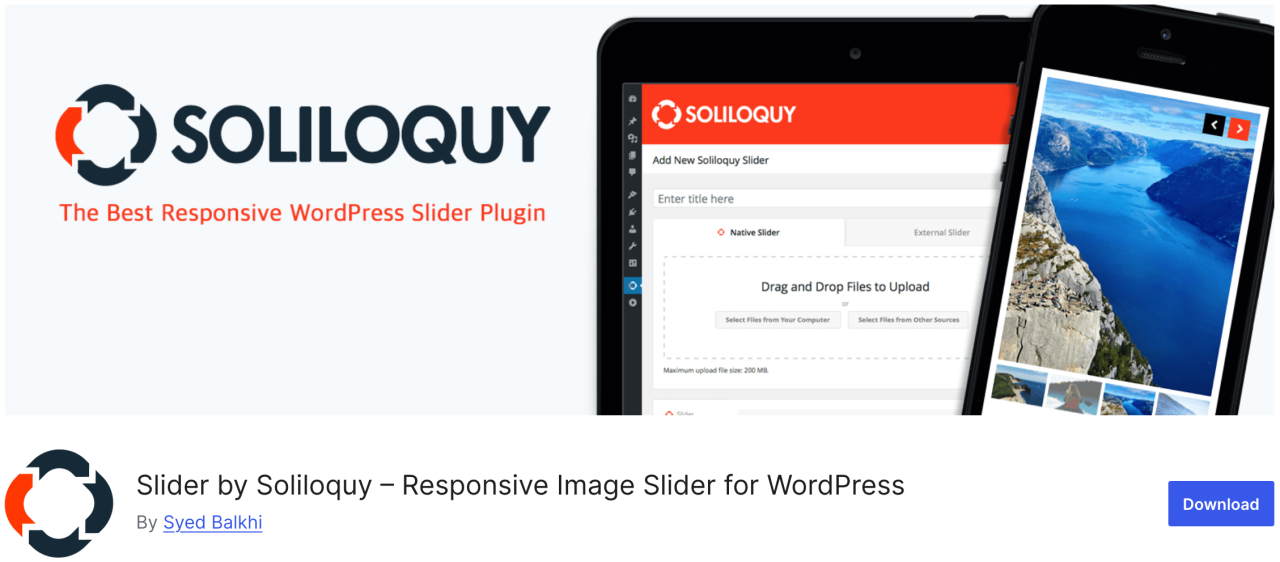
Soliloquy는 추천 콘텐츠 슬라이더, 캐러셀, 슬라이더 테마, 라이트박스 등 다양한 기능을 갖춘 더 빠르고 사용하기 쉬운 플러그인입니다. 이를 통해 텍스트, 콜 투 액션, 애니메이션이 함께하는 이미지 슬라이드쇼와 같이 가장 중요한 콘텐츠로 사용자의 관심을 유도할 수 있습니다.
장점:
- 가볍고 빠릅니다
- 드래그 앤 드롭 빌더
단점:
- 무료 버전에서는 템플릿이 제한적입니다
가격:
- 무료 버전 사용 가능
- 프리미엄 플랜은 연 $19.50부터 시작합니다
11. Smart Slider 3
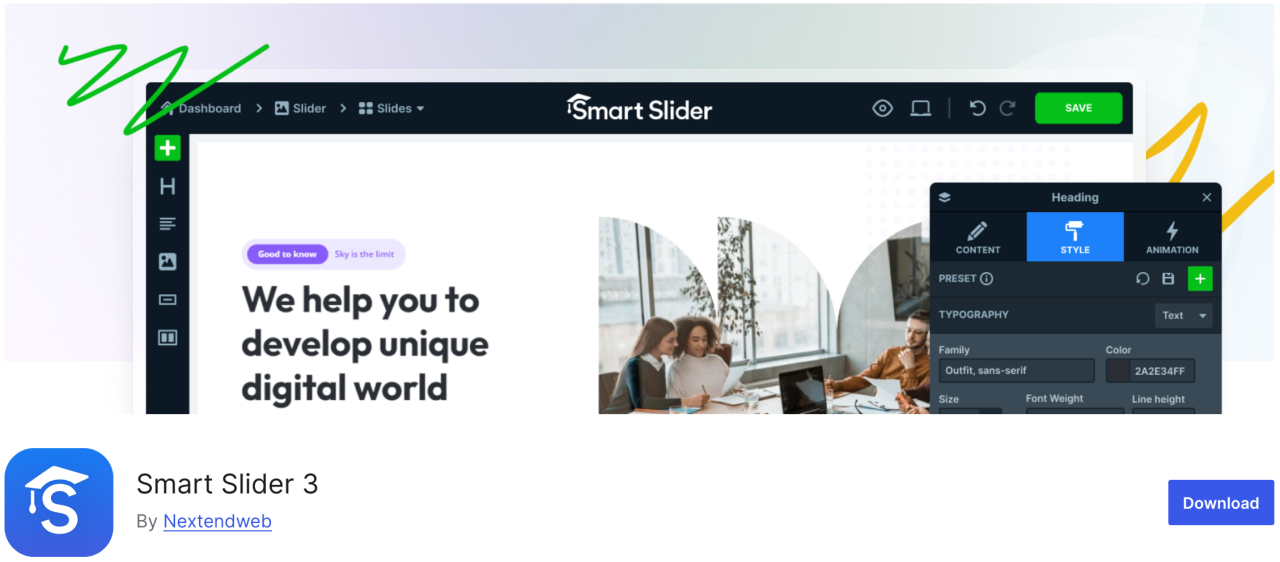
이 플러그인은 아름다운 드래그 앤 드롭 사용자 정의 도구를 제공하여 슬라이드쇼를 빠르게 만들 수 있습니다. 사용하기 쉽고 애니메이션, 아름다운 전환 효과, 모바일 친화적인 슬라이더 등 다양한 기능을 갖추고 있습니다.
장점:
- SEO 및 성능 친화적
- 모바일 반응형
단점:
- 일부 템플릿/기능은 Pro에서만 사용 가능
가격:
- 무료 버전 사용 가능
- 유료 버전은 $49부터 시작합니다
12. Imsanity
Imsanity는 설정에 따라 오래된 업로드 항목을 일괄 리사이즈할 수 있는 훌륭한 옵션 플러그인입니다. WordPress 업로드에 최대 이미지 높이와 너비를 설정할 수 있으며, 큰 이미지 파일을 자동으로 리사이즈합니다.
장점:
- 큰 이미지를 자동으로 크기 조정
- 기존 이미지 일괄 크기 조정
단점:
- 기본적인 기능
- 압축하지 않고 크기만 조정합니다
가격:
- 무료 버전 사용 가능
13. Smash Balloon Instagram Feed Pro
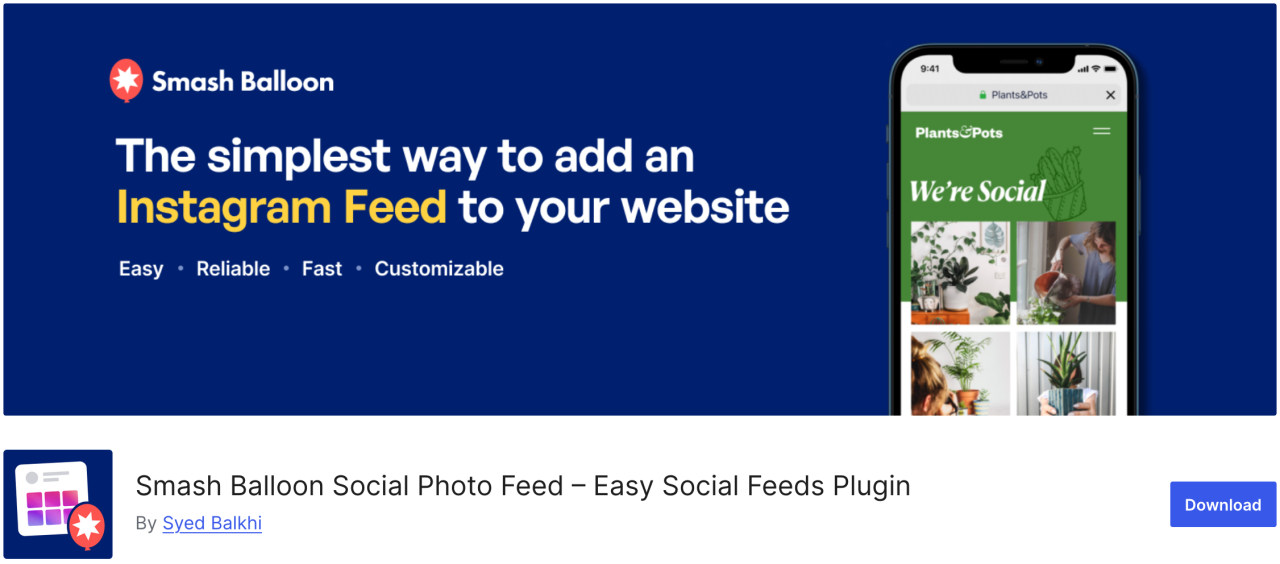
가장 인기 있는 WordPress 플러그인 중 하나는 Smash Balloon Instagram Feed Pro로, 사이트에 Instagram 이미지를 추가할 수 있습니다. 또한 이미지를 자동으로 최적화하여 웹사이트가 빠르고 반응형으로 유지되도록 합니다.
또한, 이 플러그인을 사용하면 제품 페이지를 Instagram 이미지에 연결하고 사용자를 리디렉션하여 매출을 높일 수 있습니다.
장점:
- 인스타그램 피드를 아름답게 표시
- 고도로 사용자 정의 가능한 레이아웃
단점:
- 대부분의 기능을 사용하려면 프로 버전 필요
가격:
- $49부터 시작합니다
14. 폴더
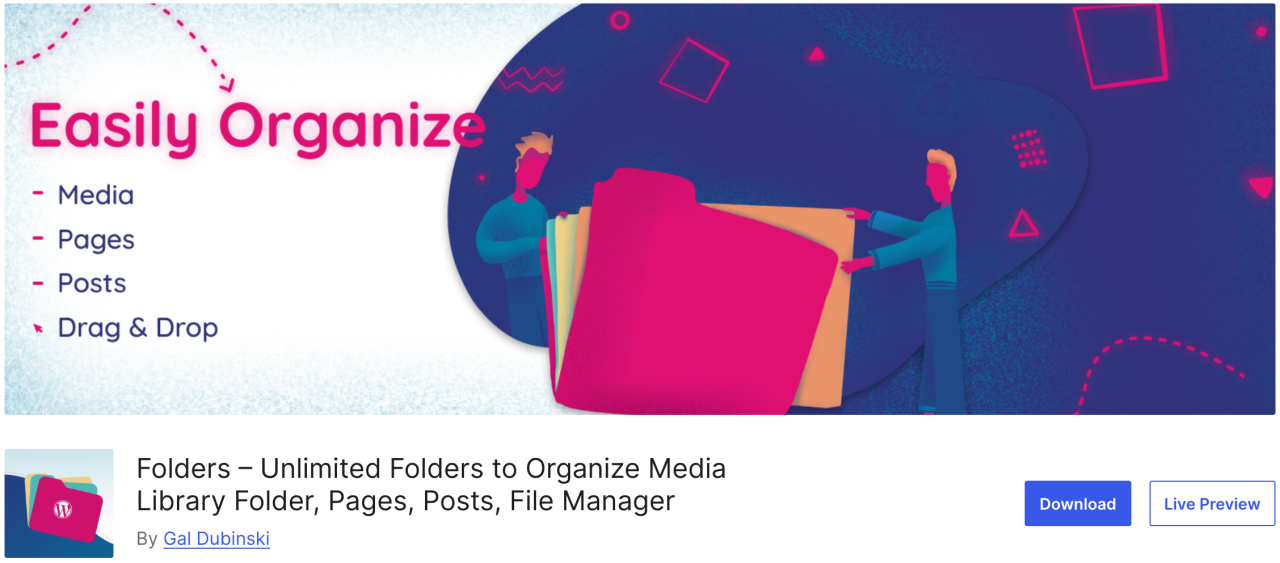
Folders는 미디어 라이브러리의 이미지를 정렬하고 관리할 수 있게 해주는 무료 플러그인으로, 미디어 콘텐츠를 필터링하고 정리할 수 있습니다. 이 플러그인을 사용하면 여러 폴더를 만들어 이미지, 비디오, 음악 및 기타 콘텐츠를 각각 추가할 수 있습니다.
장점:
- 미디어를 폴더로 정리합니다
- 미디어, 페이지, 게시물과 함께 작동합니다
- 드래그 앤 드롭 인터페이스
단점:
- 무료 버전은 제한적
가격:
- 무료 버전 사용 가능
- 프로 버전은 연간 $49부터 시작합니다
15. Regenerate Thumbnails
이 훌륭한 플러그인을 사용하면 WordPress의 모든 이미지 크기를 빠르게 다시 생성할 수 있습니다. 예를 들어, 이러한 테마를 활성화하면 WordPress는 해당 새 크기로 이미지를 저장하기 시작합니다. 그러나 이전 이미지에 대해서는 새 크기를 다시 생성하지 않습니다. 또한 WordPress 테마는 썸네일에 사용할 이미지 크기를 추가할 수도 있습니다.
장점:
- 모든 이미지의 썸네일 재생성
- 테마 변경 후 유용함
단점:
- 예약 또는 자동화 없음
- 오래된 썸네일을 제거하지 않음
가격:
- 무료로 사용 가능
16. Media Cleaner

Media Cleaner 플러그인은 WordPress 미디어 라이브러리에서 사용되지 않거나 깨진 이미지를 자동으로 제거할 수 있습니다. 일정 시간이 지나면 휴지통 폴더의 이미지 파일이 영구적으로 삭제됩니다.
따라서 이 플러그인을 설치하기 전에 전체 사이트를 백업하는 것이 좋습니다. 이 플러그인은 삭제된 이미지를 검토할 수 있도록 휴지통 폴더에 보관합니다.
장점:
- 사용하지 않거나 깨진 미디어 파일을 정리합니다
- 사이트 비대화를 줄이는 데 도움이 됩니다
단점:
- 주의하지 않으면 중요한 파일이 삭제될 위험이 있습니다
- 전체 기능을 사용하려면 Pro가 필요합니다
가격:
- 무료 버전 사용 가능
- 프로 버전은 $29부터 시작합니다
17. reSmush.it
가장 인기 있는 WordPress 이미지 최적화 플러그인 중 하나는 reSmush.it으로, JPG, PNG, GIF 파일의 이미지 크기를 빠르게 줄이는 고급 기술을 갖춘 플러그인입니다. 또한 대량 이미지 최적화 옵션, 최적화 수준 등을 제공합니다. 최적화하고 싶지 않은 이미지를 제외할 수 있는 완전한 제어 권한을 제공합니다.
장점:
- 무료 이미지 최적화
- 일괄 처리를 지원합니다
단점:
- 큰 이미지의 경우 최적화 속도가 느림
- WebP를 지원하지 않습니다
가격:
- 무료 버전 사용 가능
18. URL에서 추천 이미지 가져오기 (FIFU)
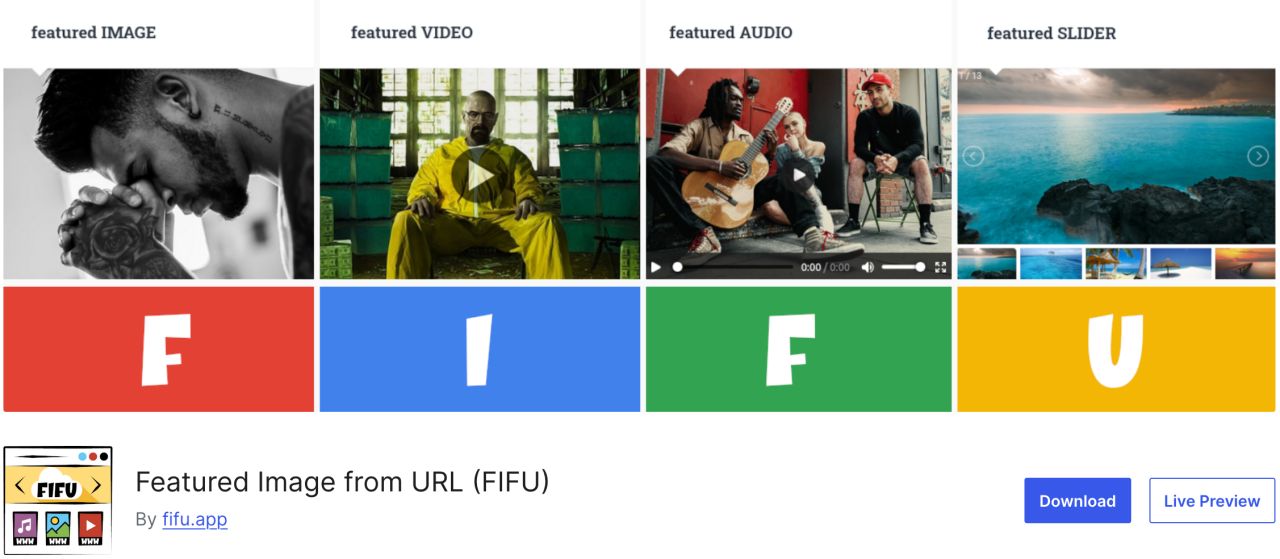
이 플러그인을 사용하면 미디어 라이브러리에 업로드하지 않고도 대표 이미지, 비디오, 오디오를 추가할 수 있습니다. 이미지 링크를 복사하기만 하면 블로그 게시물에 바로 업로드됩니다. WooCommerce 및 제품 갤러리 플러그인과도 호환됩니다.
이 플러그인은 이미지를 미디어 라이브러리에 저장하지 않으므로 잠재적인 저장 비용과 이미지 처리 비용을 크게 절약할 수 있습니다.
장점:
- 외부 이미지 URL을 특성 이미지로 사용
- 자동 썸네일 생성
단점:
- 외부 서버가 느리면 로딩 속도에 영향을 줍니다
- 일부 테마는 URL 기반 특성 이미지를 지원하지 않을 수 있습니다
가격:
- 무료로 사용 가능
- 유료 플랜은 연간 €29.90부터 시작합니다
19. Optimole
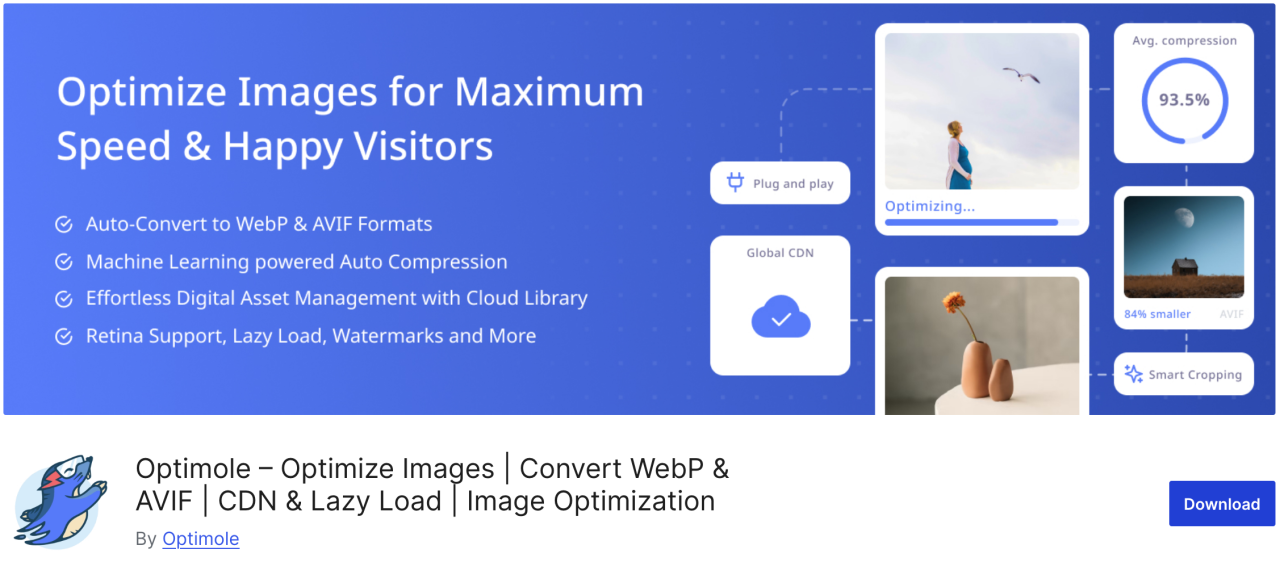
Optimole은 실시간으로 이미지를 최적화하여 웹사이트 속도를 향상시키는 클라우드 기반 플러그인입니다. 이 플러그인은 사용자의 브라우저, 화면 크기 및 기기에 따라 이미지에 가장 적합한 크기를 자동으로 선택합니다. 또한 페이지 로드 시간을 개선하기 위한 lazy loading 옵션과 CDN도 제공합니다.
장점:
- 클라우드 기반 이미지 최적화
- 실시간 이미지 크기 조정
- 지연 로딩 및 WebP 지원
단점:
- Optimole 계정 필요
- 무료 플랜의 월간 할당량 제한
가격:
- 월 $19.08부터 시작
20. Draw Attention
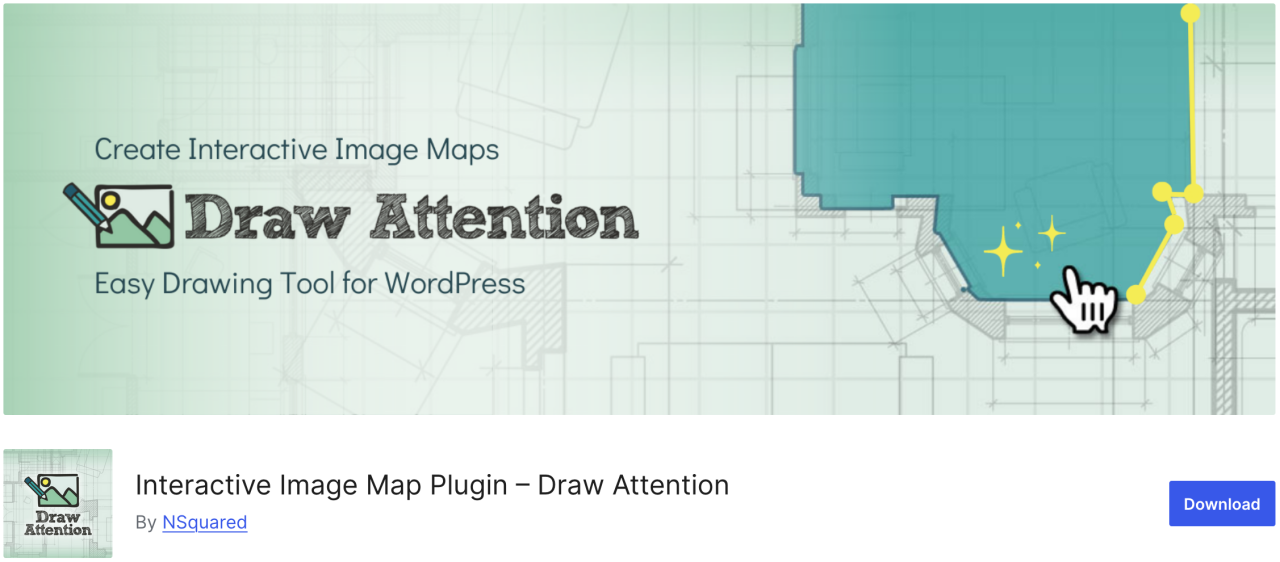
웹사이트에 인터랙티브 이미지를 쉽게 만들고 싶다면 Draw Attention이 좋은 선택이 될 수 있습니다. 이 플러그인을 사용하면 클릭 가능한 핫스팟을 추가하고 다양한 기능을 할당할 수 있습니다. 또한, 사진이나 그 주제에 대한 더 많은 정보를 제공하거나, 다른 웹 페이지로의 링크를 추가하거나, 핫스팟을 클릭했을 때 표시될 이미지를 업로드할 수 있습니다.
장점:
- 반응형 및 모바일 친화적
- 클릭 데이터 추적
단점:
- 여러 이미지 맵을 사용하려면 프로 버전이 필요합니다
가격:
- 무료로 사용 가능
21. Final Tiles Grid
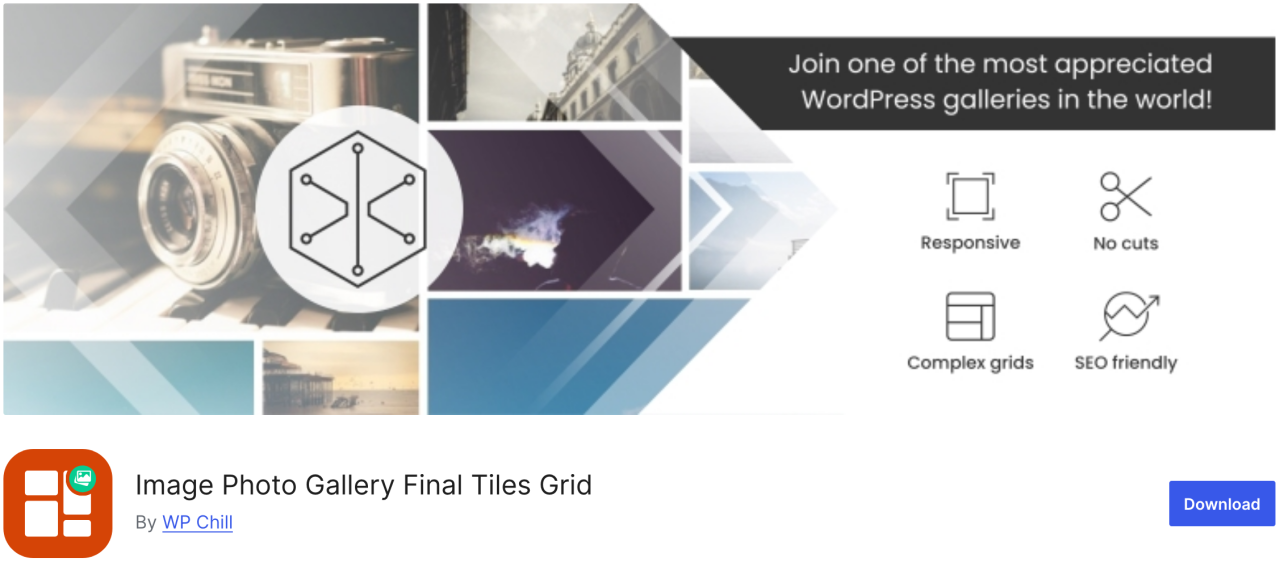
Final Tiles Grid는 바로 여러분에게 필요한 플러그인입니다. 이미지 크기를 조정하여 갤러리 레이아웃에 맞추고 싶다면, 이 플러그인은 눈길을 끄는 비대칭 레이아웃으로 이미지를 배치하며, 부드러운 애니메이션과 함께 변화하는 디스플레이 크기에 적응합니다. 또한, 추가적인 시각적 효과를 위한 라이트박스와 다양한 공유 옵션을 제공합니다.
장점:
- 반응형 디자인
- 비디오 및 혼합 미디어 지원
단점:
- 무료 버전은 제한적
- 사용자 정의에는 CSS가 필요할 수 있습니다
가격:
- 무료로 사용 가능
모든 웹마스터를 환영합니다!
WP Media Folder로 시간을 절약하고 생산성을 높이세요. 고객 미디어 파일을 손쉽게 정리하고, 사용자 지정 갤러리를 만들고, 원활한 사용자 경험을 제공하세요.
지금 웹사이트 프로젝트를 업그레이드하세요!
Conclusion
이것이 웹사이트에서 이미지를 관리하기 위한 최고의 WordPress 플러그인 목록의 전부입니다. 각 플러그인의 장단점을 이해하면 워크플로를 개선하고 콘텐츠가 항상 최상의 모습을 유지하도록 하는 정보에 기반한 결정을 내릴 수 있습니다.
또한 WordPress 내에서 모든 이미지를 쉽게 정리하고 관리할 방법을 찾고 있다면 JoomUnited의 WP Media Folder 을 놓치지 마세요.
블로그를 구독하시면, 사이트에 새로운 업데이트가 있을 때 이메일을 보내드리므로 놓치지 않으실 수 있습니다.