WordPress products
 sản phẩm Joomla
 Hỗ trợ
 Tin tức
 Đăng nhập
Hơn 20 plugin WordPress tuyệt vời để quản lý hình ảnh

Thêm hình ảnh vào website của bạn giúp nội dung trở nên sống động và tăng cường tương tác. Tuy nhiên, hình ảnh lớn sẽ làm tắc nghẽn website và tăng tốc độ tải trang, điều này ảnh hưởng tiêu cực đến SEO của bạn và gây khó chịu cho khách truy cập.
Đó là lý do tại sao việc quản lý hình ảnh hiệu quả là rất quan trọng để nâng cao hiệu suất trang web, tính thẩm mỹ và SEO của bạn. Ví dụ, sử dụng các plugin WordPress có thể làm cho hình ảnh của bạn trông hấp dẫn và giúp bạn vận hành website hoặc tải nhanh.
Trong bài viết này, chúng tôi sẽ chia sẻ một số plugin WordPress tốt nhất để quản lý hình ảnh trên website của bạn nhằm mang lại trải nghiệm tốt hơn cho khách truy cập.
Mục lục
- Các plugin WordPress tốt nhất để quản lý hình ảnh
- 1. WP Media Folder
- 2. NextGEN Gallery
- 3. EWWW Image Optimizer
- 4. Envira Gallery
- 5. Trình đổi tên tệp phương tiện
- 6. Enable Media Replace
- 7. Smush
- 8. Default Featured Image
- 9. Easy Watermark
- 10. Soliloquy
- 11. Smart Slider 3
- 12. Imsanity
- 13. Smash Balloon Instagram Feed Pro
- 14. Thư mục
- 15. Regenerate Thumbnails
- 16. Media Cleaner
- 17. reSmush.it
- 18. Featured Image from URL (FIFU)
- 19. Optimole
- 20. Draw Attention
- 21. Final Tiles Grid
- Kết luận
Các plugin WordPress tốt nhất để quản lý hình ảnh
Dù bạn điều hành một blog, portfolio, hay cửa hàng trực tuyến, việc quản lý hình ảnh hiệu quả là điều thiết yếu. Khám phá các plugin WordPress tốt nhất để đơn giản hóa việc tổ chức media và tăng hiệu suất trang web.
1. WP Media Folder
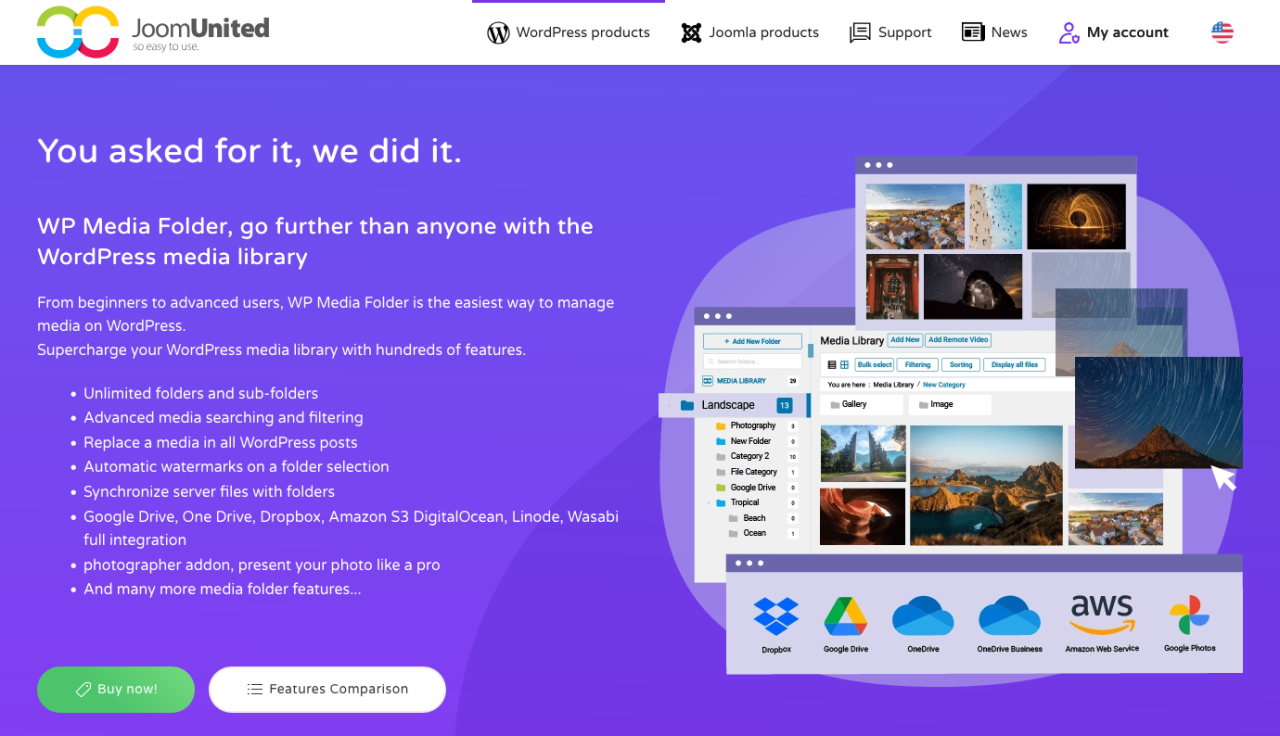
Nếu thư viện phương tiện WordPress của bạn đang trở nên lộn xộn, WP Media Folder cung cấp một giải pháp thông minh dựa trên thư mục để sắp xếp hình ảnh của bạn. Plugin này mở rộng thư viện phương tiện gốc bằng cách cho phép bạn tạo thư mục và thư mục con, giúp bạn quản lý hàng nghìn hình ảnh một cách dễ dàng.
Ở phần quản trị, nó hỗ trợ sắp xếp bằng kéo và thả, lọc tệp, sắp xếp thứ tự hình ảnh và đồng bộ thư mục trực tiếp với máy chủ của bạn. Ở phần giao diện, WP Media Folder tích hợp với các trình tạo thư viện ảnh, cho phép bạn tạo các thư viện ảnh đẹp mắt trực tiếp từ các thư mục phương tiện của mình. Nó cũng bao gồm các tùy chọn nâng cao như thay thế phương tiện (mà không làm hỏng liên kết) và tích hợp với các dịch vụ lưu trữ đám mây như Google Drive, Dropbox, và OneDrive.
Đây là một công cụ mạnh mẽ cho bất kỳ ai cần kiểm soát nhiều hơn đối với tài sản phương tiện của họ — dù bạn là blogger, agency hay chủ cửa hàng trực tuyến.
Ưu điểm:
- Tổ chức thư mục và thư mục con phương tiện
- Tích hợp lưu trữ đám mây và tự động đồng bộ
- Tương thích với thư viện phương tiện gốc của WordPress
Nhược điểm:
- Một số tính năng yêu cầu Cloud Addon
Bảng giá:
- Khởi điểm từ $49 mỗi năm cho plugin độc lập
- Bundle với Cloud Addon có sẵn từ $69 mỗi năm
Nói lời tạm biệt với thư viện phương tiện lộn xộn.
WP Media Folder cho phép bạn phân loại tệp, đồng bộ thư mục với lưu trữ đám mây, tạo thư viện ảnh tuyệt đẹp và thậm chí thay thế hình ảnh mà không làm hỏng liên kết.
Tối ưu hóa quy trình làm việc với phương tiện của bạn ngay hôm nay
2. NextGEN Gallery
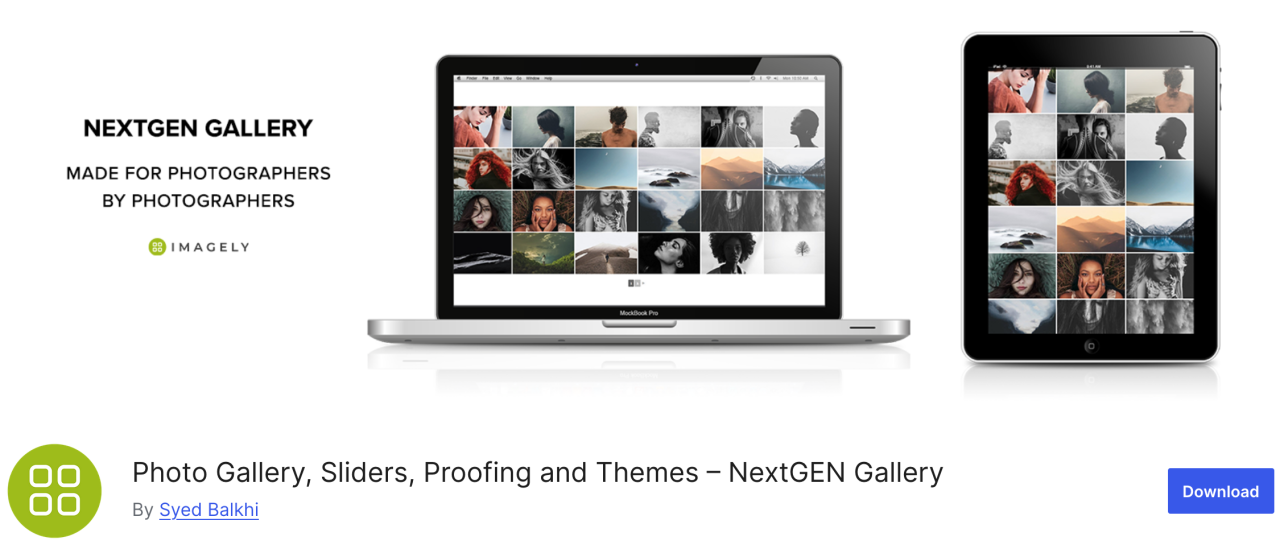
Nếu bạn đang tìm kiếm một plugin đa năng, NextGEN Gallery cung cấp một loạt các tùy chọn quản lý hình ảnh. Ở phía back end bao gồm các tính năng như tải lên hàng loạt, chỉnh sửa hình thu nhỏ, nhập siêu dữ liệu và nhiều tính năng khác, trong khi ở phía front end có ba kiểu thư viện ảnh và hai kiểu album.
Plugin này là một giải pháp toàn diện tốt. Hơn nữa, các thư viện ảnh và album này hoàn toàn có thể tùy chỉnh về kiểu dáng, thời gian, hiệu ứng chuyển tiếp, hiệu ứng lightbox và nhiều hơn nữa.
Ưu điểm:
- Tải lên hàng loạt và sắp xếp hình ảnh
- Cung cấp lightbox và trình chiếu
Nhược điểm:
- Tính năng hạn chế trong phiên bản miễn phí
Bảng giá:
- Phiên bản Lite có sẵn nhưng gói Starter bắt đầu từ $69.50 mỗi năm
3. EWWW Image Optimizer
EWWW Image Optimizer là một trong những plugin WordPress tốt nhất, đi kèm với các công cụ mạnh mẽ để nén ảnh mà không ảnh hưởng đến chất lượng. Như bạn đã biết, ảnh mất nhiều thời gian tải hơn văn bản, và điều này ảnh hưởng đến website tốc độ và hiệu suất trang web của bạn.
Với plugin này, bạn có thể tối ưu hóa ảnh của mình cho web để có hiệu suất tốt hơn và nâng cao trải nghiệm của khách truy cập.
Ưu điểm:
- Hỗ trợ định dạng WebP
- Nén ảnh tự động
Nhược điểm:
- Một số tính năng nâng cao bị khóa sau bản premium
Giá:
- Free to use
4. Envira Gallery
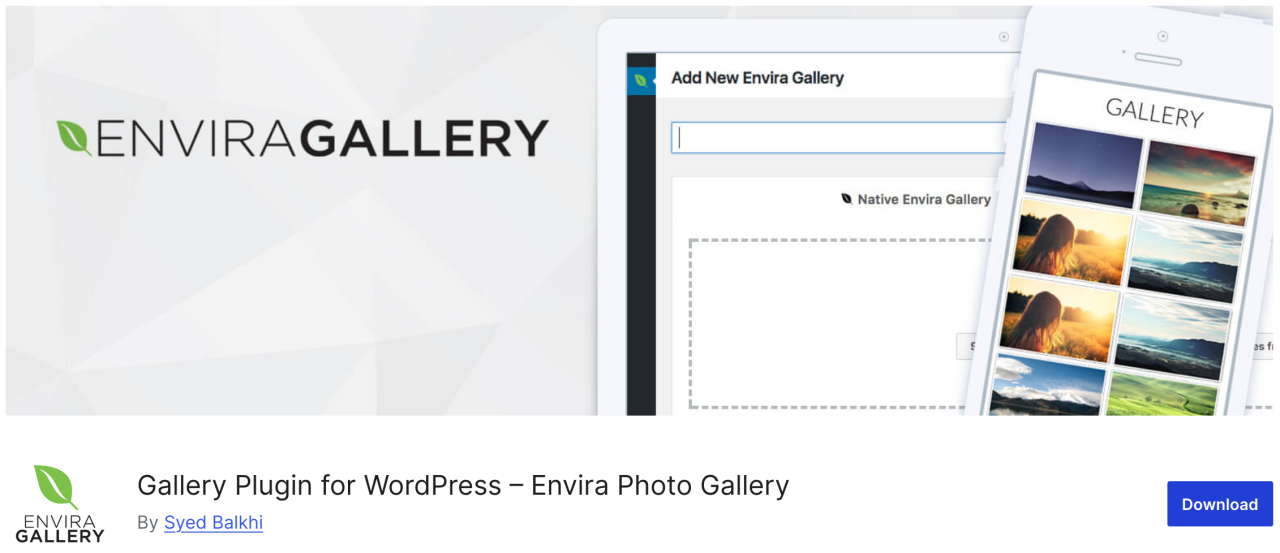
Tiếp theo, Envira Gallery, một plugin cho phép bạn tạo các thư viện ảnh đẹp và thân thiện với thiết bị di động trong WordPress chỉ với vài cú nhấp chuột. Nó có vô số tính năng quản lý hình ảnh như album, gắn thẻ hình ảnh, đóng dấu bản quyền, chứng thực, bảo vệ bằng mật khẩu, v.v.
Hơn nữa, đây là plugin thư viện ảnh thân thiện với SEO nhất cho WordPress và cung cấp addons cho liên kết sâu và phân trang. Ngoài ra còn có tích hợp WooCommerce cho phép bạn thêm cửa hàng trực tuyến để bán ảnh của mình.
Ưu điểm:
- Thân thiện với SEO
- Tích hợp WooCommerce
- Trình tạo kéo và thả
Nhược điểm:
- Hầu hết các tính năng yêu cầu gói trả phí
- Tùy chỉnh bị hạn chế trong phiên bản miễn phí
Giá:
- Miễn phí có sẵn, một phiên bản rút gọn
- Gói cơ bản bắt đầu từ $39,50 mỗi năm
5. Trình đổi tên tệp phương tiện
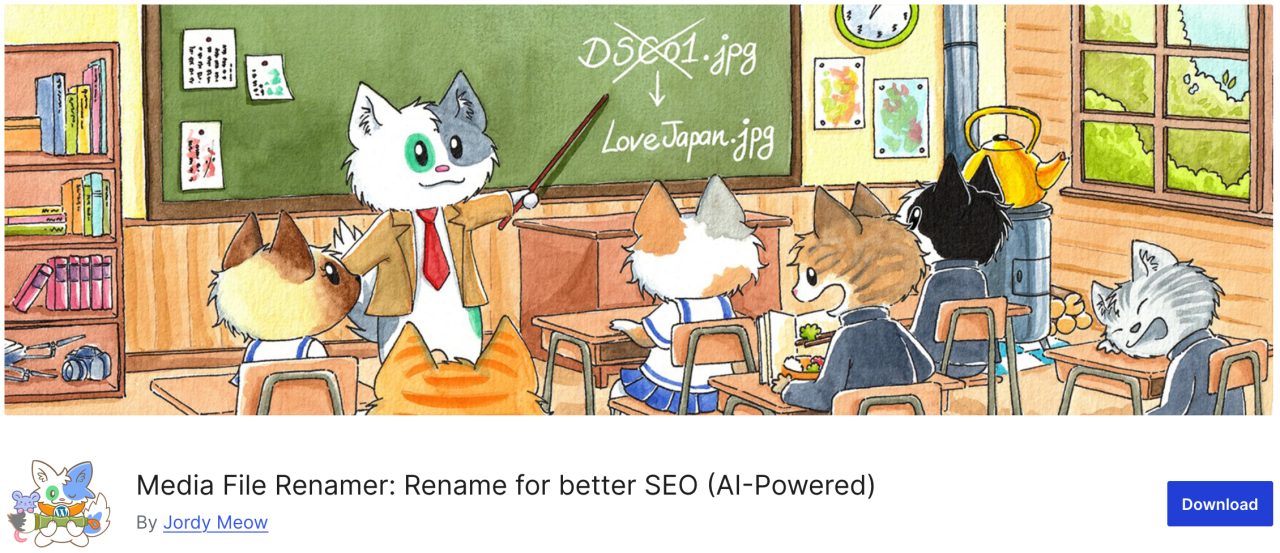
If you're looking for a plugins that allows you to change any file name in the WordPress media library, Media File Renamer is the great option. It automatically renames file names based on the file title you enter during upload.
When you renaming a file using this plugin, it also updates all references to the file in your WordPress posts and pages.
Pros:
- Tự động hoặc thủ công đổi tên các tệp phương tiện
- Cải thiện SEO và tổ chức
- Đồng bộ tên tệp với tiêu đề
Nhược điểm:
- Phiên bản miễn phí có ít tính năng hơn
- Có thể không tương thích với một số theme/plugin
Giá:
- Có sẵn bản miễn phí
- Phiên bản Pro bắt đầu từ $29
6. Enable Media Replace
Plugin tiếp theo cho phép bạn thay thế các tệp phương tiện trực tiếp từ thư viện phương tiện của WordPress. Nếu bạn phải thay thế một hình ảnh trong các bài viết WordPress của mình, Enable Media Replace có thể giúp bạn tiết kiệm thời gian vì nó giúp thay đổi hình ảnh dễ dàng, bạn không cần phải chỉnh sửa bài viết để thêm hình ảnh mới và xóa hình ảnh cũ.
Ưu điểm:
- Dễ dàng thay thế các tệp phương tiện hiện có
- Tiết kiệm thời gian so với thay thế thủ công
Nhược điểm:
- Không có kiểm soát phiên bản hoặc lịch sử
- Chỉ giới hạn ở thay thế từng cái một
Giá:
- Free to use
7. Smush
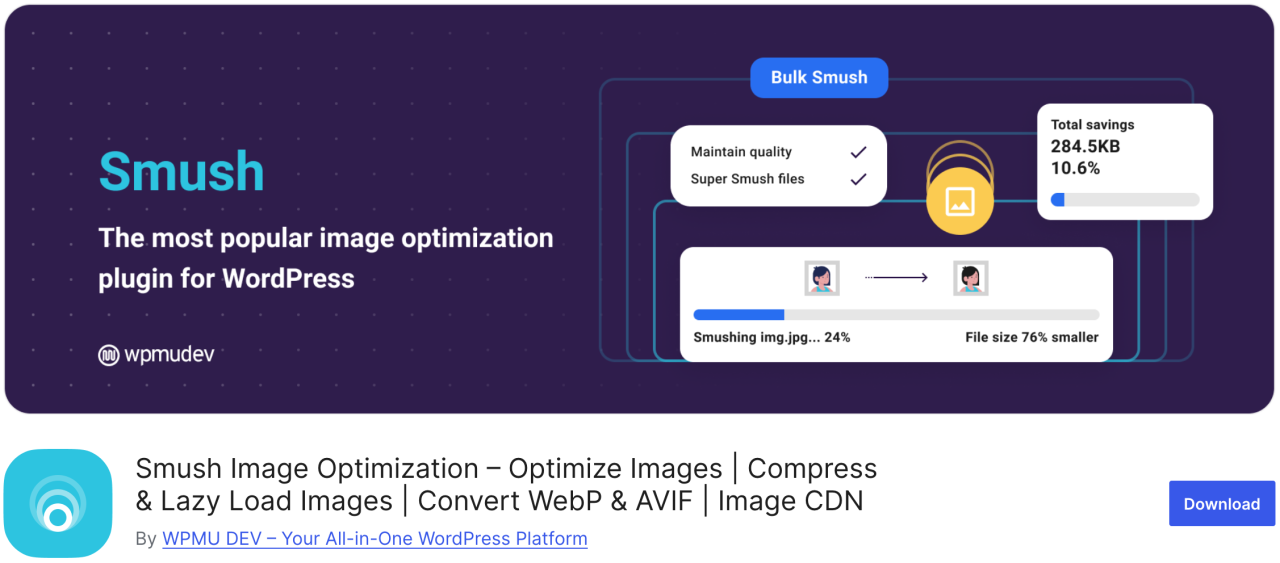
Một trong những plugin tối ưu hóa hình ảnh phổ biến và dễ sử dụng nhất là Smush. Bạn có thể sử dụng nó để nén hàng loạt tối đa 50 hình ảnh, tiết kiệm thời gian cho bạn cũng như cho khách truy cập, đồng thời xác định những hình ảnh gây chậm tốc độ tải.
Phiên bản miễn phí hoạt động với các định dạng .png, .jpeg và .gif, trong khi định dạng WebP chỉ có sẵn trong phiên bản pro của plugin.
Ưu điểm:
- Nén hình ảnh hàng loạt
- Hỗ trợ tải chậm (lazy load)
- Tích hợp với CDN
Nhược điểm:
- WebP only in Pro
Giá:
- Có sẵn phiên bản miễn phí
- Phiên bản pro cơ bản bắt đầu từ $15 mỗi tháng
8. Default Featured Image

Nếu bạn phải quản lý nhiều tác giả-cộng tác viên, bạn có thể thấy mình bị áp lực phải cung cấp ảnh đại diện cho rất nhiều bài viết trong thời gian ngắn. Với plugin Default Featured Image, bạn có thể thiết lập một hình ảnh để sử dụng trong trường hợp ảnh đại diện đặc biệt không được chỉ định. Ngay cả khi đó chỉ là logo doanh nghiệp của bạn, thì vẫn tốt hơn nhiều so với việc để trống.
Ưu điểm:
- Giúp duy trì tính nhất quán của bố cục
- Dễ thiết lập và sử dụng
Nhược điểm:
- Tùy chọn tùy chỉnh hạn chế
Giá:
- Free to use
9. Easy Watermark

Nếu bạn lo lắng về việc mọi người đánh cắp ảnh của bạn và nhận là của họ, bạn có thể gắn hình mờ cho tất cả hình ảnh của mình bằng Easy Watermark. Bạn có thể tạo hình mờ cho hình ảnh khi tải lên hoặc cho hình ảnh đã có trong thư viện phương tiện của mình.
Ưu điểm:
- Hỗ trợ hình mờ văn bản và hình ảnh
- Xử lý hàng loạt
Nhược điểm:
- Không có tùy chọn hoàn tác sau khi đóng dấu bản quyền
Giá:
- Free to use
10. Soliloquy
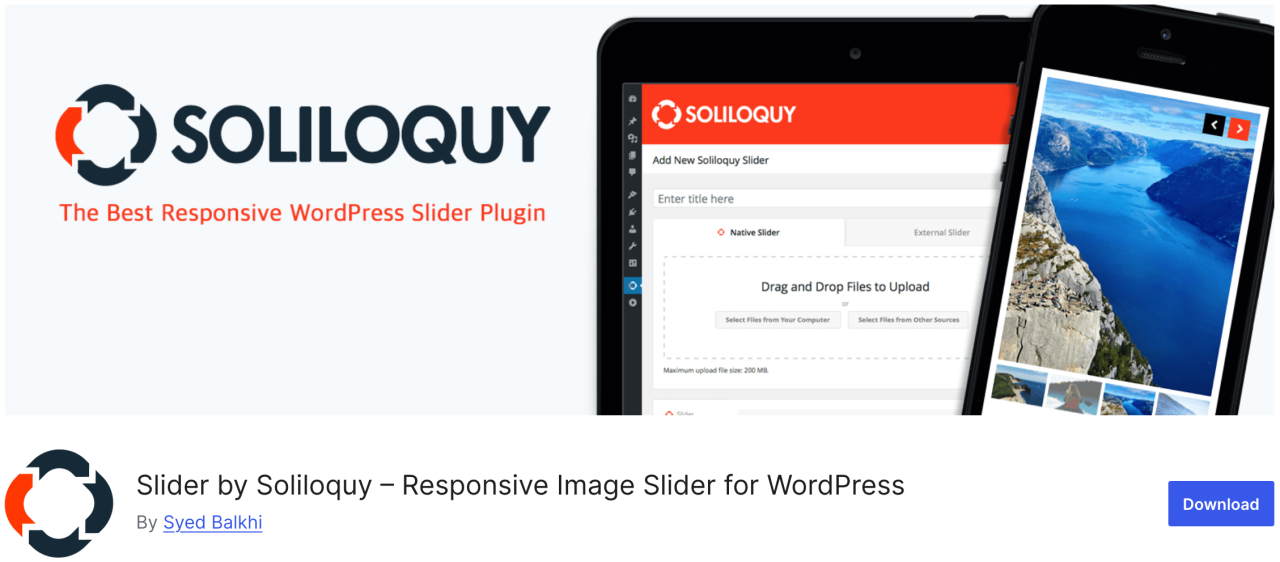
Soliloquy là một plugin nhanh hơn và dễ sử dụng hơn với vô số tính năng như trình trượt nội dung nổi bật, băng chuyền, chủ đề themetrượt, lightbox và nhiều hơn nữa. Nó cho phép bạn thu hút sự chú ý của người dùng đến nội dung quan trọng nhất của bạn, chẳng hạn như trình chiếu hình ảnh kèm theo văn bản, lời kêu gọi hành động và hiệu ứng động.
Ưu điểm:
- Nhẹ và nhanh
- Trình tạo kéo và thả
Nhược điểm:
- Mẫu giới hạn trong phiên bản miễn phí
Giá:
- Có sẵn phiên bản miễn phí
- Gói cao cấp bắt đầu từ $19.50 mỗi năm
11. Smart Slider 3
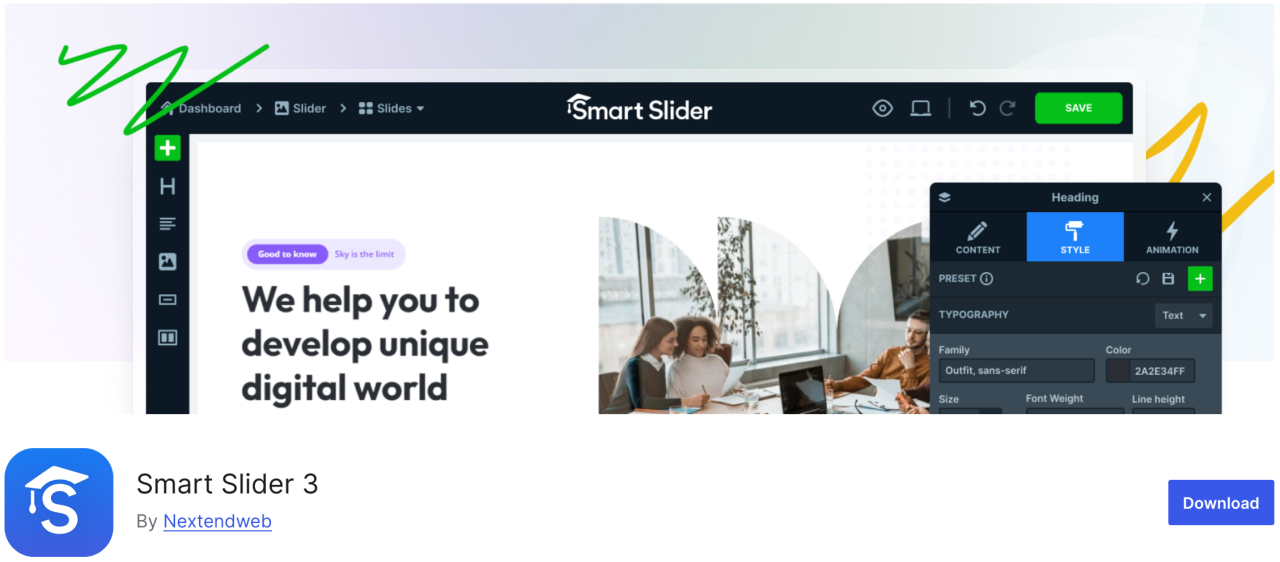
Plugin này đi kèm với một trình tùy chỉnh kéo và thả đẹp mắt, cho phép bạn tạo một slideshow nhanh chóng. Nó dễ sử dụng và có rất nhiều tính năng như hoạt ảnh, chuyển tiếp đẹp mắt, thanh trượt thân thiện với thiết bị di động và hơn thế nữa.
Ưu điểm:
- Thân thiện với SEO và hiệu suất
- Tương thích với thiết bị di động
Nhược điểm:
- Một số mẫu/tính năng bị khóa sau bản Pro
Giá:
- Có sẵn phiên bản miễn phí
- Paid version starts at $49
12. Imsanity
Imsanity là plugin tùy chọn tuyệt vời có thể thực hiện thay đổi kích thước hàng loạt trên các tệp tải lên cũ dựa trên cài đặt của bạn. Nó cho phép bạn đặt chiều cao và chiều rộng tối đa của hình ảnh cho các tệp tải lên WordPress và tự động thay đổi kích thước các tệp hình ảnh lớn.
Ưu điểm:
- Tự động thay đổi kích thước hình ảnh lớn
- Thay đổi kích thước hàng loạt hình ảnh hiện có
Nhược điểm:
- Tính năng cơ bản
- Không nén, chỉ thay đổi kích thước
Giá:
- Có sẵn phiên bản miễn phí
13. Smash Balloon Instagram Feed Pro

Một trong những plugin WordPress phổ biến nhất là Smash Balloon Instagram Feed Pro, nơi bạn có thể thêm hình ảnh Instagram vào trang web của mình. Nó cũng tự động tối ưu hóa hình ảnh để đảm bảo trang web của bạn luôn nhanh và phản hồi tốt.
Hơn nữa, với plugin này, bạn có thể liên kết các trang sản phẩm của mình với hình ảnh Instagram và chuyển hướng người dùng để tăng doanh số bán hàng.
Ưu điểm:
- Hiển thị nguồn cấp Instagram đẹp mắt
- Bố cục có thể tùy chỉnh cao
Nhược điểm:
- Cần phiên bản Pro cho hầu hết các tính năng
Giá:
- Bắt đầu từ $49
14. Thư mục

Folders là một plugin miễn phí cho phép bạn sắp xếp và quản lý hình ảnh trong thư viện media, giúp bạn lọc và tổ chức nội dung media. Với plugin này, bạn có thể tạo nhiều thư mục để thêm hình ảnh, video, nhạc và các nội dung khác một cách riêng biệt.
Ưu điểm:
- Sắp xếp phương tiện vào thư mục
- Hoạt động với phương tiện, trang và bài viết
- Giao diện kéo và thả
Nhược điểm:
- Phiên bản miễn phí bị giới hạn
Giá:
- Có sẵn phiên bản miễn phí
- Phiên bản Pro bắt đầu từ $49 mỗi năm
15. Regenerate Thumbnails

Plugin tuyệt vời này cho phép bạn tạo lại tất cả kích thước hình ảnh trong WordPress một cách nhanh chóng. Ví dụ, nếu bạn kích hoạt một theme, WordPress sẽ bắt đầu lưu hình ảnh ở những kích thước mới đó. Tuy nhiên, nó sẽ không tạo lại kích thước mới cho các hình ảnh cũ. Ngoài ra, các theme của WordPress cũng có thể thêm kích thước hình ảnh của chúng để sử dụng cho ảnh thu nhỏ.
Ưu điểm:
- Tạo lại ảnh thu nhỏ cho tất cả hình ảnh
- Hữu ích sau khi thay đổi theme
Nhược điểm:
- Không có lịch trình hoặc tự động hóa
- Không xóa các hình thu nhỏ cũ
Giá:
- Free to use
16. Media Cleaner

Plugin Media Cleaner cho phép tự động xóa các hình ảnh không sử dụng và bị hỏng khỏi thư viện media WordPress của bạn. Sau một khoảng thời gian nhất định, các tệp hình ảnh trong thư mục thùng rác sẽ bị xóa vĩnh viễn.
Đó là lý do chúng tôi khuyên bạn nên sao lưu toàn bộ trang web trước khi cài đặt plugin này, ngay cả khi nó giữ các hình ảnh đã xóa trong thư mục thùng rác để bạn xem qua.
Ưu điểm:
- Dọn dẹp các tệp phương tiện không sử dụng và bị hỏng
- Giúp giảm tình trạng phình to trang web
Nhược điểm:
- Nguy cơ xóa các tệp quan trọng nếu không cẩn thận
- Cần bản Pro để có đầy đủ chức năng
Giá:
- Có sẵn phiên bản miễn phí
- Phiên bản Pro bắt đầu từ $29
17. reSmush.it

Một trong những plugin tối ưu hóa hình ảnh WordPress phổ biến nhất khác là reSmush.it, một plugin với công nghệ tiên tiến để giảm kích thước hình ảnh cho các tệp JPG, PNG và GIF một cách nhanh chóng. Nó cũng cung cấp các tùy chọn tối ưu hóa hình ảnh hàng loạt, mức độ tối ưu hóa và nhiều hơn nữa. Bạn có toàn quyền kiểm soát nơi bạn có thể loại trừ những hình ảnh bạn không muốn tối ưu hóa.
Ưu điểm:
- Tối ưu hóa hình ảnh miễn phí
- Hỗ trợ xử lý hàng loạt
Nhược điểm:
- Tối ưu hóa chậm hơn cho hình ảnh lớn
- Không hỗ trợ WebP
Giá:
- Có sẵn phiên bản miễn phí
18. Featured Image from URL (FIFU)

Plugin này cho phép bạn thêm ảnh đại diện, video và âm thanh mà không cần tải lên thư viện media. Chỉ cần sao chép liên kết của hình ảnh, sau đó nó sẽ trực tiếp tải lên bài viết blog của bạn. Nó cũng tương thích với WooCommerce và các plugin thư viện sản phẩm.
Plugin này sẽ tiết kiệm rất nhiều tiền cho chi phí lưu trữ tiềm năng và xử lý hình ảnh vì plugin không lưu hình ảnh vào thư viện media của bạn.
Ưu điểm:
- Sử dụng URL hình ảnh bên ngoài làm ảnh đại diện
- Tự động tạo ảnh thu nhỏ
Nhược điểm:
- Ảnh hưởng đến tốc độ tải nếu máy chủ bên ngoài chậm
- Một số themecó thể không hỗ trợ ảnh đại diện dựa trên URL
Giá:
- Free to use
- Gói trả phí bắt đầu từ €29,90 mỗi năm
19. Optimole
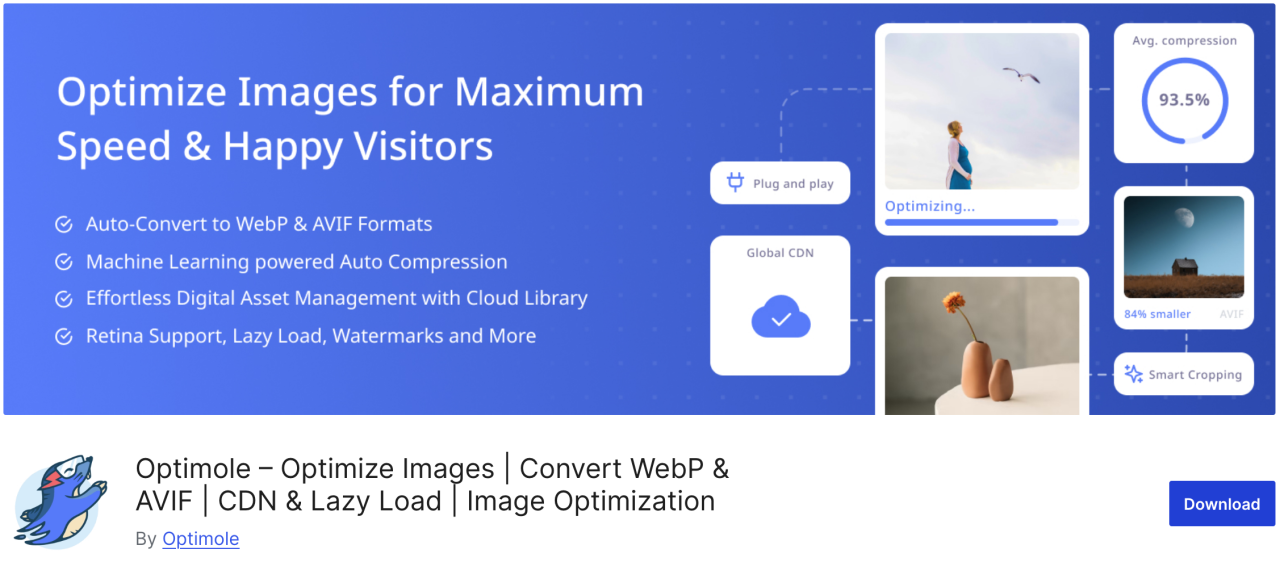
Optimole là một plugin dựa trên đám mây giúp tối ưu hóa hình ảnh của bạn theo thời gian thực để tăng tốc website trang web của bạn. Plugin này tự động chọn kích thước tốt nhất cho hình ảnh của bạn dựa trên trình duyệt, kích thước màn hình và thiết bị của người dùng. Nó cũng đi kèm với tùy chọn lazy loading và CDN để cải thiện thời gian tải trang.
Ưu điểm:
- Tối ưu hóa hình ảnh trên nền tảng đám mây
- Thay đổi kích thước ảnh theo thời gian thực
- Hỗ trợ tải chậm và WebP
Nhược điểm:
- Yêu cầu tài khoản Optimole
- Hạn mức hàng tháng giới hạn trên gói miễn phí
Giá:
- Bắt đầu từ $19.08 mỗi tháng
20. Draw Attention
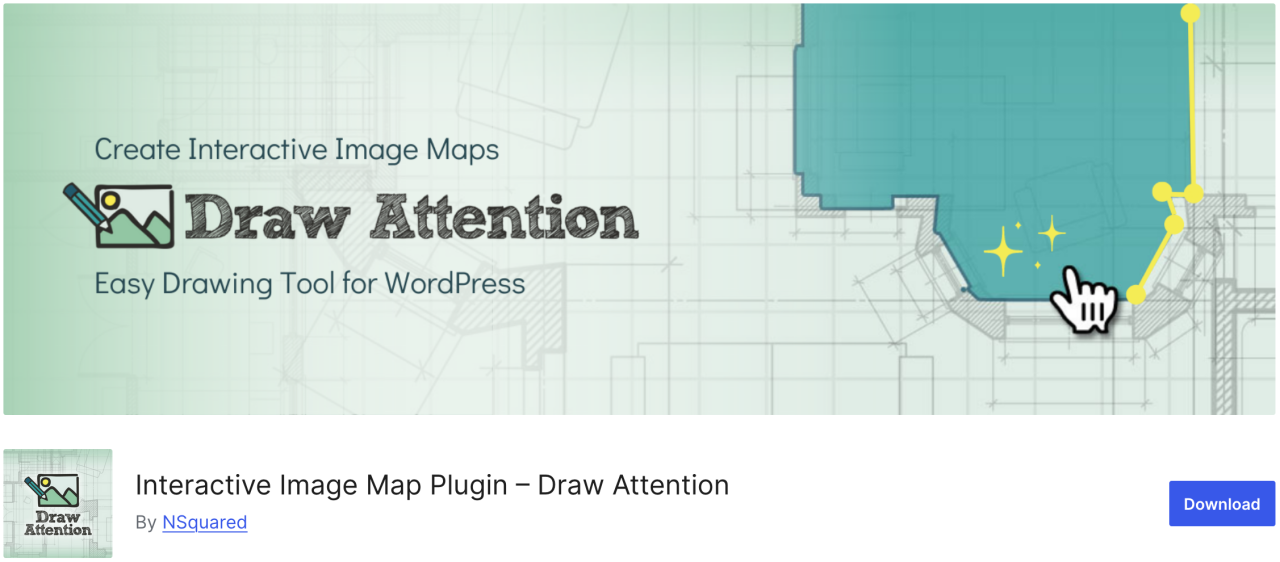
Nếu bạn muốn dễ dàng tạo hình ảnh tương tác cho website của mình, Draw Attention có thể là một lựa chọn phù hợp. Với plugin này, bạn có thể thêm điểm nóng có thể nhấp và gán cho chúng nhiều chức năng khác nhau. Ngoài ra, nó cung cấp thêm thông tin về hình ảnh hoặc chủ thể của hình ảnh, thêm liên kết đến một trang web khác hoặc tải lên một hình ảnh sẽ được hiển thị khi điểm nóng được nhấp vào.
Ưu điểm:
- Tương thích và thân thiện với thiết bị di động
- Theo dõi dữ liệu nhấp chuột
Nhược điểm:
- Cần phiên bản Pro cho nhiều bản đồ hình ảnh
Giá:
- Free to use
21. Final Tiles Grid
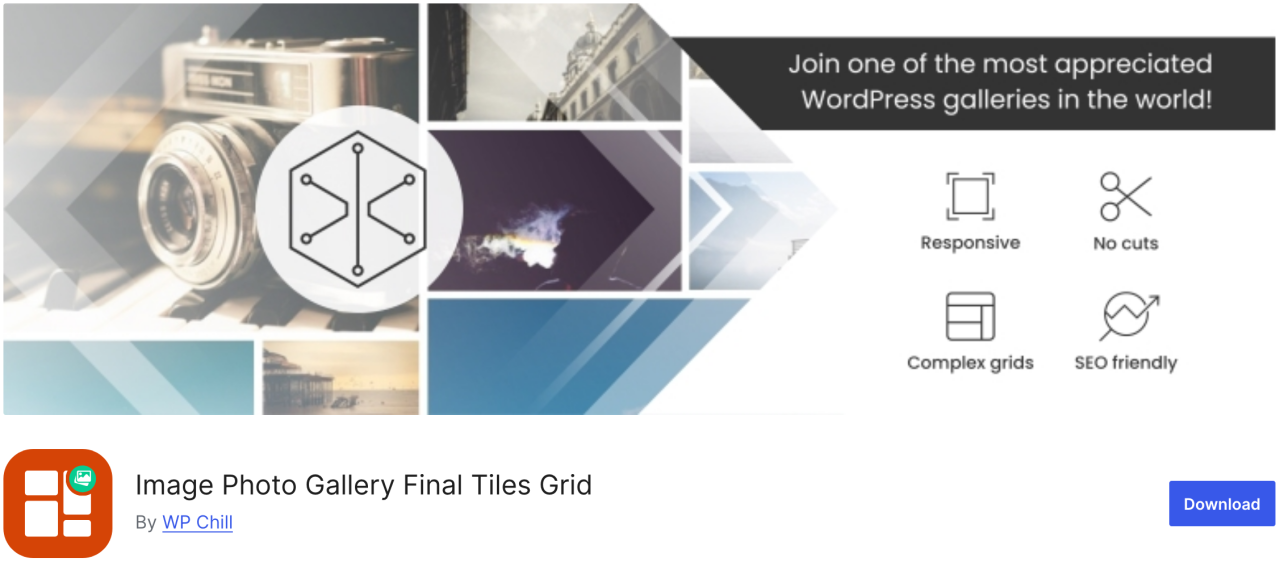
Final Tiles Grid chính xác là loại plugin bạn cần. Nếu bạn muốn thay đổi kích thước hình ảnh để phù hợp với bố cục thư viện, plugin này sẽ sắp xếp chúng thành những bố cục bất đối xứng bắt mắt, thích ứng với kích thước hiển thị thay đổi bằng hiệu ứng động mượt mà. Ngoài ra, nó còn cung cấp lightbox để tăng thêm hiệu ứng hình ảnh và vô số tùy chọn chia sẻ.
Ưu điểm:
- Thiết kế tương thích
- Hỗ trợ video và đa phương tiện hỗn hợp
Nhược điểm:
- Phiên bản miễn phí bị giới hạn
- Việc tùy chỉnh có thể yêu cầu CSS
Giá:
- Free to use
Kêu gọi tất cả các quản trị viên web!
Tiết kiệm thời gian và tăng năng suất với WP Media Folder. Dễ dàng sắp xếp các tệp phương tiện của khách hàng, tạo thư viện ảnh tùy chỉnh và mang lại trải nghiệm người dùng liền mạch.
Nâng cấp các dự án website của bạn ngay bây giờ!
Kết luận
Đó là toàn bộ danh sách các plugin WordPress tốt nhất để quản lý hình ảnh trên website. Bằng cách hiểu rõ ưu và nhược điểm của từng plugin, bạn có thể đưa ra quyết định sáng suốt giúp nâng cao quy trình làm việc và đảm bảo nội dung của bạn luôn trông đẹp nhất.
Và nếu bạn đang tìm kiếm một cách dễ dàng để tổ chức và quản lý tất cả hình ảnh của mình ngay trong WordPress, đừng bỏ lỡ WP Media Folder của JoomUnited.
Khi bạn đăng ký blog, chúng tôi sẽ gửi email cho bạn khi có cập nhật mới trên trang web để bạn không bỏ lỡ chúng.