Продукти WordPress
 Продукти Joomla
 Підтримка
 Новини
 Вхід
Вхід10+ Найкращих інструментів для створення кращих зображень для ваших блог-постів

Зазвичай користувачі вашого блогу хочуть отримати інформацію швидко, швидко зрозуміти її та вирішити, чи є вона цінною для них. Ось чому зображення створюють величезний вплив на те, як користувачі взаємодіють з вашим контентом, наприклад, покращуючи досвід читача, підвищуючи залученість, і покращення SEO. Однак більшість власників блогів не є дизайнерами і не можуть створювати професійно виглядаючі зображення для своїх блогів.
На щастя, зараз вам не потрібно наймати дизайнера або витрачати сотні доларів на програмне забезпечення, щоб отримати чудові візуальні ефекти. Є кілька класних безкоштовних додатків для графічного дизайну, які можна використовувати для створення неймовірних графіків для соціальних мереж.
Попрощайтеся із заплутаною медіа-бібліотекою.
WP Media Folder дозволяє категоризувати файли, синхронізувати папки із хмарним сховищем, створювати чудові галереї та навіть замінювати зображення без порушення посилань.
Оптимізуйте свій робочий процес медіа сьогодні
Зміст
Найкращі інструменти графічного дизайну для публікацій у блозі
1. Canva
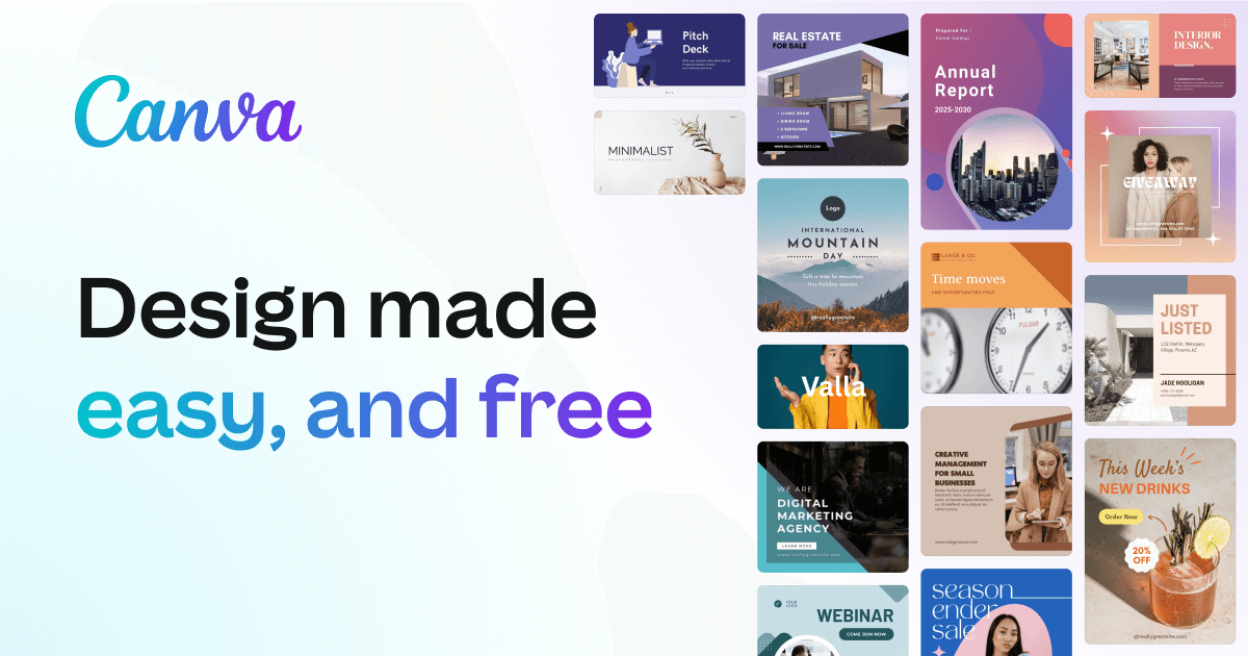
Якщо ви шукаєте прості у використанні, але потужні графічні інструменти на основі шаблонів, Canva — найкраще рішення. Цей додаток містить тисячі шаблонів, графіки та фотографій; від плакатів до публікацій в Instagram, які ви можете використовувати в рамках безкоштовного плану.
Крім того, редактор з функцією перетягування дозволяє легко додавати власні ресурси та налаштовувати все відповідно до ваших потреб. Після завершення ви можете завантажити файл, і водяних знаків не буде, якщо ви випадково не використали якісь преміум-ресурси.
🌟 Основні можливості:
- Тисячі шаблонів для кожного випадку
- Інструменти Magic Studio на основі ШІ (генерація зображень, видалення фону тощо)
- Велика бібліотека фотографій, іконок та елементів
- Співпраця команди та управління бренд-кітом
- Підтримує створення анімованих та відео-контентів
✅️ Переваги:
- Безліч шаблонів
- Неймовірний безкоштовний план
❌ Недоліки:
- Якщо вам потрібно більше від Canva, ви повинні сплатити за плани Pro, такі як автоматичне змінення розміру, використання ШІ, планувальник соціальних медіа та інше
💰 Ціна:
- Безкоштовно: Основні шаблони та функції
- Pro: 14,99 доларів США/місяць або 119,99 доларів США/рік (1 користувач)
- Команди: 29,99 доларів США/місяць за перших 5 користувачів
- Підприємство: Спеціальні ціни для великих організацій
2. Pablo від Buffer
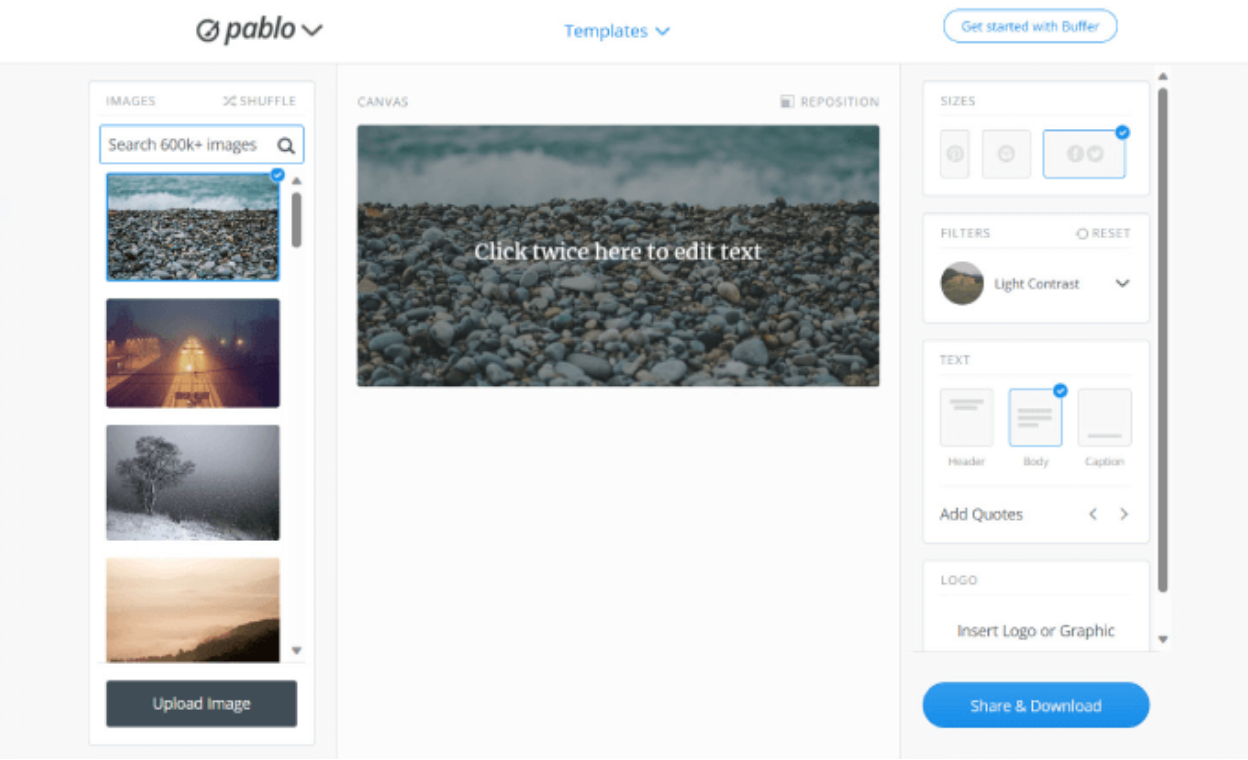
Pablo від Buffer - це простий і мінімалістичний інструмент, який дозволяє легко розміщувати текст або фільтри поверх зображення. Це хороший вибір, якщо вам потрібно створити прості заголовки, мініатюри або публікації в соціальних мережах.
Однак, цей інструмент найкраще використовувати для остаточного доопрацювання, наприклад, додавання підписів або фільтрів, оскільки немає можливості зміни розміру. Він має вбудовану бібліотеку шаблонів, шрифтів, стокових зображень та фільтрів.
🌟 Основні можливості:
- Простий інтерфейс, розроблений для швидкості
- Бібліотека безоплатних зображень
- Вбудована бібліотека цитат
- Легкі текстові накладки та фільтри
✅️ Переваги:
- Простий та зручний для початківців
- Швидке створення контенту
- Включаючи редагування зображень
- Безкоштовно
❌ Недоліки:
- Обмежена настройка
- Немає можливості зміни розміру
- Тільки базові функції
💰 Ціна:
- Безкоштовно для використання як частина пакету Buffer. Основні плани Buffer починаються безкоштовно, з платними тарифами для розширеного планування соціальних мереж та аналітики від 6 доларів на місяць на канал
3. Adobe Express
Як ми знаємо, Adobe є найбільшим ім'ям у графічному дизайні, тому не дивно, що у них є додаток, призначений для створення графіки для соціальних мереж та блогів. Adobe Express – це хмарне програмне забезпечення для редагування фотографій, головною метою якого є надання розширених функцій Photoshop та Illustrator початківцям та спрощення процесу навчання.
Цей додаток дозволяє редагувати кожен проект, додаючи текст, фільтри чи інші графічні елементи. Вони навіть пропонують генеративний штучний інтелект з інструментами перетворення тексту на зображення та текстовими ефектами. Просто напишіть запит, і він створить для вас унікальні зображення та стилі тексту.
🌟 Основні можливості:
- Редактор перетягування з шаблонами
- Інструменти на основі ШІ (видалення фону, текстові ефекти)
- Доступ до активів Adobe Stock (преміум)
- Анімація та створення відео
- Інтеграція з Adobe Fonts
✅️ Переваги:
- Найкращий редактор у своєму класі
- Безкоштовні функції ШІ
❌ Недоліки:
- Шаблони не настільки широкі, як у Canva
- Деякі функції змушують вас оновити версію
💰 Ціна:
- Безкоштовно для 100 000+ шаблонів, 25 кредитів ШІ на місяць та 2 ГБ хмарного сховища
- Преміум починається з 9,99 доларів на місяць
4. Adobe Photoshop
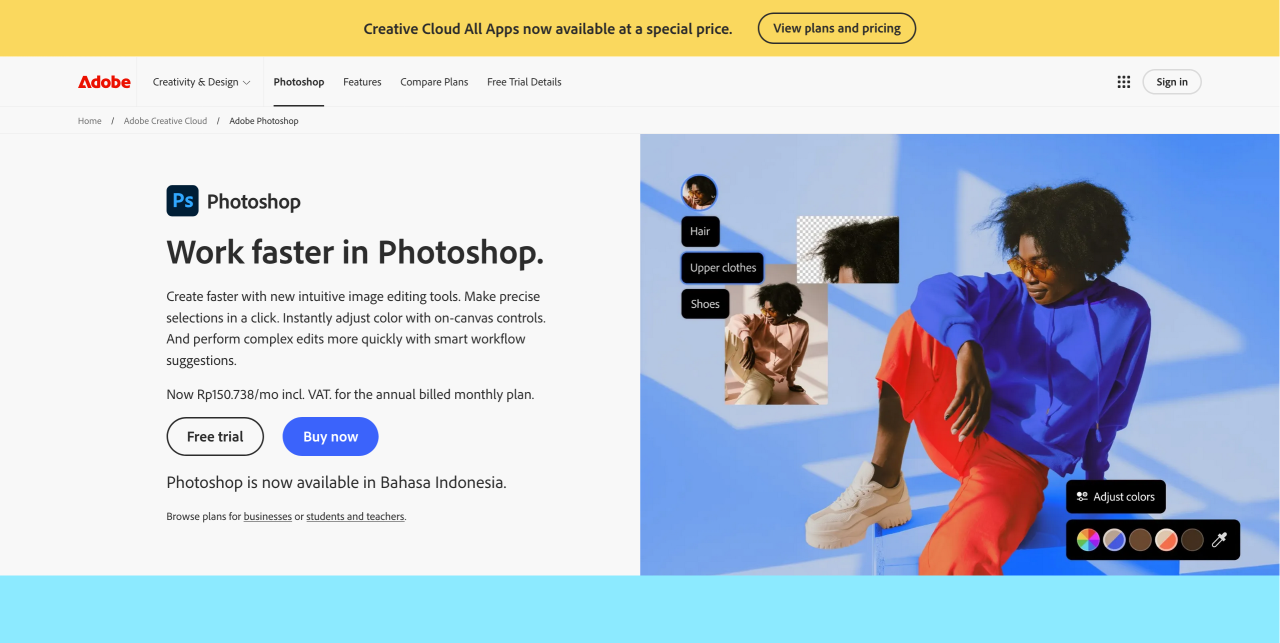
Хто не знає Adobe Photoshop? Найпопулярніші програми графічного дизайну на ринку використовуються широким колом творчих професіоналів, від дизайнерів і фотографів до веб-розробників і контент-маркетологів.
Це програмне забезпечення має зручний інтерфейс, широкий набір інструментів редагування та безліч онлайн-уроків. Надає користувачам повний контроль і безмежні творчі можливості.
🌟 Основні можливості:
- Розширене редагування: шари, маски, розумні об'єкти
- Інструменти на основі ШІ (генеративне заповнення, з урахуванням контексту)
- Підтримує як растрову, так і векторну графіку
- Розширена екосистема плаґінів та пензлів
✅️ Переваги:
- Широкий спектр інструментів дизайну, включаючи маскування, інструменти обгортання зображень, альфа-композитинг, плавне обертання камери, інструменти відображення файлів та багато іншого
- Зручний інтерфейс
- Відмінна сумісність з іншими програмами Adobe
- Підтримує кілька форматів файлів
- Доступний безкоштовний пробний період
- Багато навчальних посібників та ресурсів доступні
❌ Недоліки:
- Порівняно дорога цінова політика
- Стрімка крива навчання
- Це може бути перевантажуючим для початківців
💰 Ціна:
- 20,99 доларів на місяць
- План фотографії починається з 9,99 доларів на місяць, що також включає Lightroom та Lightroom Classic
- План Creative Cloud починається з 52,99 доларів на місяць, доступ до всіх програм Adobe
- Photoshop також пропонує 7-денний безкоштовний пробний період
5. Piktochart
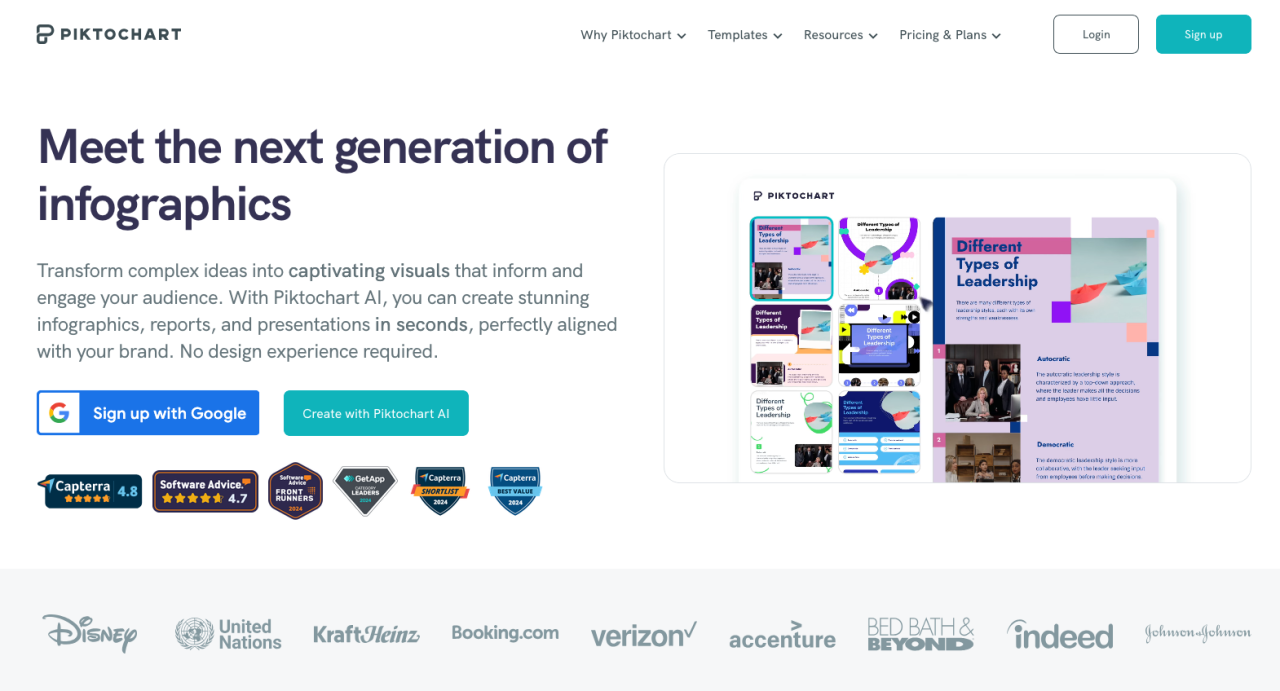
Більшість блогерів знають, наскільки потужними можуть бути інфографіка, щоб отримати більше трафіку та додати авторитетності своєму веб-сайту. Piktochart - це найкраще рішення, простий у використанні інструмент для створення інфографіки.
Цей інструмент постачається з 600+ професійно розробленими шаблонами для інфографіки, презентацій, плакатів та звітів, тому ви можете додати свої діаграми та графіки, карти, іконки, фотографії та навіть відео. Після вибору шаблону ви можете просто перетягнути графічні елементи на свій полотно.
🌟 Основні можливості:
- Конструктор інфографіки перетягуванням
- Інструменти візуалізації даних (діаграми, карти)
- Бібліотека шаблонів та іконок
- Функції спільної роботи
✅️ Переваги:
- Зручний інтерфейс
- Функціональність перетягування
- Широкий спектр шаблонів
- Хмарний
❌ Недоліки:
- Обмежена безкоштовна версія
- Обмеження експорту
- Необхідне підключення до Інтернету
💰 Ціна:
- Безкоштовно з доступом до основних функцій, але обмежено в зберіганні
- Професійний план за 14 доларів на місяць
6. QuotesCover
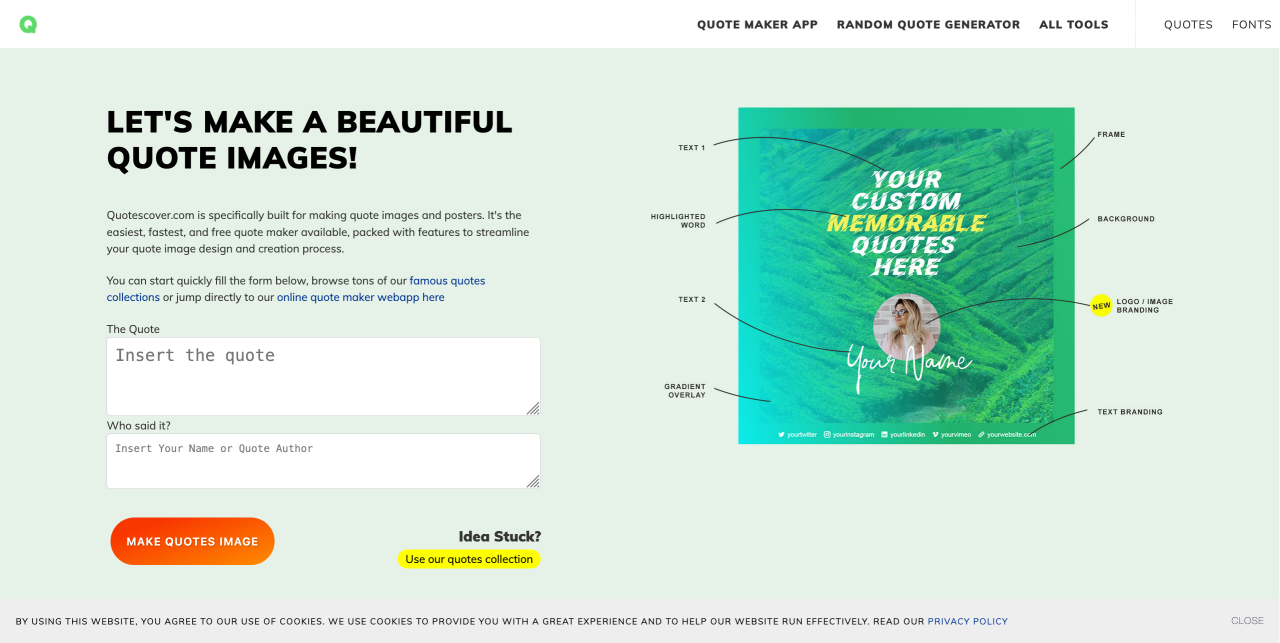
Цитати можна використовувати для підтвердження тверджень та аргументів у блозі або для просування бренду в Instagram чи соціальних мережах. Ця стратегія може додати переконливості вашим тезам. За допомогою QuotesCover ви можете ділитися красивими цитатами з чудовим дизайном, красивою типографікою та візуальними ефектами.
Він дозволяє вибирати шрифти, використовувати стікери та навіть додавати логотип свого бренду. Крім того, ви можете завантажувати власні фонові зображення та використовувати вбудований інструмент програми для налаштування кольорів, контрастності, ефектів тощо.
✅️ Переваги:
- Підтримка декількох форматів
- Просто та швидко
- Автоматизований дизайн
❌ Недоліки:
- Базові функції дизайну
- Залежність від Інтернету
- Відсутність спільної роботи команди
💰 Ціна:
- Безкоштовно
- Платний план починається з $2,50, щоб видалити всі оголошення, брендування логотипу, можливість використовувати власні шрифти та інші розширені функції
7. Figma
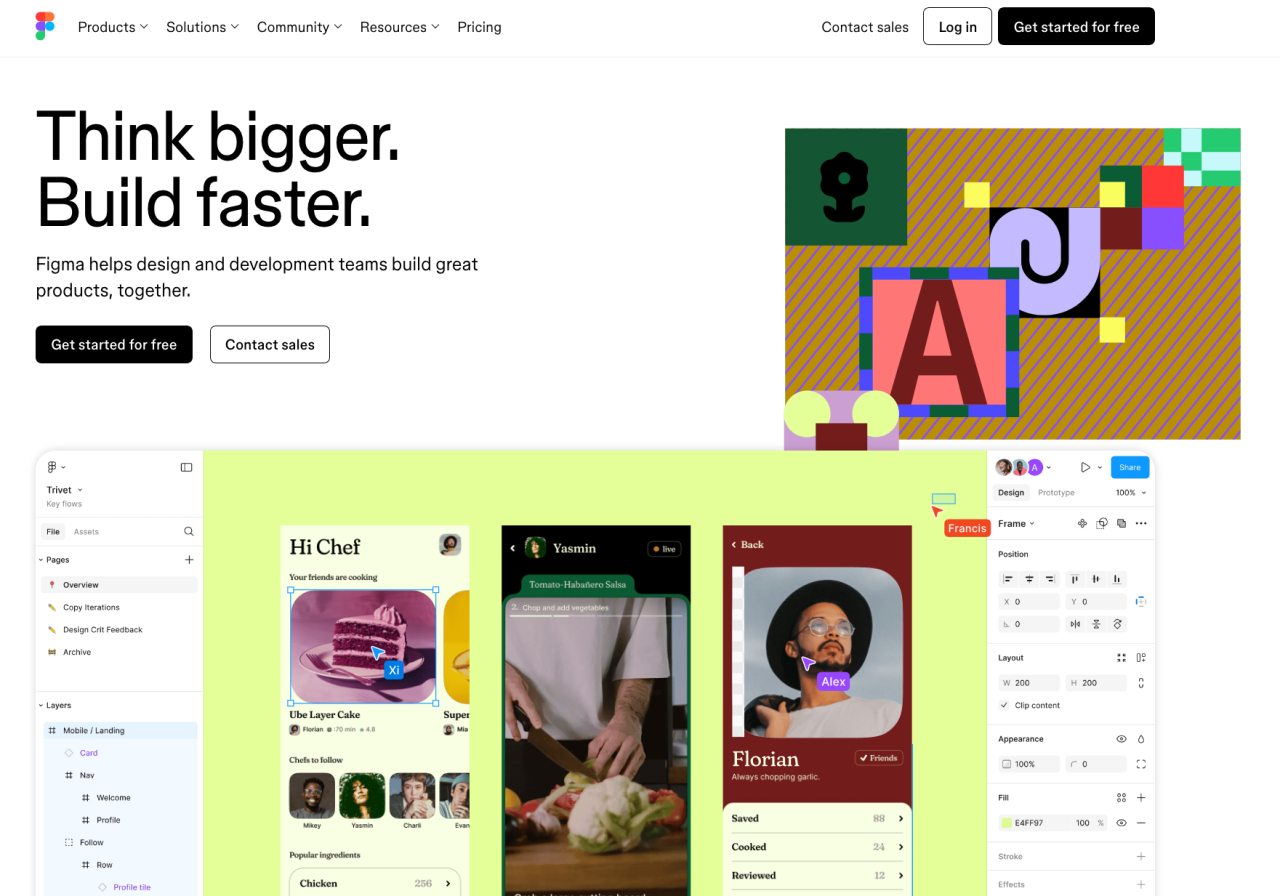
Figma — це безкоштовний онлайн-інтерфейс для дизайну, який є надзвичайно універсальним і може використовуватися для всіх видів дизайнерських робіт, включаючи створення веб-сайтів на основі вайрфреймів, розробку інтерфейсів мобільних додатків, створення публікацій у соціальних мережах тощо.
Найціннішою перевагою цього інструменту є його можливість для живої співпраці. Усі дизайни зберігаються онлайн і дозволяють членам команди одночасно отримувати до них доступ для обговорення ідей, надання відгуків або внесення змін у режимі реального часу.
✅️ Переваги:
- 100% безкоштовно
- Всі файли зберігаються онлайн
- Одночасна оптимізована співпраця
- Незрівняна доступність та гнучкість
- Легко ділитися файлами
- Численні плагіни та можливості
❌ Недоліки:
- Повільніше завантаження
- Не може бути використаний без активного інтернет-з'єднання
- Глобальні кольори відсутні
💰 Ціна:
- Figma повністю безкоштовна
8. Envato
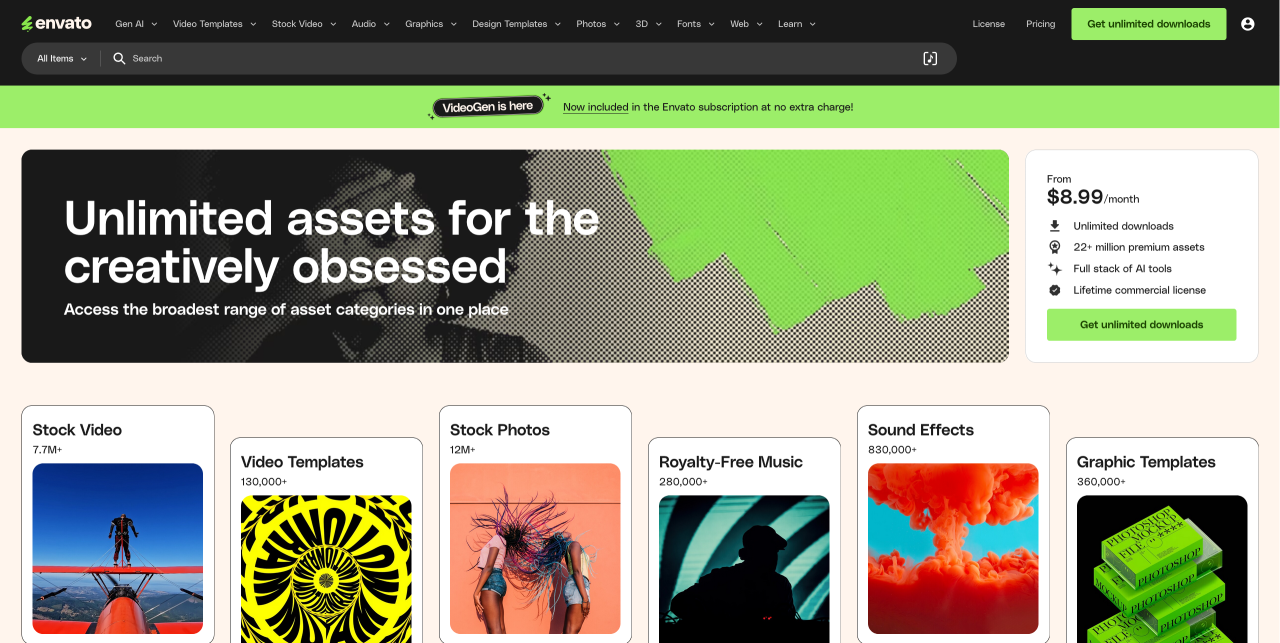
Envato - це сервіс на основі підписки, що пропонує необмежений доступ до широкого спектру графічних активів та шаблонів дизайну. Однією з найбільших переваг цього інструменту є велика бібліотека контенту, що містить понад 19 мільйонів доступних елементів, з новим контентом, що додається щотижня.
✅️ Переваги:
- Необмежені завантаження
- Великий спектр творчих активів
- Довічна комерційна ліцензія
- Створено дизайнерами по всьому світу
- Доступний
- Тарифи для всіх
- Скасувати будь-коли
❌ Недоліки:
- Немає поетапної ціноутворення
- Немає довічного членства
💰 Ціна:
- Починаючи з $8,99 на місяць
- Індивідуальна підписка: $16,50 на місяць (із 30% знижкою для студентів)
- Підписка для команд: $10,75 на місяць на кожного учасника
9. Pixlr
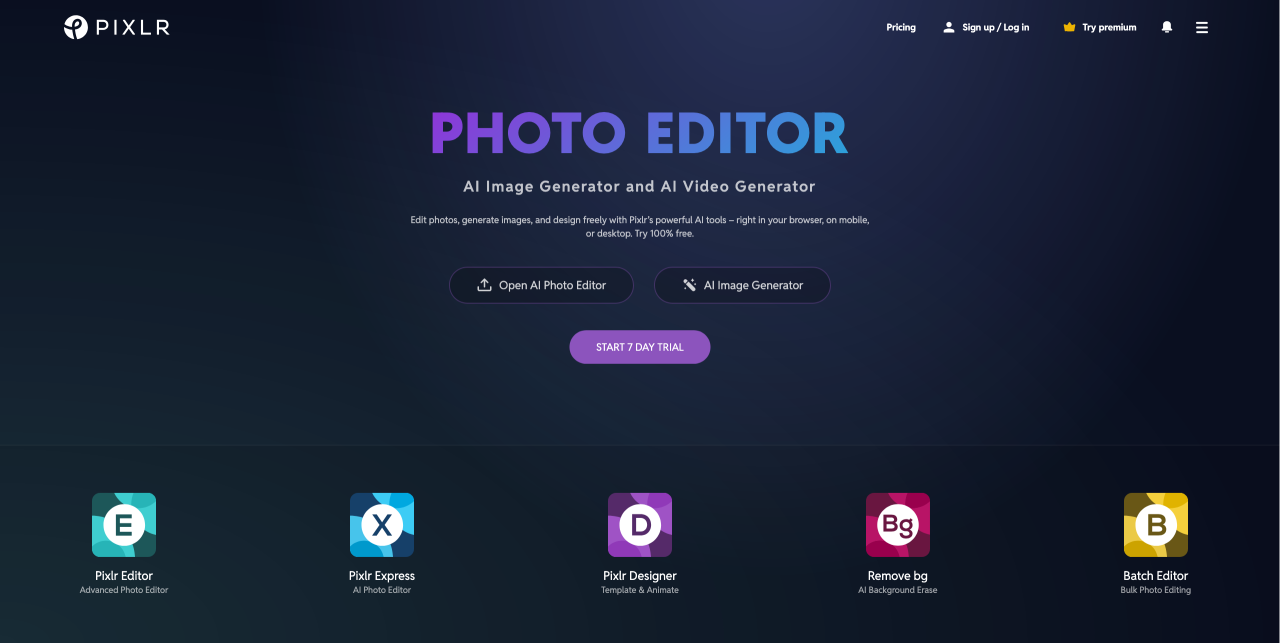
Якщо ви не хочете витрачатися на дороге програмне забезпечення для редагування фотографій, Pixlr — чудовий вибір. Безкоштовний онлайн-інструмент для редагування фотографій, розроблений для початківців та тих, хто не є дизайнером, з багатьма тими ж функціями, що й у Photoshop.
Існує безліч готових шаблонів, тому ви можете налаштувати свої зображення відповідно до потреб вашого контенту. Крім того, ви отримуєте різноманітні зручні функції, такі як видалення фону, видалення об’єктів, тексту та інших елементів.
✅️ Переваги:
- Зручний інтерфейс
- Доступна безкоштовна версія
- Інструменти на основі ШІ
- Доступний
❌ Недоліки:
- Реклама у безкоштовній версії
- Обмежені розширені функції
💰 Ціна:
- Безкоштовно або оновіть до преміум-плану за 7,99 доларів на місяць
10. Photopea
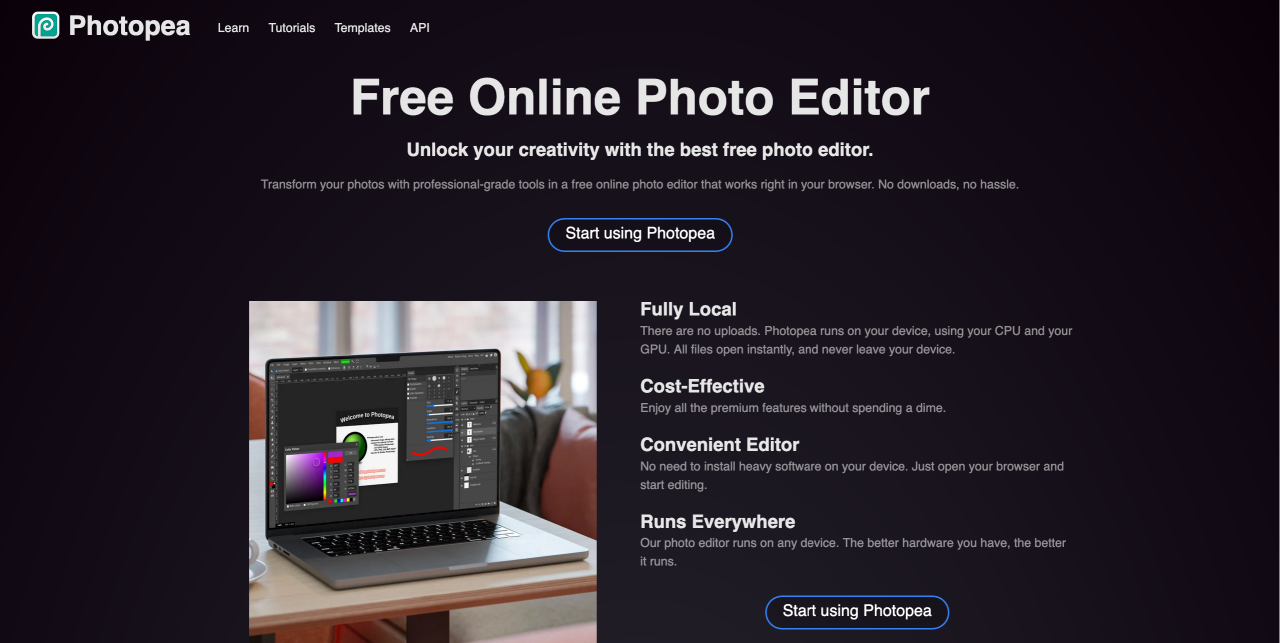
Photopea — це безкоштовне, розширене програмне забезпечення для редагування зображень, яке нагадує популярні платформи, такі як Photoshop. Інструменти містять безліч функцій, яких ви очікуєте від платного програмного забезпечення для редагування зображень, включаючи смарт-об'єкти, текстові інструменти, інструменти пензля, шари, історію тощо.
Нам подобається Photopea, тому що він безкоштовний у використанні без необхідності переходу на платні плани, навіть не потрібно реєструвати обліковий запис. Крім того, він сумісний з широким спектром форматів файлів, таких як JPG, PNG, WebP, GIF, SVG, PSD, XD, PDF тощо.
✅️ Переваги:
- Підтримка різних форматів файлів
- Обліковий запис не потрібен
- Інтерфейс користувача, подібний до Photoshop
- Підтримка шарів та масок
❌ Недоліки:
- Підтримується рекламою
- Обмежена інтеграція з хмарою
- Повільна продуктивність
💰 Ціна:
- Це програмне забезпечення для редагування повністю безкоштовне для використання.
11. Visme
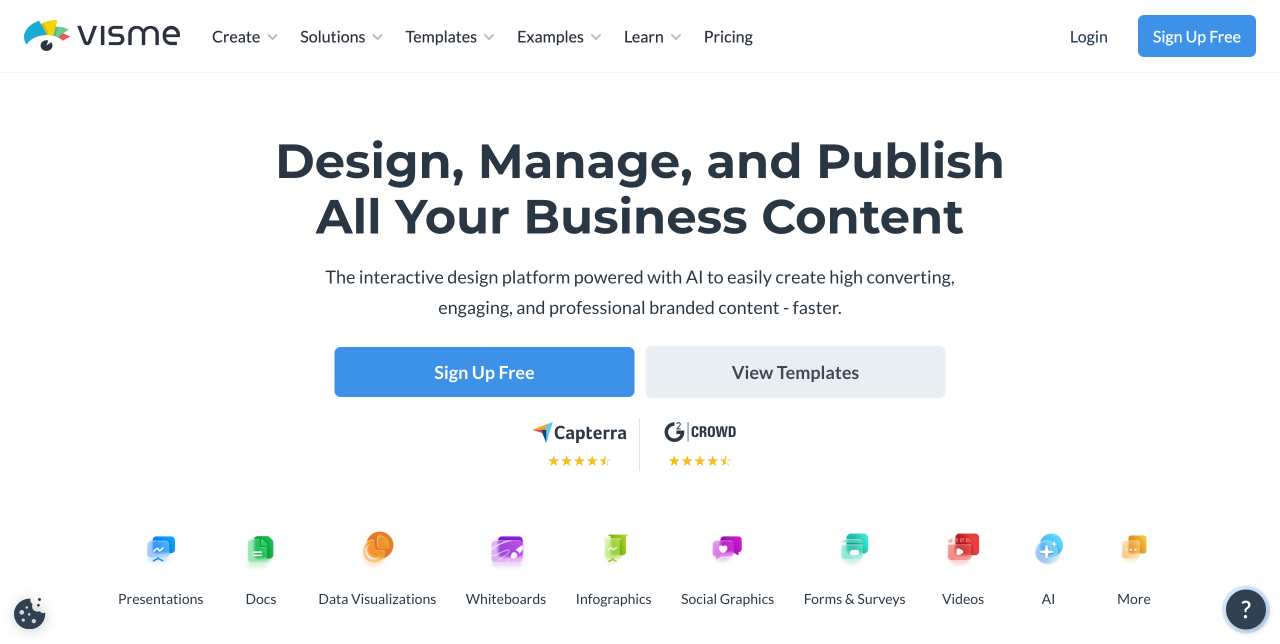
Visme - це потужний веб-орієнтований інструмент для дизайну та візуалізації даних, який ідеально підходить для блогерів, творців контенту та дизайнерів, яким потрібно створювати високоякісні, захоплюючі візуальні елементи без використання складного програмного забезпечення. Він особливо корисний для користувачів WordPress, які часто публікують контент, орієнтований на дані, або освітній контент і хочуть представити інформацію візуально переконливо.
✅️ Переваги:
- Сильний акцент на візуалізації даних та освітньому контенті
- Красиві та професійні шаблони
- Можливість завантажувати візуальні елементи як зображення, PDF або відео
- Легка інтеграція у контент блогу
- Підтримує спільну роботу команди, чудово підходить для агенцій або дизайнерських команд
❌ Недоліки:
- Багато розширених функцій знаходяться за платіжним муром
- Необхідне підключення до Інтернету
- Можливо, буде зайвим для простих потреб у зображеннях
💰 Ціноутворення:
- Безкоштовний план: доступ до базових шаблонів та інструментів
- Стандартний план: від 12,25 доларів США/місяць (раховано щорічно)
- Бізнес-план: від 24,75 доларів США/місяць, включає повні функції брендингу та розширені інтеграції
Кличемо всіх вебмастерів!
Заощаджуйте час і підвищуйте продуктивність з WP Media Folder. Легко організовуйте клієнтські медіафайли, створюйте власні галереї та забезпечуйте безперебійний користувацький досвід.
Покращуйте ваші веб-сайт-проекти зараз!
Висновок
Ось і всі рекомендації щодо найкращого інструменту графічного дизайну. Сподіваємося, що ми допомогли вам знайти чудові інструменти для створення кращих зображень для ваших публікацій у блозі. Створюйте професійно виглядаючі зображення для свого блогу, використовуючи візуальні елементи високої роздільної здатності, дотримуйтесь єдиної колірної гами, вибирайте чисті та читабельні шрифти та використовуйте візуальну ієрархію.
Крім того, якщо ви шукаєте простий спосіб упорядкування та керування всіма своїми зображеннями безпосередньо в WordPress, не пропустіть WP Media Folder від JoomUnited. Ідеальний помічник для оптимізації вашого робочого процесу та покращення презентації вашого контенту.
Коли ви підпишетесь на блог, ми будемо надсилати вам електронний лист, коли з'являться нові оновлення на сайті, щоб ви не пропустили їх.