ผลิตภัณฑ์ WordPress
 ผลิตภัณฑ์ Joomla
 สนับสนุน
 ข่าวสาร
 เข้าสู่ระบบ
รายชื่อปลั๊กอินเพิ่มประสิทธิภาพ WordPress 5 ตัวที่น่าทึ่ง

1. WP Speed of Light
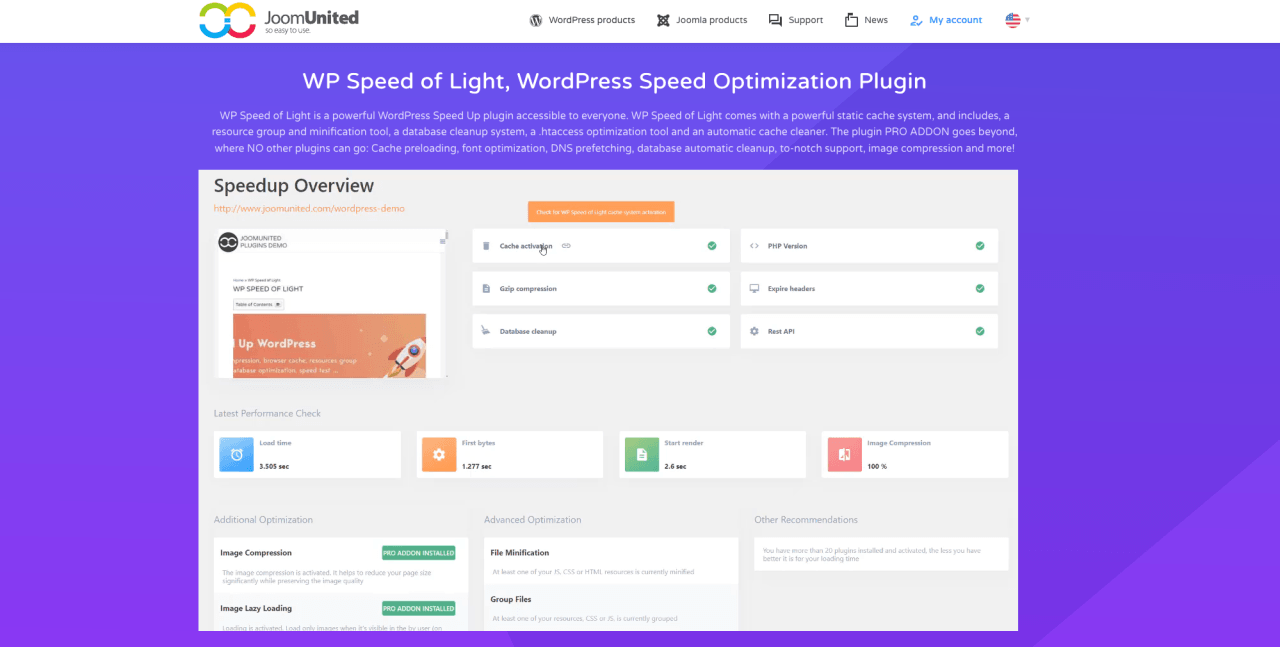
หากคุณเป็นมือใหม่ นี่คือปลั๊กอินที่เหมาะอย่างยิ่งที่จะเริ่มต้นใช้งาน WP Speed of Lightมาพร้อมกับระบบการเพิ่มประสิทธิภาพมากมาย และมอบโซลูชันแบบครบวงจรเพื่อเพิ่มประสิทธิภาพเว็บไซต์ของคุณโดยพยายามทำให้ง่ายที่สุด ปลั๊กอินนี้มีคุณสมบัติหลากหลายและอินเทอร์เฟซที่ใช้งานง่าย ช่วยเพิ่มประสิทธิภาพเว็บไซต์ของคุณได้อย่างมีประสิทธิภาพโดยไม่ต้องมีความรู้ด้านเทคนิคใดๆ
WP Speed of Lightช่วยคุณ ย่อขนาดไฟล์ CSS และ JavaScriptเพิ่มประสิทธิภาพรูปภาพ เปิดใช้งาน lazy loadingและอื่นๆ อีกมากมาย ด้วยปลั๊กอินนี้ คุณสามารถทำการทดสอบหลายๆ ครั้งบนหน้าเดียวกันและเปิดตารางเปรียบเทียบได้ นอกจากนี้ยังมีการผสานรวมเครื่องมือทดสอบความเร็วของ Google เพื่อทำการทดสอบความเร็วโดยละเอียดบนองค์ประกอบต่างๆ
คุณสมบัติหลักของ WP Speed of Light:เวอร์ชัน
ฟรี
- ลบสตริงการค้นหา
- แคชของเบราว์เซอร์ (ปัญหาความเร็วหน้า Google ทั่วไปอีกอย่างหนึ่ง)
- ย่อไฟล์ CSS และ JavaScript เพื่อลดขนาดไฟล์
- การปรับแต่งฐานข้อมูล เช่น การแก้ไขโพสต์ ความคิดเห็นสแปม ฯลฯ
- การรวม CDN เพื่อการนำเสนอเนื้อหาที่เร็วขึ้น
- การแคชหน้าเว็บ
- แคชแบบเลือกหรือแบบโกลบอลตามอุปกรณ์
เวอร์ชัน Pro
- การบีบอัดรูปภาพ 1GB หรือ 3GB ตามการใช้งาน
- การโหลดแคชล่วงหน้า
- การโหลด DNS ล่วงหน้า
- การล้างฐานข้อมูลอัตโนมัติ คุณสามารถกำหนดเวลาการล้างได้
- การยกเว้นไฟล์ภาพสำหรับการย่อและการจัดกลุ่ม
- กฎการยกเว้นแคชขั้นสูง
ราคา:
- WP Speed of Light มีเวอร์ชันฟรีพร้อมคุณสมบัติพื้นฐาน เวอร์ชันโปรเริ่มต้นที่ $49 ต่อปี
เพิ่มความเร็วไซต์ของคุณทันที!
คุณกำลังวางแผนที่จะปรับปรุงความเร็วของไซต์ WordPress ของคุณหรือไม่? ดาวน์โหลด WP Speed of Light เพื่อดูว่ามันช่วยลดเวลาโหลดหน้าเว็บได้ 50% อย่างไร
2. WP Rocket
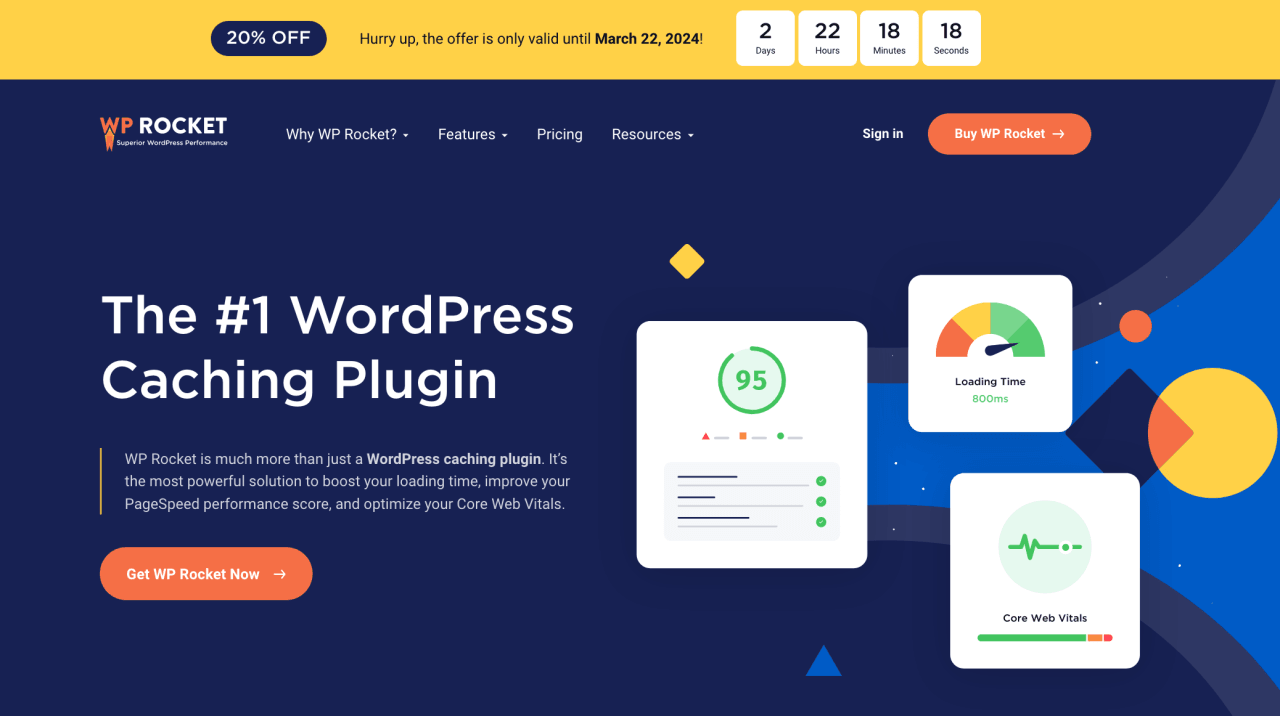
WP Rocket เป็นปลั๊กอินระดับพรีเมียมสำหรับผู้ใช้ส่วนใหญ่ที่ต้องการปรับปรุงความเร็วและประสิทธิภาพของเว็บไซต์ ปลั๊กอินนี้เหมาะสำหรับผู้ที่ต้องการปลั๊กอินแคชและเพิ่มประสิทธิภาพความเร็วที่ดีที่สุด WP Rocket มีคุณสมบัติมากมายเพื่อเพิ่มประสิทธิภาพการแคชเว็บไซต์ ลดเวลาในการโหลด และปรับปรุงประสบการณ์ผู้ใช้
นอกจากนี้ ปลั๊กอินยังมีอินเทอร์เฟซที่ใช้งานง่ายและตั้งค่าได้ง่าย คุณสมบัติขั้นสูงบางอย่างก็ใช้งานได้ง่ายเช่นกัน ปลั๊กอินจะลบอักขระที่ไม่จำเป็นออกจากโค้ดโดยอัตโนมัติและรวมประเภทไฟล์เพื่อประสิทธิภาพ ทำให้เว็บไซต์ของคุณโหลดเร็วขึ้นโดยจัดลำดับความสำคัญของไฟล์ที่สำคัญกว่าไฟล์ที่ไม่สำคัญ
คุณสมบัติหลักของ WP Rocket:
- อินเทอร์เฟซที่เป็นมิตรกับผู้ใช้
- การแคชหน้าเว็บเพื่อเวลาในการโหลดที่เร็วขึ้น
- การย่อ CSS, HTML และ Javascript
- การบูรณาการกับเครือข่ายการจัดส่งเนื้อหา (CDNs) content delivery networks
- การแคชหน้าเว็บ
- โหลดแคชล่วงหน้า
- รูปภาพ lazy loading
- การผสานรวม Google Analytics เพื่อโหลดโค้ดจากเซิร์ฟเวอร์ของคุณ
- การปรับฐานข้อมูล WordPress ให้เหมาะสม
ราคา:
- เริ่มต้นที่ $59/ปี สำหรับไซต์เดียว
3. Smush
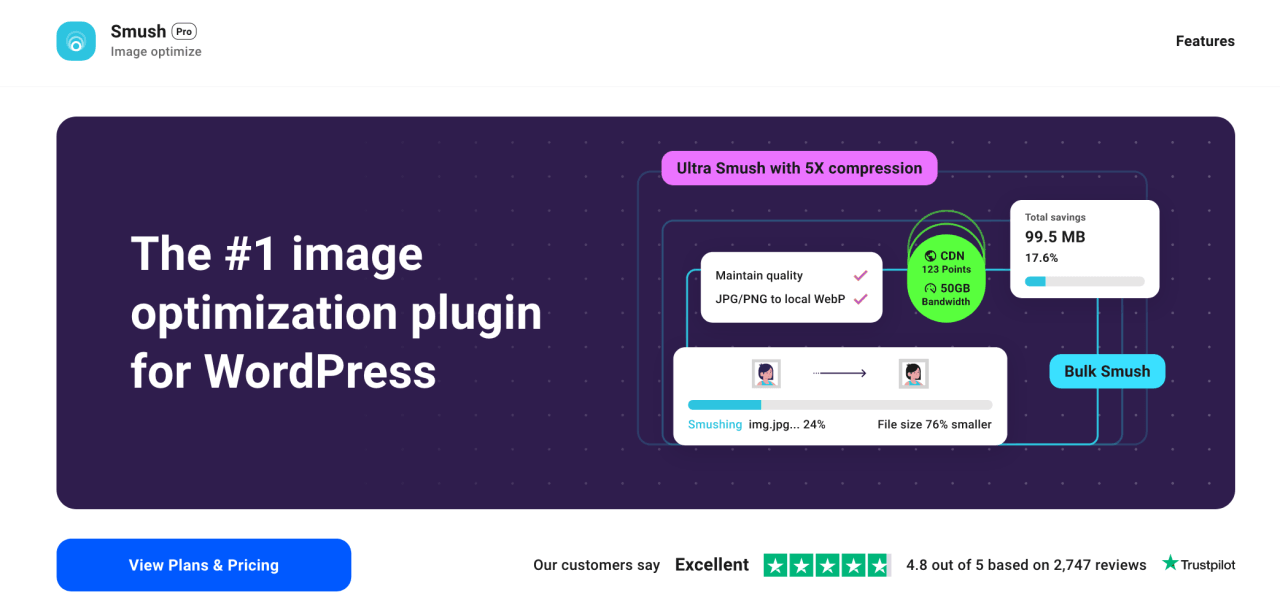
ใครบ้างที่ไม่รู้จักปลั๊กอิน WordPress เหล่านี้? ปลั๊กอินเพิ่มประสิทธิภาพรูปภาพยอดนิยมที่จะช่วยลดขนาดไฟล์รูปภาพบนเว็บไซต์ของคุณโดยไม่ลดทอนคุณภาพ ปลั๊กอินนี้ใช้เพื่อเพิ่มประสิทธิภาพรูปภาพและลบไบต์ที่ไม่จำเป็นออกจากไฟล์รูปภาพ ซึ่งจะช่วยให้โหลดเร็วขึ้นและปรับปรุงประสิทธิภาพของเว็บไซต์
Smush ยังมีคุณสมบัติเช่น lazy loadingซึ่งจะหน่วงเวลาการโหลดรูปภาพจนกว่าจะปรากฏบนหน้าจอ ช่วยเพิ่มประสบการณ์ผู้ใช้และปรับปรุงอันดับในเครื่องมือค้นหา ปลั๊กอินนี้ใช้งานง่ายสำหรับผู้เริ่มต้น และเวอร์ชันฟรีมาพร้อมกับคุณสมบัติพื้นฐาน
คุณสมบัติหลักของ Smush:
- การบีบอัด JPEG ที่เหมาะสมที่สุด
- รวมเข้ากับ Smush.it API
- การบีบอัดภาพแบบกลุ่ม
- การบีบอัดแบบไม่สูญเสียเพื่อลดขนาดไฟล์โดยไม่สูญเสียคุณภาพ
- Lazy loading สำหรับรูปภาพ
- การรวม CDN เพื่อการจัดส่งที่เร็วขึ้น
ราคา:
- ฟรี เวอร์ชัน Pro เริ่มต้นที่ $3/เดือน
4. WP-Optimize
WP-Optimize สามารถจัดการแคช การบีบอัดรูปภาพ การย่อขนาด และอื่นๆ ได้อย่างง่ายดาย ปลั๊กอินนี้มีตัวเลือกในการกำหนดเวลาการล้างข้อมูลอัตโนมัติ ซึ่งช่วยให้คุณสามารถทำงานอัตโนมัติในการล้างและเพิ่มประสิทธิภาพฐานข้อมูล WordPress ของคุณ นอกจากนี้ยังทำงานร่วมกับ UpdraftPlus เพื่อสำรองข้อมูลเว็บไซต์และฐานข้อมูลของคุณได้อย่างง่ายดาย
คุณสมบัติหลักของ WP-Optimize:
- การล้างฐานข้อมูลเพื่อกำจัดข้อมูลที่ไม่จำเป็นและการเพิ่มประสิทธิภาพเพื่อปรับปรุงประสิทธิภาพของไซต์
- การล้างข้อมูลตามกำหนดเวลาเพื่อทำให้กระบวนการเป็นอัตโนมัติ
- การรวมเข้ากับ Cloudflare และ CDN อื่นๆ
- การโหลดภาพแบบ Lazy loading
- การบีบอัดภาพเพื่อลดขนาดไฟล์และปรับปรุงความเร็วไซต์
- การแจ้งเตือนบนแดชบอร์ดสำหรับปัญหาที่สำคัญ
ราคา:
- ฟรี แผนการชำระเงินเริ่มต้นที่ 49 ดอลลาร์สหรัฐต่อปี สำหรับไซต์เดียว
5. NitroPack
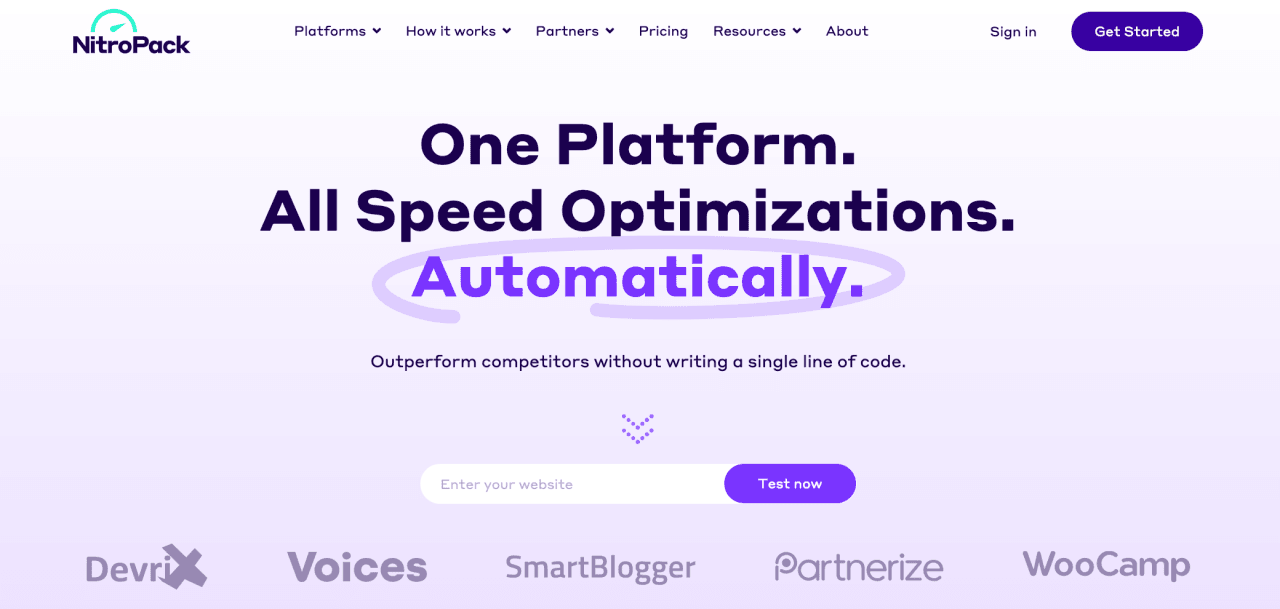
NitroPack เป็นมากกว่าปลั๊กอินเพิ่มประสิทธิภาพ WordPress มันเป็นปลั๊กอินเพิ่มประสิทธิภาพแบบครบวงจรที่มีประสิทธิภาพสูง ซึ่งรวมเทคนิคการเพิ่มความเร็วต่างๆ เข้าด้วยกันเพื่อเพิ่มประสิทธิภาพเว็บไซต์ของคุณ ปลั๊กอินนี้มีคุณสมบัติมากมาย เช่น การย่อขนาดไฟล์ การเพิ่มประสิทธิภาพรูปภาพ การ lazy loadingและ content delivery network (CDN) ซึ่งจะช่วยให้เว็บไซต์ของคุณโหลดเร็วขึ้นและปรับปรุงประสบการณ์ผู้ใช้
การเพิ่มประสิทธิภาพทั้งหมดนี้ทำงานบนเซิร์ฟเวอร์ของพวกเขาเอง ดังนั้นจึงช่วยลดการใช้งานเซิร์ฟเวอร์ของคุณ และการเปลี่ยนแปลงทั้งหมดนี้สามารถปรับปรุงเวลาในการรับไบต์แรก (TFFB) ปรับปรุง Web Core Vitals และอื่นๆ อีกมากมาย NitroPack เป็นเครื่องมือที่มีค่าสำหรับทุกคนที่ต้องการเพิ่มประสิทธิภาพเว็บไซต์ WordPress ของตนเพื่อความเร็วและประสิทธิภาพ
คุณสมบัติหลักของ NitroPack:
- การปรับแต่งหน้าเว็บอัตโนมัติเพื่อปรับปรุงเวลาในการโหลด
- การย่อขนาดไฟล์ HTML, CSS และ JavaScript เพื่อลดขนาดไฟล์
- การปรับแต่งรูปภาพอัตโนมัติโดยไม่สูญเสียคุณภาพ
- รวม CDN ทั่วโลกและกำหนดค่าอัตโนมัติ
- ประเภทการแคชต่างๆ (หน้าเว็บ, เบราว์เซอร์ และอื่นๆ)
- การรวม CDN เพื่อการนำเสนอเนื้อหาที่เร็วขึ้น
- เข้ากันได้กับสคริปต์โฆษณา
- แปลงรูปภาพเป็นรูปแบบใหม่ เช่น WebP
- Lazy loading เพื่อชะลอการโหลดรูปภาพและวิดีโอนอกจอ
- การดึงข้อมูล DNS ล่วงหน้า
ราคา:
- มีแผนบริการฟรีสำหรับไซต์ขนาดเล็กหรือเพื่อการทดสอบ
- NitroPack มีแผนการกำหนดราคาหลากหลายเพื่อตอบสนองความต้องการที่แตกต่างกัน แผนเริ่มต้นที่ 17.50 ดอลลาร์สหรัฐต่อเดือน สำหรับเว็บไซต์เดียว
บอกลาเว็บไซต์ที่โหลดช้า!
WP Speed of Light มาพร้อมกับระบบแคชแบบคงที่ที่มีประสิทธิภาพ และรวมถึงเครื่องมือจัดกลุ่มทรัพยากรและย่อขนาด, ระบบล้างฐานข้อมูล, เครื่องมือเพิ่มประสิทธิภาพ .htaccess และตัวล้างแคชอัตโนมัติ.
สรุป
ติดตั้งเฉพาะสิ่งที่คุณต้องการเท่านั้น และจำไว้ว่าน้อยคือมาก!
เมื่อคุณสมัครสมาชิกบล็อก เราจะส่งอีเมลถึงคุณเมื่อมีการอัปเดตใหม่บนไซต์เพื่อให้คุณไม่พลาด.