WordPress उत्पाद
 Joomla उत्पाद
 सहायता
 News
News Login
Loginइमेज प्रबंधन के लिए 20+ बेहतरीन वर्डप्रेस प्लगइन

अपनी वेबसाइट पर छवियाँ जोड़ने से आपकी सामग्री में जान आती है और जुड़ाव बढ़ता है। हालाँकि, बड़ी छवियाँ वेबसाइट को भर देंगी और पेज लोड गति बढ़ा देंगी, जिससे आपकी SEO पर नकारात्मक प्रभाव पड़ता है और आपके आगंतुकों के लिए निराशा होती है।.
इसलिए आपकी साइट के प्रदर्शन, दृश्य आकर्षण और SEO को बेहतर बनाने के लिए छवियों का प्रभावी ढंग से प्रबंधन करना महत्वपूर्ण है। उदाहरण के लिए, WordPress प्लगइन्स का उपयोग करने से आपकी छवियाँ आकर्षक दिख सकती हैं और आपकी वेबसाइट को चलाने या तेज़ी से लोड करने में मदद मिलती है।
इस लेख में, हम आपकी वेबसाइट पर छवियों के प्रबंधन के लिए कुछ बेहतरीन WordPress प्लगइन्स साझा करेंगे ताकि आपके आगंतुक को बेहतर अनुभव मिल सके।
विषय-सूची
- छवियों को प्रबंधित करने के लिए सर्वश्रेष्ठ WordPress प्लगइन्स
- 1. WP Media Folder
- 2. NextGEN गैलरी
- 3. EWWW इमेज ऑप्टिमाइज़र
- 4. Envira Gallery
- 5. मीडिया फ़ाइल रीनेमर
- 6. मीडिया रिप्लेस सक्षम करें
- 7. Smush
- 8. डिफ़ॉल्ट फ़ीचर्ड इमेज
- 9. Easy Watermark
- 10. Soliloquy
- 11. Smart Slider 3
- 12. Imsanity
- 13. Smash Balloon Instagram Feed Pro
- 14. Folders
- 15. रीजनरेट थंबनेल
- 16. Media Cleaner
- 17. reSmush.it
- 18. URL से फ़ीचर्ड इमेज (FIFU)
- 19. Optimole
- 20. Draw Attention
- 21. Final Tiles Grid
- Conclusion
छवियों को प्रबंधित करने के लिए सर्वश्रेष्ठ WordPress प्लगइन्स
चाहे आप ब्लॉग, पोर्टफोलियो, या ऑनलाइन स्टोर चलाते हों, छवियों को कुशलता से प्रबंधित करना आवश्यक है। मीडिया संगठन को सरल बनाने और साइट प्रदर्शन को बढ़ावा देने के लिए सर्वश्रेष्ठ WordPress प्लगइन्स खोजें।
1. WP Media Folder
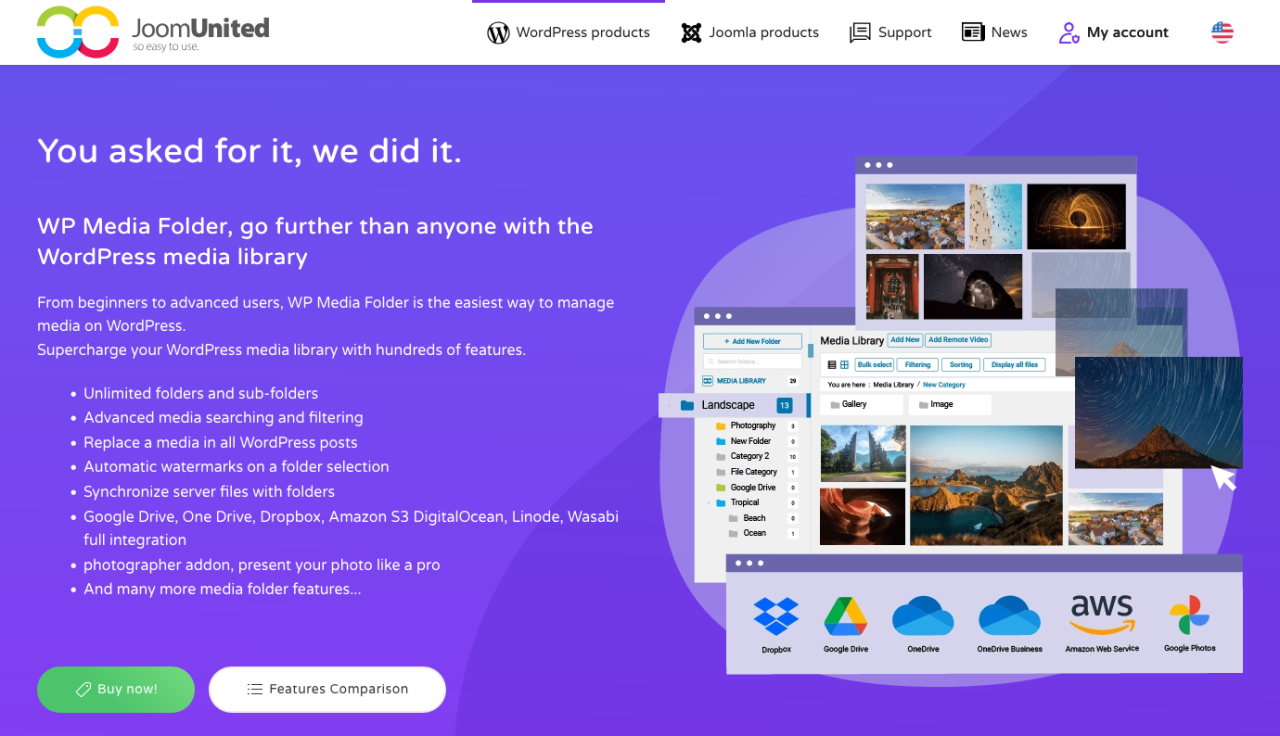
यदि आपकी WordPress मीडिया लाइब्रेरी अनियंत्रित हो रही है, तो WP Media Folder आपकी छवियों को व्यवस्थित करने के लिए एक स्मार्ट, फ़ोल्डर-आधारित समाधान प्रदान करता है। यह प्लगइन मूल मीडिया लाइब्रेरी का विस्तार करता है और आपको फ़ोल्डर और सबफ़ोल्डर बनाने की सुविधा देता है, ताकि आप हजारों छवियों को आसानी से प्रबंधित कर सकें।
बैक एंड पर, यह ड्रैग-एंड-ड्रॉप संगठन, फ़ाइल फ़िल्टरिंग, छवि क्रमबद्धता और आपके सर्वर के साथ सीधे फ़ोल्डर सिंक का समर्थन करता है। फ्रंट एंड पर, WP Media Folder गैलरी बिल्डरों के साथ एकीकृत होता है, जिससे आप अपने मीडिया फ़ोल्डरों से सीधे आकर्षक छवि गैलरी बना सकते हैं। इसमें मीडिया प्रतिस्थापन (लिंक तोड़े बिना) और क्लाउड स्टोरेज सेवाओं जैसे Google Drive, Dropbox, और OneDrive के साथ एकीकरण जैसे उन्नत विकल्प भी शामिल हैं।
यह किसी भी व्यक्ति के लिए एक शक्तिशाली उपकरण है जिसे अपनी मीडिया संपत्तियों पर अधिक नियंत्रण की आवश्यकता होती है — चाहे आप ब्लॉगर, एजेंसी या ऑनलाइन स्टोर के मालिक हों।
फायदे:
- फ़ोल्डर और सबफ़ोल्डर मीडिया संगठन
- क्लाउड स्टोरेज एकीकरण और ऑटो-सिंक
- मूल WordPress मीडिया लाइब्रेरी के साथ संगतता
कमियाँ:
- कुछ सुविधाओं के लिए क्लाउड ऐडऑन की आवश्यकता होती है
मूल्य निर्धारण:
- स्टैंडअलोन प्लगइन के लिए $49 प्रति वर्ष से शुरू होता है
- Bundle क्लाउड ऐडऑन के साथ $69 प्रति वर्ष से उपलब्ध
Say goodbye to messy media library.
WP Media Folder आपको फ़ाइलों को वर्गीकृत करने, क्लाउड स्टोरेज के साथ फ़ोल्डर सिंक करने, शानदार गैलरी बनाने और लिंक तोड़े बिना छवियों को बदलने की सुविधा देता है।
आज ही अपने मीडिया वर्कफ़्लो को अनुकूलित करें
2. NextGEN गैलरी
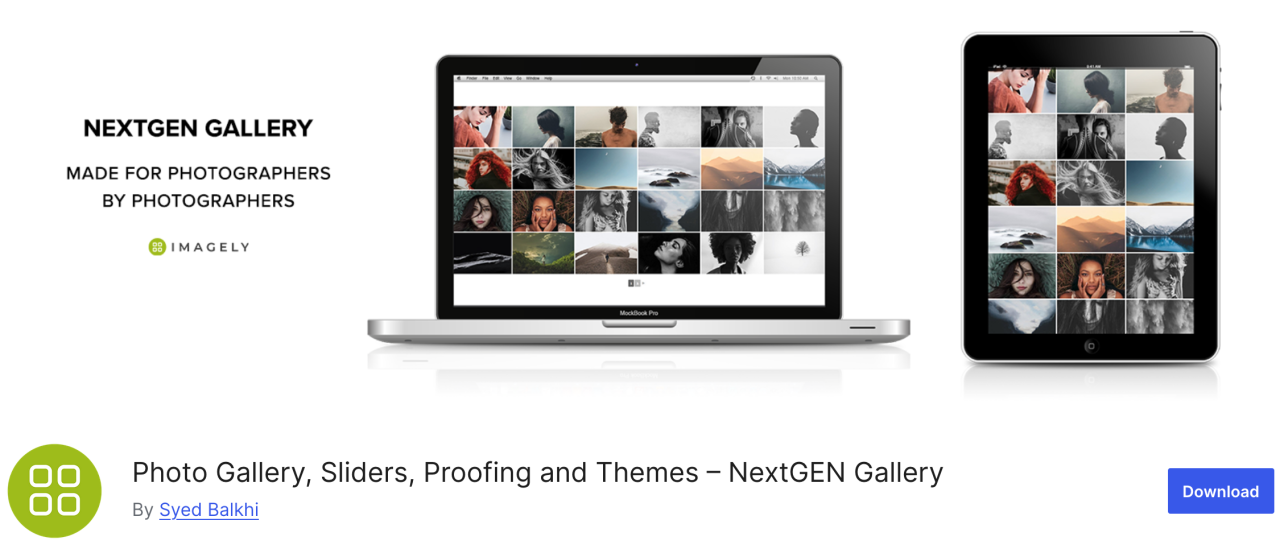
If you're looking for a versatile plugin, NextGEN Gallery offer a range of image management options. On the back end including such as batch upload, thumbnail editing, meta data import, and others, while for front end side of things are three gallery styles and two album styles.
This plugin is a good all-round solution. Moreover, these galleries and albums are fully customizable in terms of style, timing, transitions, lightbox effects, and more.
फायदे:
- बैच अपलोड और इमेज सॉर्टिंग
- लाइटबॉक्स और स्लाइडशो प्रदान करता है
कमियाँ:
- मुफ़्त संस्करण में सीमित सुविधाएँ
मूल्य निर्धारण:
- लाइट संस्करण उपलब्ध है, लेकिन स्टार्टर प्लान $69.50 प्रति वर्ष से शुरू होता है
3. EWWW इमेज ऑप्टिमाइज़र
EWWW Image Optimizer सर्वश्रेष्ठ WordPress प्लगइन्स में से एक है, जो गुणवत्ता को प्रभावित किए बिना छवियों को संपीड़ित करने के लिए शक्तिशाली उपकरणों के साथ आता है। जैसा कि आप जानते हैं, छवियों को लोड होने में टेक्स्ट की तुलना में अधिक समय लगता है, और यह आपकी वेबसाइट की गति और प्रदर्शन को प्रभावित करता है।
इस प्लगइन के साथ, आप बेहतर प्रदर्शन के लिए अपनी छवियों को वेब के लिए अनुकूलित कर सकते हैं और आगंतुक अनुभव को बढ़ा सकते हैं।
फायदे:
- WebP प्रारूप का समर्थन करता है
- स्वचालित इमेज कम्प्रेशन
कमियाँ:
- Some advanced features locked behind premium
Price:
- मुफ़्त उपयोग
4. Envira Gallery
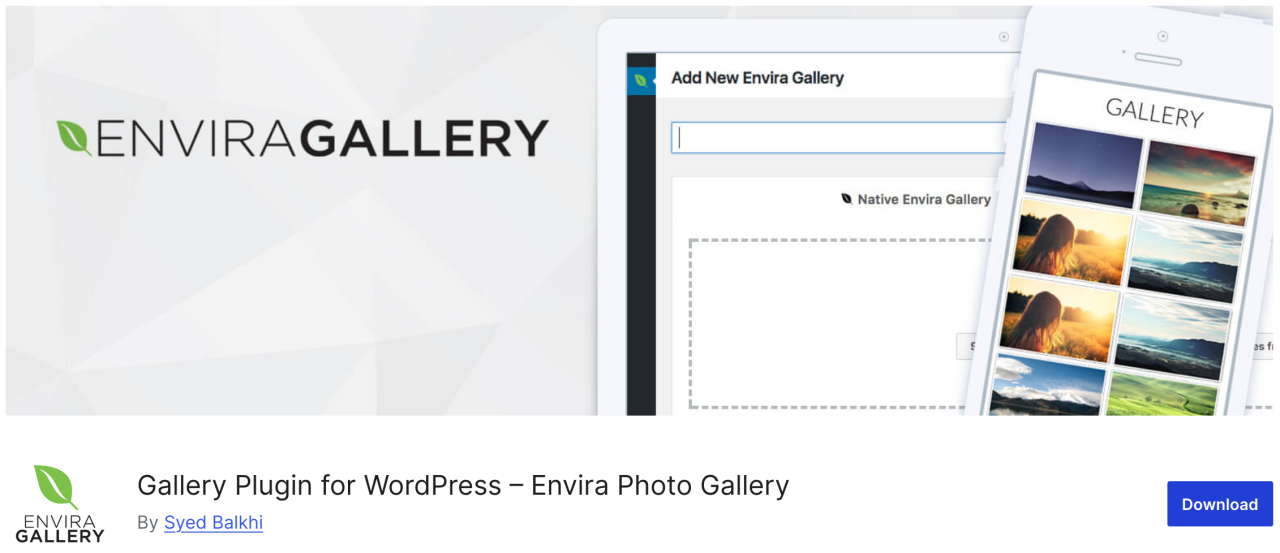
इसके बाद, Envira Gallery, एक प्लगइन जो आपको WordPress में कुछ ही क्लिक में सुंदर और मोबाइल-रेस्पॉन्सिव इमेज गैलरी बनाने की सुविधा देता है। इसमें एल्बम, इमेज टैगिंग, वॉटरमार्किंग, प्रूफिंग, पासवर्ड सुरक्षा, और बहुत कुछ जैसी ढेरों इमेज प्रबंधन सुविधाएँ हैं।
इसके अलावा, यह WordPress के लिए सबसे SEO-अनुकूल फोटो गैलरी प्लगइन है और डीप लिंकिंग और पेजिनेशन के लिए ऐडऑन प्रदान करता है। एक WooCommerce इंटीग्रेशन भी है जो आपको अपनी तस्वीरें बेचने के लिए एक ऑनलाइन स्टोर जोड़ने की सुविधा देता है।
फायदे:
- SEO-अनुकूल
- WooCommerce integration
- ड्रैग-एंड-ड्रॉप बिल्डर
कमियाँ:
- अधिकांश सुविधाओं के लिए सशुल्क योजना आवश्यक
- मुफ़्त संस्करण में अनुकूलन सीमित है
Price:
- मुफ़्त उपलब्ध है, एक लाइट संस्करण
- बेसिक प्लान $39.50 प्रति वर्ष से शुरू होता है
5. मीडिया फ़ाइल रीनेमर
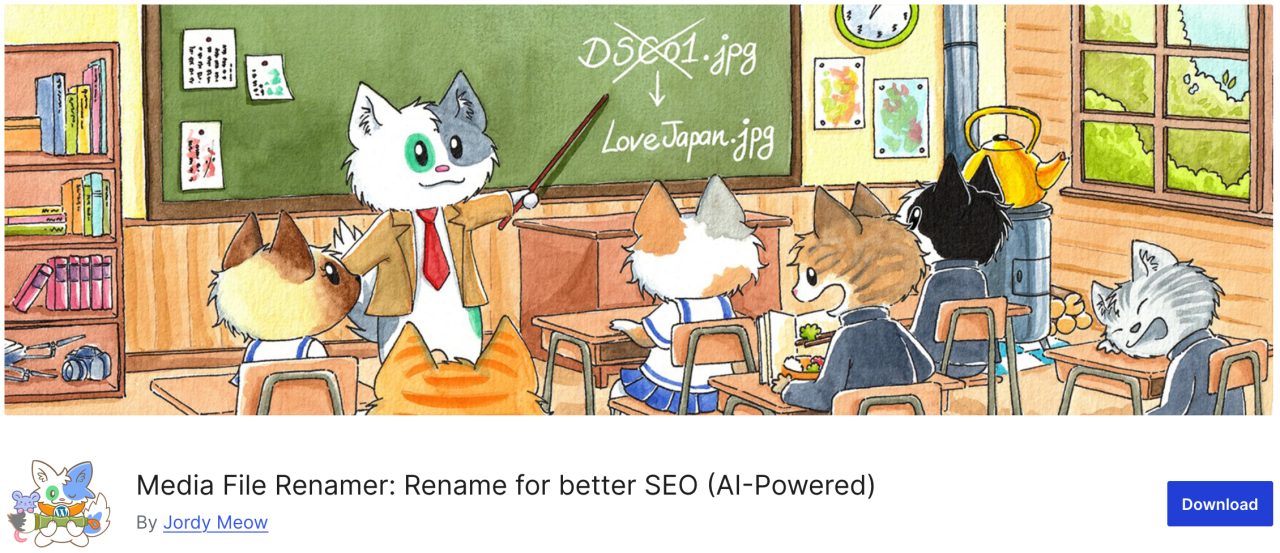
यदि आप ऐसा प्लगइन खोज रहे हैं जो आपको WordPress मीडिया लाइब्रेरी में किसी भी फ़ाइल का नाम बदलने की सुविधा देता है, तो Media File Renamer एक बेहतरीन विकल्प है। यह अपलोड के दौरान आपके द्वारा दर्ज की गई फ़ाइल शीर्षक के आधार पर फ़ाइल नामों को स्वचालित रूप से बदल देता है।
जब आप इस प्लगइन का उपयोग करके किसी फ़ाइल का नाम बदलते हैं, तो यह आपके WordPress पोस्ट और पेजों में उस फ़ाइल के सभी संदर्भों को भी अपडेट कर देता है।
फायदे:
- मीडिया फ़ाइलों का स्वचालित या मैन्युअल रूप से नाम बदलता है
- Improves SEO and organization
- Syncs filename with title
कमियाँ:
- मुफ्त संस्करण में कम सुविधाएं हैं
- कुछ थीम/प्लगइन के साथ संगत नहीं हो सकता
Price:
- मुफ़्त उपलब्ध है
- प्रो संस्करण $29 से शुरू होता है
6. मीडिया रिप्लेस सक्षम करें
अगला प्लगइन आपको WordPress मीडिया लाइब्रेरी से सीधे मीडिया फ़ाइलें बदलने की अनुमति देता है। यदि आपको अपनी WordPress पोस्ट में किसी छवि को बदलना है, तो Enable Media Replace आपका समय बचा सकता है क्योंकि छवियों को बदलना आसान है, आपको अपनी नई छवि जोड़ने और पुरानी को हटाने के लिए पोस्ट संपादित करने की आवश्यकता नहीं है।
फायदे:
- मौजूदा मीडिया फ़ाइलों को आसानी से बदलें
- मैन्युअल प्रतिस्थापन की तुलना में समय बचाता है
कमियाँ:
- कोई वर्शन कंट्रोल या इतिहास नहीं
- केवल व्यक्तिगत प्रतिस्थापन तक सीमित
Price:
- मुफ़्त उपयोग
7. Smush
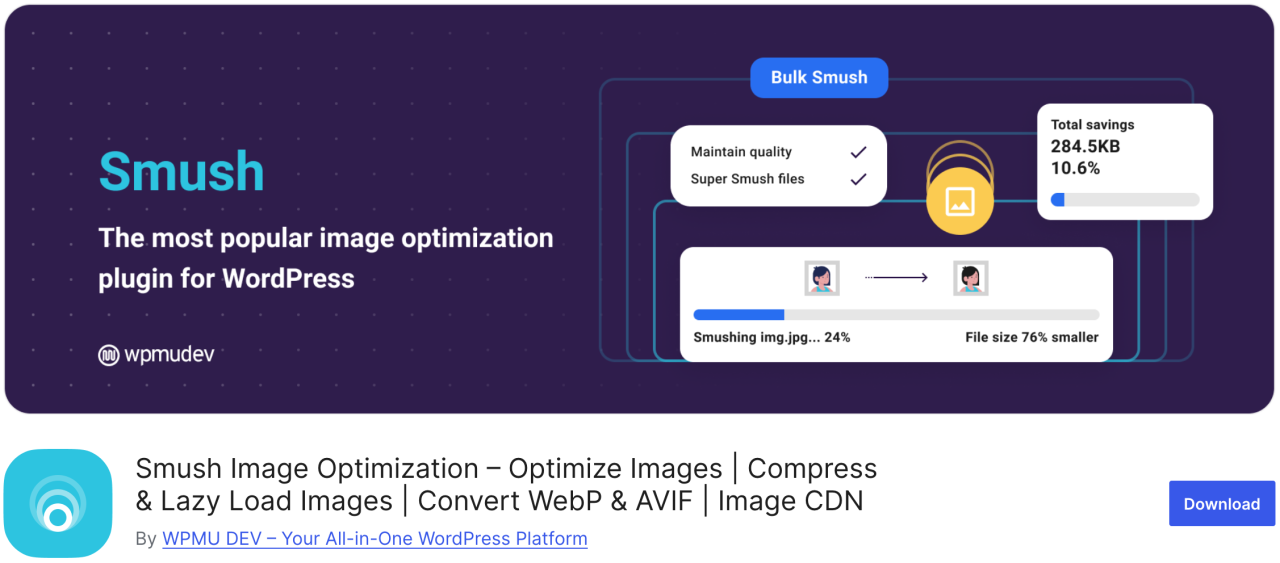
सबसे लोकप्रिय और आसान इमेज ऑप्टिमाइज़ेशन प्लगइन्स में से एक Smush है। आप इसका उपयोग 50 इमेज तक बल्क-कंप्रेस करने के लिए कर सकते हैं, जिससे आपका और आगंतुकों का समय बचता है, साथ ही लोडिंग धीमा करने वाली इमेज की पहचान भी होती है।
मुफ़्त संस्करण .png, .jpeg, और .gif फ़ॉर्मेट के साथ काम करता है, जबकि WebP फ़ॉर्मेट केवल प्लगइन के प्रो संस्करण में उपलब्ध है।
फ़ायदे:
- बल्क इमेज कम्प्रेशन
- लेज़ी लोड समर्थन
- CDN के साथ एकीकृत होता है
कमियाँ:
- WebP केवल Pro में
Price:
- Free version is available
- बेसिक प्रो संस्करण $15 प्रति माह से शुरू होता है
8. डिफ़ॉल्ट फ़ीचर्ड इमेज

If you have to manage multiple author-contributors, you may find yourself under pressure to provide a featured image for a lot of articles in a short amount of time. With Default Featured Image plugin, you can set up an image for use in cases a special feature image is not specified. Even if it's just your business logo, it's preferable by far to leaving it blank.
Pros:
- लेआउट की निरंतरता बनाए रखने में मदद करता है
- सेटअप और उपयोग में आसान
कमियाँ:
- Limited customization options
Price:
- मुफ़्त उपयोग
9. Easy Watermark

यदि आप चिंतित हैं कि लोग आपकी तस्वीरें चुराकर उन्हें अपनी बता सकते हैं, तो आप Easy Watermark का उपयोग करके अपनी सभी छवियों पर वॉटरमार्क लगा सकते हैं। आप अपलोड के समय छवियों पर वॉटरमार्क लगा सकते हैं, या अपनी मीडिया लाइब्रेरी में पहले से मौजूद छवियों पर भी।
फायदे:
- टेक्स्ट और इमेज वॉटरमार्क समर्थन
- बैच प्रोसेसिंग
कमियाँ:
- वॉटरमार्किंग के बाद पूर्ववत करने का विकल्प नहीं
Price:
- मुफ़्त उपयोग
10. Soliloquy
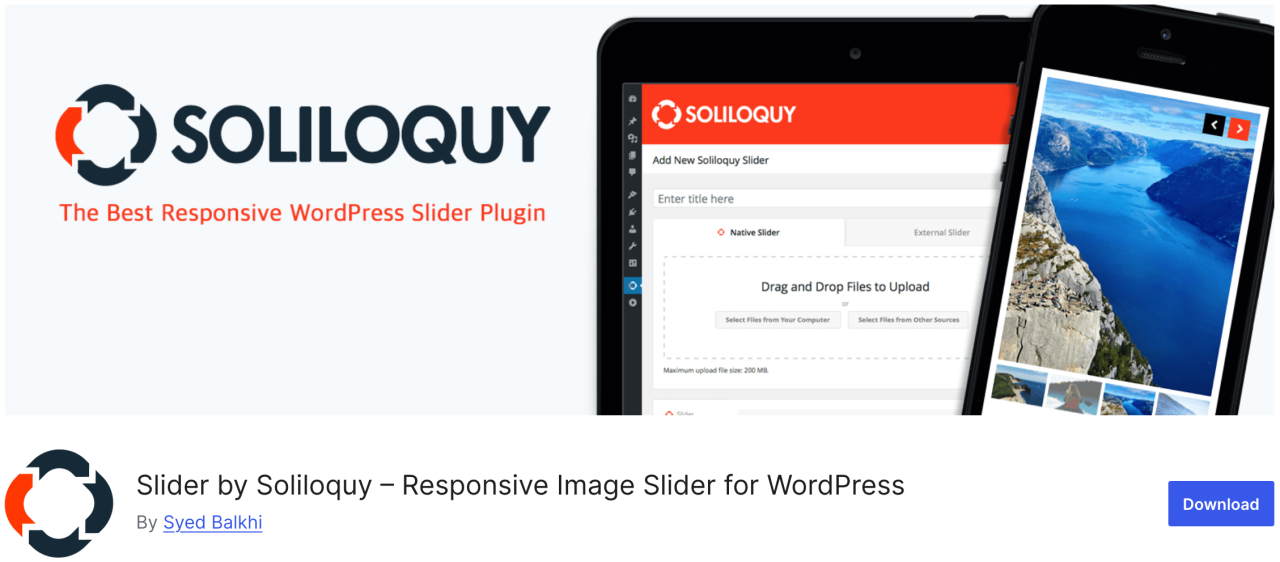
Soliloquy एक तेज़ और उपयोग में सबसे आसान प्लगइन है जिसमें फ़ीचर्ड कंटेंट स्लाइडर, कैरोसेल, स्लाइडर थीम, लाइटबॉक्स और बहुत कुछ जैसी ढेरों सुविधाएँ हैं। यह आपको उपयोगकर्ताओं का ध्यान आपकी सबसे महत्वपूर्ण सामग्री की ओर आकर्षित करने की सुविधा देता है, जैसे टेक्स्ट, कॉल टू एक्शन और एनिमेशन के साथ आने वाले इमेज स्लाइडशो।
फायदे:
- हल्का और तेज़
- ड्रैग-एंड-ड्रॉप बिल्डर
कमियाँ:
- मुफ़्त संस्करण में सीमित टेम्पलेट
Price:
- Free version is available
- प्रीमियम प्लान $19.50 प्रति वर्ष से शुरू होता है
11. Smart Slider 3
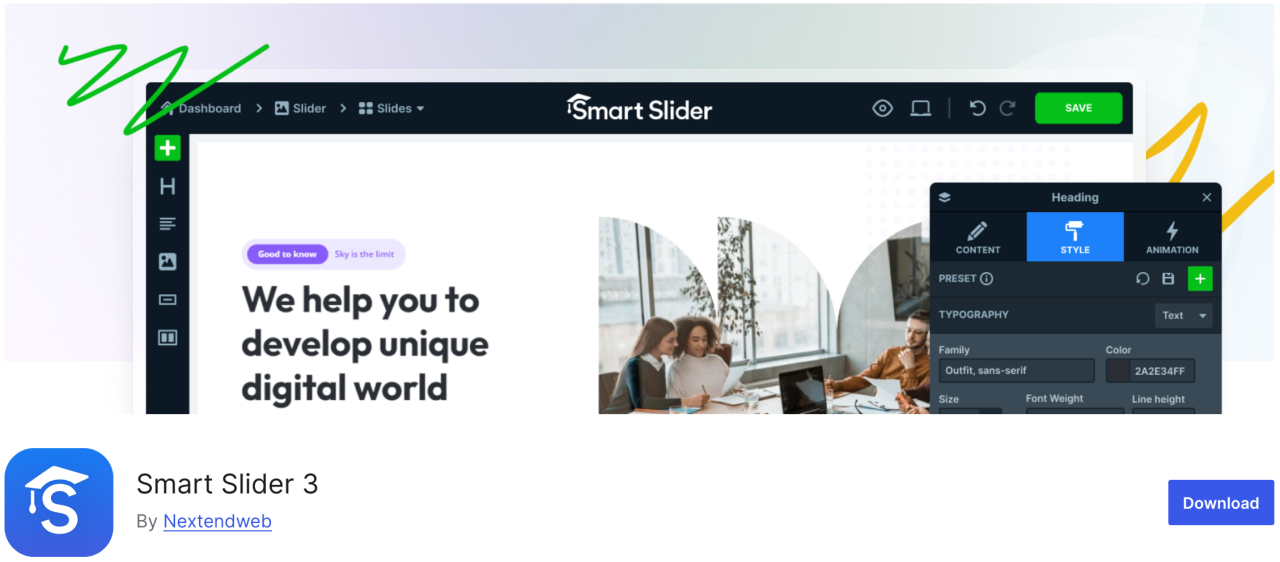
यह प्लगइन एक सुंदर ड्रैग-एंड-ड्रॉप कस्टमाइज़र के साथ आता है, जिससे आप जल्दी से स्लाइडशो बना सकते हैं। यह उपयोग में आसान है और इसमें एनिमेशन, सुंदर ट्रांज़िशन, मोबाइल-फ्रेंडली स्लाइडर और बहुत कुछ जैसी कई सुविधाएँ हैं।
फायदे:
- SEO और प्रदर्शन-अनुकूल
- मोबाइल रिस्पॉन्सिव
कमियाँ:
- कुछ टेम्पलेट/सुविधाएँ Pro में लॉक हैं
Price:
- Free version is available
- पेड संस्करण $49 से शुरू होता है
12. Imsanity
Imsanity एक बेहतरीन विकल्प प्लगइन है जो आपकी सेटिंग्स के आधार पर पुराने अपलोड पर बल्क रीसाइज़ कर सकता है। यह WordPress अपलोड के लिए अधिकतम छवि ऊँचाई और चौड़ाई सेट करने की अनुमति देता है और बड़ी छवि फ़ाइलों को स्वचालित रूप से रीसाइज़ करता है।
फायदे:
- बड़ी छवियों का स्वचालित रूप से आकार बदलता है
- Bulk resize existing images
कमियाँ:
- सुविधाओं में बुनियादी
- कंप्रेस नहीं करता, केवल आकार बदलता है
Price:
- Free version is available
13. Smash Balloon Instagram Feed Pro
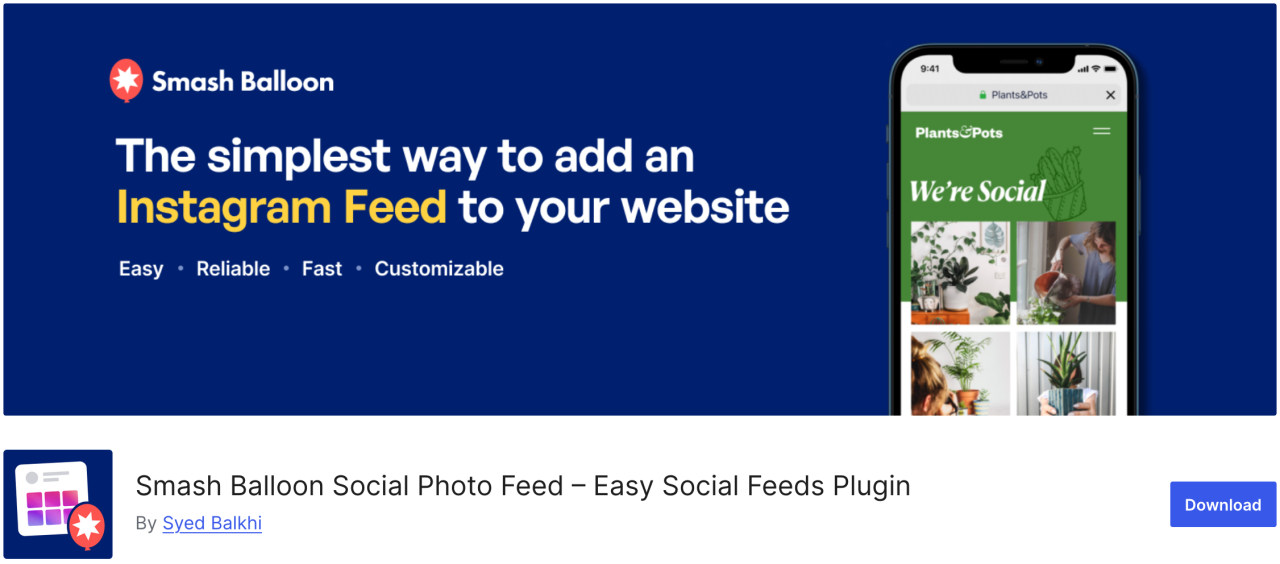
सबसे लोकप्रिय WordPress प्लगइन में से एक Smash Balloon Instagram Feed Pro है, जहाँ आप अपनी साइट पर Instagram छवियाँ जोड़ सकते हैं। यह छवियों को स्वचालित रूप से अनुकूलित भी करता है ताकि आपकी वेबसाइट तेज़ और रिस्पॉन्सिव बनी रहे।.
इसके अलावा, इस प्लगइन के साथ, आप अपने उत्पाद पृष्ठों को अपनी Instagram छवियों से लिंक कर सकते हैं और अपनी बिक्री बढ़ाने के लिए उपयोगकर्ताओं को रीडायरेक्ट कर सकते हैं।
लाभ:
- Instagram फ़ीड को सुंदर ढंग से प्रदर्शित करें
- अत्यधिक अनुकूलन योग्य लेआउट
कमियाँ:
- अधिकांश सुविधाओं के लिए प्रो संस्करण आवश्यक
Price:
- $49 से शुरू होता है
14. Folders
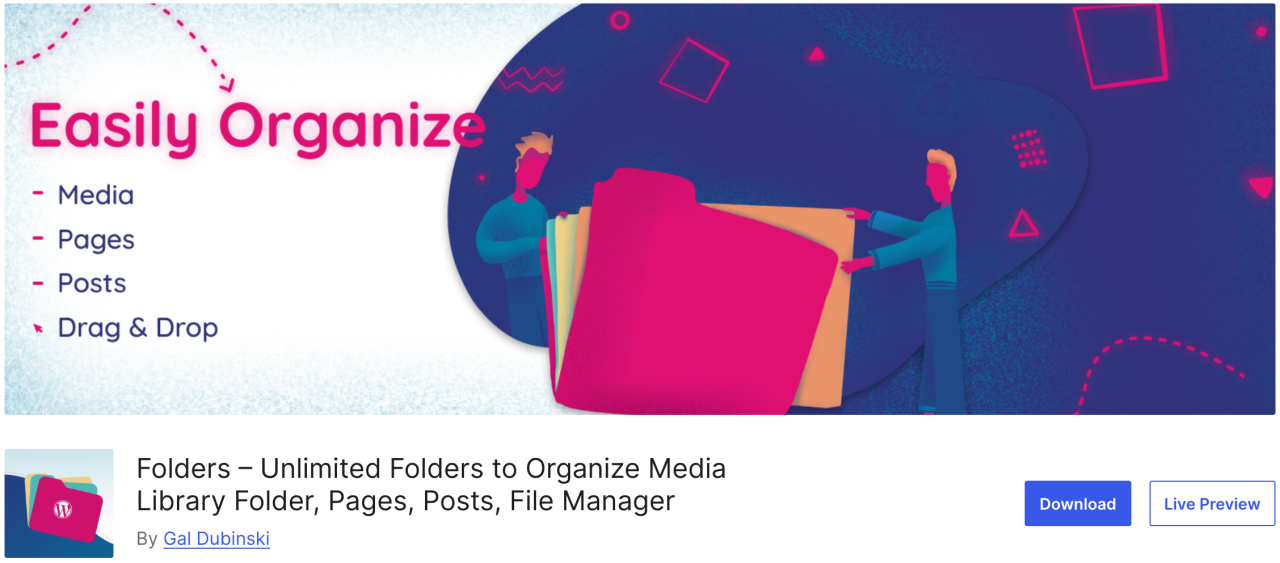
Folders एक मुफ्त प्लगइन है जो आपको मीडिया लाइब्रेरी में छवियों को क्रमबद्ध और प्रबंधित करने की अनुमति देता है, ताकि आप मीडिया सामग्री को फ़िल्टर और व्यवस्थित कर सकें। इस प्लगइन के साथ, आप छवियों, वीडियो, संगीत और अन्य सामग्री को अलग-अलग जोड़ने के लिए कई फ़ोल्डर बना सकते हैं।
फायदे:
- मीडिया को फ़ोल्डरों में व्यवस्थित करता है
- मीडिया, पेज और पोस्ट के साथ काम करता है
- ड्रैग-एंड-ड्रॉप इंटरफ़ेस
कमियाँ:
- मुफ़्त संस्करण सीमित है
Price:
- Free version is available
- प्रो संस्करण $49 प्रति वर्ष से शुरू होता है
15. रीजनरेट थंबनेल
This great plugin allows you to regenerate all image sizes in WordPress quickly. For instance, if you active such a theme, WordPress will start saving images in those new sizes. However, it will not recreate new sizes for older images. Also, WordPress themes can also add their image sizes to be used for thumbnails.
Pros:
- सभी छवियों के लिए थंबनेल फिर से बनाता है
- थीम बदलने के बाद उपयोगी
कमियाँ:
- No scheduling or automation
- पुराने थंबनेल नहीं हटाता
Price:
- मुफ़्त उपयोग
16. Media Cleaner
Media Cleaner plugin allows automatically removes unused and broken images from your WordPress media library. After a particular time, image files in the trash folder will be deleted permanently.
That's why, we recommend you to make a full site backup before installing this plugin, even it keeps the deleted images in a trash folder for you to overview.
Pros:
- अप्रयुक्त और खराब मीडिया फ़ाइलों को साफ़ करता है
- साइट ब्लोट कम करने में मदद करता है
कमियाँ:
- सावधान न रहने पर महत्वपूर्ण फ़ाइलें हटने का जोखिम
- पूर्ण कार्यक्षमता के लिए Pro की आवश्यकता है
Price:
- Free version is available
- प्रो संस्करण $29 से शुरू होता है
17. reSmush.it
एक अन्य सबसे लोकप्रिय WordPress इमेज ऑप्टिमाइज़ेशन प्लगइन reSmush.it है, जो JPG, PNG और GIF फ़ाइलों के आकार को तेज़ी से कम करने के लिए उन्नत तकनीक वाला प्लगइन है। यह बल्क इमेज ऑप्टिमाइज़ेशन विकल्प, ऑप्टिमाइज़ेशन स्तर और बहुत कुछ भी प्रदान करता है। आपके पास पूरा नियंत्रण है जहाँ आप उन छवियों को बाहर रख सकते हैं जिन्हें आप ऑप्टिमाइज़ नहीं करना चाहते।
फायदे:
- मुफ़्त छवि अनुकूलन
- बैच प्रोसेसिंग का समर्थन करता है
कमियाँ:
- बड़ी छवियों के लिए धीमा अनुकूलन
- WebP का समर्थन नहीं करता
Price:
- Free version is available
18. URL से फ़ीचर्ड इमेज (FIFU)
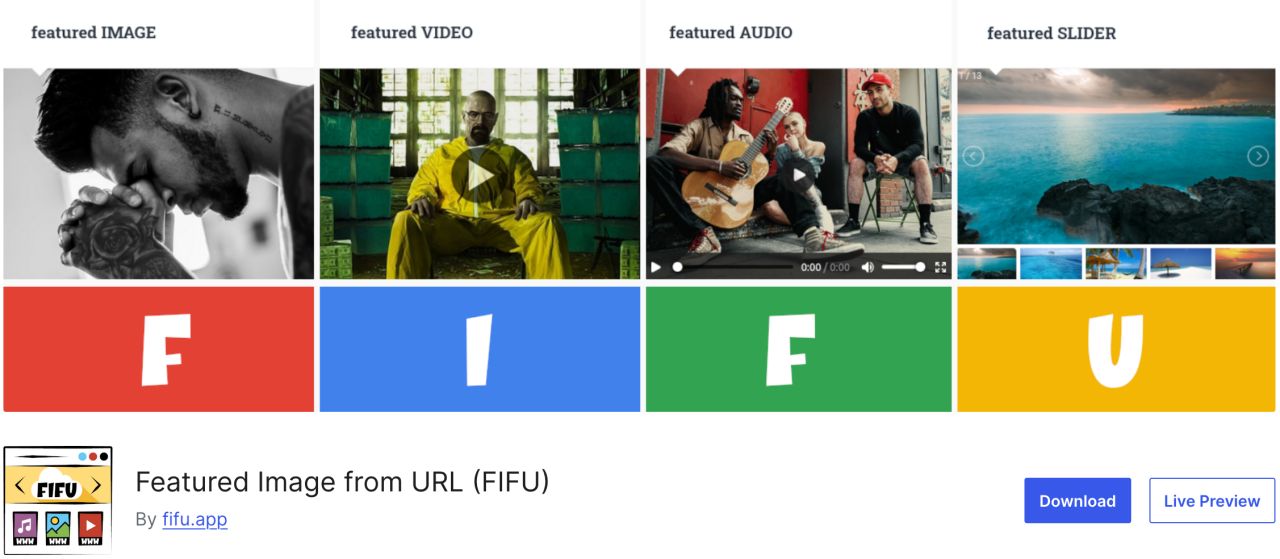
यह प्लगइन आपको मीडिया लाइब्रेरी में अपलोड किए बिना फीचर्ड इमेज, वीडियो और ऑडियो जोड़ने की सुविधा देता है। बस इमेज का लिंक कॉपी करें, फिर यह सीधे आपके ब्लॉग पोस्ट में अपलोड हो जाएगी। यह WooCommerce और प्रोडक्ट गैलरी प्लगइन्स के साथ भी संगत है।
यह प्लगइन संभावित स्टोरेज लागत और इमेज प्रोसेसिंग पर बहुत पैसा बचाएगा क्योंकि प्लगइन इमेज को आपकी मीडिया लाइब्रेरी में सेव नहीं करता।
फायदे:
- फ़ीचर्ड छवि के रूप में बाहरी छवि URL का उपयोग करता है
- स्वचालित थंबनेल जनरेशन
कमियाँ:
- यदि बाहरी सर्वर धीमा है तो लोडिंग गति प्रभावित होती है
- कुछ थीम URL-आधारित फीचर्ड छवियों का समर्थन नहीं कर सकती हैं
Price:
- मुफ़्त उपयोग
- पेड प्लान €29.90 प्रति वर्ष से शुरू होता है
19. Optimole
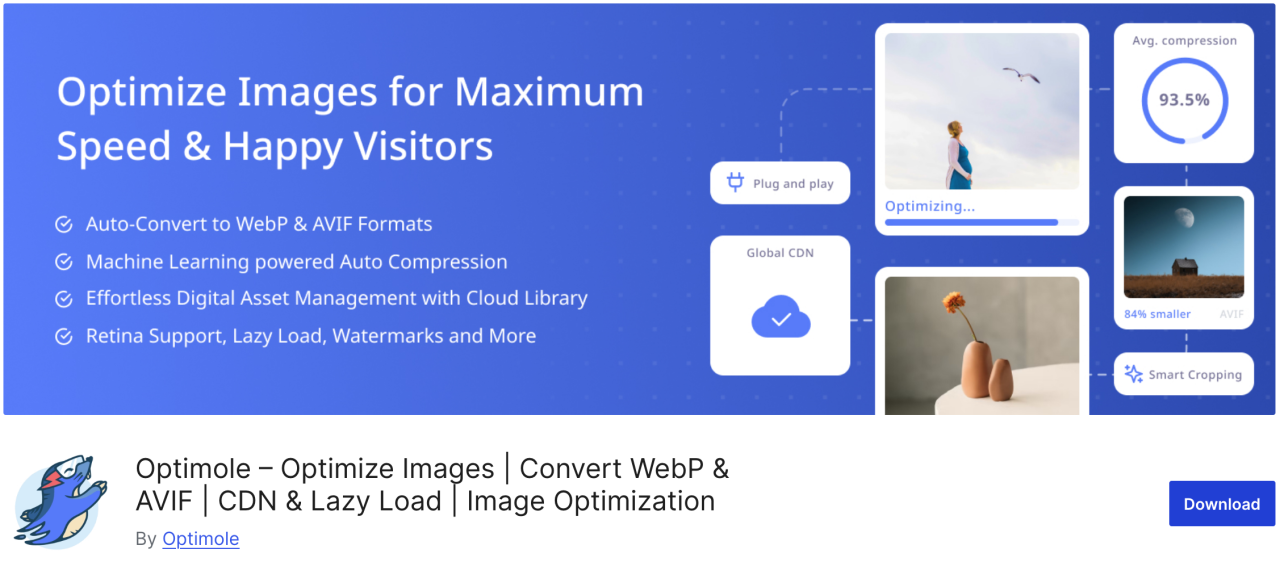
Optimole एक क्लाउड-आधारित प्लगइन है जो आपकी वेबसाइट की गति बढ़ाने के लिए आपकी छवियों को वास्तविक समय में अनुकूलित करता है। यह प्लगइन उपयोगकर्ताओं के ब्राउज़र, स्क्रीन आकार और डिवाइस के आधार पर आपकी छवियों के लिए स्वचालित रूप से सर्वोत्तम आकार चुनता है। इसमें पेज लोड समय को बेहतर बनाने के लिए lazy loading विकल्प और CDN भी शामिल है।
पेशेवर:
- क्लाउड-आधारित इमेज ऑप्टिमाइज़ेशन
- रीयल-टाइम इमेज रीसाइज़िंग
- लेज़ी लोड और WebP समर्थन
कमियाँ:
- Optimole खाता आवश्यक है
- मुफ़्त प्लान पर सीमित मासिक कोटा
Price:
- $19.08 प्रति माह से शुरू
20. Draw Attention
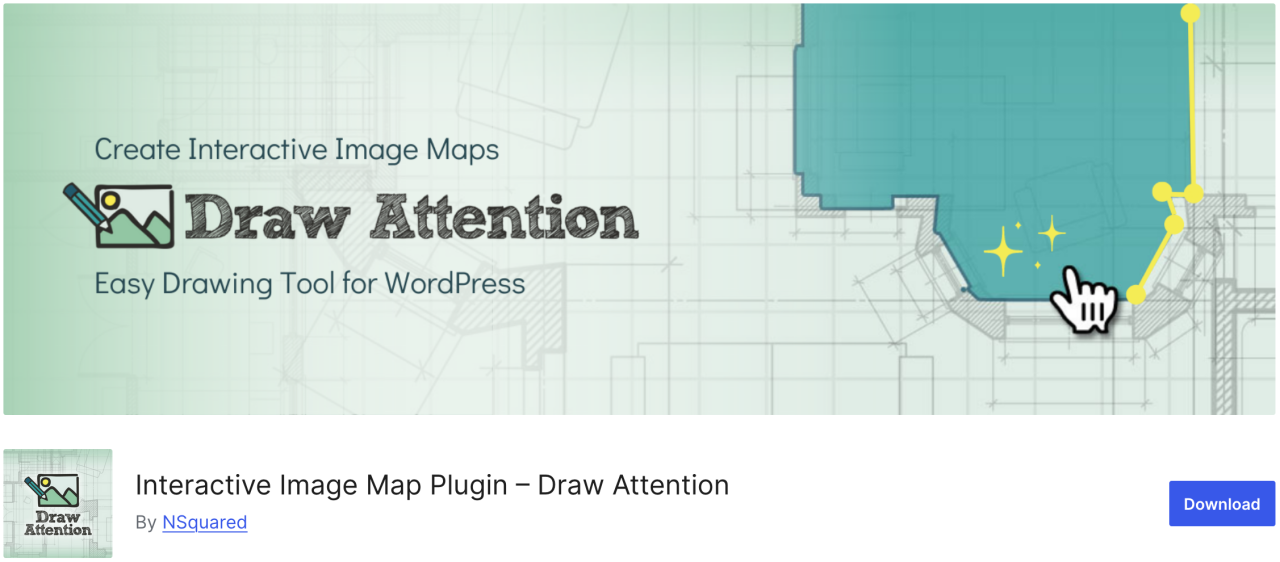
If you want to easily create interactive images for your website, Draw Attention may a right option. With this plugin, you can add clickable hotspot and assign them various function. Additionally, it provide more info on the picture or its subject, add a link to another web page or upload an image which will be displayed once the hotspot is clicked.
Pros:
- Responsive and mobile-friendly
- क्लिक डेटा ट्रैक करें
कमियाँ:
- एकाधिक इमेज मैप के लिए प्रो संस्करण आवश्यक
Price:
- मुफ़्त उपयोग
21. Final Tiles Grid
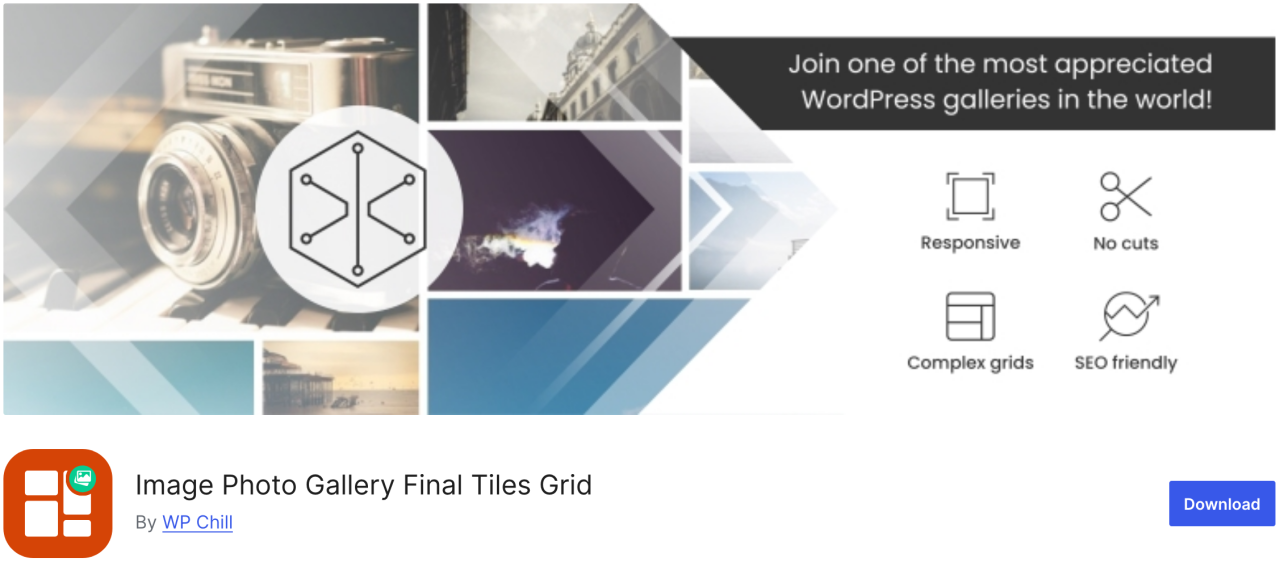
Final Tiles Grid बिल्कुल वही प्लगइन है जिसकी आपको आवश्यकता है। यदि आप छवियों का आकार बदलकर उन्हें गैलरी लेआउट में फिट करना चाहते हैं, तो यह प्लगइन उन्हें आकर्षक असममित लेआउट में व्यवस्थित करेगा, जो सहज एनिमेशन के साथ बदलते डिस्प्ले आकारों के अनुकूल होता है। इसके अतिरिक्त, यह अतिरिक्त दृश्य प्रभाव के लिए एक लाइटबॉक्स और ढेरों शेयरिंग विकल्प प्रदान करता है।
लाभ:
- रेस्पॉन्सिव डिज़ाइन
- Supports video and mixed media
कमियाँ:
- मुफ़्त संस्करण सीमित है
- कस्टमाइज़ेशन के लिए CSS की आवश्यकता हो सकती है
Price:
- मुफ़्त उपयोग
सभी वेबमास्टर्स को आमंत्रण!
समय बचाएं और उत्पादकता बढ़ाएं WP Media Folder के साथ। ग्राहक मीडिया फ़ाइलों को सहजता से व्यवस्थित करें, कस्टम गैलरी बनाएं, और एक सहज उपयोगकर्ता अनुभव प्रदान करें।
अपने वेबसाइट प्रोजेक्ट्स को अभी अपग्रेड करें!
Conclusion
यह आपकी वेबसाइट पर छवियों को प्रबंधित करने के लिए सर्वश्रेष्ठ WordPress प्लगइन्स की सूची है। प्रत्येक प्लगइन के फायदे और नुकसान को समझकर, आप सूचित निर्णय ले सकते हैं जो आपके वर्कफ़्लो को बेहतर बनाते हैं और सुनिश्चित करते हैं कि आपकी सामग्री हमेशा अपना सर्वश्रेष्ठ रूप दिखाए।
और, यदि आप WordPress के अंदर सीधे अपनी सभी छवियों को व्यवस्थित और प्रबंधित करने का आसान तरीका खोज रहे हैं, तो JoomUnited द्वारा WP Media Folder को न चूकें।
जब आप ब्लॉग की सदस्यता लेते हैं, तो साइट पर नए अपडेट होने पर हम आपको ई-मेल भेजेंगे ताकि आप उन्हें मिस न करें।.